






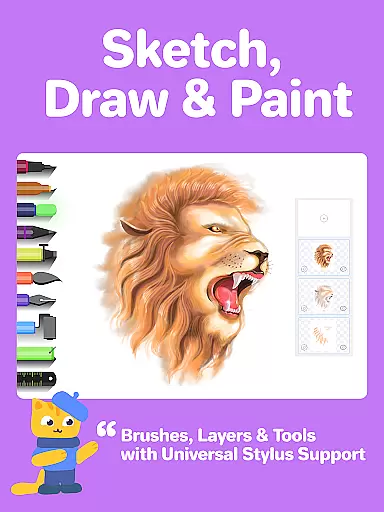



Drawing Desk stands as a premier digital art application, trusted by over 70 million users globally. This app offers an extensive suite of professional drawing and painting tools, including pencils, crayons, watercolor brushes, and more, enabling users to create stunning artworks on their mobile devices.
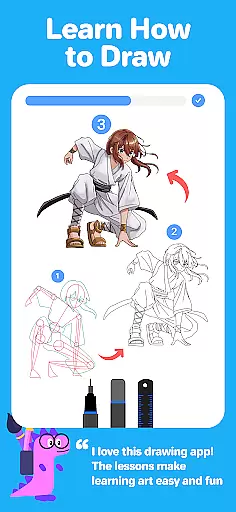
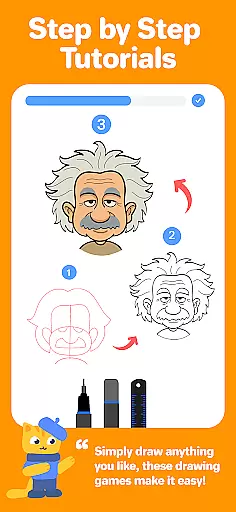
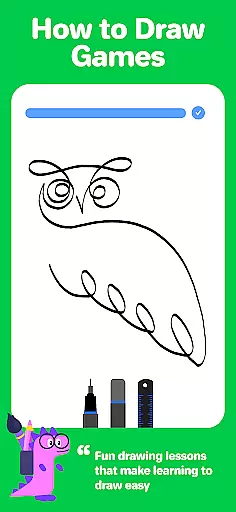
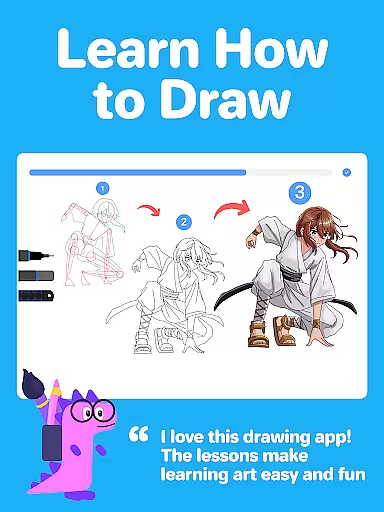
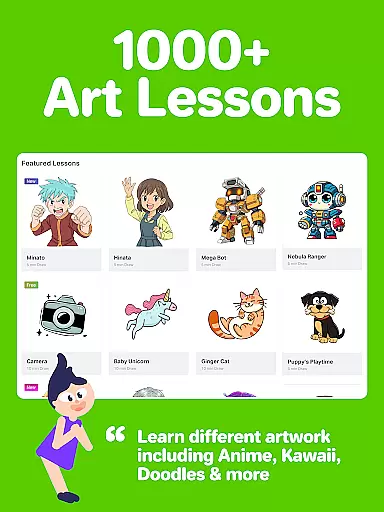
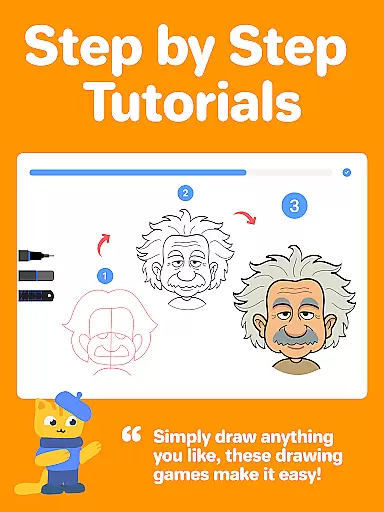
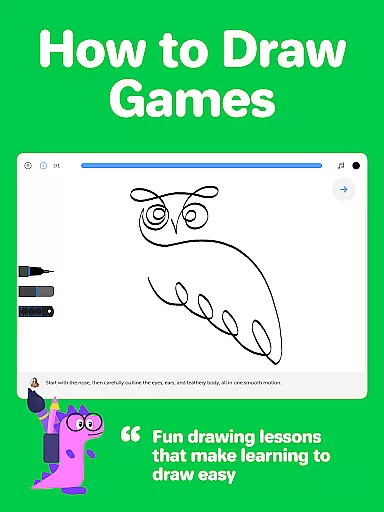
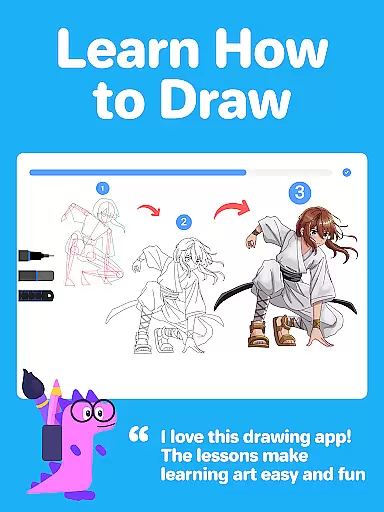
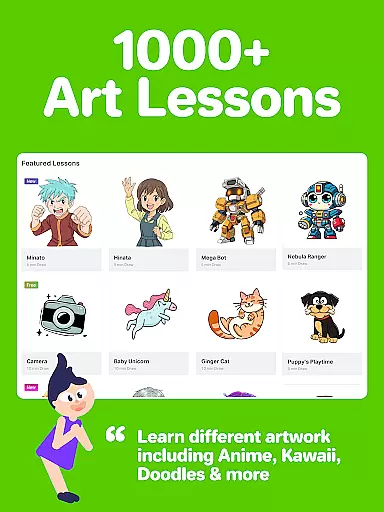
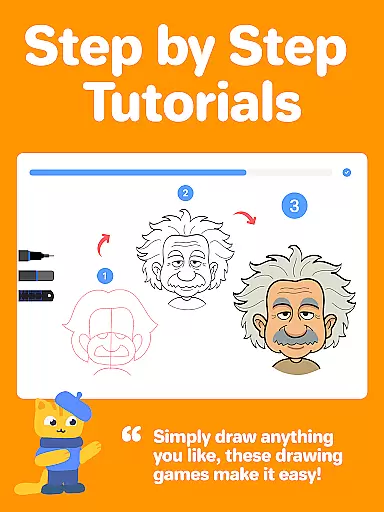
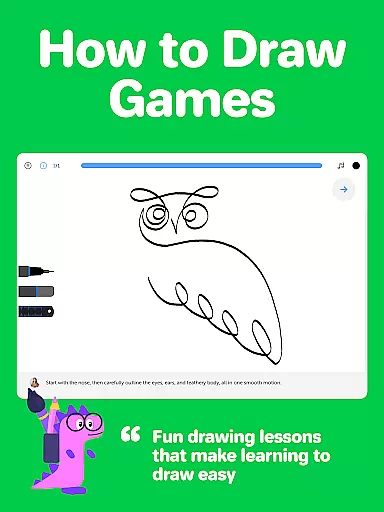
Designed for both beginners and advanced artists, Drawing Desk provides over 1000 step-by-step drawing lessons covering various styles such as Anime, Manga, and Kawaii. The app also features interactive drawing games and masterclasses conducted by professional artists, ensuring a comprehensive learning experience.
With its AI-powered creative tools, Drawing Desk revolutionizes digital art creation by offering features like Sketch to Art AI, Auto Colorize, and object removal. Whether you're looking to learn new skills or enhance your artistic abilities, Drawing Desk delivers a structured and motivating environment to achieve your artistic goals.
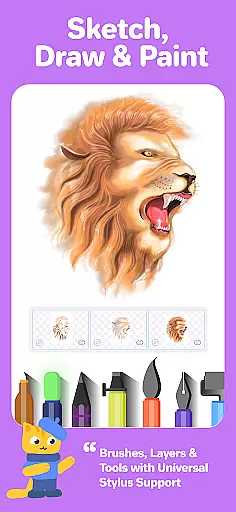
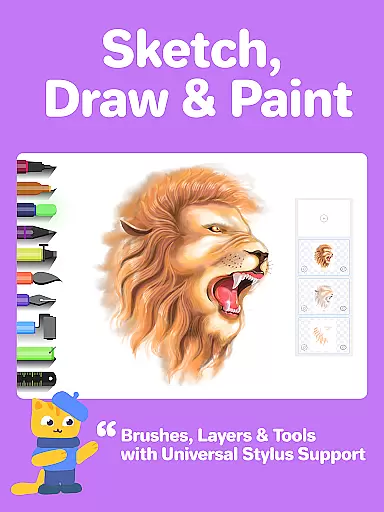
Drawing Desk boasts an impressive array of features tailored for digital artists. With 25+ sketch tools including pen, pencil, crayon, neon, and watercolor brush, users can explore diverse artistic techniques. The app supports unlimited layers and various canvas sizes, providing flexibility in creating complex artworks.
One standout feature is the AI-powered tools that streamline the creative process. Users can leverage Sketch to Art AI, Text to Art AI, and Auto Colorize to quickly transform sketches into polished pieces. Additionally, the app includes tools for removing backgrounds and unwanted objects from photos, enhancing the overall editing capabilities.
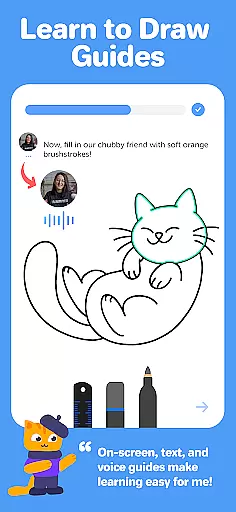
The inclusion of masterclasses and personalized learning paths sets Drawing Desk apart. These resources offer video lessons, on-screen guides, and voice instructions, making it easier than ever to learn digital art from scratch and advance to professional-level skills.
In the realm of digital art, having a comprehensive set of creative tools is essential for unleashing one's artistic potential. Drawing Desk rises to the occasion by offering an impressive arsenal of over 25 sketch tools that cater to various artistic needs. These include traditional options like pen, pencil, and crayon, alongside more specialized choices such as neon, watercolor brush, ink, smudge, eraser, and fill bucket.
Moreover, the app provides unique features that enhance the drawing experience, such as the ability to draw quick shapes, use a symmetry tool for balanced creations, and access to more than 200 instant shapes for those seeking inspiration or efficiency. Artists can also experiment with color using palettes and gradients, while the fill bucket tool offers 125+ textures to enrich their work.
The inclusion of AI-powered tools further elevates Drawing Desk's capabilities. Users can transform sketches into artworks with Sketch to Art AI, generate visuals from text descriptions via Text to Art AI, and even auto-colorize their drawings in mere seconds. Additional AI functionalities allow for background removal and object elimination from photos and drawings, streamlining the editing process.
This extensive toolkit ensures that whether you're a beginner learning the ropes or a seasoned professional refining your craft, Drawing Desk equips you with everything necessary to bring your visions to life.
A canvas's adaptability and format compatibility are crucial for artists who wish to explore different styles and dimensions in their work. Drawing Desk understands this need and offers flexible canvas sizes, particularly within its Pad app version, allowing creators to choose the perfect fit for their projects.
Beyond size variations, the app supports unlimited layers, a feature that empowers artists to build complex compositions without constraint. This layering capability is vital for managing intricate details and making non-destructive edits, thus preserving the integrity of the original artwork.
Drawing Desk doesn't stop at static formats; it embraces dynamic elements too. With features like Quick Shapes and Symmetry Tools, users can introduce geometric precision and mirrored designs into their pieces, expanding the creative possibilities beyond conventional boundaries.
By providing these versatile canvas and format options, Drawing Desk ensures that artists have the freedom to express themselves fully, whether they're crafting detailed illustrations, expansive landscapes, or experimental abstracts.
User-friendly interface
Extensive tool selection
Comprehensive learning resources
AI-powered enhancements
Active community support
Some features require purchase
Occasional performance lags
Limited offline functionality
Advanced tools have steep learning curve
Subscription model may deter some users

Download now for a stylish and functional timepiece
 4.3
4.3
Stylish letters, Stylish Keyboard, Symbols, Emojis, Cool nickname
4.40
Image/ Text to Video Generator
4.40
Art of Combination Wear OS Watch Faces
4.2
Make your phone cooler and have a fantastic experience
4.80
The perfect place to start sketching! Use Sketchbook to draw and paint sketches.
4.50
Powerful home decoration & house design that allows you to design dream home.
3.80
AI Tattoo Generator: Create Tattoo Designs & Get Ideas! Ink & Stencil Maker
4.50
Explore future self face age filter & remove background image for a unique look.
3.50
Photo stitcher for automatically screenshot stitching into a long screenshot
4.70
Logo Generator powered by AI: Create stunning logos effortlessly!
4.70
Photo editor for art, avatars, filters & fun transformations.
4.60
Draw anime & manga drawing, art with templates to create stunning picture!
4.50
Create neon drawing with magic doodle and fun doodle art effects!
4.50
Create color palette from Image, RGB & RYB Color wheel harmonies, Color Scheme
4.50
Video AI: Revolutionize Your Content Creation with Advanced Video Generation
4.50
Unleash the artist in you with our AR drawing and tracing tool for photo drawing
4.10
AR Anime Drawing: How to draw anime with AR drawing & sketching apps!
4.00
Experience next-gen icons with a modern liquid glass look.
3.60


User Reviews