
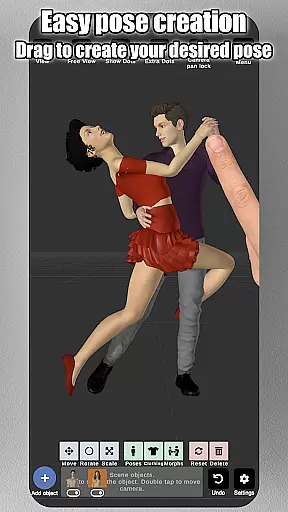
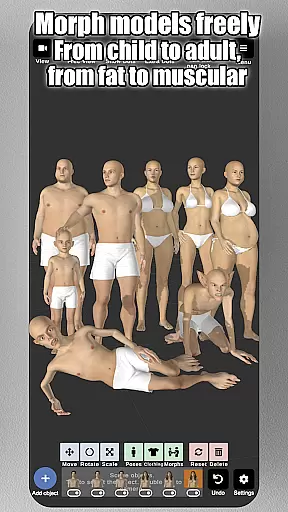
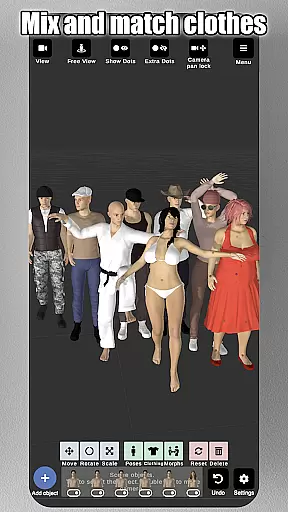
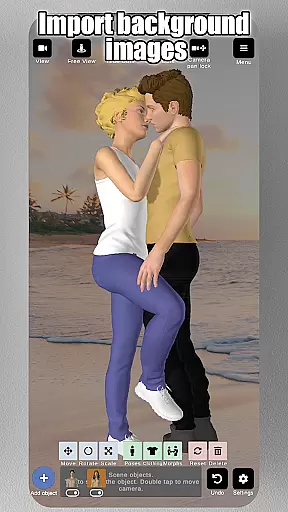
Art Model is a feature-rich 3D posing app designed for artists and designers. The application allows users to pose and morph an unlimited number of human models simultaneously, making it ideal for character design, illustrations, and storyboarding. With realistic 3D male, female, and wooden mannequin models, the app caters to both digital and traditional artists.
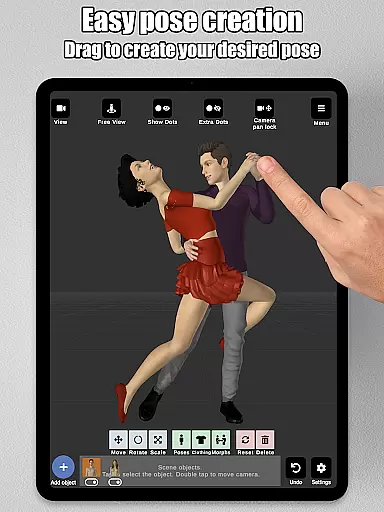
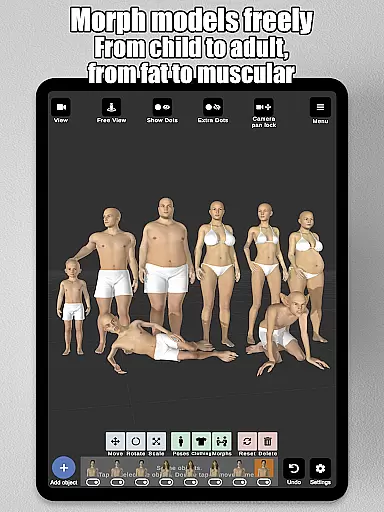
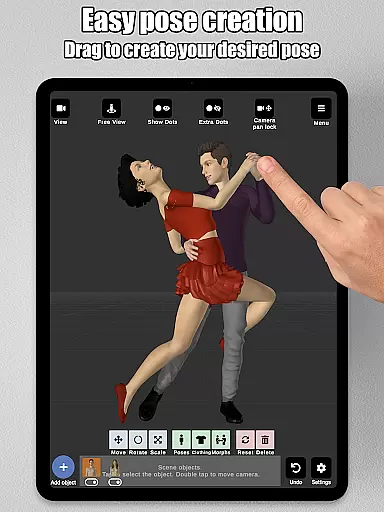
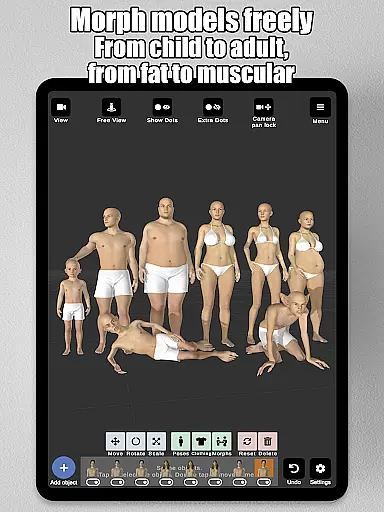
The app's standout feature is its intuitive control system—simply tap and drag to adjust limbs into desired positions without complex joint rotations. Additionally, Art Model offers advanced morphing capabilities, enabling users to customize models from children to adults, skinny to muscular, or even fantastical creatures. Props, background imports, split-view editing, and detailed lighting options further enhance its utility for creative professionals.
Whether you're designing characters, practicing anatomy, or creating storyboards, Art Model provides all the tools necessary to bring your artistic vision to life in a realistic and flexible environment.
Art Model stands out with its comprehensive set of features tailored for artists. One key highlight is the fast pose creation system, which lets users drag limbs directly into position, eliminating tedious manual adjustments. This functionality works seamlessly with the app’s diverse model options, including hyper-realistic male and female figures as well as a classic wooden mannequin for traditional art references.
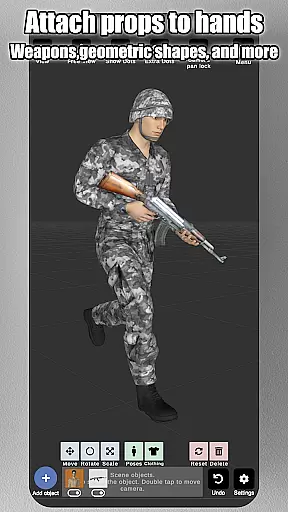
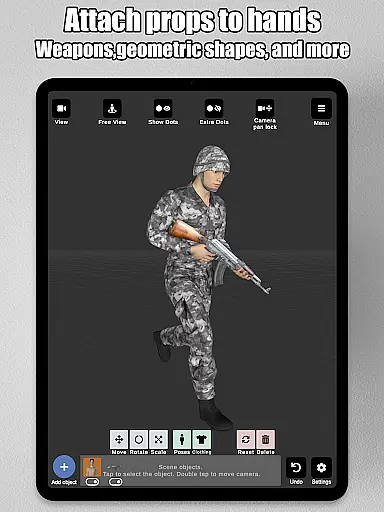
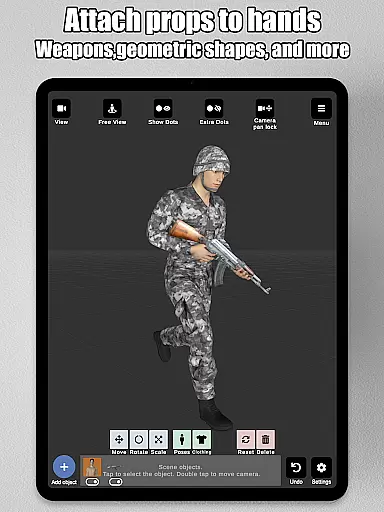
The morphing system is another powerful aspect, allowing full-body transformations and specific body part customizations. Users can modify age, physique, and unique characteristics like pregnancy or muscle definition. The inclusion of props such as chairs, weapons, and geometric shapes adds depth to scenes, while the ability to attach these items to models' hands ensures dynamic interactions. Advanced lighting controls and split-view editing provide precision when crafting detailed artwork.
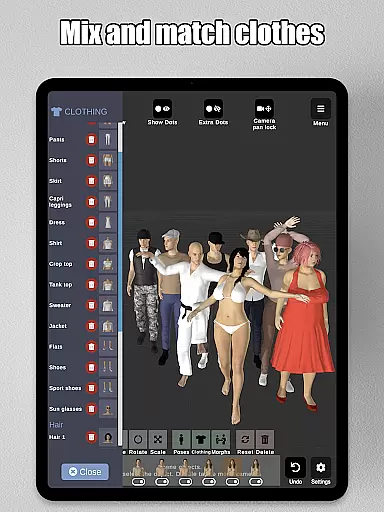
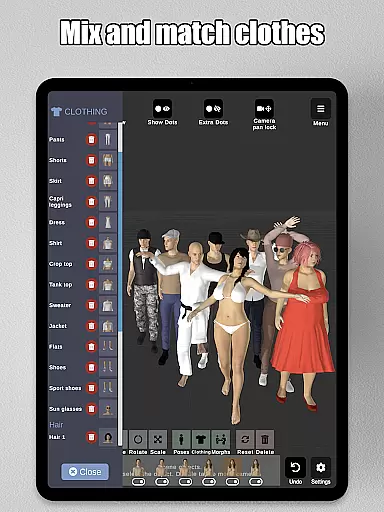
Additional features include preset poses, clothing options, headgear variety, and background image imports, ensuring that every project has the resources needed for success. These robust functionalities make Art Model an indispensable tool for illustrators, storyboard artists, and designers alike.
Art Model - 3D Art pose tool offers a comprehensive suite of creative tools that cater to both digital and traditional artists. The app includes realistic 3D male and female models, as well as a wooden mannequin option for those who prefer classic drawing references.
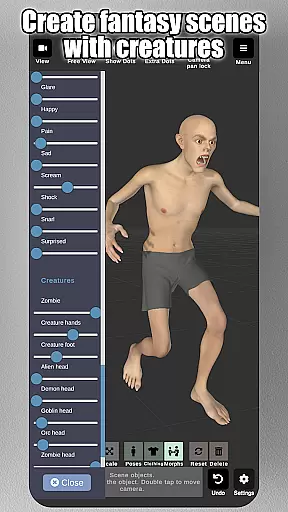
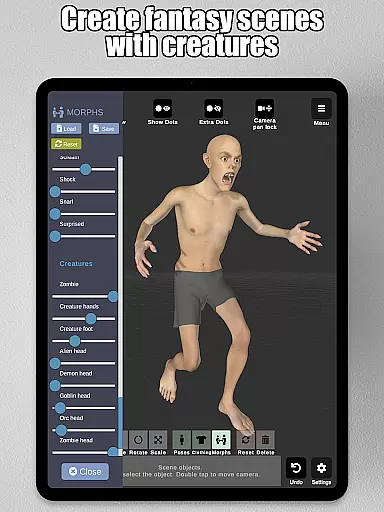
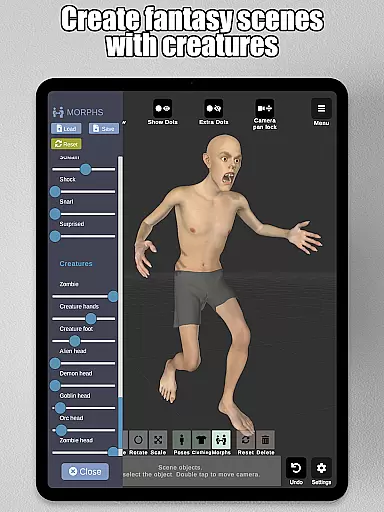
The morphing system is one of the standout features, allowing users to create an unlimited range of unique models. Whether you want to transform your model from a child to an adult, adjust body types from skinny to muscular, or experiment with fantastical creatures, this app provides the tools to do so.
In addition to full-body morphs, users can apply individual morphs to specific body parts like the chest, arms, and legs. This level of detail ensures that artists can achieve the exact look they envision for their characters.
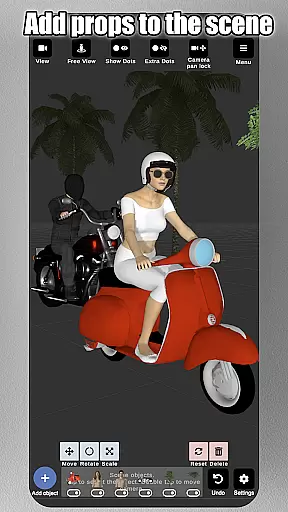
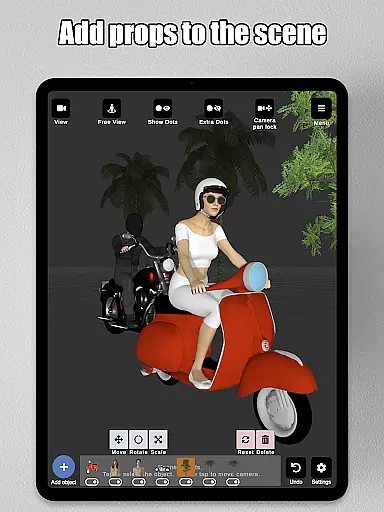
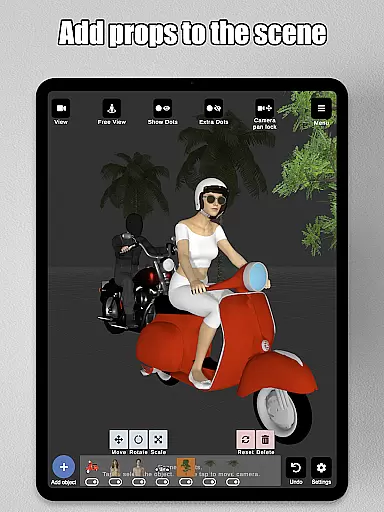
With advanced lighting options, a variety of headgear choices, basic hair features, and the ability to add props such as chairs, tables, weapons, and geometric shapes, Art Model equips artists with everything needed to create detailed and dynamic scenes.
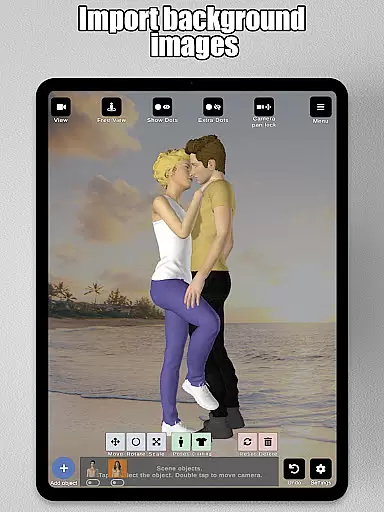
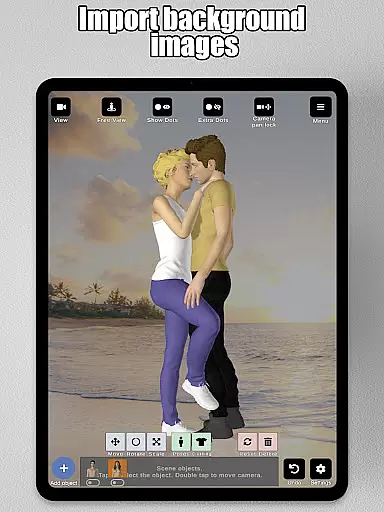
Art Model provides exceptional canvas and format flexibility, making it an ideal choice for various artistic projects. Users can import background images to enhance their scenes or use them as drawing references, which helps in visualizing characters within real-world settings.
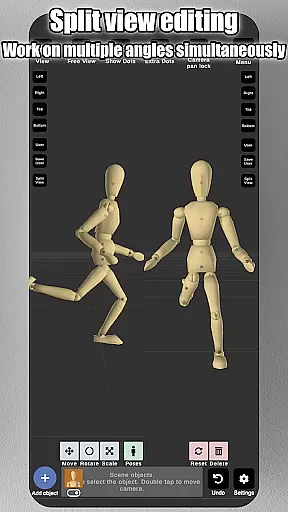
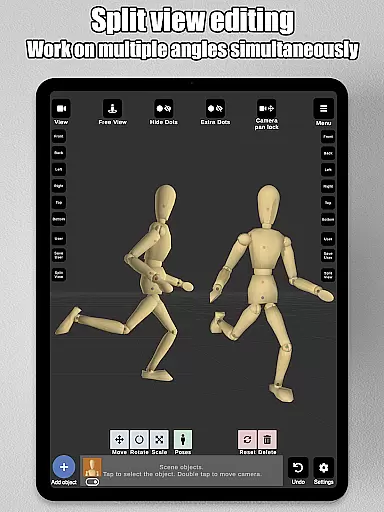
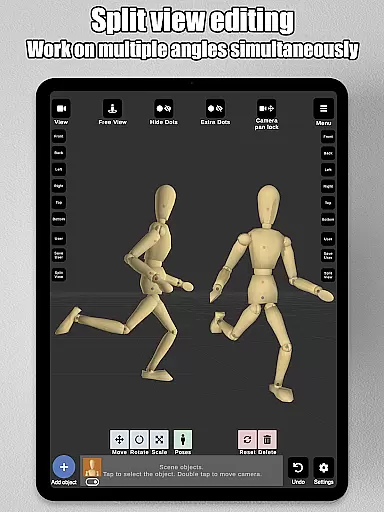
The split view editing feature allows artists to view their models from two different camera angles simultaneously. This functionality is particularly useful for precise adjustments without the need to constantly rotate the scene, thus streamlining the creative process.
Artists can also save and load poses and morphs, ensuring that their work is never lost and can be revisited or modified at any time. Preset poses offer a quick start for new projects, while customizable controls allow for fine-tuning every aspect of the pose.
Camera controls are intuitive, with zoom, rotate, and pan functions accessible through simple touch gestures. This ease of navigation enhances the user experience, allowing artists to focus on their creative work rather than struggling with complex interface mechanics.
User-friendly interface
Versatile morphing options
Realistic 3D models
Wide range of props
Advanced lighting controls
Steep learning curve
Occasional lag
Limited free content
No multiplayer mode
Heavy storage use

Apply cartoon, caricature, and portrait effects to make your photos stand out!
 3.60
3.60
Create stylish invitation cards using templates for weddings, birthdays & RSVP.
4.20
Create neon drawing with magic doodle and fun doodle art effects!
4.50
Photo editor for art, avatars, filters & fun transformations.
4.60
Image resizer to resize, crop, rotate, flip, change dpi photo or picture in bulk
4.60
Android 14 style widgets and wallpapers app.
4.0
Photo stitcher for automatically screenshot stitching into a long screenshot
4.70
An intuitive, high-performance painting app that lets you focus on creating
4.40
All-in-One art, logo & collage maker. Design photos and edit video backgrounds
4.80
Logo Generator powered by AI: Create stunning logos effortlessly!
4.70
Learn how to draw with step-by-step tutorials, fun lessons & multiplayer drawing
4.70
Draw, fidget, and spin glow art! Relax and express your creativity with a finger
4.60
Digital illustration drawing & painting pad app to paint Anime and Manga art
4.50
Painting, drawing, & sketching
4.50
Digital Drawing: Draw & Paint
4.10
AI Face Swap, Video Effects Editor, Realtime Morph, Funny Video FX,AI Filters
3.70
Create cute cat emojis & PFPs! Fun, custom avatars for cat lovers.
3.70
Create sweet, cool and unique couple avatars easily, in just a few steps!
3.40
Create trending AI photos & videos with powerful effects and 3D styles.
3.20


User Reviews