
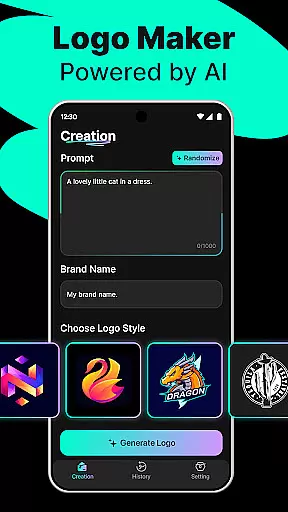
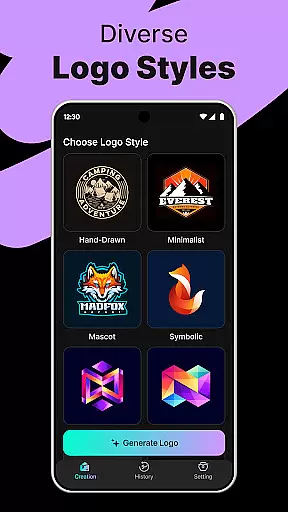
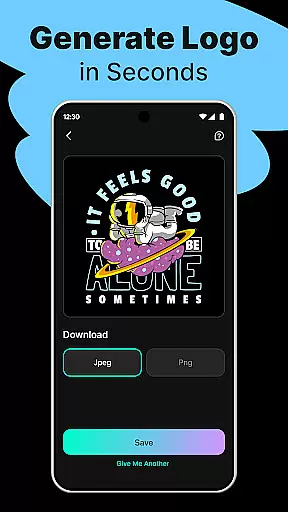
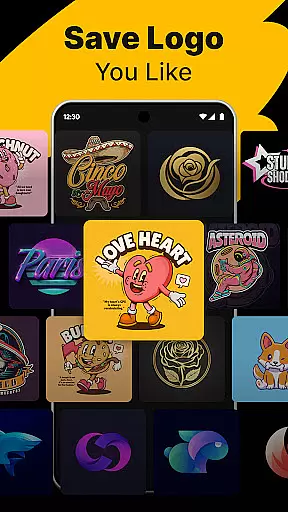
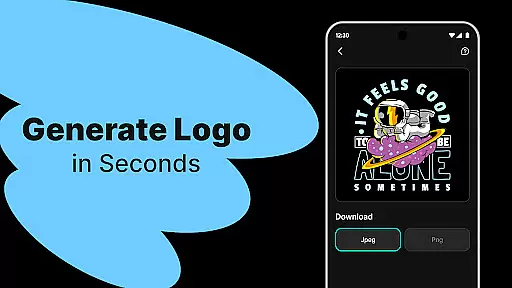
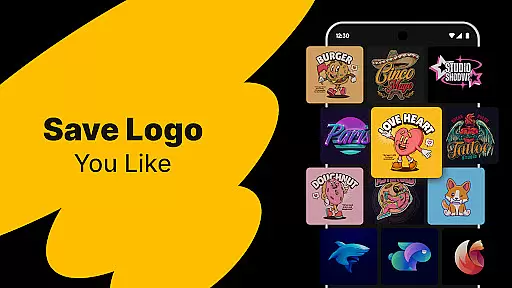
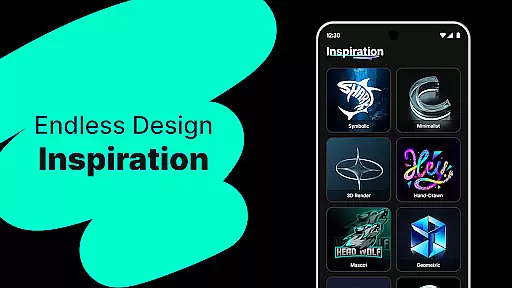
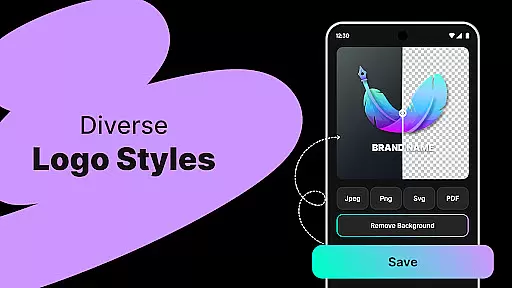
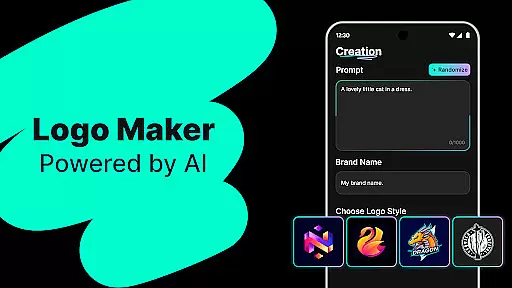
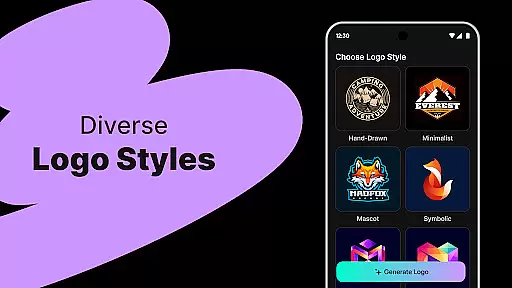
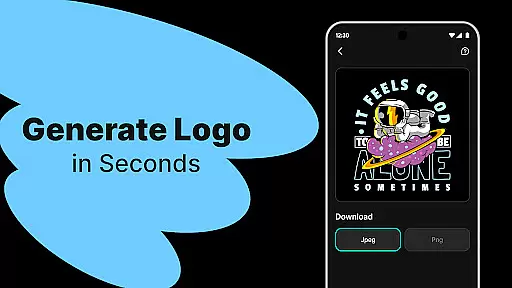
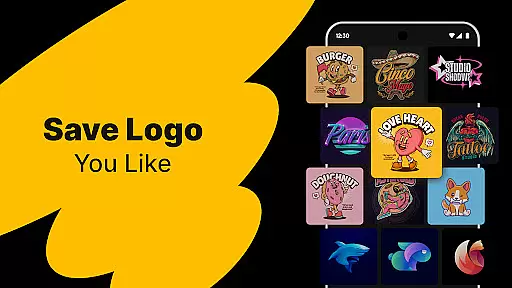
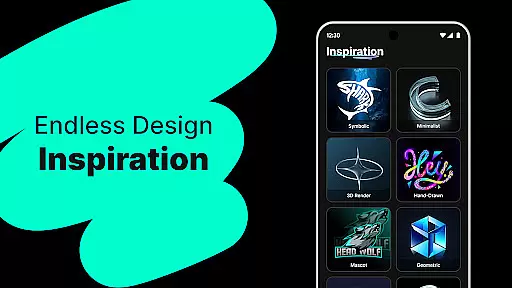
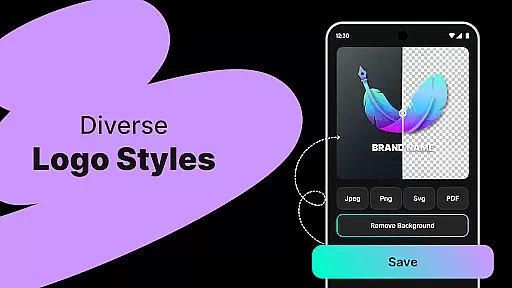
Logo Maker is an innovative AI-powered design tool that enables users to create professional logos effortlessly. The app's core functionality lies in its ability to generate unique logo designs based on user-provided keywords and brand names. It caters specifically to entrepreneurs, small businesses, and content creators who need high-quality branding materials without the complexity of traditional design software.
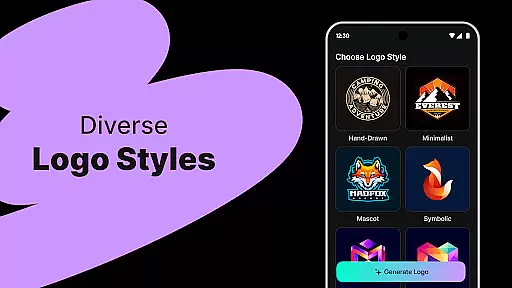
The application stands out with its extensive library of customizable templates spanning various styles including modern, minimalist, vintage, and hand-drawn designs. Users can easily modify these templates using the intuitive drag-and-drop editor, which requires no prior design experience. Whether you're building a startup brand or creating logos for social media channels like YouTube and Instagram, Logo Maker provides all the necessary tools to produce stunning visuals.
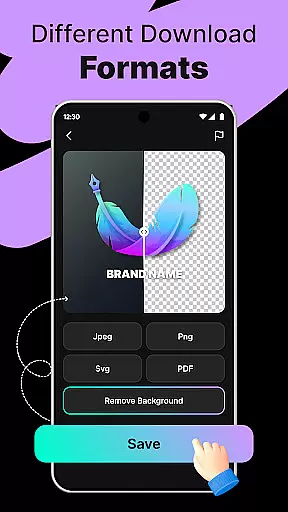
This app proves especially valuable for freelancers and solopreneurs looking to establish a strong brand presence quickly and affordably. With support for high-resolution exports in PNG and JPG formats, your logos will be ready for both digital platforms and print media, ensuring consistent branding across all channels.
Logo Maker distinguishes itself through several key features that streamline the logo creation process. First and foremost is its AI-powered logo generation engine, which instantly produces multiple design concepts based on simple text inputs. This feature saves users considerable time compared to traditional design methods while maintaining professional-grade quality.
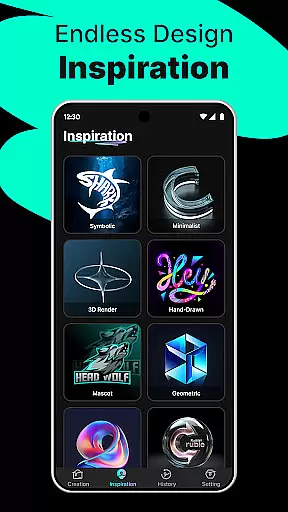
The app offers hundreds of professionally designed templates that serve as excellent starting points for customization. These templates cover a wide range of styles and industries, ensuring there's something suitable for every brand identity. The user-friendly editor interface allows precise control over elements, enabling adjustments to colors, fonts, spacing, and layout through simple drag-and-drop operations.
Additional notable features include high-quality export options supporting various file formats needed for different use cases, from web graphics to printed materials. The combination of AI technology, diverse template selection, and easy editing capabilities makes Logo Maker a comprehensive solution for anyone needing professional logo design without the associated learning curve or expense.
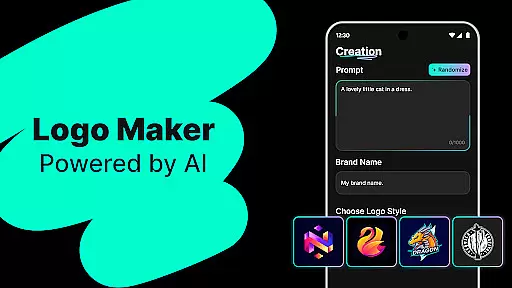
In the realm of digital design, having access to comprehensive creative tools is essential for bringing visions to life. Logo Maker stands out by offering an extensive suite of features that cater to both novices and seasoned designers. The AI-Powered Logo Generation allows users to input their brand name and keywords, instantly receiving multiple unique logo concepts.
With hundreds of customizable templates ranging from modern minimalism to vintage aesthetics, users can easily tailor designs to fit their brand identity. This flexibility ensures that every entrepreneur, small business, or creator can find a style that resonates with their vision.
The User-Friendly Editor enhances the creative process by enabling effortless drag-and-drop customization. No prior design experience is necessary, as the intuitive interface guides users through each step, making professional-quality logo creation accessible to all.
A crucial aspect of any design application is its ability to adapt to various canvas sizes and formats, ensuring versatility across different mediums. Logo Maker excels in this area by providing high-quality exports in PNG and JPG formats, suitable for websites, business cards, social media profiles, and print materials.
This flexibility empowers startups and small businesses to maintain a consistent brand presence without needing to hire professional designers. Freelancers and solopreneurs benefit from the ability to create logos that stand out on digital platforms like YouTube, Instagram, and TikTok.
Additionally, Logo Maker supports custom logos for events and personal projects such as weddings, podcasts, clubs, and special occasions. This adaptability makes it an invaluable tool for anyone looking to craft eye-catching visuals tailored to specific needs and contexts.
AI-powered design
User-friendly interface
Cost-effective solution
Quick logo generation
High-quality exports
Limited advanced options
Basic color palette
Template dependency
No vector exports
Internet required

Premium version of Shimeji-ee app with no ads & no limit active shimeji
 4.2
4.2
Stylish letters, Stylish Keyboard, Symbols, Emojis, Cool nickname
4.40
Custom Character Creator & PFP Maker!
4.20
Art of Combination Wear OS Watch faces
4.0
Create color palette from Image, RGB & RYB Color wheel harmonies, Color Scheme
4.50
800+ Drawing, Painting Lessons App to Practice, Sketch & Paint Art.
4.30
Image resizer to resize, crop, rotate, flip, change dpi photo or picture in bulk
4.60
Your homescreen as an elegant glass with customized blur, lighting, and visuals.
3.70
Sketch and paint on your device with the feel and freedom of drawing on paper
4.00
Passport size photo maker, create ID photo and visa photo in seconds
4.80
Make your phone cooler and have a fantastic experience
4.80
2D animation studio for Android tablets - unlimited layers, infinite timeline
4.70
Turn your drawings into flipbook-style animations with simple creative tools
4.60
Share the joy of painting with ibis Paint! Drawing anime and manga art.
4.50
Everything you need to create hand drawn animation, anywhere you go!
4.40
Trace, draw, and create art with AR - from memes to masterpieces!
4.30
Remove Background, Magic Eraser, Photo Enhancer, Story Templates, Collage Maker
4.30
Customizable Outlined Fonts. Watch Face Format. Battery friendly Digital Clock.
4.20
Easy 3D drawing design maker & creator. Model designing, Sculpting. Create&paint
4.00


User Reviews