
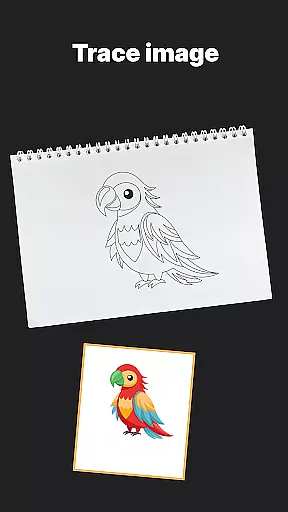
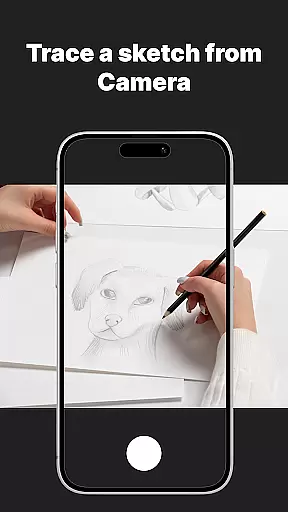
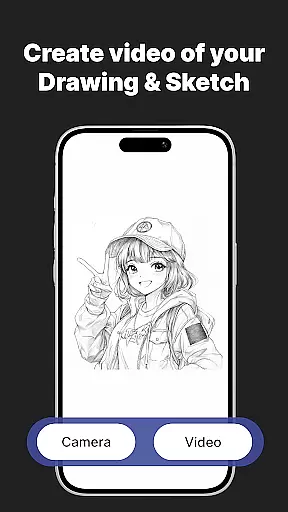
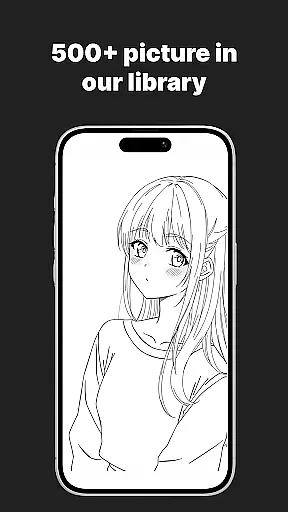
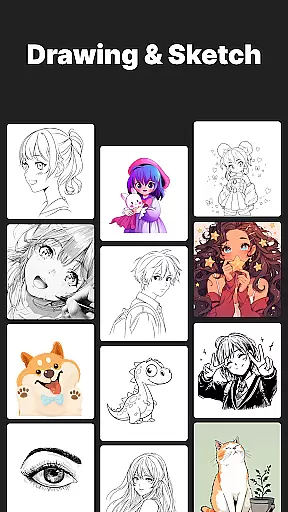
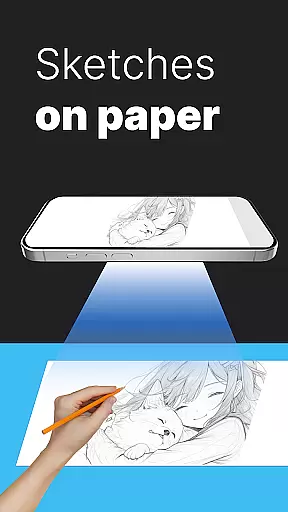
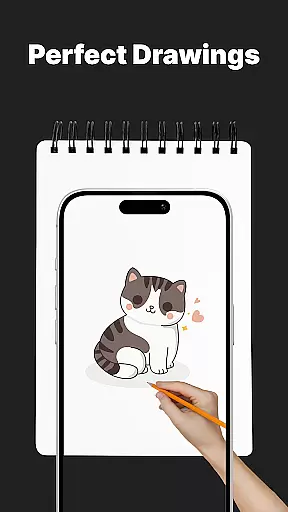
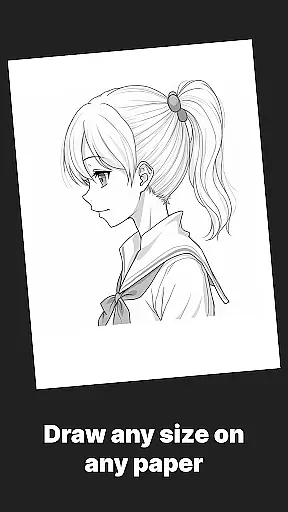
AR Drawing Sketch Painting App is an innovative mobile application that transforms your phone into a powerful AR sketchpad. This app allows users to trace drawings, create meme art, and learn to draw step-by-step directly on real paper using augmented reality technology. With its massive template library featuring thousands of designs including anime, portraits, animals, and trending memes, the app caters to both beginners and professional artists.
The app's standout feature is its AR Trace Drawing functionality, which projects templates onto paper through the phone's camera, enabling precise tracing. Additionally, it offers guided drawing lessons, customization tools for adjusting opacity and zoom, and weekly updates with fresh content. Whether you're looking to improve your artistic skills or simply have fun creating viral meme art, this app provides a seamless blend of education and entertainment.
Perfect for all ages, AR Drawing Sketch Painting App supports various use cases from casual doodling to structured learning environments like art classes. Its ability to save time-lapse videos of the drawing process adds a creative flair, making it ideal for sharing artwork on social media platforms.
AR Drawing Sketch Painting App boasts an impressive array of features designed to enhance the drawing experience. The app includes a vast template library with thousands of designs spanning multiple categories such as anime, animals, cars, and trending memes. These templates serve as excellent starting points for tracing or inspiration for original creations.
One of the most notable features is the AR Trace Drawing mode, where users can place their phone on a stand and trace projected lines onto paper in real-time. This functionality is complemented by step-by-step drawing lessons suitable for all skill levels, ensuring continuous learning and improvement. Customization tools allow users to adjust opacity, zoom, rotate images, and even enable a flashlight for better visibility during nighttime drawing sessions.
Additionally, the app facilitates creativity by offering Meme Mode for creating humorous illustrations and enabling users to capture time-lapse videos of their drawing process. Weekly updates ensure a steady stream of fresh content, keeping users engaged and inspired. Overall, these features combine to create a versatile and engaging platform for artists of all backgrounds.
AR Drawing Sketch Painting App offers an extensive suite of creative tools that cater to both amateur and professional artists. The app includes a massive template library with thousands of templates ranging from anime, portraits, animals, cars, flowers, tattoos, icons, trending memes, and more.
One of the standout features is the AR Trace Drawing, which allows users to select a template and trace the lines onto paper by looking through their phone's camera. This feature bridges the gap between digital convenience and traditional art forms, making it accessible for all skill levels.
In addition to tracing, the app provides step-by-step drawing lessons aimed at improving skills for beginners and experts alike. These guided tutorials cover various styles and techniques, ensuring a comprehensive learning experience.
The customization tools further enhance the creative process by allowing users to adjust opacity, zoom, rotate images, and enable a flashlight for better visibility. With these robust features, AR Drawing Sketch Painting App ensures that artists have everything they need to bring their visions to life.
Flexibility in canvas and format options is crucial for any art application, and AR Drawing Sketch Painting App excels in this area. Users can choose from a wide array of templates or even upload their own images, providing unparalleled versatility in project creation.
The app supports different artistic styles, from realistic portraits to hilarious meme drawings, catering to a diverse audience including kids, students, parents, art teachers, and professional illustrators. This diversity ensures that users can explore various art forms without being constrained by the platform.
Moreover, AR Drawing Sketch Painting App enables users to save and share their artwork effortlessly. By capturing time-lapse videos of the drawing process, artists can document their creative journey and instantly share their masterpieces with the world.
With weekly updates introducing fresh templates, the app keeps its library dynamic and engaging. This commitment to regular updates ensures that users always have new inspiration and never run out of ideas, solidifying AR Drawing Sketch Painting App's position as a leader in canvas and format flexibility.
User-friendly interface
Extensive template library
Augmented reality tracing
Step-by-step tutorials
Regular content updates
Limited free templates
Requires stable phone positioning
In-app purchases necessary
Occasional bugs reported
Learning curve for beginners

Premium version of Shimeji-ee app with no ads & no limit active shimeji
 4.2
4.2
Create trending AI photos & videos with powerful effects and 3D styles.
3.20
Sketch, trace and master AR drawing with awesome anime art!
3.30
AI Face Swap, Video Effects Editor, Realtime Morph, Funny Video FX,AI Filters
3.70
Nano Banana AI Image Generator, Anime Filter, AI Portrait, AI Photo Generator
4.30
800+ Drawing, Painting Lessons App to Practice, Sketch & Paint Art.
4.30
Turn your drawings into flipbook-style animations with simple creative tools
4.60
Draw, fidget, and spin glow art! Relax and express your creativity with a finger
4.60
Explore future self face age filter & remove background image for a unique look.
3.50
Mobile pixel art editor. Simple. Fast. Portable.
4.80
Draw glowing spinners, relax, and spin your creative art
4.60
The perfect place to start sketching! Use Sketchbook to draw and paint sketches.
4.50
Everything you need to create hand drawn animation, anywhere you go!
4.40
AI generated images & photos, turn your words into drawing, painting & pictures.
4.30
Create Logos, Tattoos, AI Art & more with our AI Photo Generator & Design Editor
4.20
Paint with oils and sketch with natural tools on a realistic virtual canvas.
3.80
Resize photos and print photos in exact size with our powerful photo printer!
3.80
Pose and morph realistic male and female models! 3D poser app
3.00
Art of Combination Wear OS Watch faces
4.3


User Reviews