
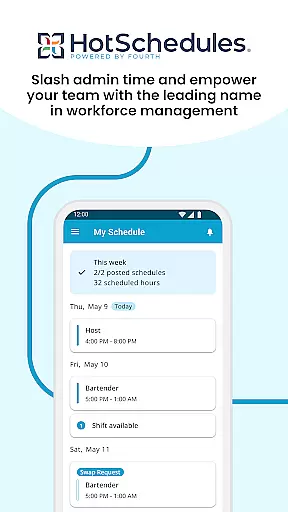
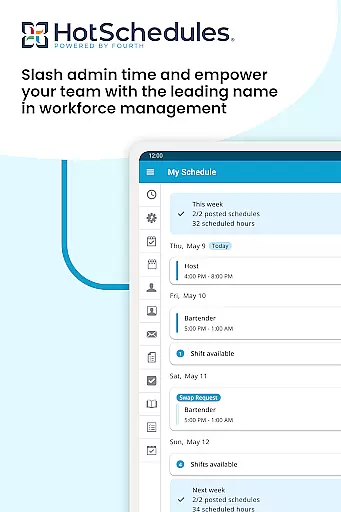
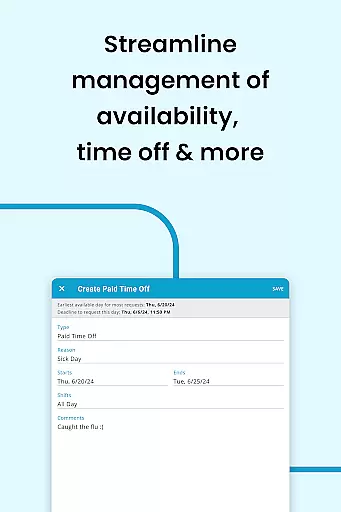
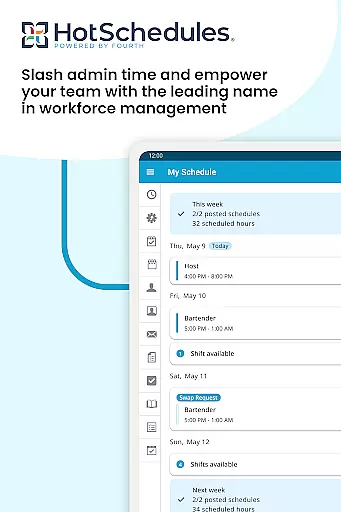
HotSchedules is a leading productivity app designed specifically for workforce management in businesses. The app's core functionality revolves around employee scheduling, making it faster and easier to manage work schedules while enhancing team communication. With HotSchedules, both employees and managers can seamlessly coordinate shifts, request time off, and approve changes with minimal effort. This ensures that everyone stays connected and informed about their work commitments.
Apart from its scheduling capabilities, the app also offers features like automatic shift pick-ups, calendar sync, and real-time notifications. These tools help users maintain an optimal work-life balance by allowing them to easily adjust their availability based on personal preferences. Managers benefit from advanced reporting features, enabling them to monitor business performance through sales and labor snapshots directly from their mobile devices. This makes HotSchedules not just a scheduling tool but a comprehensive productivity solution for modern workplaces.
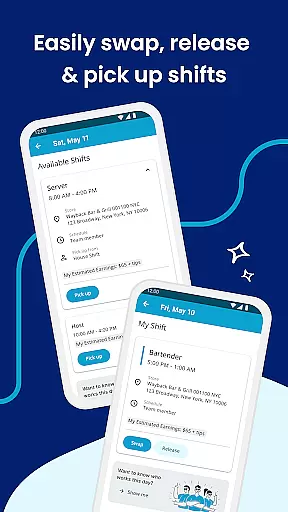
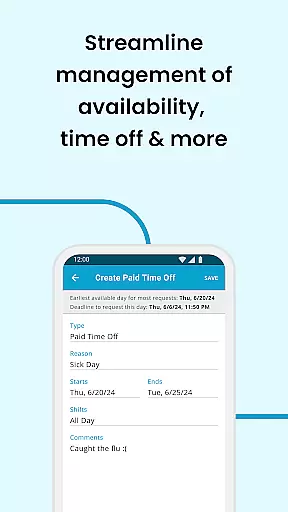
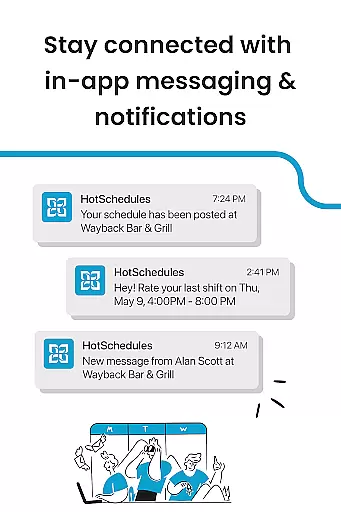
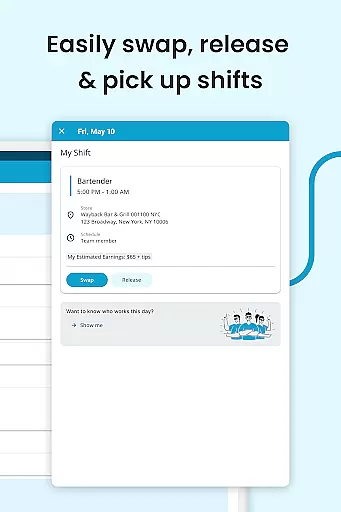
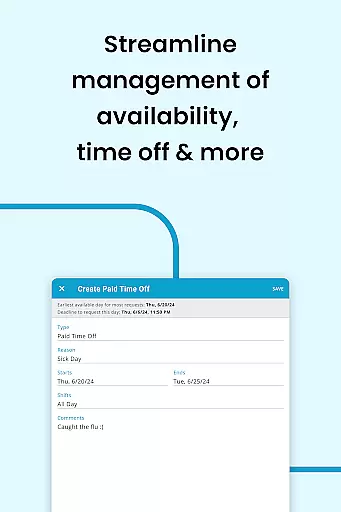
HotSchedules stands out due to its robust feature set tailored for both team members and managers. For employees, the app provides one-click shift swapping, shift pickups, and time-off requests, ensuring maximum flexibility and convenience. Calendar integration and automatic notifications keep users updated on any schedule changes approved by managers, reducing miscommunication and scheduling conflicts.
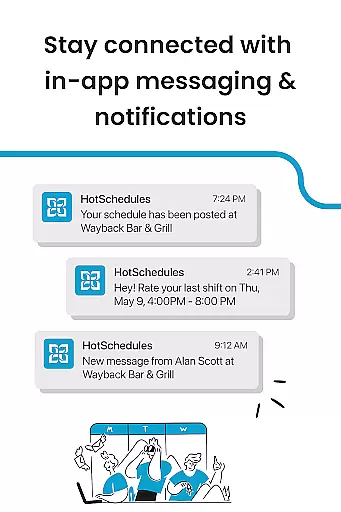
For managers, HotSchedules offers significant time savings—up to 75%—when creating staff schedules and approving shift changes. The app also includes powerful monitoring tools, allowing managers to view sales and labor data snapshots from anywhere. Additionally, the built-in messaging system supports both broadcast and one-to-one communication, fostering a connected and productive team environment. These features collectively enhance operational efficiency and team satisfaction, making HotSchedules an essential tool for businesses focused on optimizing their workforce management.
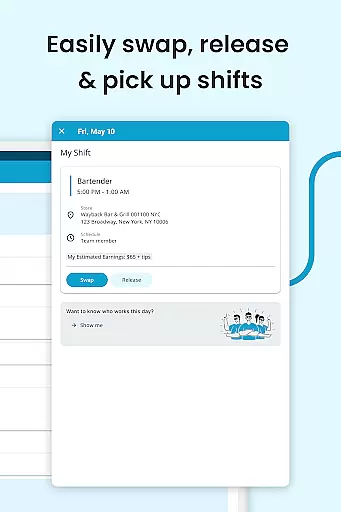
HotSchedules excels in core task management by offering a comprehensive suite of tools designed to streamline scheduling and team communication. The app allows for quick shift swaps, pickups, and releases with just one click, ensuring that employees can easily manage their work-life balance.
For managers, the app provides significant time savingsu2014up to 75%u2014when building schedules, along with one-click approvals for shift changes. This efficiency not only reduces administrative workload but also enhances productivity by allowing managers to focus more on business performance rather than schedule logistics.
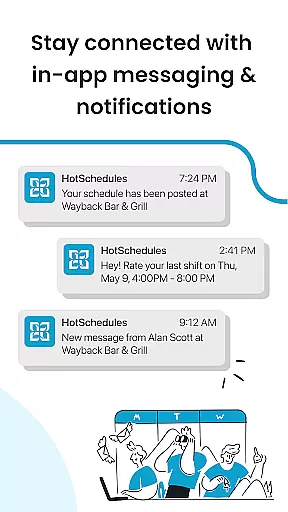
The automatic sync with calendar notifications ensures that any manager-approved changes are instantly updated on the employee's phone, keeping everyone informed and aligned. This real-time update mechanism is crucial for maintaining an organized and efficient workplace.
Cross-device synchronization is a standout feature of HotSchedules, ensuring reliable and consistent access to schedules and communications across multiple devices. Whether using a smartphone or a desktop, users can seamlessly view and manage their schedules, receive notifications, and communicate with their team.
The appu2019s robust synchronization capabilities mean that any changes made by managers, such as shift adjustments or time-off approvals, are immediately reflected across all devices. This reliability fosters a connected work environment where information flows smoothly between team members regardless of the device they use.
Furthermore, the integration with calendar systems and instant notifications guarantees that users never miss an update. This level of synchronization reliability supports better work-life balance and ensures that both employees and managers are always on the same page, enhancing overall team productivity and satisfaction.
User-friendly interface
Efficient scheduling
Real-time updates
Comprehensive reporting
Enhanced communication
Requires employer account
Limited free features
Dependent on internet
Complex setup
Premium pricing

Create study competitions, track your hours, and stay consistent with friends
 4.5
4.5
Planet Free VPN - The best Fast Unlimited and Secure VPN Without Logs
4.50
Android Wallet Password Manager
4.80
⏰ Finally a timer app which can run multiple timers simultaneously on your watch
3.90
Pwnagotchi companion app
4.20
Find and delete junk files & block unwanted notifications & manage files
3.70
Docker, Kubernetes management over Portainer Mobile
4.40
Share files & memories safely. Keep your photos and videos secure.
4.40
Daily processing of PDF documents.
4.40
Seamlessly integrate data and reports to build your presentation to impress
4.80
We're working to become the best machining app on the market! www.cncdirt.com
4.80
A beautiful digital clock with autostart and many other functions
4.70
The AI assistant that thinks with you - write, code, and solve complex tasks
4.60
To do list widget with a notebook organizer, checklist, simple shopping list
4.60
Subscribe to Webcal & .ics calendars and keep them up-to-date!
4.50
Easily read and manage all your PDF files
4.10
Customizable calendar widget for seamless event sync, planning & scheduling.
4.00
The ultimate file manager for rooted devices. The original and still the best.
4.00
A Revolutionary All-in-One Artificial Intelligence Tools
3.80


User Reviews