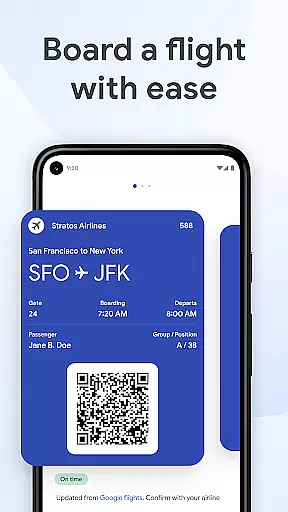
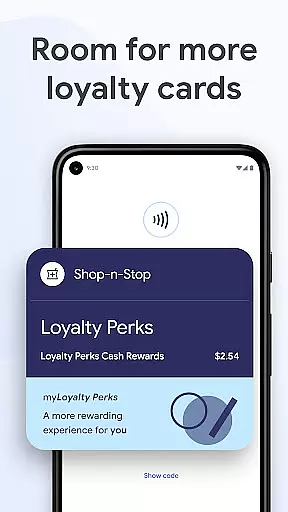
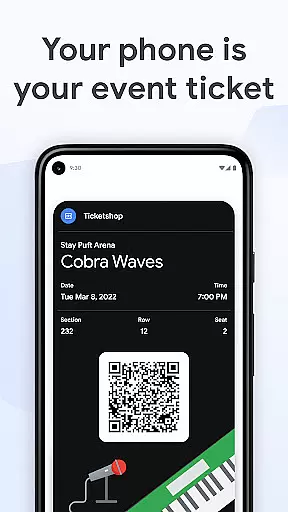
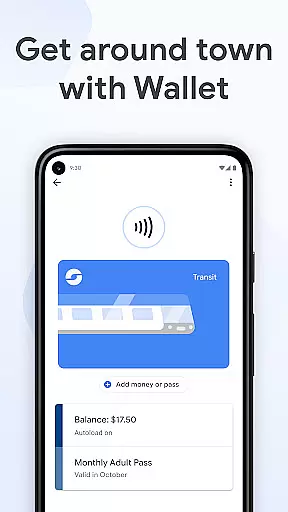
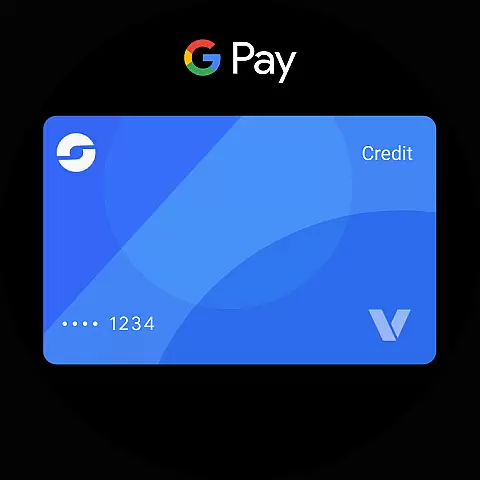
Google Wallet is a versatile digital wallet solution designed specifically for Android and Wear OS devices. This application allows users to store various essential items such as credit cards, tickets, boarding passes, and even driver's licenses in a secure digital format. By consolidating these critical items into one convenient location, Google Wallet ensures that users have quick and easy access whenever needed.
The app offers multiple access points including quick settings, the main Wallet app interface, and integration with Google Assistant. Whether you're commuting, traveling, or shopping, Google Wallet provides timely suggestions and notifications to ensure you have the right item at the right time. The app also features seamless integration with other Google services like Calendar and Maps, enhancing its utility by keeping users informed and organized.
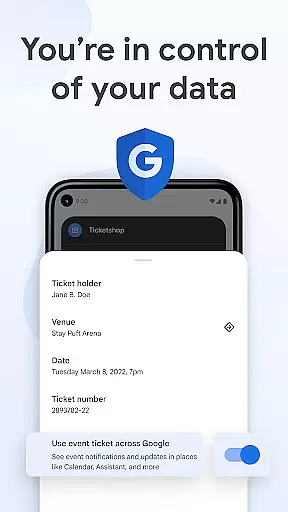
Above all, Google Wallet prioritizes security and privacy. With advanced Android security features and encryption protocols, users can trust that their data remains protected. The ability to remotely erase information adds an extra layer of safety, making Google Wallet a reliable choice for managing personal essentials on the go.
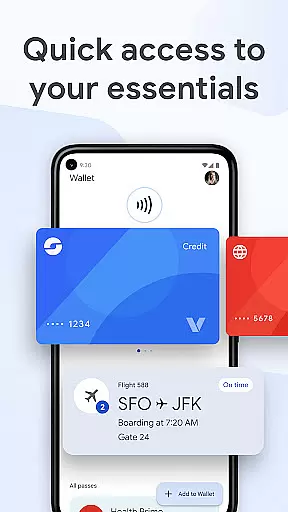
Google Wallet stands out with its comprehensive feature set tailored for convenience and security. One of its key features is the ability to store a wide variety of items including credit/debit cards, loyalty cards, transit passes, event tickets, and even digital car keys. This versatility eliminates the need to carry physical cards or documents, streamlining the user experience.
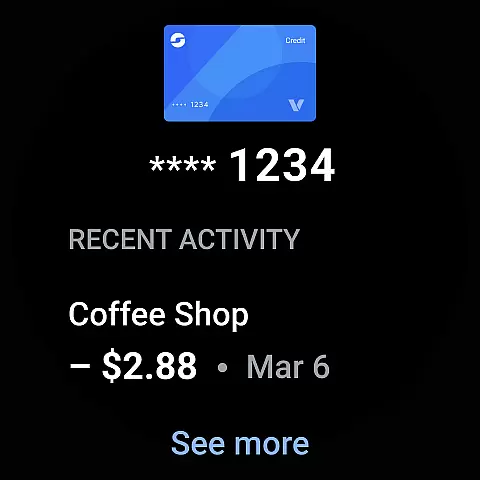
The app integrates seamlessly with other Google services, providing real-time updates and notifications. For instance, users receive timely reminders for upcoming flights or events, ensuring they never miss important details. Additionally, transaction receipts are automatically organized and enriched with location data from Google Maps, making it easier to track purchases and expenses.
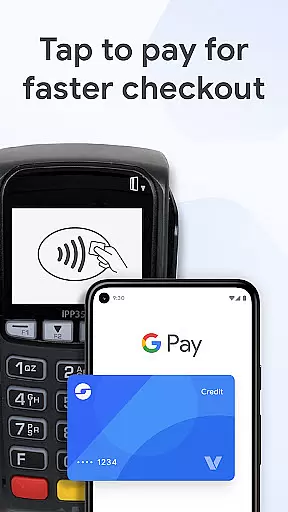
Security is at the core of Google Wallet's design. Advanced features like 2-Step Verification and remote data erasure protect user information from unauthorized access. When making payments, the app uses tokenization to safeguard credit card numbers, ensuring that sensitive data is never shared with merchants. These robust security measures make Google Wallet a trusted solution for managing personal and financial information.
Google Wallet offers seamless companion app integration, ensuring that your essential information is always accessible across multiple devices. This means you can easily sync and access your cards, tickets, and passes between your Android phone and Wear OS watch.
The integration extends to other Google services as well, such as Calendar and Assistant, providing you with up-to-date information like flight updates and event notifications. This interconnected ecosystem ensures that you are always informed and prepared, no matter which device you are using.
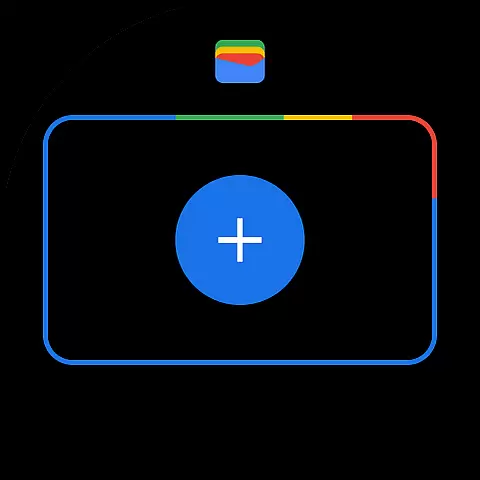
Setting up Google Wallet on your Wear OS device is straightforward. You can import various items you've saved in Gmail directly to your watch, making it easy to start using the service without extensive configuration. This streamlined setup process enhances user convenience and accessibility.
Compatibility with Wear OS and other devices is a significant advantage of Google Wallet. It is designed to work smoothly on all Android phones running Lollipop 5.0 and above, as well as on Wear OS and Fitbit devices, offering broad accessibility for users.
This wide range of compatibility ensures that whether you're using a smartphone or a smartwatch, you can enjoy the benefits of Google Wallet. The app's functionality remains consistent across different platforms, providing a reliable and uniform user experience.
However, it's important to note that not all features may be available for supervised accounts. For more details on what functionalities are accessible, users can refer to the support documentation provided by Google. This transparency helps manage user expectations and ensures they understand the capabilities within their specific context.
User-friendly interface
Secure payment options
Seamless Google integration
Wide range of supported items
Real-time notifications
Limited to Android devices
Not all features globally available
Requires stable internet
Occasional sync issues
Privacy concerns for some users

A customizable Christmas watch face for Wear OS with a countdown.
 4.20
4.20
Current temperature, weather hourly, weather radar by the weather forecast app
4.40
Embrace the festive spirit with our Christmas Countdown watchface for Wear OS
4.10
A heartwarming Christmas scene featuring a cute image of Santa and Rudolf
4.0
Fitness interactive virtual pet super fighter boy watch face
4.2
Kia Access makes getting your vehicle information easier than ever
4.60
The Chevron App allows you to pay for fuel from the comfort of your car!
4.80
Retro digital watch face with customizable colors and a unique lighting effect
4.60
From periods to pregnancy & perimenopause, Flo helps you track it all. Try now.
4.70
Beautiful, colorful and practical watch face. For Wear OS devices.
5.00
Digital, flexibly customizable watch face. For Wear OS 5.0, API 34+ and later.
5.00
A modern hybrid informative watch face for Wear OS designed by BALLOZI
4.80
A modern premium sporty hybrid watch face for Wear OS by Ballozi
4.70
A realistic hybrid watch face with many customization options.
4.60
Connect to your Bluelink equipped Hyundai vehicle from your smartphone.
4.50
Beautiful artistic animated digital watch face, with a customizable layout!
4.40
Get helpful reminders, take progress photos and find answers to your questions.
3.90
Wear Os Watch Face - Animated Snow - Sesonal for Christmas & Winter
4.2
Christmas is near, let's count together the days left until Santa comes
4.4


User Reviews