
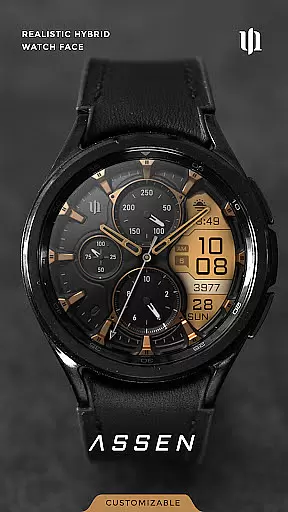
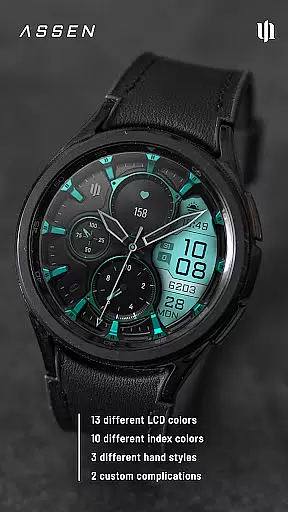
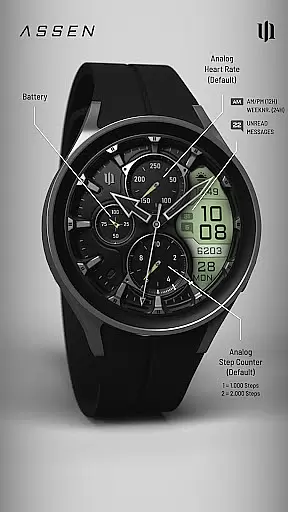
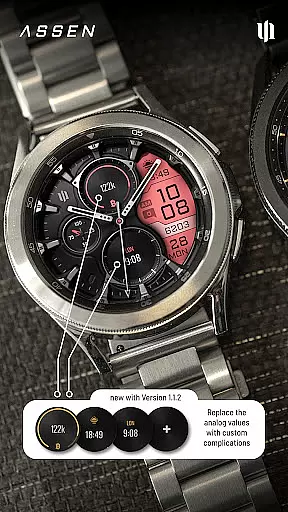
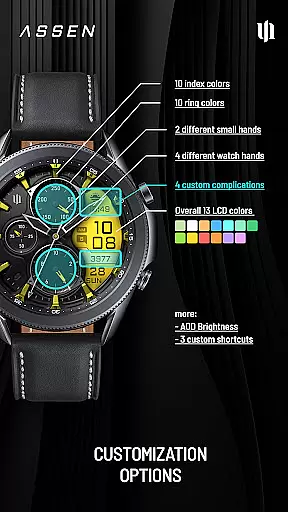
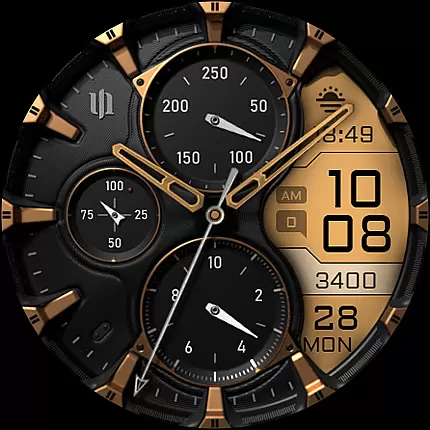
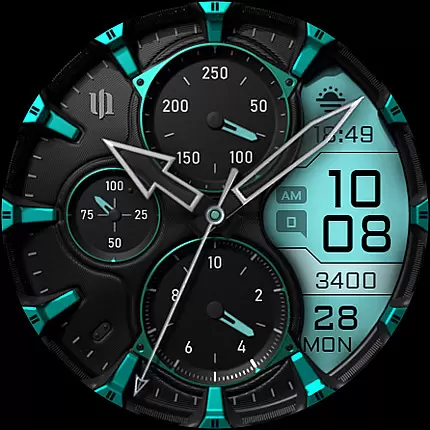
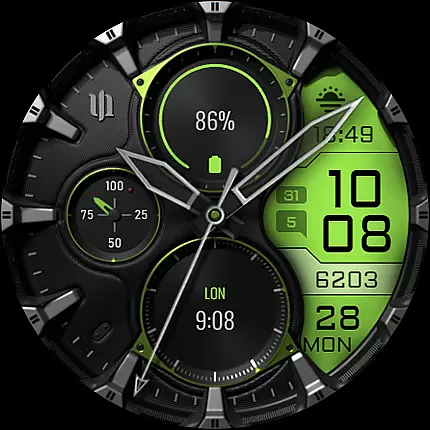
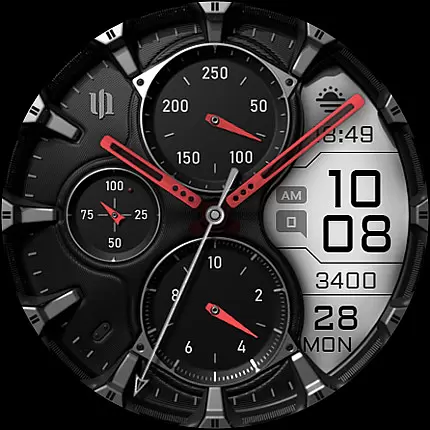
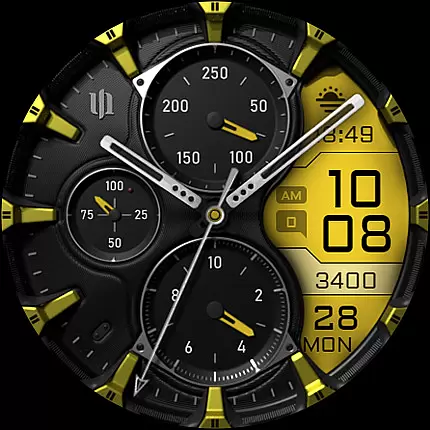
S4U Assen is a premium Wear OS watch face that combines realistic analog design with practical digital elements. Featuring a hybrid dial, it displays essential information such as time, steps, heart rate, and unread messages while offering customization options like 13 LCD colors and 10 index colors.
With support for complications, shortcuts, and Always-On Display (AOD), this app enhances usability and personalization. Compatible with Wear OS 4+ devices, including Samsung Galaxy Watches and Google Pixel Watches, it ensures a seamless experience for smartwatch users seeking both style and functionality.
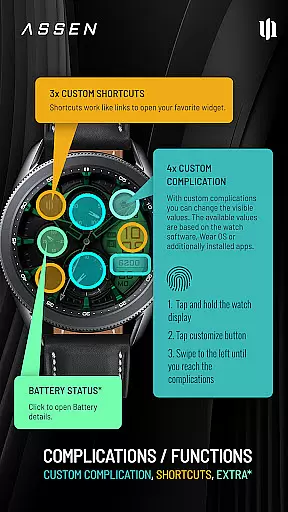
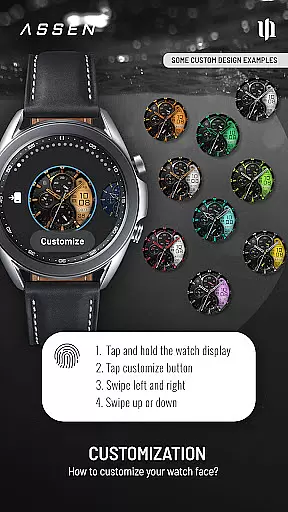
The S4U Assen watch face stands out with its extensive customization capabilities. Users can personalize the appearance by choosing from 4 clock hand styles, 2 small hand designs, and multiple color themes for the LCD display, indices, and rings. The inclusion of 4 custom complications and 3 app shortcuts allows users to access their most relevant data quickly.
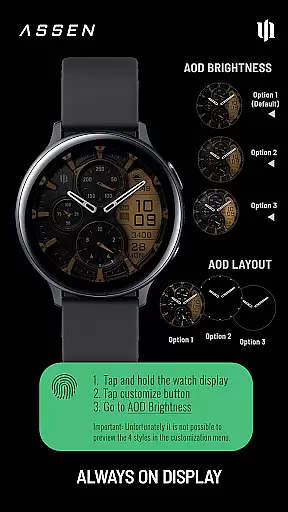
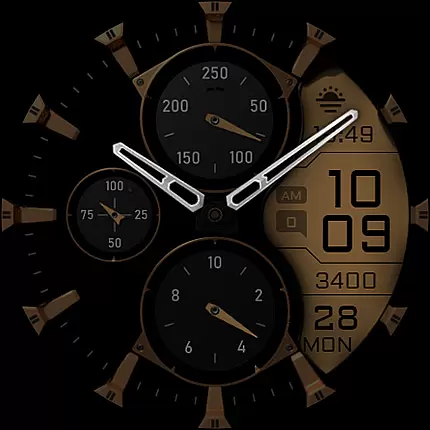
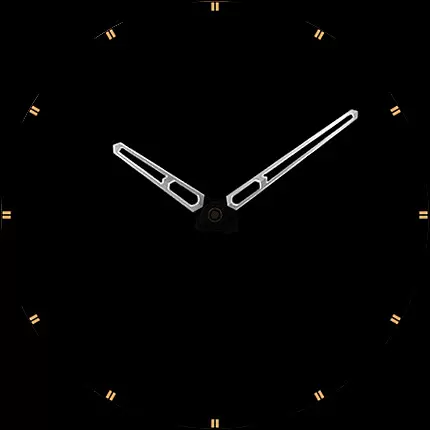
Another notable feature is the Always-On Display (AOD) mode, which offers three brightness levels and an optional minimal layout. While AOD improves convenience, users should note that it may impact battery life depending on device settings. Additionally, interactive elements like tapping the battery indicator provide extra utility, making this watch face both versatile and user-friendly.
Companion app integration is crucial for a seamless Wear OS experience. The S4U Assen watch face offers a dedicated companion app that ensures smooth synchronization between your smartphone and smartwatch.
This integration allows users to easily install the watch face, resolve potential issues, and access advanced customization options. By following the guided steps in the companion app's Install/Issues section, users can quickly troubleshoot any installation or downloading problems.
The companion app also serves as a support channel, providing direct email assistance for users who need extra help. This creates a reliable communication link between the user and the developer team.
With this robust companion app integration, S4U Assen guarantees that users can maximize their Wear OS experience while maintaining optimal performance and accessing all available features.
Device compatibility is a fundamental aspect of any Wear OS application. S4U Assen has been specifically optimized for smartwatches running Wear OS 4 or higher (Wear OS API 33+), ensuring the best possible performance on supported devices.
The watch face is compatible with popular models including Samsung Galaxy Watch series (4, 5, 6, 7, 7 Ultra) and Google Pixel Watch series (1-3). This wide compatibility range allows more users to enjoy the realistic hybrid dial design.
It's important to note that some features, like the Always-On Display (AOD) functionality, may behave differently depending on the specific smartwatch model and its settings. The AOD feature offers three brightness levels and a minimal layout option.
By clearly stating these compatibility requirements and device-specific considerations, S4U Assen helps users make informed decisions about their purchase while minimizing potential technical issues.
Highly customizable
User-friendly interface
Supports complications
Always-On Display
Wide device compatibility
Battery consumption
Limited to Wear OS
Premium cost
Complex setup
Fewer free features

Watch the sharpness of the sky on your wrist..
 3.70
3.70
A Wintery Snow Globe on Your Wrist; now celebrating Christmas!
4.2
A full-featured Amazon Alexa voice assistant that can show you things.
3.70
Beautiful artistic animated digital watch face, with a customizable layout!
4.40
Easy Voice Recorder is your everyday companion to record important moments.
4.70
Ideal for surviving in the wasteland left after nuclear fallout
4.50
Kia Access makes getting your vehicle information easier than ever
4.60
Minimalistic design modern digital watch face.
4.1
Hyper-Realistic Airplane Dashboard Watch Face With 10 Skins and Custom AOD
4.00
To-Do List: daily schedule planner, task organizer, to do reminder app, calendar
4.60
Walking app for weight loss: walk & step tracker, pedometer, indoor treadmill
4.60
Connect to your Bluelink equipped Hyundai vehicle from your smartphone.
4.50
Current temperature, weather hourly, weather radar by the weather forecast app
4.40
Bold weather Digital watchface with forecast & optional animated background
4.40
The ultimate destination for kids ages 3-8 to explore the Marvel Universe!
4.30
Want to take charge of your health? Let Google Fit help you reach your goals.
3.50
Wear Os Watch Face - Animated Snow Effect & Christmas Lights
4.3
Simple Analog-Digital Watchface For Wear OS 3.0 and Up Smartwatches
4.3
Funny animated watch face for Thanksgiving
4.1


User Reviews