
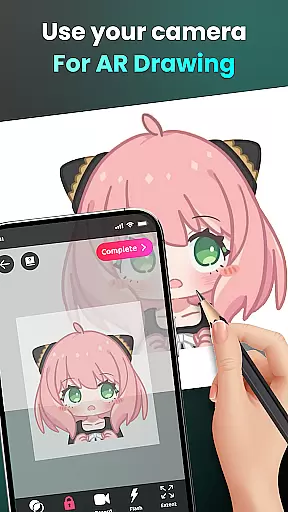
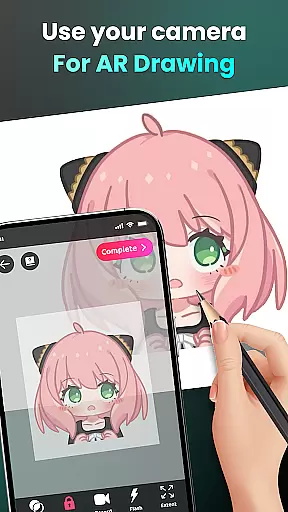
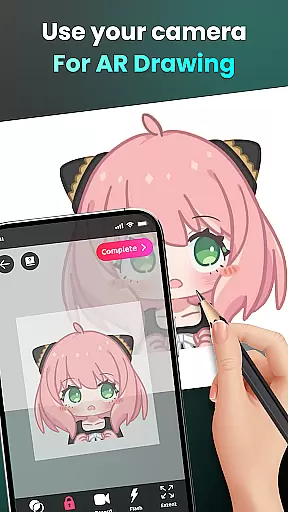
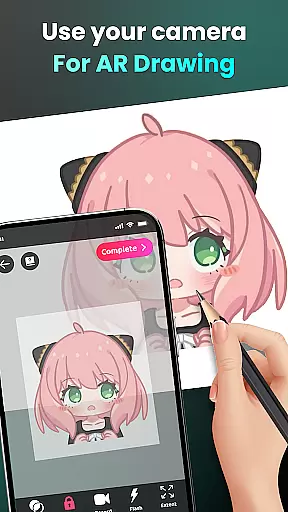
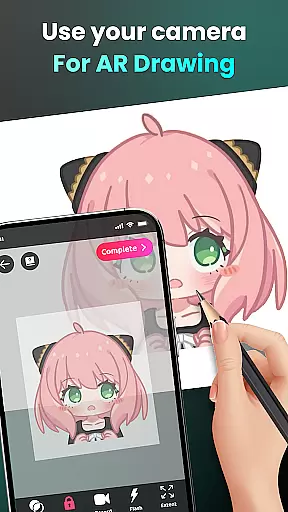
AR Drawing - Sketchar App represents a breakthrough in the Art & Design category, offering users an innovative way to learn and create art through augmented reality. This app allows both beginners and experienced artists to draw by using their device's camera, transforming any real-world surface into a canvas for creativity.
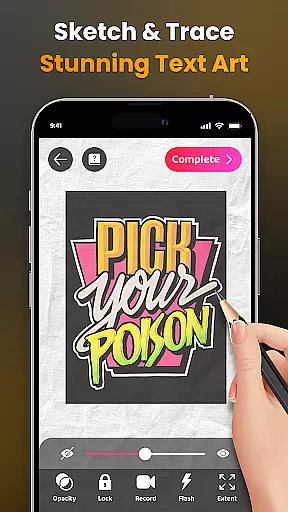
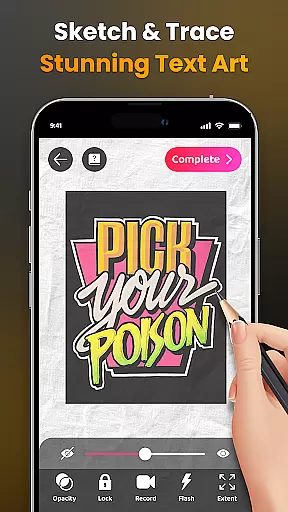
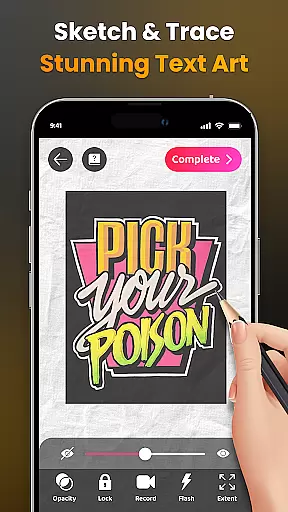
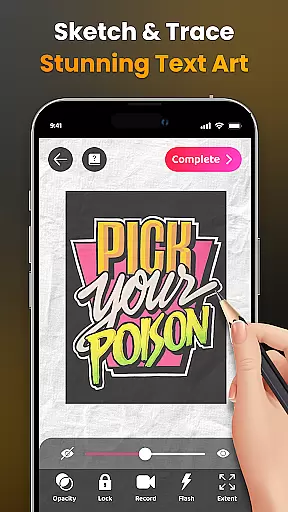
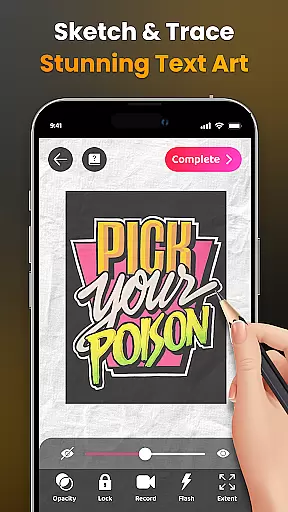
The application provides advanced AR technology that enables users to sketch everything they see through their camera lens - from sample photos and objects to entire scenes. With features like adjustable opacity, flash control, zoom functionality, and video recording of the drawing process, AR Drawing ensures an immersive and customizable artistic experience.
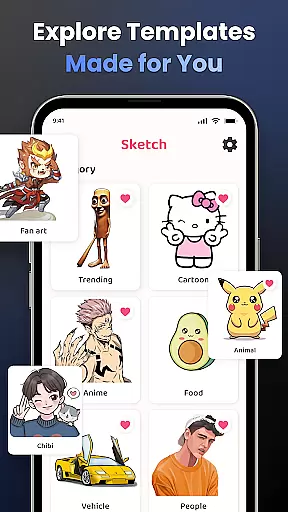
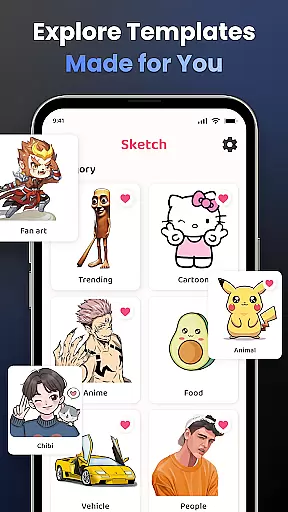
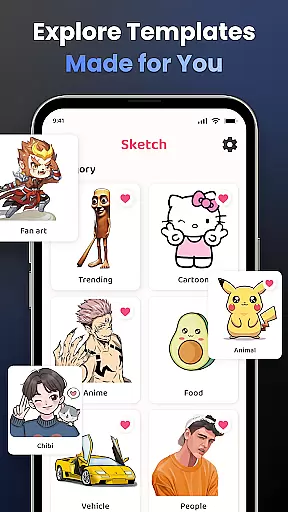
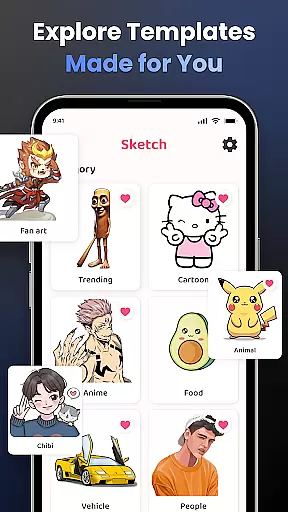
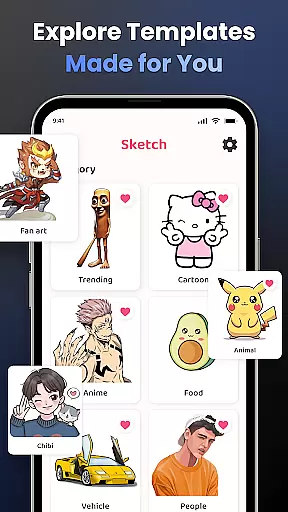
Perfect for those looking to learn how to draw or seeking to produce unique artwork combining reality with virtual elements, this app serves as an educational tool as well as a creative outlet. Users can follow diverse lessons tailored to different skill levels, practice tracing techniques, and explore various popular themes such as anime, cartoons, animals, and more.
AR Drawing stands out with its comprehensive set of features designed to enhance the drawing experience. The app includes a robust camera-based drawing tool that lets users sketch live scenes or replicate characters from popular culture directly onto their environment.
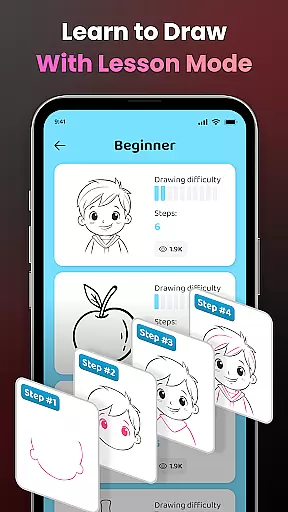
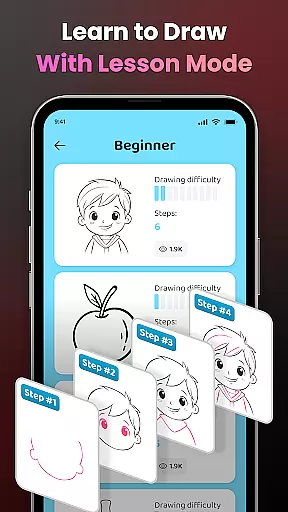
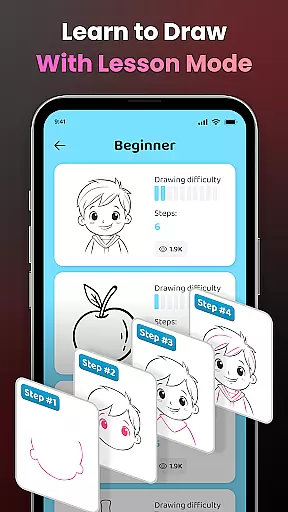
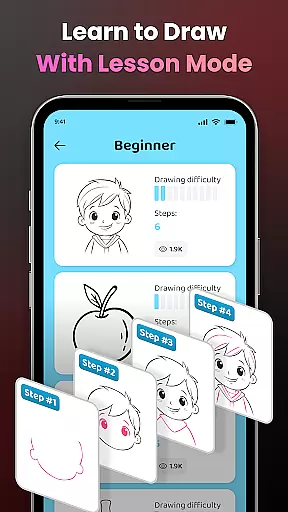
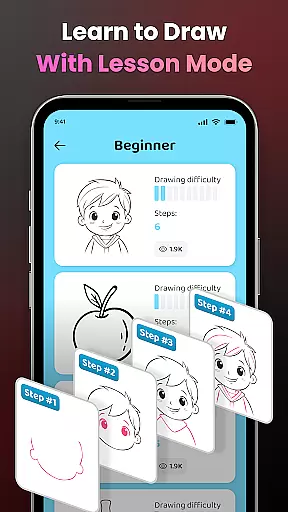
Learning is made easy with step-by-step tutorials and simplified outlines for tracing complex images. Artists have access to three difficulty levels, each providing progressively challenging exercises that cater to individual growth and mastery over time. Additionally, the ability to import personal photos adds another layer of customization.
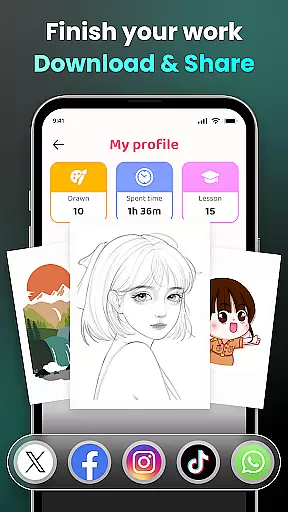
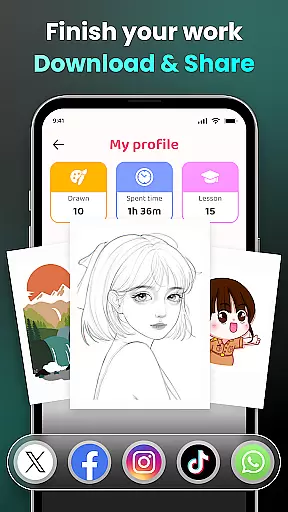
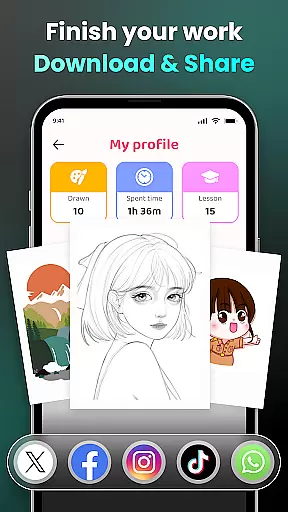
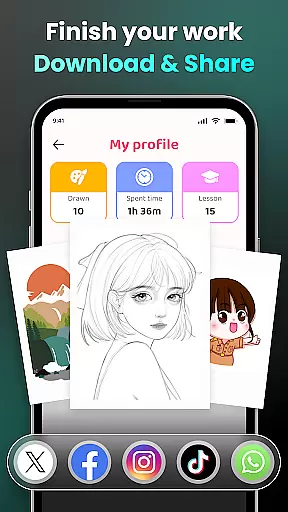
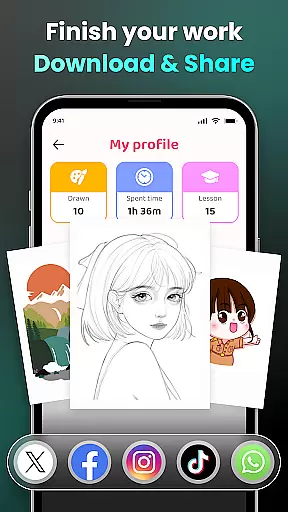
Sharing your creations is seamless; you can effortlessly distribute finished pieces within the community or privately among friends. Detailed tracking of one's artistic journey is also available through personalized profiles where progress such as time spent drawing and lessons completed are recorded, fostering continuous improvement and engagement with the platform.
AR Drawing - Sketchar App offers an extensive suite of creative tools that cater to both novice and professional artists. The app provides a diverse sample library, allowing users to choose from various categories such as Anime, Cartoon, and Nature, among others.
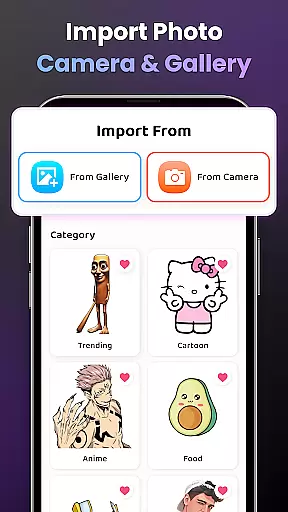
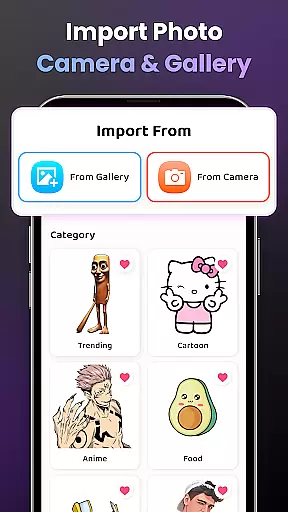
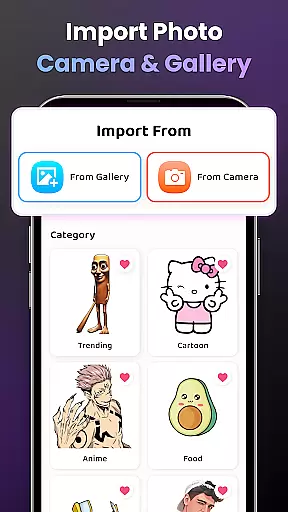
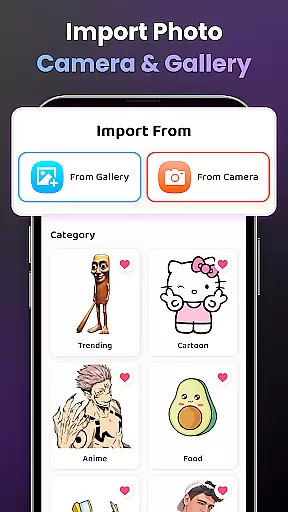
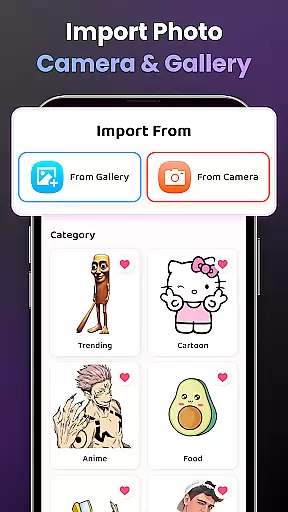
For those who prefer a personalized touch, the app supports importing images from your own gallery, thus expanding the creative possibilities. With features like adjusting opacity for optimal display, zooming in and out, and controlling the flash, AR Drawing ensures you have the necessary tools to create your envisioned artwork.
Additionally, the app includes video tutorials specifically designed for beginners, guiding them through the process of drawing specific pictures. This educational component enriches the user's experience, making it not just a drawing app but also a learning platform.
The availability of advanced options such as recording your drawing process adds another layer of creativity, letting users share their artistic journey with others. These comprehensive tools collectively contribute to a complete and satisfying creative experience.
One of the key strengths of AR Drawing - Sketchar App is its canvas and format flexibility, which allows users to transform any real-world surface into a personal canvas using augmented reality. This feature breaks the confines of traditional digital art by enabling artists to sketch everything they see through their camera, from surrounding objects to entire scenes.
Users can easily draw beloved characters or explore popular themes without worrying about space constraints, thanks to the app's ability to extend the canvas virtually. Whether it's Hello Kitty or Pikachu, the app accommodates all, offering unlimited potential for creativity.
Moreover, the app facilitates different drawing styles and techniques by allowing adjustments in opacity and providing simple outlines for tracing. This helps users practice their skills while maintaining the flexibility to adapt the canvas to their unique style and preference.
With the option to record videos of the drawing process, users can capture their artistic expression in a dynamic format, further enhancing the versatility of how artwork is created and shared within the AR Drawing environment.
User-friendly interface
Augmented reality integration
Versatile drawing tools
Comprehensive learning modules
Active user community
Requires stable internet
Premium content costs
Device compatibility issues
Limited offline functionality
Occasional bugs

Vidu is an AI video generator made for creators and aspiring makers.
 3.30
3.30
Make your phone cooler and have a fantastic experience
4.80
Draw anime easily with AR guidance, sketch templates & trace tools!
3.10
800+ Drawing, Painting Lessons App to Practice, Sketch & Paint Art.
4.30
Painting, drawing, & sketching
4.50
Powerful home decoration & house design that allows you to design dream home.
3.80
Resize photos and print photos in exact size with our powerful photo printer!
3.80
Inky runs Inkscape on Android devices and Chromebooks
2.90
Share the joy of painting with ibis Paint! Drawing anime and manga art.
4.50
Draw anime & manga drawing, art with templates to create stunning picture!
4.50
Draw Trace image sketch by, AR art projector app, Easy to trace any image.
4.50
Kling AI is an image and video generation and editing studio powered by AI.
4.50
Create stylish invitation cards using templates for weddings, birthdays & RSVP.
4.20
Design your dream room with AI. Get decor ideas & plan home interiors
3.90
AI Art Generator transforms your words into AI generated art & paintings.
3.70
Your homescreen as an elegant glass with customized blur, lighting, and visuals.
3.70
Apply cartoon, caricature, and portrait effects to make your photos stand out!
3.60
Create sweet, cool and unique couple avatars easily, in just a few steps!
3.40
Art of Combination Wear OS Watch Faces
4.3


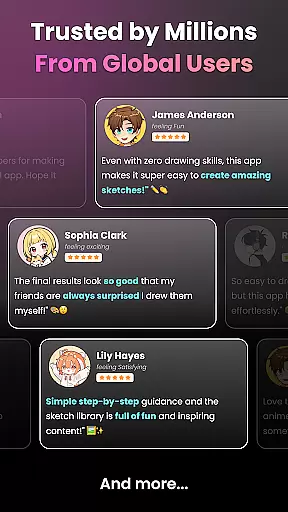
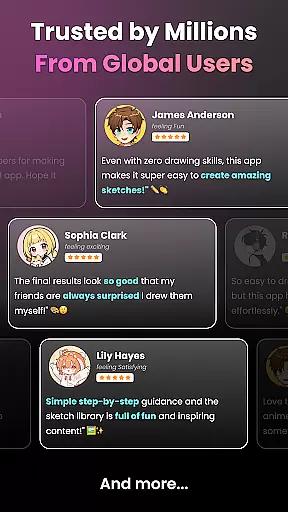
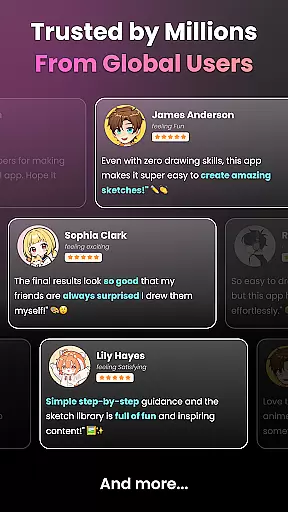
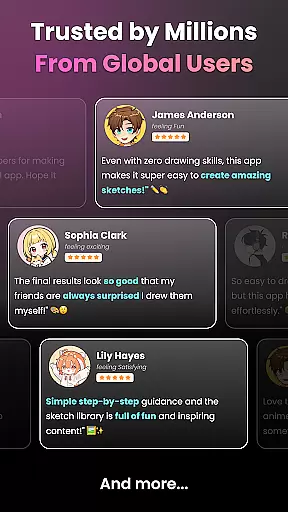
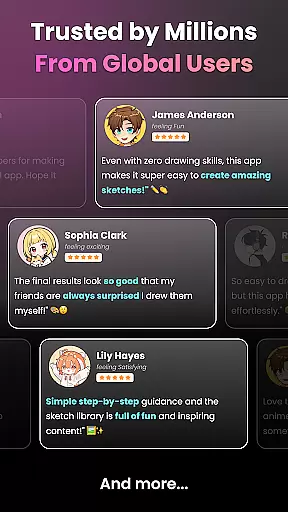
User Reviews