
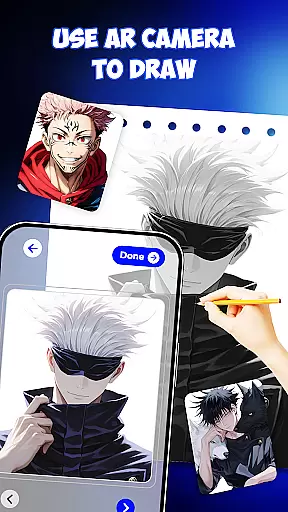
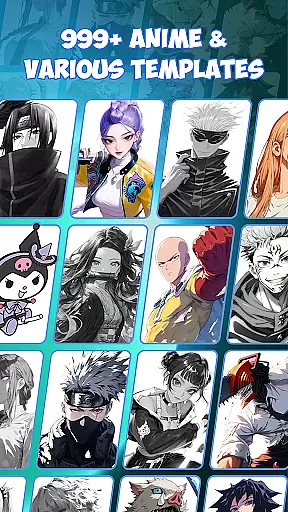
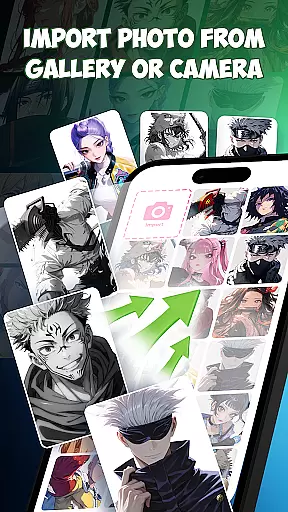
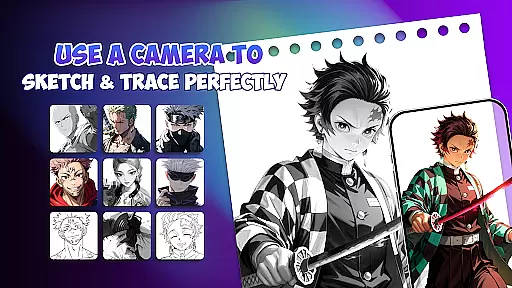
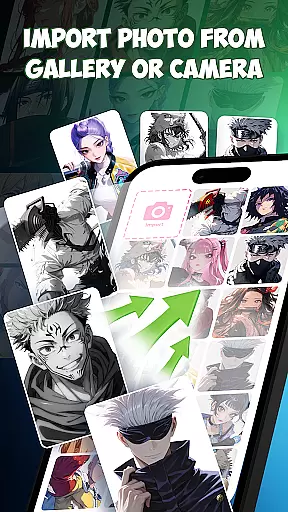
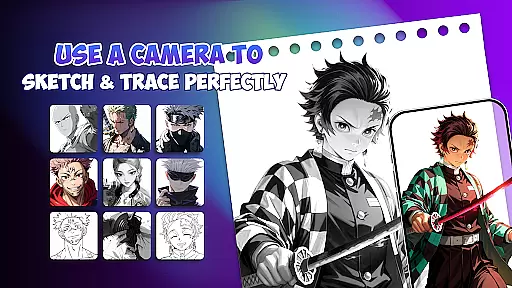
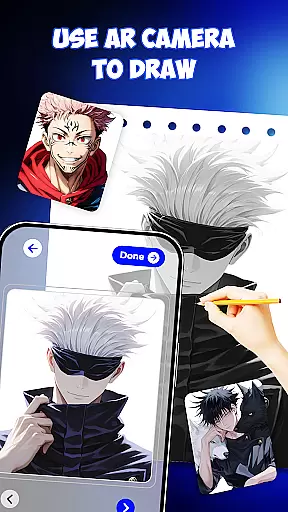
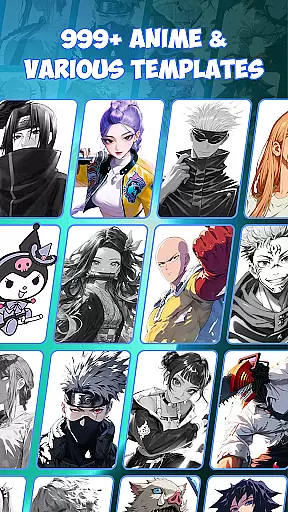
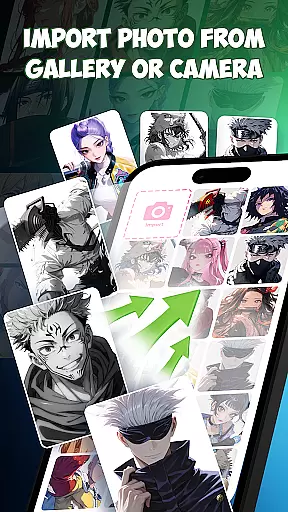
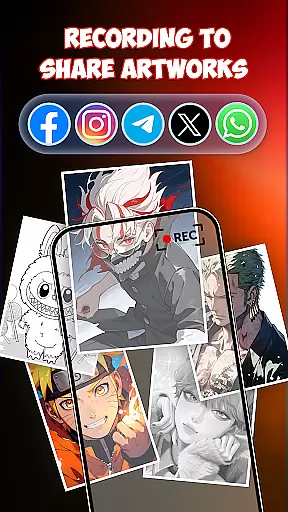
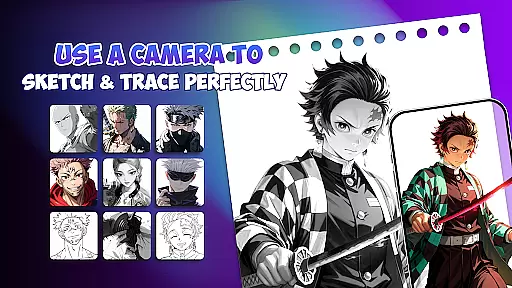
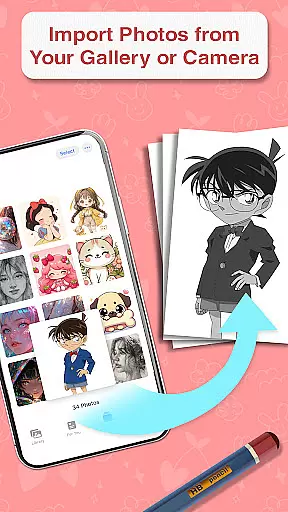
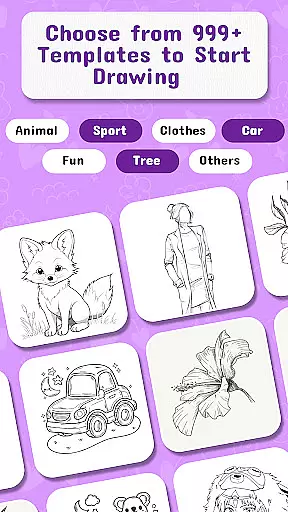
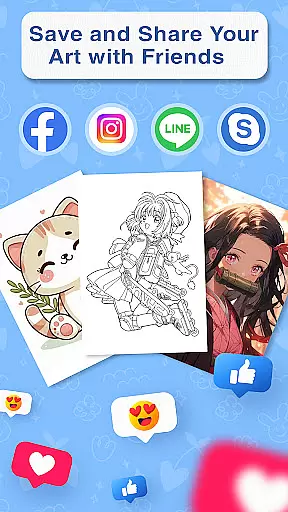
Draw Anime is an innovative AR-powered drawing application designed specifically for anime enthusiasts. This app allows users to learn and practice anime drawing through augmented reality guidance, making it easier than ever to sketch, trace, and paint anime characters. With over 999 templates available, users can draw any character they love while following step-by-step lessons. The app combines traditional sketching with modern AR technology, offering a unique learning experience that caters to both beginners and experienced artists.
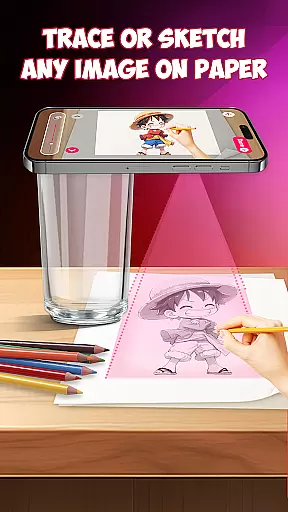
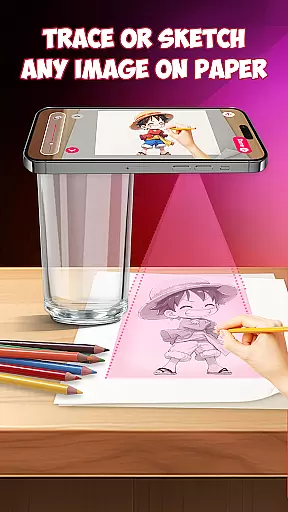
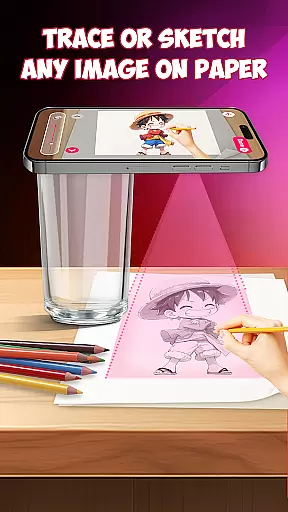
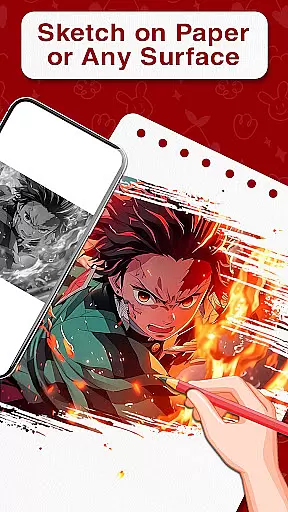
The application's standout feature is its ability to project outlines directly onto paper, enabling users to trace characters accurately. Whether you're practicing at home, preparing for art school, or designing tattoo sketches, Draw Anime provides the tools necessary to improve your skills. Its versatility extends beyond just anime, supporting various art forms like doodles, pop art, and painting. The app also includes AI-powered drawing support, which enhances creativity and precision.
This app is particularly beneficial for those who want to learn how to draw anime in a structured yet enjoyable way. By blending AR guidance with traditional techniques, Draw Anime helps users build muscle memory faster while staying focused on their work. It's suitable for all ages and skill levels, from kids just starting out to professional artists seeking to refine their craft. With unlimited free drawing features, this app ensures users can practice without limits, turning their artistic ideas into reality faster and more enjoyably.
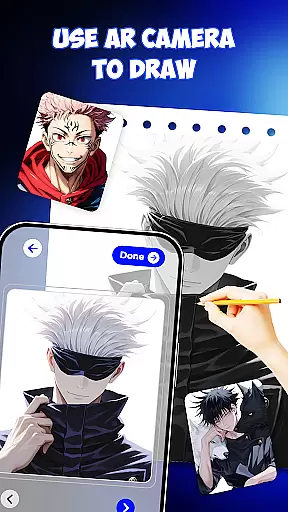
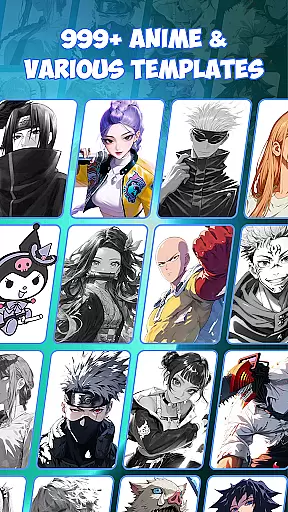
Draw Anime offers a comprehensive suite of features that cater to both novice and experienced artists. One of its most notable capabilities is the AR guidance system, which projects step-by-step outlines directly onto the user's paper. This feature allows for precise tracing and ensures that even beginners can create professional-looking anime drawings. Additionally, the app includes a vast library of 999+ templates, providing users with endless inspiration and variety when choosing characters to draw.
Beyond basic drawing, the app incorporates AI-powered drawing support, enhancing the creative process by suggesting improvements and offering additional artistic elements. Users can explore different styles such as doodle art, pop art, and painting, all within a single platform. The inclusion of drafting and design tools further elevates the app's utility, catering to artists who require precision in their work. Moreover, the app functions not only as a drawing tool but also as an educational platform, offering easy-to-follow tutorials and lessons.
Another key aspect of Draw Anime is its versatility. Whether users are looking to practice sketching for personal enjoyment or professional development, the app adapts to various needs. It serves as an excellent resource for art students, tattoo designers, and hobbyists alike. The combination of AR technology, AI assistance, and a wide range of templates makes this app a one-stop solution for anyone interested in improving their anime drawing skills while exploring other artistic avenues.
In the realm of digital artistry, having access to comprehensive creative tools is paramount. Draw Anime offers an extensive suite of features that cater to both budding and experienced artists. The app provides AR guidance and templates, allowing users to trace and draw anime characters with precision.
With 999+ templates, users can explore a vast array of character designs, ensuring that their creativity is not hindered by a lack of variety. This vast library supports endless artistic exploration, accommodating different styles and preferences within the anime genre.
The inclusion of AI drawing support adds another layer of innovation, enhancing the creative process with suggestions and automated enhancements. This fusion of traditional sketching and modern technology empowers artists to push the boundaries of their craft.
Moreover, the app's dedication to education shines through its step-by-step lessons and easy-to-follow tutorials. These resources make it an invaluable drafting and design drawing tool for anyone looking to improve their skills while enjoying the art of anime creation.
Flexibility in canvas and format options is crucial for artists who wish to express their visions without technical limitations. Draw Anime addresses this need by offering versatile solutions that adapt to various artistic demands. Users can place paper on their desk and follow AR guidance projected directly onto the drawing surface.
This unique approach bridges the gap between digital convenience and traditional techniques, providing a hybrid experience that leverages the best of both worlds. Artists can work with physical media while benefiting from digital overlays that ensure accuracy and alignment in their sketches.
The app also facilitates diverse use cases, from home-based learning to professional tattoo design, demonstrating its adaptability across different formats and environments. Such versatility ensures that whether users are practicing for art school or designing original pieces, they have the freedom to create as they envision.
Furthermore, Draw Animeu2019s compatibility with multiple drawing stylesu2014ranging from doodle art to detailed paintingsu2014illustrates its commitment to supporting a broad spectrum of artistic expressions. This adaptability makes it an essential tool for artists seeking uninhibited creative freedom.
User-friendly interface
Extensive template library
AR guidance for accuracy
AI-powered creativity tools
Suitable for all skill levels
Limited offline functionality
Requires stable internet
Premium features locked
Occasional AR glitches
Steep learning curve

Premium version of Shimeji-ee app with no ads & no limit active shimeji
 4.4
4.4
The ultimate tool for creating animations
4.60
Stylish letters, Stylish Keyboard, Symbols, Emojis, Cool nickname
4.40
Create trending AI photos & videos with powerful effects and 3D styles.
3.20
Art of Combination Wear OS Watch faces
4.1
Castle is social media for creating and playing games!
4.60
Kling AI is an image and video generation and editing studio powered by AI.
4.50
Explore future self face age filter & remove background image for a unique look.
3.50
Multiplayer Drawing game, Coloring, Painting・Sketch, Handwriting・Paint, draw
4.30
Mobile pixel art editor. Simple. Fast. Portable.
4.80
Minecraft & Roblox Clothes
4.70
Novices can also easily complete diamond painting masters
4.70
Draw, make movies & animate cartoons easily with our 2D animation maker app
4.40
Trace, draw, and create art with AR - from memes to masterpieces!
4.30
Sketch, plan, take notes and illustrate on an infinite canvas.
4.20
Create Logos, Tattoos, AI Art & more with our AI Photo Generator & Design Editor
4.20
Unleash Your Creativity with Draw Cartoon - AR Drawing App
4.10
Meet the magic aı 3d photo generator and smart AI video generator app.
3.20
Pose and morph realistic male and female models! 3D poser app
3.00


User Reviews