
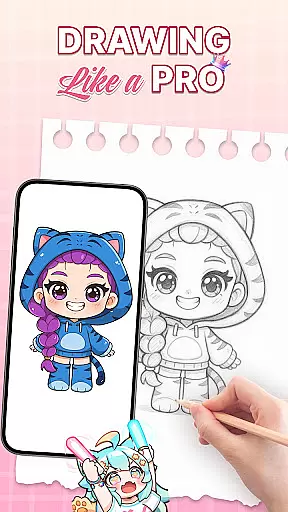
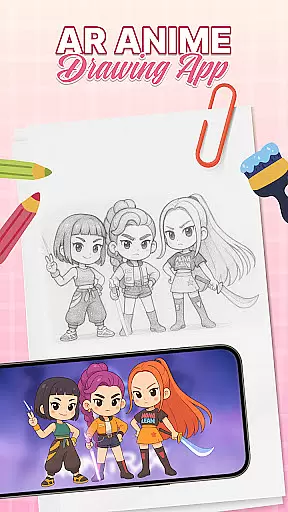
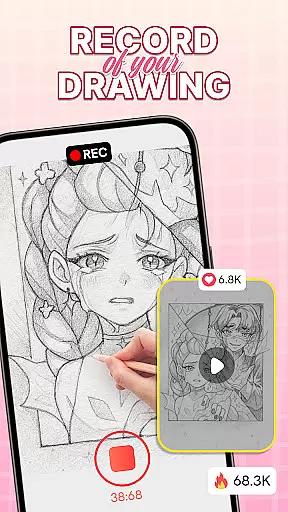
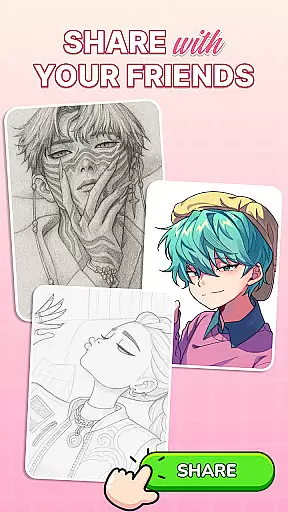
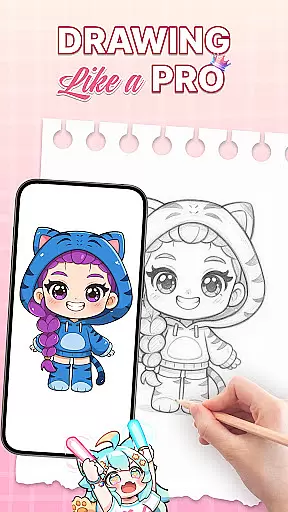
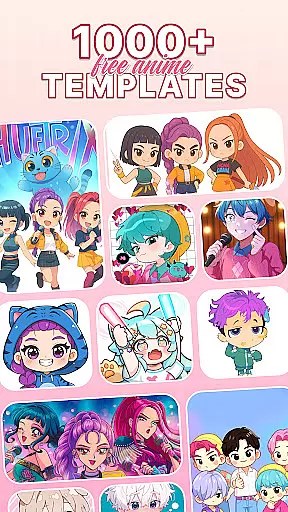
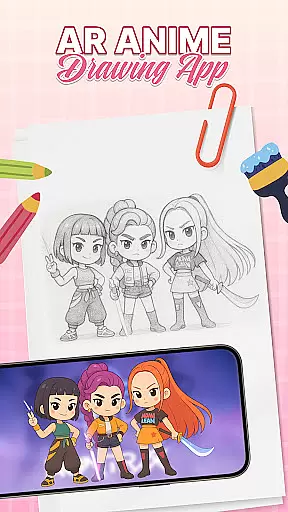
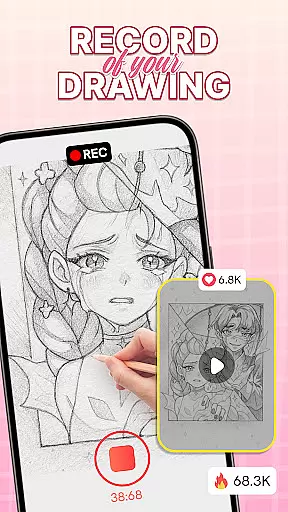
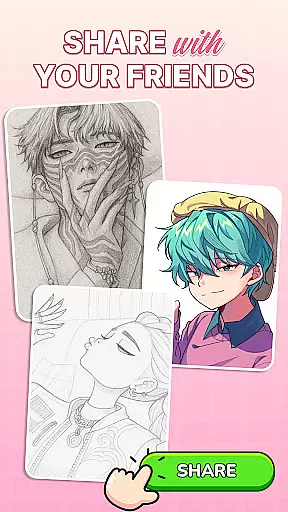
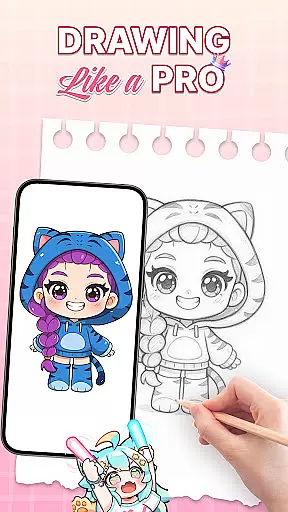
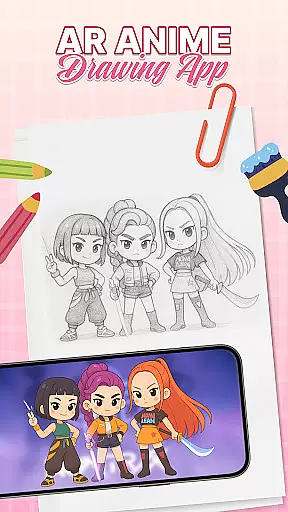
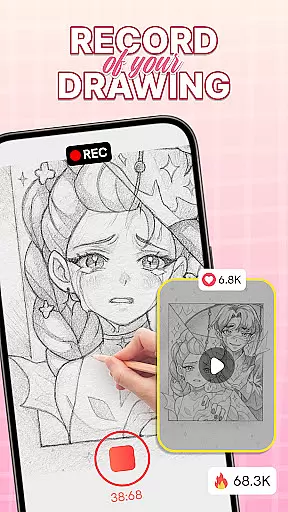
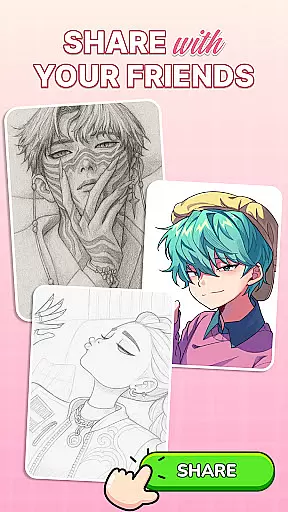
AR Drawing: Sketch & Trace is an innovative mobile application that merges augmented reality with artistic expression, allowing users to project any image onto paper for effortless tracing. This app serves as a comprehensive drawing guide, particularly beneficial for those interested in anime and cartoon art styles.
The core functionality lies in its ability to transform images into traceable templates through AR technology. By placing the phone's camera above the drawing surface, users can trace inverted projections of selected images. The app caters to various artistic interests, from digital art enthusiasts to traditional sketch artists.
This application proves especially valuable in educational settings or family environments where parents and children can engage in creative activities together. The combination of technological innovation with artistic development makes this app suitable for both beginners seeking structured guidance and experienced artists looking to refine their techniques.
AR Drawing stands out through its diverse range of features designed to enhance the creative process. The app's signature capability is its augmented reality tracing function, which projects images directly onto drawing surfaces with remarkable precision.
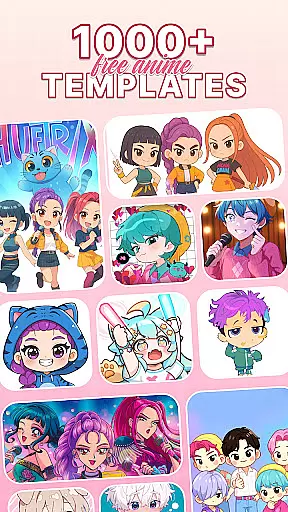
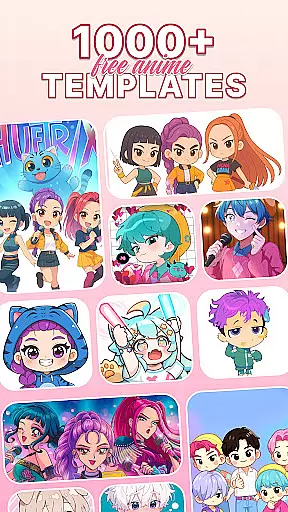
Users have access to an extensive library of drawing templates covering multiple categories including anime, animals, and nature scenes. These templates serve as valuable learning tools for developing fundamental drawing skills. Additionally, the app provides comprehensive sketching and painting tools, enabling artists to add intricate details and vibrant colors to their creations.
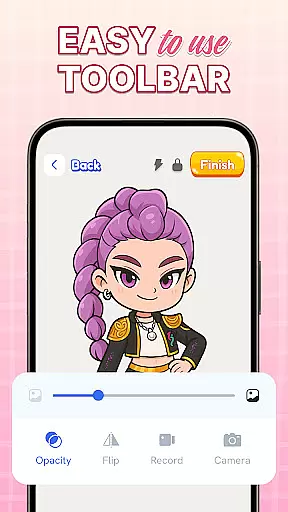
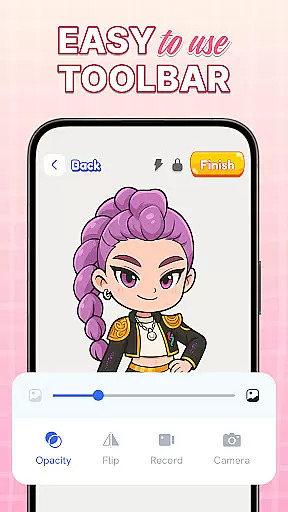
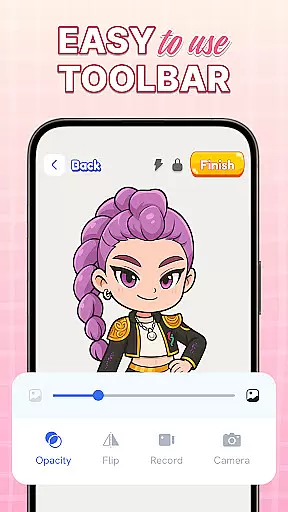
Practical features such as integrated camera support and adjustable flash settings ensure optimal tracing conditions regardless of lighting situations. The user-friendly interface and regular feature updates demonstrate the developers' commitment to maintaining a cutting-edge artistic platform that evolves with users' needs.
When it comes to digital art applications, the comprehensiveness of creative tools is paramount. AR Drawing: Sketch & Trace offers an extensive suite of artistic instruments that cater to both amateur and professional artists. The app includes AR drawing and tracing features that allow users to project any image onto a surface for easy replication.
In addition to its innovative augmented reality functionality, the app provides diverse drawing templates covering various categories such as anime, animals, and nature. These templates serve as excellent guides for users looking to improve their skills or find inspiration for their next masterpiece.
The Sketch & Paint tools within the app are designed to bring sketches to life with vibrant colors and intricate details. Users can explore different paint and color options, offering them the ability to customize their artwork down to the finest detail. This complete package ensures that artists have everything they need at their fingertips.
Flexibility in canvas and format options is essential for artists who wish to express their creativity without limitations. AR Drawing: Sketch & Trace understands this need and offers adaptable solutions for creators. By utilizing the phone's camera and flash, users can draw on any surface, making the world their canvas.
The app stands out by providing an intuitive user interface that supports various drawing styles and techniques. Whether you're sketching traditionally or exploring digital art forms, the application adjusts to your preferred method with ease.
Moreover, regular updates ensure that new features are continually added, enhancing the flexibility and functionality of the app over time. With these capabilities, AR Drawing: Sketch & Trace becomes not just a tool but a versatile platform for nurturing artistic talent across all ages and skill levels.
User-friendly interface
Wide template selection
Family-friendly design
Regular feature updates
Educational benefits
Requires stable setup
Limited free content
Device compatibility issues
Subscription fees apply
Learning curve present

AI generated images & photos, turn your words into drawing, painting & pictures.
 4.30
4.30
Draw anime & manga drawing, art with templates to create stunning picture!
4.50
Meet the magic aı 3d photo generator and smart AI video generator app.
3.20
Unleash your drawing and painting potential
4.50
Painting, drawing, & sketching
4.50
Image resizer to resize, crop, rotate, flip, change dpi photo or picture in bulk
4.60
Get an overview over all your embroidery threads, projects and more.
4.60
A luxurious gold watch face for an elegant and refined look.
4.4
Create cute cat emojis & PFPs! Fun, custom avatars for cat lovers.
3.70
Photo stitcher for automatically screenshot stitching into a long screenshot
4.70
Video AI: Revolutionize Your Content Creation with Advanced Video Generation
4.50
Stylish letters, Stylish Keyboard, Symbols, Emojis, Cool nickname
4.40
Create and Design Custom Logos in Seconds with AI-Powered Tools!
4.40
Design your dream room with AI. Get decor ideas & plan home interiors
3.90
AI Face Swap, Video Effects Editor, Realtime Morph, Funny Video FX,AI Filters
3.70
Create sweet, cool and unique couple avatars easily, in just a few steps!
3.40
Vidu is an AI video generator made for creators and aspiring makers.
3.30
Draw anime easily with AR guidance, sketch templates & trace tools!
3.10
Premium version of Shimeji-ee app with no ads & no limit active shimeji
4.2


User Reviews