
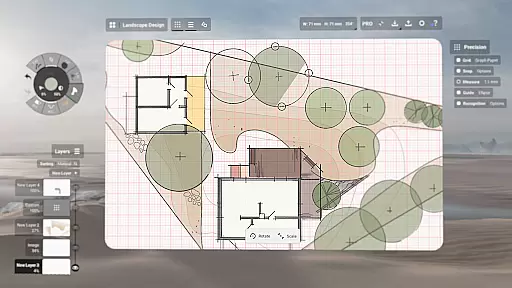
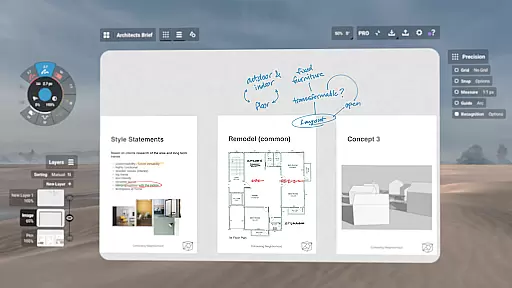
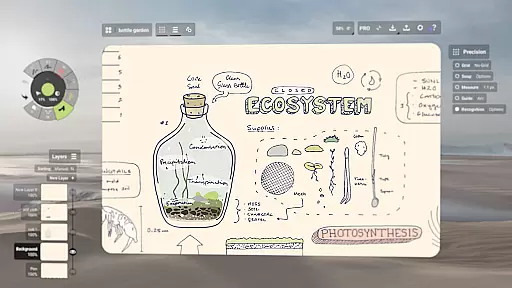
Concepts is a versatile vector-based creative workspace designed for artists, designers, and creators to bring their ideas to life. This digital sketchpad offers an infinite canvas where users can sketch plans, create mind maps, draw storyboards, and experiment with designs. With its responsive tools that adapt to pressure, tilt, and velocity, Concepts provides a realistic drawing experience. The app is optimized for the latest pen-enabled devices, making it fast and smooth.
One of the standout features of Concepts is its flexibility in editing. Every stroke is editable and scalable, allowing users to modify their work without starting over. The app includes powerful tools like Nudge, Slice, and Select, which make adjustments easy and precise. Additionally, users can personalize their workspace with custom grids, paper types, and tool presets. Whether you're a professional at Disney or a student, Concepts adapts to your creative needs.
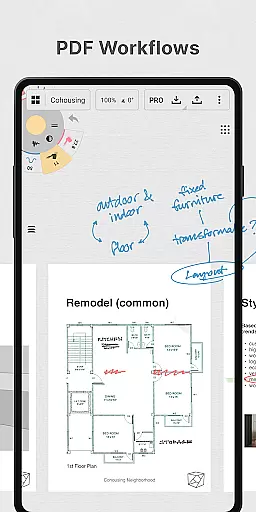
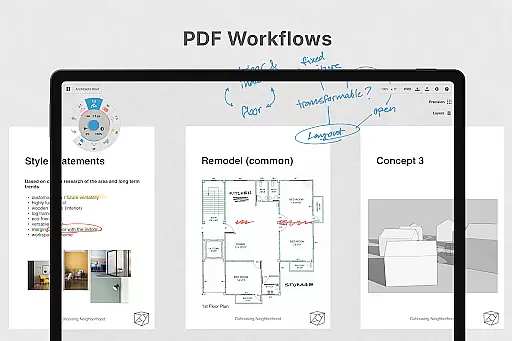
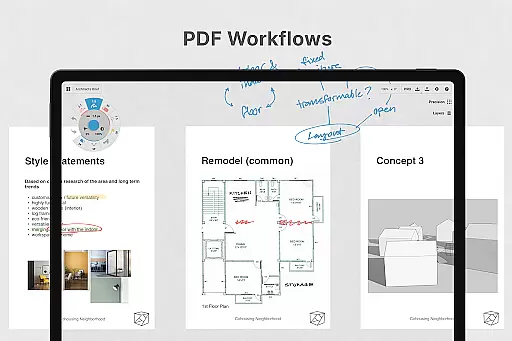
The app's value extends beyond individual use; it's perfect for collaboration. Creators can share their work with clients, friends, or across different platforms. With support for exporting images, PDFs, and vectors, Concepts facilitates feedback and iteration. Its seamless integration with Chrome OS and other platforms ensures that your creative process is uninterrupted, wherever you are.
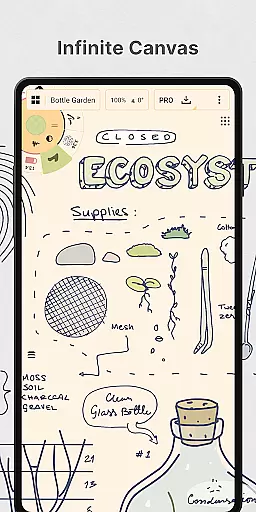
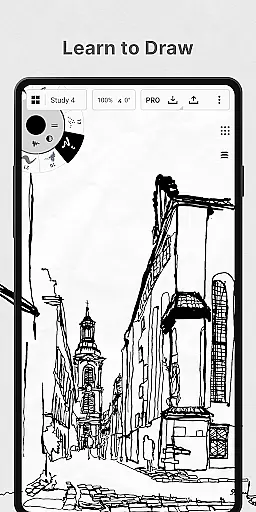
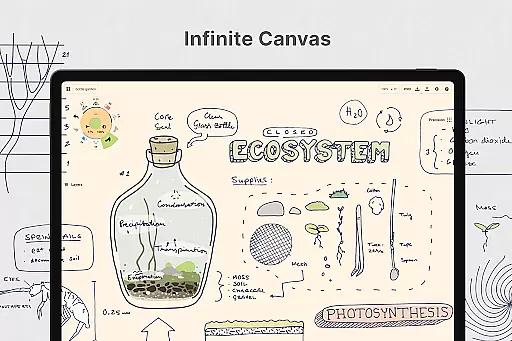
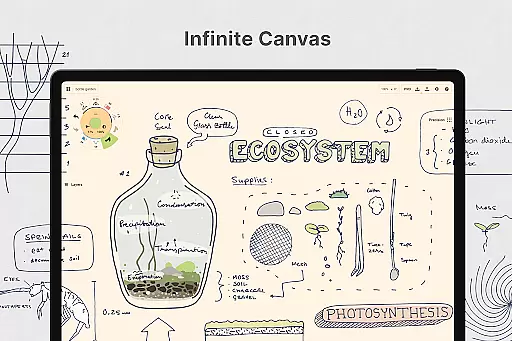
Concepts stands out with its rich feature set tailored for creative professionals. The app offers realistic pencils, pens, and brushes that respond to various inputs like pressure and tilt, providing an authentic drawing experience. Users can take advantage of live smoothing options to refine their strokes on the fly. The infinite canvas allows for boundless creativity, whether you're sketching product designs or planning projects.
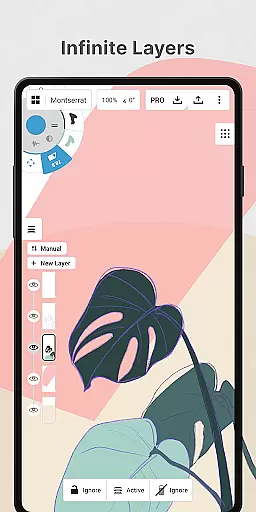
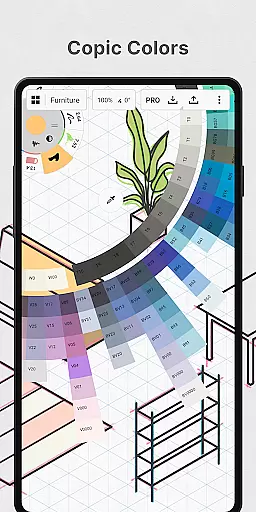
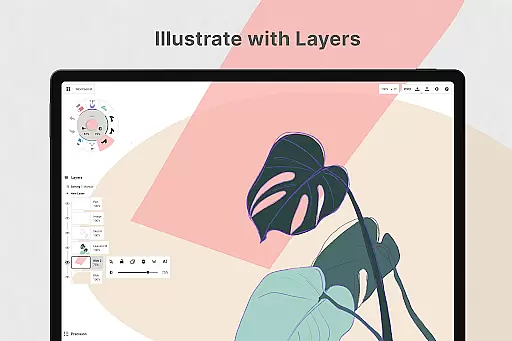
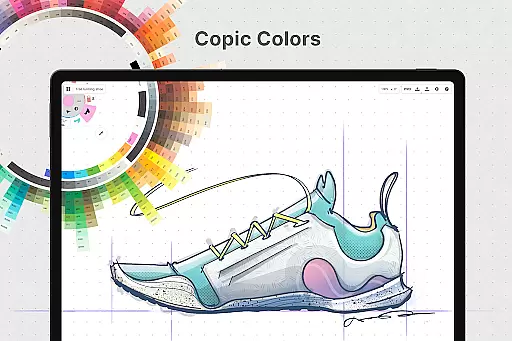
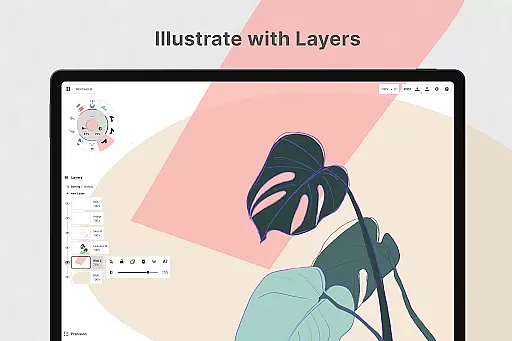
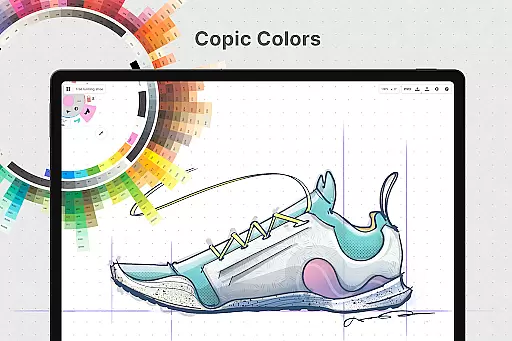
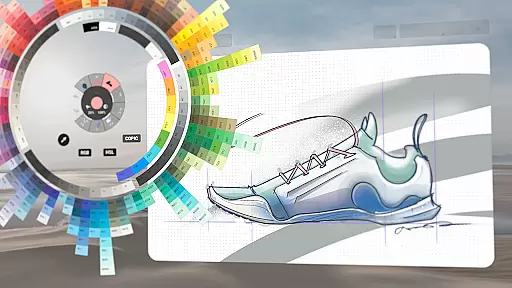
Another remarkable aspect is the infinite layering system. This feature enables users to organize their work efficiently by adjusting opacity and sorting layers automatically. The app also includes HSL, RGB, and COPIC color wheels, helping users choose complementary colors effortlessly. With flexible vector-based sketching, creators can move and adjust elements anytime, ensuring precision and flexibility in their work.
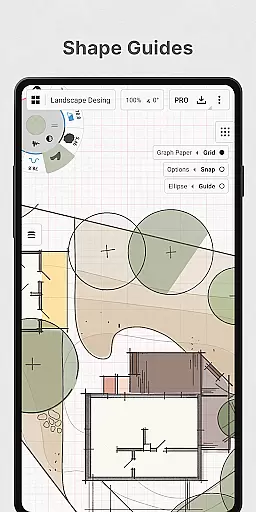
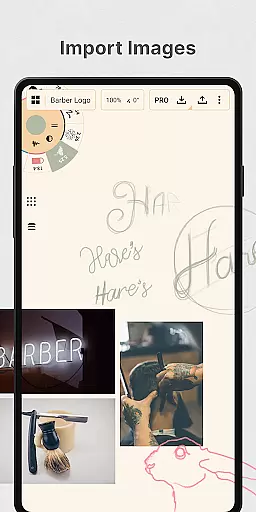
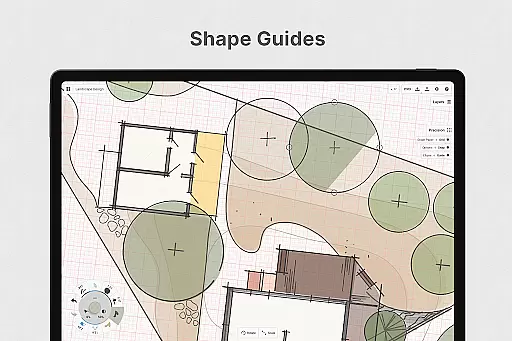
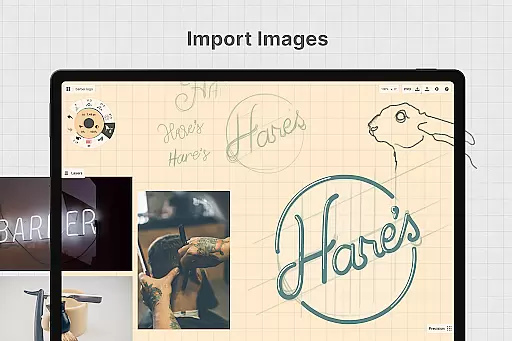
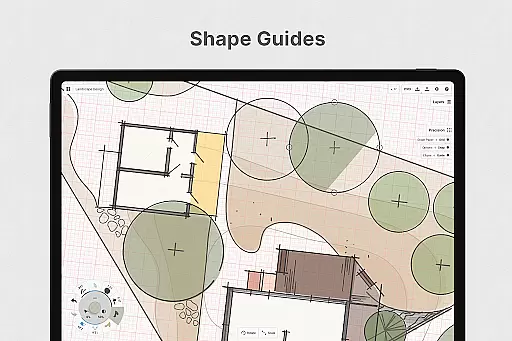
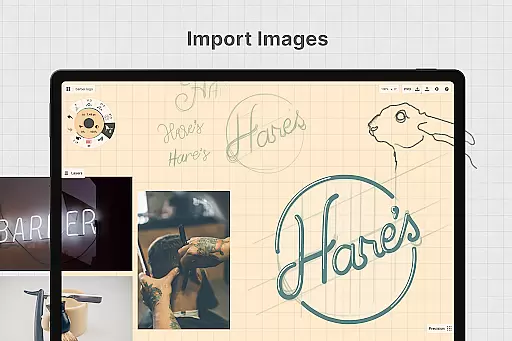
Concepts also excels in enhancing productivity. Tools like shape guides, live snap, and measurement ensure clean and accurate sketches. Users can personalize gestures and workflows, duplicate their work for iterations, and drag+drop images onto the canvas for reference or tracing. These capabilities, combined with export options for various formats, make Concepts an indispensable tool for anyone involved in design and ideation.
In the realm of digital art and design, having a comprehensive set of creative tools is paramount. Concepts offers an extensive array of instruments that cater to every artist's needs. The app provides realistic pencils, pens, and brushes that respond to pressure, tilt, and velocity, with adjustable live smoothing to refine your strokes.
Moreover, Concepts boasts an infinite canvas with various paper types and custom grids, allowing creators the freedom to explore vast creative landscapes without constraints. This feature is particularly beneficial for professionals who require flexibility in their workflow, such as those at Disney and Apple, who use Concepts to bring extraordinary ideas to life.
The inclusion of a customizable tool wheel or bar means that users can tailor their workspace with favorite tools and presets, streamlining the creative process. Additionally, the infinite layering system with automatic sorting and adjustable opacity empowers artists to manage complex projects efficiently.
With HSL, RGB, and COPIC color wheels, choosing harmonious colors becomes an intuitive process, enhancing the visual appeal of creations. These complete and versatile tools ensure that whether you're sketching, storyboarding, or designing, Concepts adapts to your unique style and helps transform concepts into reality.
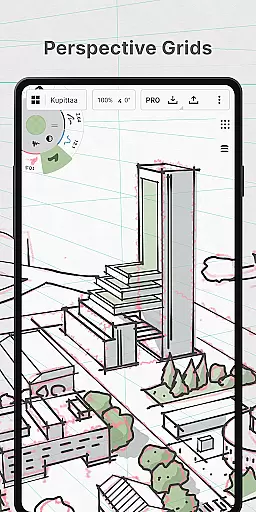
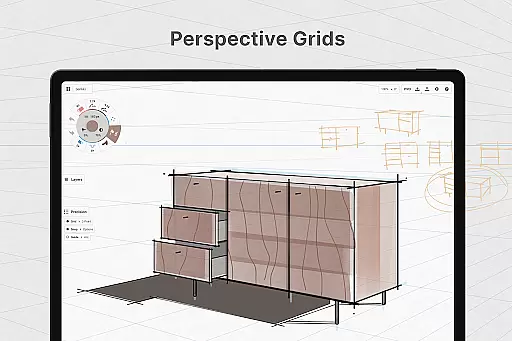
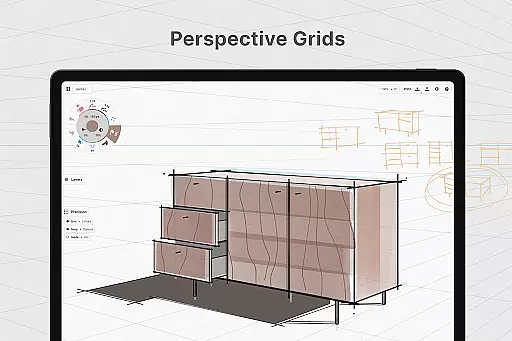
A flexible canvas and format options are essential for unleashing creativity without boundaries. Concepts redefines this space by offering an infinite canvas that supports diverse paper types and custom grids, accommodating varied artistic expressions from freehand sketches to detailed technical drawings.
This unparalleled canvas flexibility allows creators to personalize their workspace, adapting it to suit specific project requirements or personal preferences. Whether it's adjusting grid sizes for precision work or selecting textured papers for a traditional feel, Concepts ensures that the canvas is never a limitation but a foundation for innovation.
Furthermore, the app facilitates seamless transitions between different formats, empowering users to export their work in multiple file types including PNG, PSD, SVG, and DXF. Such versatility guarantees compatibility with other software and services, making collaboration and sharing effortless.
By providing these adaptable canvas and format options, Concepts not only meets but exceeds the expectations of modern creators, enabling them to focus on what truly matters u2013 bringing their imaginative visions to life without being hindered by technological constraints.
User-friendly interface
Infinite canvas
Vector-based editing
Customizable tools
Cross-platform support
Premium features costly
Steep learning curve
Limited free exports
Subscription required
Advanced tools complex

Art of Combination Wear OS Watch faces (for Wear OS 5+ devices)
 3.00
3.00
Art of Combination Wear OS Watch faces
4.4
Draw anime & manga drawing, art with templates to create stunning picture!
4.50
Photo blender app to create overlay photos & double exposure.
4.40
Design unique, funny and adorable cat stickers that reflect your own style!
3.80
Turn your drawings into flipbook-style animations with simple creative tools
4.60
Android 14 style widgets and wallpapers app.
4.4
Beauty Camera - Selfie Camera is the ultimate beauty camera and selfie app
4.30
Kling AI is an image and video generation and editing studio powered by AI.
4.50
Draw glowing spinners, relax, and spin your creative art
4.60
Unleash your drawing and painting potential
4.50
800+ Drawing, Painting Lessons App to Practice, Sketch & Paint Art.
4.30
Unleash the artist in you with our AR drawing and tracing tool for photo drawing
4.10
Easy 3D drawing design maker & creator. Model designing, Sculpting. Create&paint
4.00
Turning simple sketches into captivating tales filled with life and motion
3.90
Paint with oils and sketch with natural tools on a realistic virtual canvas.
3.80
Powerful home decoration & house design that allows you to design dream home.
3.80
Inky runs Inkscape on Android devices and Chromebooks
2.90
A luxurious gold watch face for an elegant and refined look.
4.3


User Reviews