
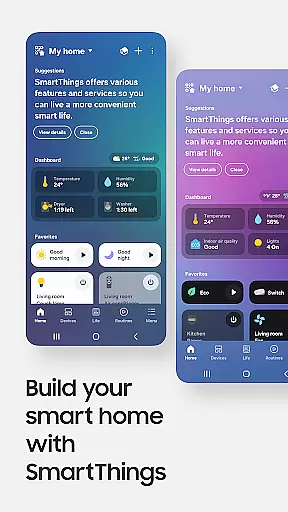
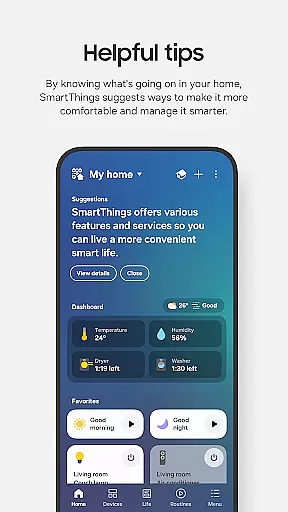
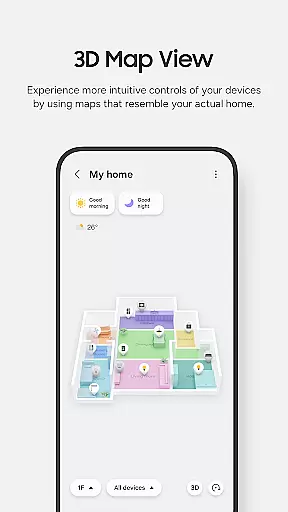
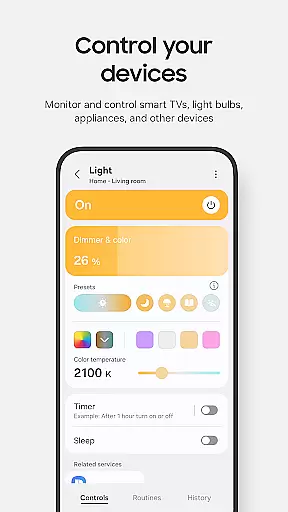
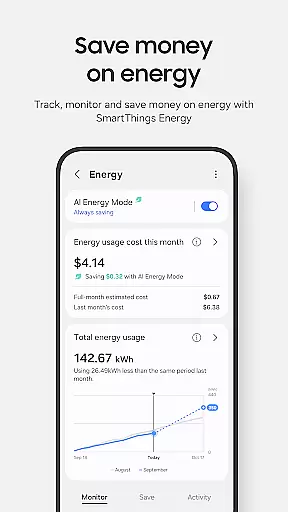
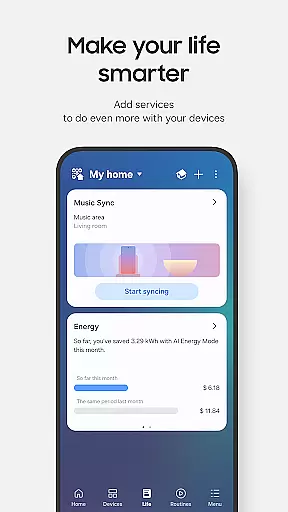
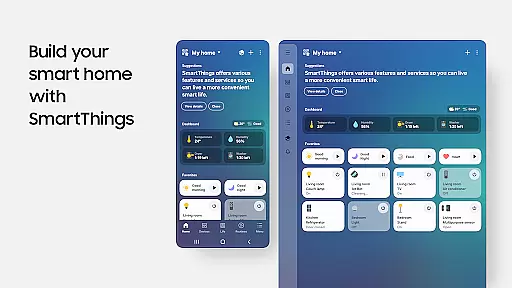
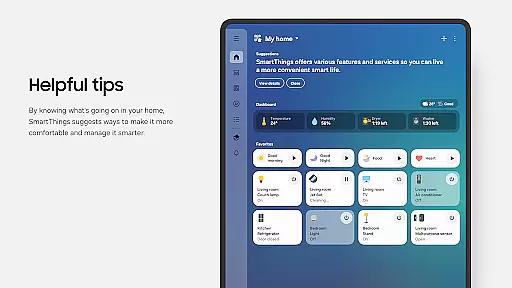
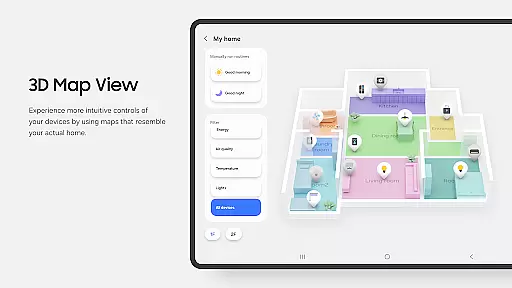
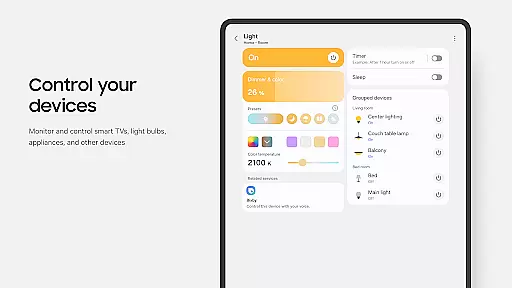
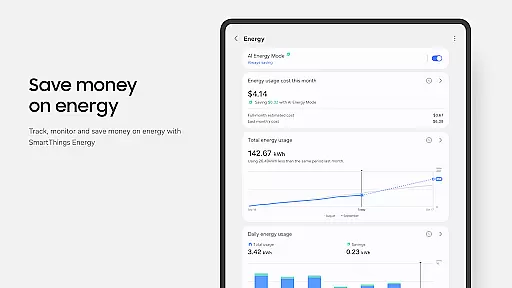
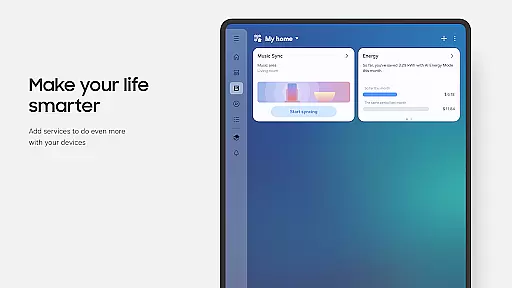
SmartThings is a comprehensive smart home management application that allows users to seamlessly connect and control all their smart devices from a single platform. The app supports integration with hundreds of smart home brands, including Samsung Smart TVs, smart appliances, and third-party products like Ring, Nest, and Philips Hue.
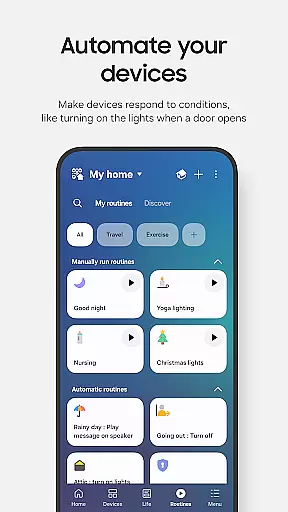
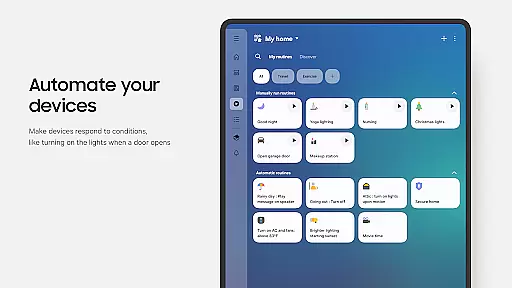
With its intuitive interface, SmartThings enables users to monitor and manage their smart home gadgets remotely. Key features include creating automated routines based on time, weather, or device status, voice control through Alexa, Bixby, and Google Assistant, and real-time notifications about device statuses. It also offers shared access for multiple users, making it ideal for family use.
This app is particularly optimized for Samsung smartphones, though it can be used with other Android devices. Its compatibility extends to Wear OS-based smartwatches, allowing users to control routines and devices directly from their wrist. Whether you're at home or away, SmartThings ensures your smart home operates smoothly and efficiently.
SmartThings stands out with its extensive compatibility and versatile functionality. The app integrates with a wide range of smart home devices, enabling centralized control over lighting, security systems, thermostats, and more. One of its key strengths is the ability to create customized routines, which automate daily tasks based on specific triggers such as time of day or weather conditions.
Voice control is another major feature, supporting popular assistants like Alexa, Bixby, and Google Assistant. This allows for hands-free operation, enhancing convenience and accessibility. Additionally, SmartThings provides real-time notifications and updates, ensuring users are always informed about their home's status. The app also includes advanced security features, allowing users to grant controlled access to family members or guests.
For users with Wear OS smartwatches, SmartThings offers dedicated complications and tiles, enabling quick access to routines and device controls directly from the watch face. These features demonstrate the app's commitment to providing a seamless and integrated smart home experience across multiple devices.
SmartThings offers seamless companion app integration, allowing users to control and monitor their smart home devices from a single platform. This centralized approach simplifies the management of multiple smart devices, including Samsung Smart TVs and appliances.
The app's compatibility with various smart home brands like Ring, Nest, and Philips Hue ensures that users can manage all their gadgets without needing to switch between different applications. This unified control enhances user convenience and saves time when managing smart home ecosystems.
Additionally, SmartThings supports voice assistants such as Alexa, Bixby, and Google Assistant, providing users with flexible control options. This feature not only increases accessibility but also allows for hands-free operation, making daily tasks more efficient and user-friendly.
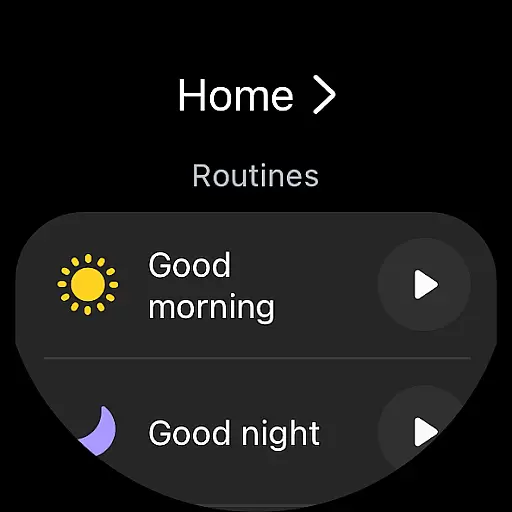
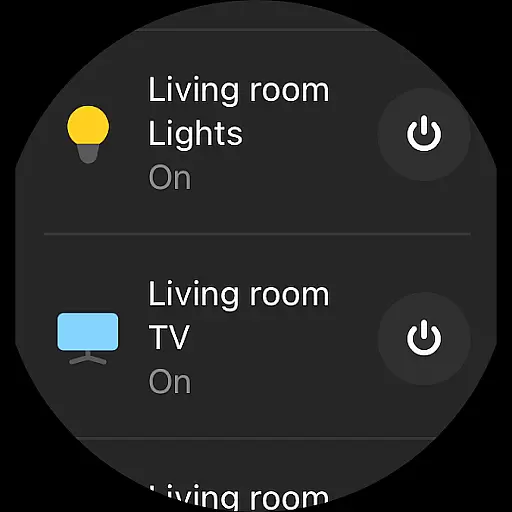
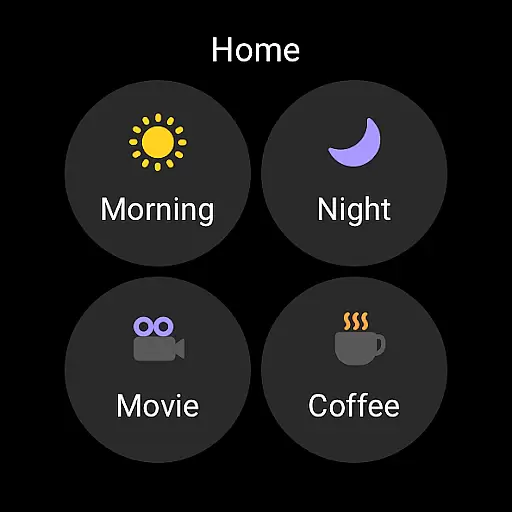
SmartThings is optimized for Wear OS-based watches, offering users the ability to access routines and control devices directly from their smartwatch. This compatibility extends the app's functionality beyond smartphones, providing users with greater flexibility and convenience.
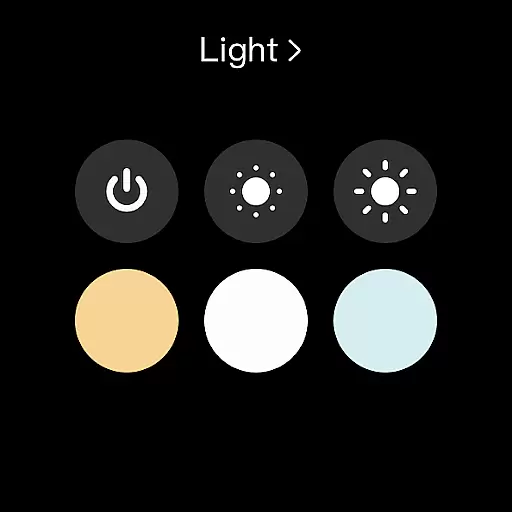
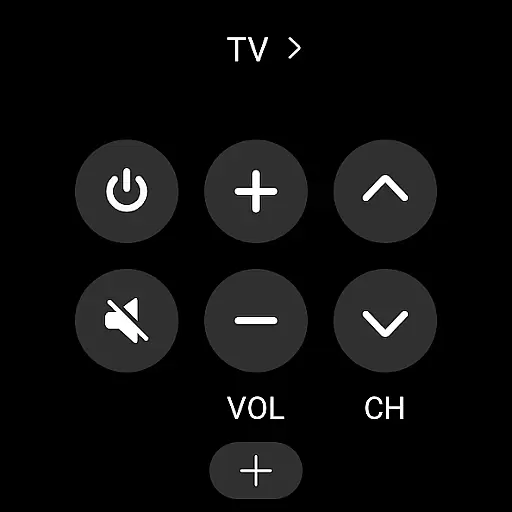
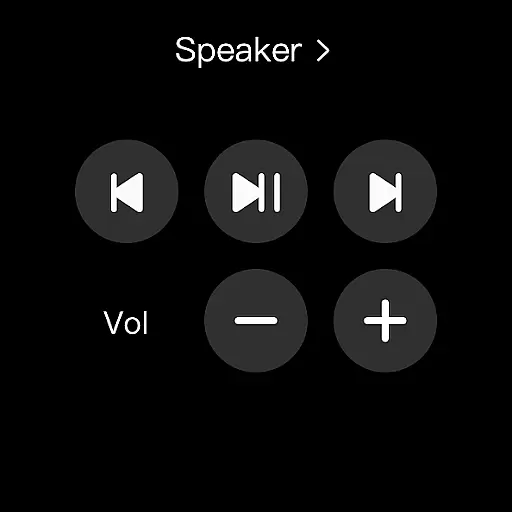
By adding SmartThings tiles on a watch face, users can quickly enter the app's services and execute commands without needing to interact with their phone. This feature is particularly useful for users who are frequently on the go and require instant access to their smart home controls.
However, it's important to note that SmartThings for Wear OS requires the watch to be connected to a mobile phone. While this dependency exists, the overall benefits of having smart home control at your wrist significantly enhance the user experience and accessibility of smart home management.
User-friendly interface
Wide device compatibility
Advanced automation options
Voice assistant integration
Real-time notifications
Limited iOS support
Some features Samsung-specific
Occasional connectivity issues
Requires stable internet
Complex for beginners

Wear Os Watch Face - Animated Snow - Sesonal for Christmas & Winter
 4.1
4.1
Embrace the festive spirit with our Christmas Countdown watchface for Wear OS
4.10
A modern premium sporty hybrid watch face for Wear OS by Ballozi
4.70
The ultimate destination for kids ages 3-8 to explore the Marvel Universe!
4.30
Get helpful reminders, take progress photos and find answers to your questions.
3.90
Your music, your playlists, and more—offline and unlimited.
4.20
Your local weather forecast, storm tracker, radar maps & live weather news
3.40
Track your active life in one place and share the journey with friends.
4.40
From periods to pregnancy & perimenopause, Flo helps you track it all. Try now.
4.70
Highly customizable hybrid watch face for Wear OS, perfect for everyday use.
4.60
MyNISSAN® lets you remotely control your car from your phone.*
4.50
Deck out your Wear OS Watch face with a beautifully decorated pine wreath!
4.50
Bold, Modern Hybrid Watch Face for Wear OS. 10 Colors, Rich Info Display.
4.30
Let's celebrate Thanksgiving - Wear Os watch face
4.20
sleep, alarm, snoring, stress, healing, focus, sound therapy, circadian rhythm
4.10
Viewer for Wyze/Yi/Eufy/Arlo/ONVIF/RTSP/P2P IP cams w/ adv. features & DIY DVR
4.00
Authentic military-tactical design with ZULU time! Realistic and functional!
3.80
Christmas is near, let's count together the days left until Santa comes
4.0
A watch face that fuses motorsport precision with contemporary smartwatch design
4.2


User Reviews