
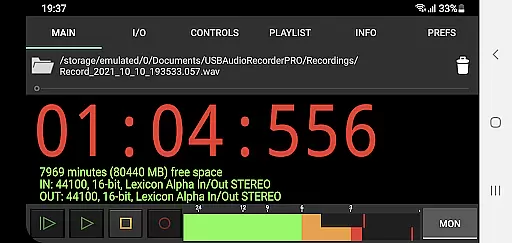
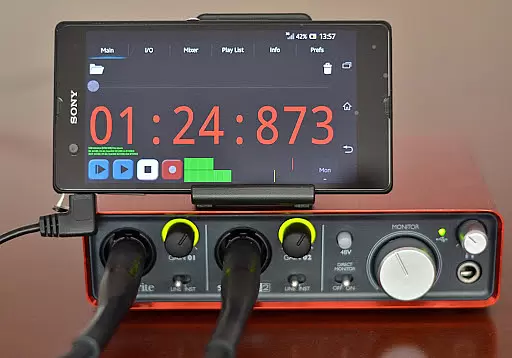
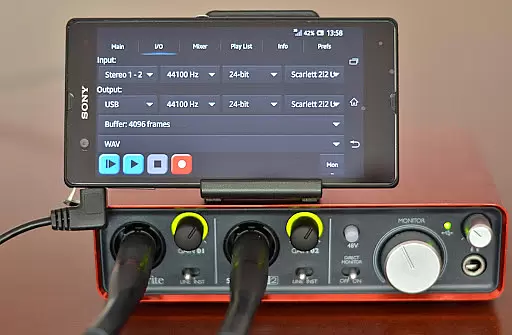
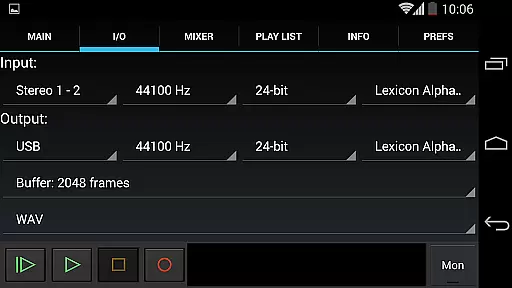
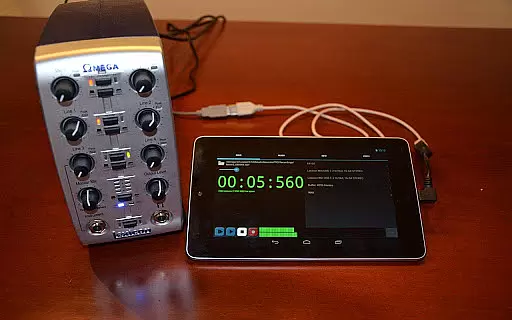
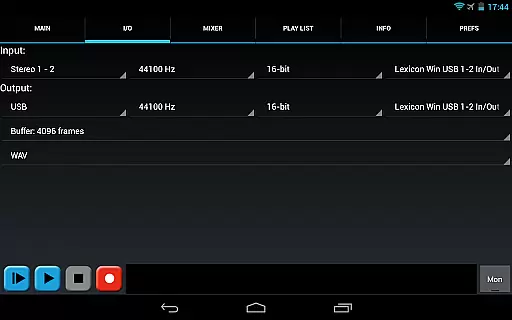
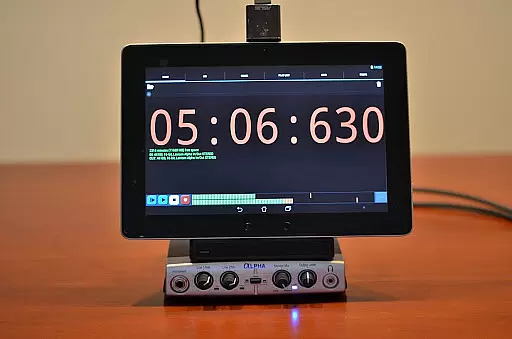
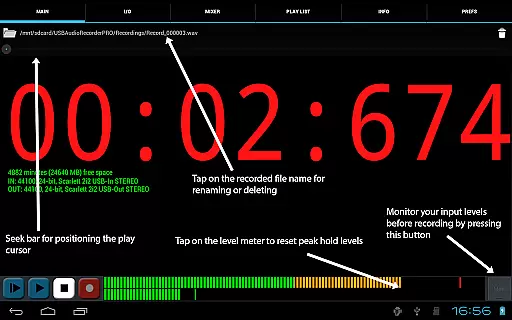
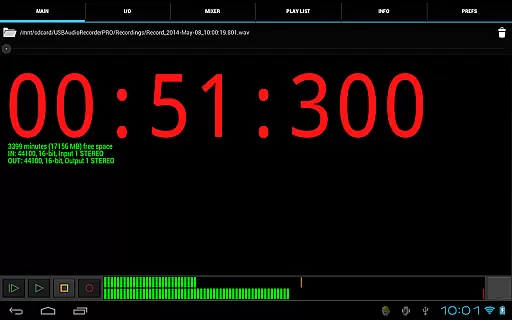
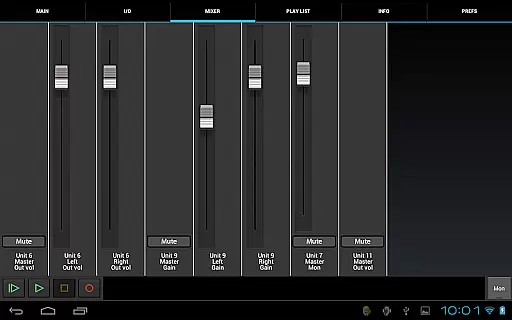
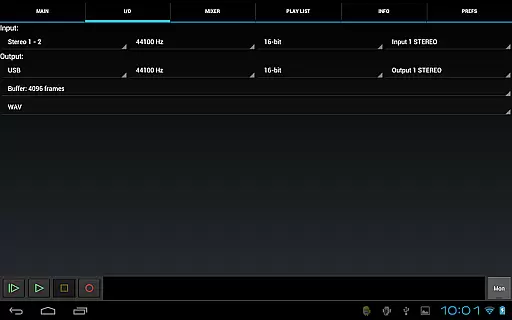
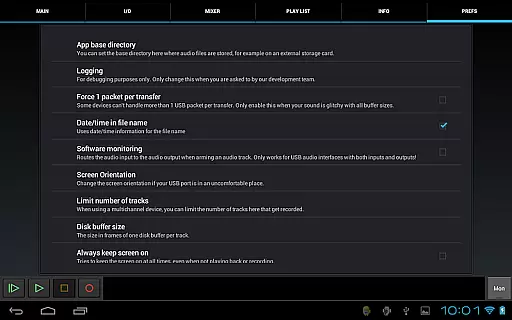
USB Audio Recorder PRO is a specialized audio recording and playback application designed for users who require high-quality audio processing directly through their USB audio interface. The app offers an extensive range of functionalities including mono, stereo, and multichannel recording options, with support for high sample rates up to 384 kHz depending on the connected device. It also provides flexible format selections such as WAV, FLAC, OGG, and AIFF, ensuring professional-grade recordings.
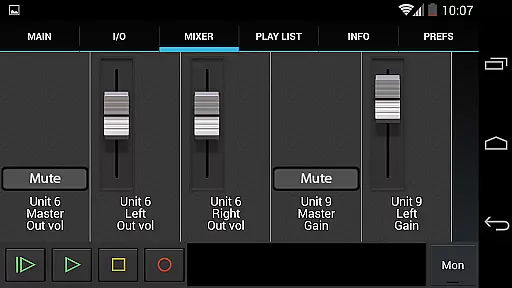
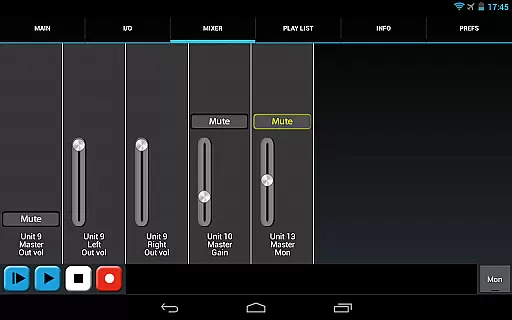
One of the key strengths of this app lies in its compatibility with class-compliant USB audio devices without requiring root access. Users can select input/output channels, adjust buffer sizes, and monitor levels before recording. Additionally, it supports internal controls like gain and mute if the connected device allows it. This makes the app particularly suitable for musicians, podcasters, or audio engineers who need reliable mobile recording solutions.
The app's ability to function as a license for using USB audio in other apps like Audio Evolution Mobile adds extra value. While it doesn't allow integration with other applications, its standalone capabilities make it ideal for scenarios where portability and quality are critical. Whether you're capturing live performances or conducting field recordings, USB Audio Recorder PRO ensures exceptional results.
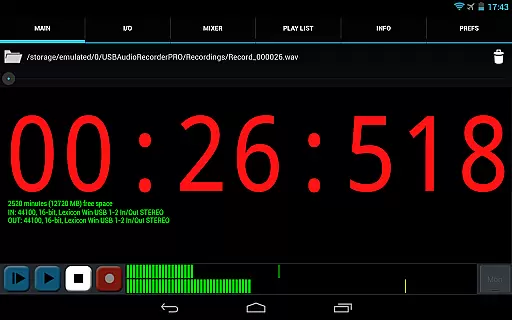
USB Audio Recorder PRO stands out due to its advanced feature set tailored for professional audio needs. The app supports both USB audio recording and playback, accommodating various configurations such as mono, stereo, and multichannel setups. With resolutions ranging from 16-bit to 32-bit and sampling rates reaching up to 384 kHz, users can achieve studio-quality sound reproduction. The inclusion of level meters with peak hold functionality further enhances precision during recordings.
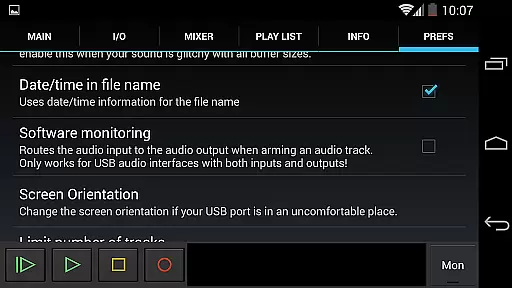
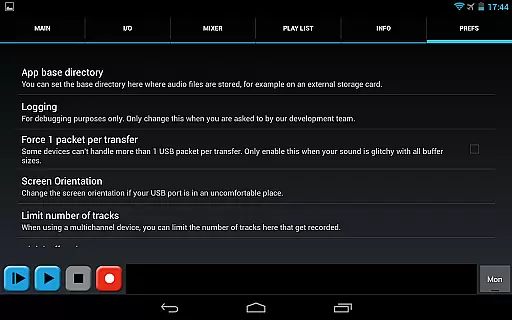
Another notable aspect is the app's customization options. Users can choose between different buffer sizes (from 1024 to 16384 frames) and select preferred file formats like WAV, FLAC, OGG, or AIFF. These features ensure optimal performance based on individual requirements. Additionally, the app allows setting custom folders for saving files, making data management more efficient. For those working with input-only devices like USB microphones, the option to play through Android’s internal speakers proves highly beneficial.
While primarily focused on recording, the app includes basic playlist functionality for directory playback. Sharing capabilities via platforms like GMail or SoundCloud add convenience for distributing finished projects. Overall, these robust features position USB Audio Recorder PRO as a powerful tool for anyone seeking dependable mobile audio solutions.
USB Audio Recorder PRO offers a comprehensive suite of features for high-quality audio recording and playback directly from a USB audio interface. While the app itself does not provide an extensive pre-loaded music library, its ability to record and save audio files in various formats like WAV, FLAC, OGG, and AIFF contributes to building a personalized and authentic music collection.
The app ensures copyright authenticity by allowing users to record original content or playback audio files that they legally own. This is particularly important for musicians, podcasters, and audio professionals who need to work with original material without infringing on copyrighted works.
With support for mono, stereo, and multichannel recording at different bit depths and sample rates, users can create a diverse range of audio content. The absence of MP3 format support due to patent restrictions is mitigated by offering OGG as an alternative, which provides similar quality and compression.
By enabling direct interaction with class-compliant USB audio devices, the app empowers users to utilize their existing audio equipment for creating a unique and legally compliant music library.
One of the standout features of USB Audio Recorder PRO is its robust support for various audio quality options, making it an ideal choice for audiophiles and professionals alike. The app supports recording and playback at 16-, 24-, and 32-bit depths, depending on the connected USB audio device's capabilities, ensuring that users can achieve studio-grade sound quality.
In addition to bit depth flexibility, the app also accommodates sample rates up to 384 kHz, contingent upon the specifications of the useru2019s external audio hardware. This wide range of supported sample rates allows for high-fidelity audio capture, preserving the nuances and details often lost in lower-quality recordings.
Users have the option to select buffer sizes between 1024 and 16384 frames, providing further control over latency and audio processing efficiency. Such granular control over technical parameters enables users to optimize their setup based on specific project requirements or performance constraints.
Overall, these advanced audio quality options make USB Audio Recorder PRO a versatile tool for anyone seeking professional-grade results from their mobile recording setup.
High-quality audio
No root required
Flexible format options
Professional monitoring tools
Customizable settings
Limited device compatibility
No MP3 support
Complex setup process
Requires OTG cable
Basic UI design

Time Guru will strengthen your internal sense of musical time via random muting.
 4.30
4.30
Formerly known as Spotistats! View your top tracks, artists, albums and more!
4.40
Listen to live FM radio stations, sports, music and news on global radios online
4.70
Bass Booster Pro takes auto-equalizing to the next level!
4.30
Bass Booster & Volume Equalizer Pro improves your music and video sound quality
4.60
Master Salsa Rhythm quickly and with a lot of fun!
4.30
MilkDrop for Android TV
3.00
One-tap booster for max volume - enjoy powerful sound with this audio booster
4.50
Listen to offline music and sounds from all categories
4.70
Your song collections with lyrics and chords on Android smartphones and tablets.
4.80 4.70
4.70
Ringtone Maker is free app create ringtone from music files or your recording.
4.40
Next generation modular control surface
4.10
Versatile MP3 recorder with auto-backup to Dropbox and Google Drive
4.10
The ultimate media player for Android devices
3.90
Powerful beat maker & DJ mixer to remix tracks, make music, & perform DJ mix
3.70
Slow music down without changing pitch.
3.70
Simple mp3 and mp4 player with advanced features.
3.40
Make music anywhere. Turn your device into an instrument.
4.1


User Reviews