
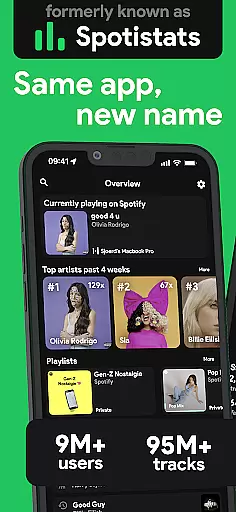
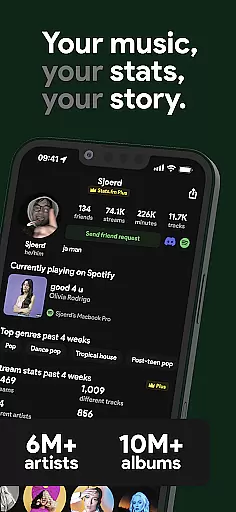
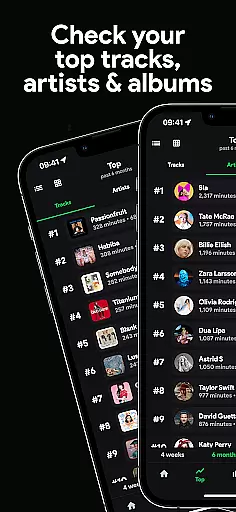
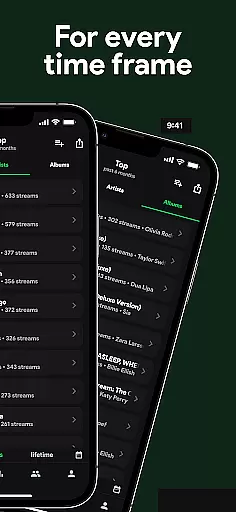
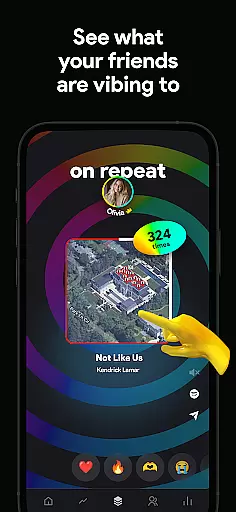
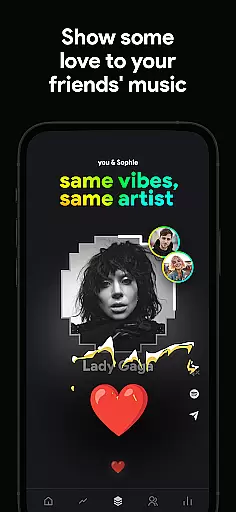
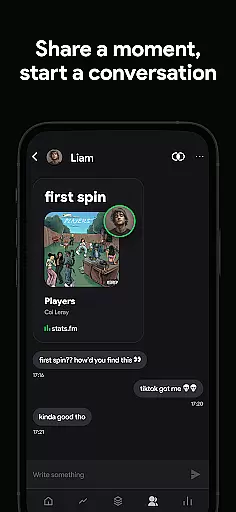
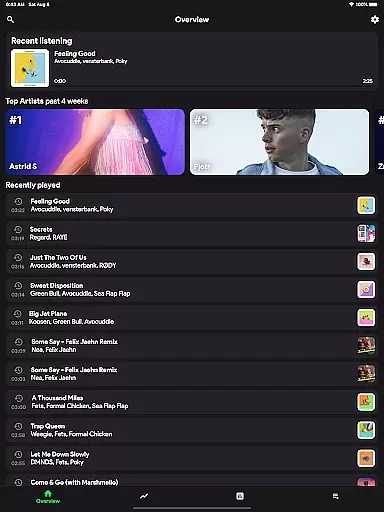
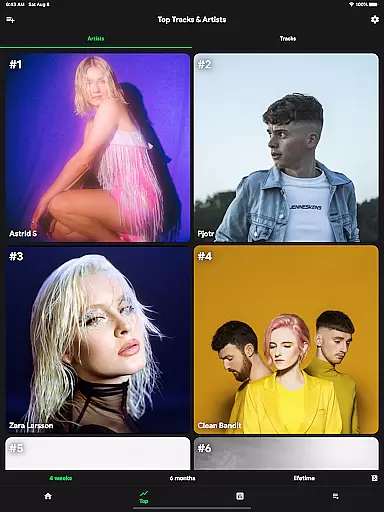
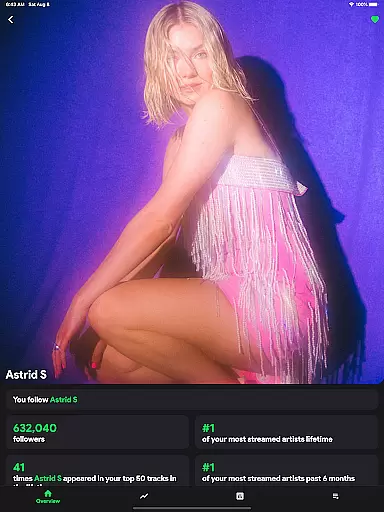
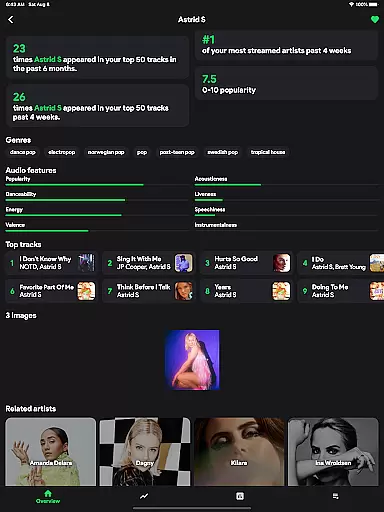
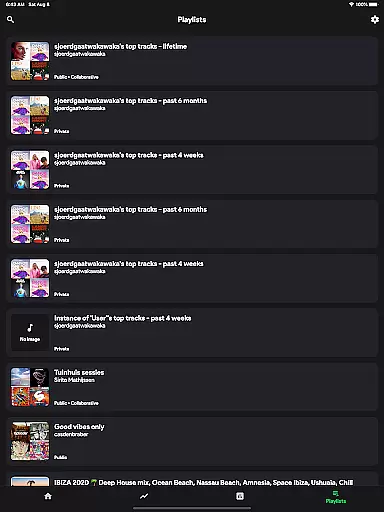
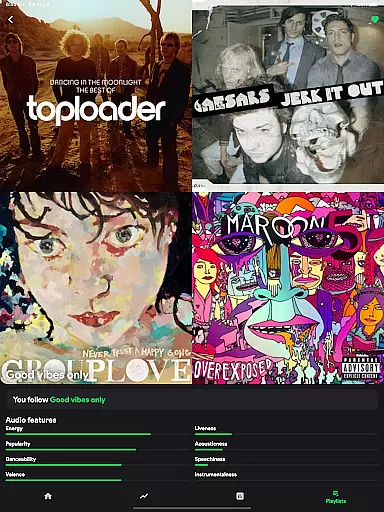
stats.fm for Spotify is an essential music analytics tool that provides users with detailed insights into their listening habits. With over 10 million users globally, the app offers comprehensive statistics on tracks, albums, and artists, allowing you to explore your most-played songs and artists across various time periods.
The app stands out by offering features similar to Spotify Wrapped but available anytime. It includes advanced options like viewing play counts for favorite songs through its Plus feature. Users can access a variety of stats including top tracks, listening times, streaming durations, and music types, all presented through engaging graphs and charts.
Perfect for music enthusiasts who want to understand their listening behavior or compare stats with friends, stats.fm creates a personalized journey through detailed analytics of songs, artists, and playlists. This makes it an indispensable companion for any Spotify user looking to gain deeper insights into their musical preferences.
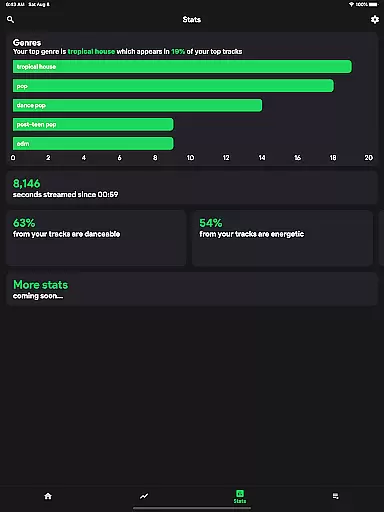
One of the standout features of stats.fm is its ability to provide extensive analytics on your Spotify listening history. The app allows you to view top tracks, artists, albums, and even genres. Additionally, it offers insights into when and how much you listen, including metrics like playcounts and streaming duration in minutes or hours.
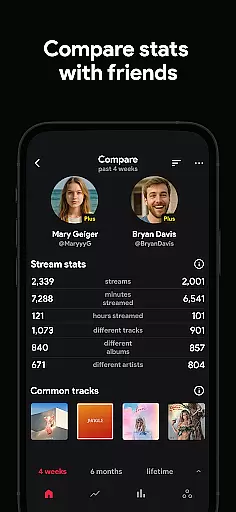
Beyond individual stats, the app lets you flex on your friends by comparing your music stats. You can search for and add friends to see how your tastes and listening habits stack up against theirs. For those interested in granular details, stats.fm provides specifics such as playcounts, song popularity on Spotify, and even the type of music based on attributes like liveliness and energy.
With lifetime streaming history imports, users can access even more detailed statistics about their beloved songs, artists, or playlists. These include lifetime streaming histories, top listeners, and musical attributes like danceability and instrumentalness. Such rich data presentation helps users better understand and appreciate their musical journey.
When it comes to music streaming services, the size of the music library and the authenticity of its content are crucial factors for users. stats.fm for Spotify boasts an impressive collection of over 14 million albums and 6 million artists, ensuring that users have access to a vast array of music from all genres and eras.
The app's extensive database is not just about quantity; it also emphasizes quality and legitimacy. By sourcing its content directly through Spotify, a trusted name in music streaming, stats.fm ensures that all tracks are properly licensed and that artist copyrights are respected. This means you can enjoy your favorite songs without worrying about legal issues or missing out on lesser-known gems.
For music enthusiasts who want more than just a listening experience, stats.fm offers detailed statistics about tracks, albums, and artists. Whether you're tracking how many times you've listened to a song or exploring the popularity of different genres, this app provides valuable insights into your personal music journey.
Audio quality is a significant aspect of the music listening experience, and stats.fm for Spotify recognizes this by offering various audio quality options. While the app itself does not directly stream music, it works in tandem with Spotify to ensure that users can access their desired level of audio fidelity when playing back their favorite tunes.
Through integration with Spotifyu2019s platform, listeners can choose between different streaming qualities such as low (for data-saving purposes), normal, high, and very high (for those who prioritize sound clarity). This flexibility allows users to tailor their listening sessions according to their current needsu2014whether theyu2019re at home enjoying high-fidelity sound or on-the-go conserving mobile data.
Beyond just selecting playback quality, stats.fm enhances user engagement by providing comprehensive analytics on listening habits. Users can dive deep into metrics like play counts and minutes streamed, gaining a clearer understanding of how much time they spend immersed in music each dayu2014all while enjoying the best possible audio experience supported by their devices and connection speeds.
User-friendly interface
Comprehensive music stats
Real-time analytics
Social comparison features
Detailed streaming insights
Premium features require payment
Initial data import needed
Limited without Spotify connection
Some features may overwhelm new users
Third-party app risks

Your HD audio recorder on the go for music, meetings, ambience, animal sounds…
 4.30
4.30
10-Band Audio Equalizer, Sound / Bass Booster for Spotify Users & Music Players
4.40
DJ Music Mixer - DJ Remix: remix songs, make beat music & record mix of DJ.
4.40
Simple & Intuitive Metronome
4.70
Ultimate Sonos Controller
4.70
24,000 free audio books and no ads!
4.90
Voice recorder - Audio recorder. Best recorder for recording
4.90
MilkDrop for Android TV
3.00
Full featured mp3 and audio player with Chromecast and Android Auto support.
4.40
Brian Eno and Peter Chilvers’ acclaimed music app Bloom, radically reinvented.
4.80
Listen to live FM radio stations, sports, music and news on global radios online
4.70
SqueezePlayer turns your Android phone or tablet into a SqueezeBox on its own!
4.60
AI Music Maker: Generate And Compose AI Tunes & AI Songs & AI Music & AI Melody!
4.60
A synth that really lets you shape your sounds!
4.50
Bass Booster Pro takes auto-equalizing to the next level!
4.30
The original SP-1200 experience on your iPad
4.20
Versatile MP3 recorder with auto-backup to Dropbox and Google Drive
4.10
The Cubase remote control app
3.60
The Skullcandy App Experience
3.20


User Reviews