
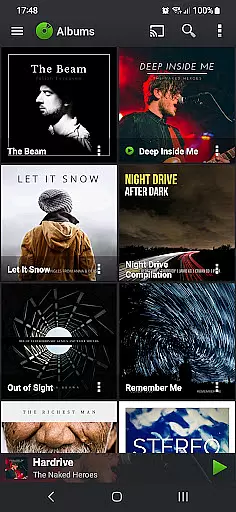
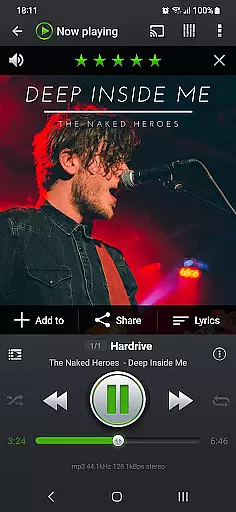
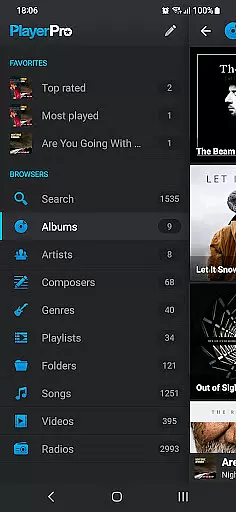
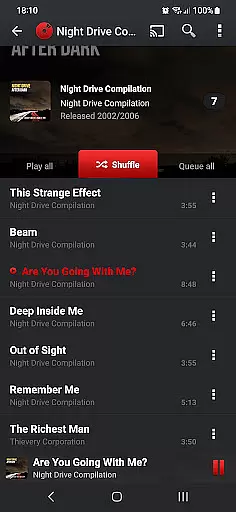
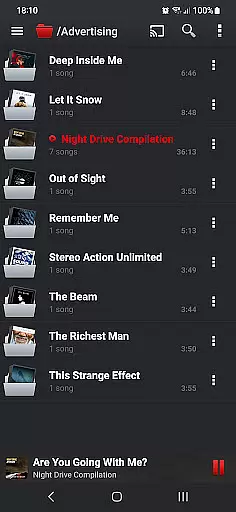
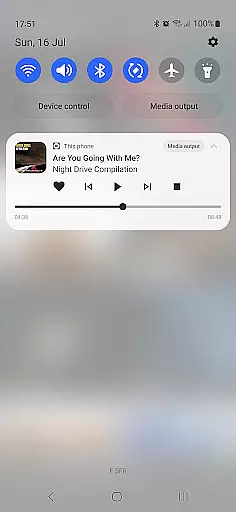
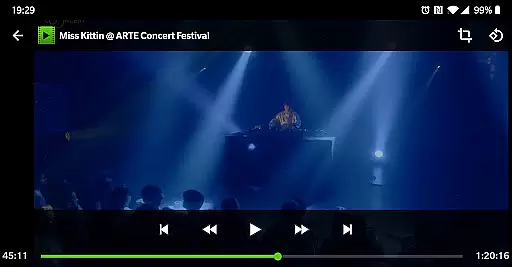
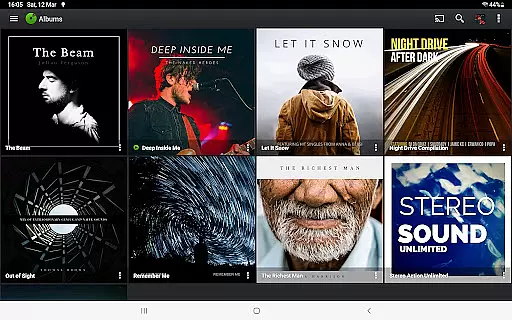
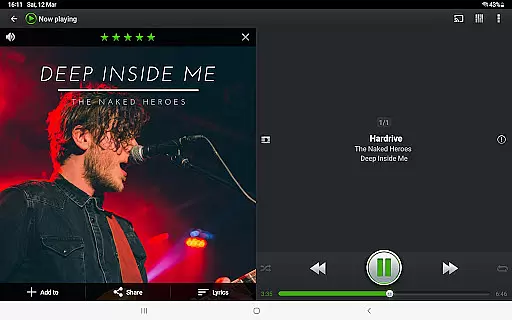
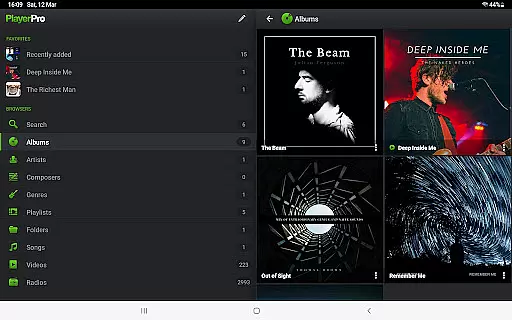
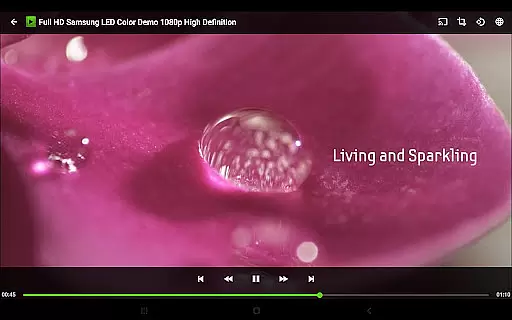
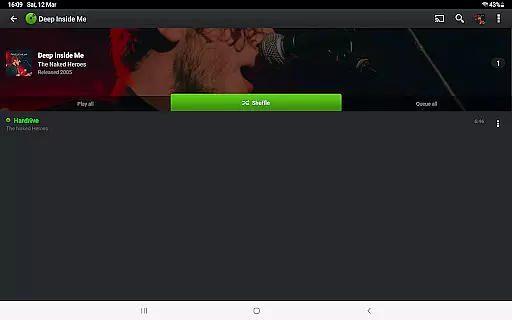
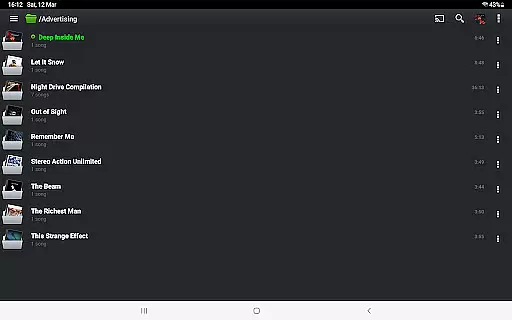
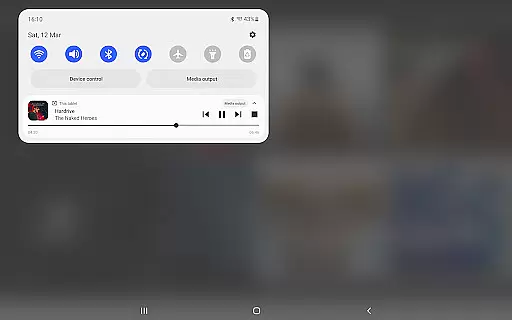
PlayerPro Music Player (Pro) is an advanced music and video player for Android devices, offering a beautiful, fast, and intuitive interface with powerful audio configuration options. The app supports browsing and playing music in various ways such as by albums, artists, genres, playlists, folders, or songs, and also allows users to play videos and listen to radios from around the world.
In addition to its core functionalities, PlayerPro provides several customization options including skins, grid or list views, and lock screen widgets. Users can enhance their music library with album artwork, artist pictures, and genre illustrations. The app integrates seamlessly with Android Auto and Chromecast Audio compatible devices, making it versatile for different listening environments.
This application is particularly useful for audiophiles who seek high-quality audio playback and extensive customization options. With support for high-res audio, advanced ID3 tag editing, and professional DSP effects, PlayerPro caters to users who demand precision and control over their music experience.
PlayerPro Music Player (Pro) stands out with its comprehensive feature set tailored for music enthusiasts. One of its key features is the ability to browse and play music in multiple ways, including by albums, artists, genres, playlists, folders, or songs. This flexibility ensures that users can organize and access their music library according to their preferences.
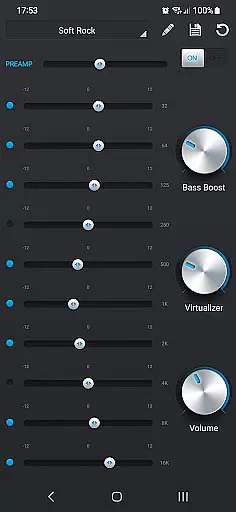
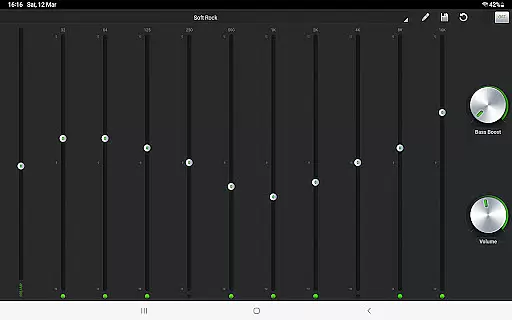
The app also offers advanced audio configuration options. Users can enjoy a 5-band graphic equalizer with 15 default presets, stereo widening, reverb effects, bass boost, and volume control. Additionally, a free DSP plugin is available, providing high-res audio support, a 10-band graphic equalizer, pre-amp control, and more. These features allow users to fine-tune their audio experience to match their exacting standards.
Customization is another strong suit of PlayerPro. It includes options for changing the user interface with various skins, viewing and editing lyrics, and creating smart playlists based on numerous criteria. The app also supports Google Drive backup/restore, sleep timer with fade out, and integration with popular scrobblers, ensuring a personalized and seamless music experience.
PlayerPro Music Player (Pro) offers an extensive music library that supports virtually all popular audio formats including MP3, FLAC, and WAV. This ensures users can access a vast range of music without compatibility issues.
The app allows browsing and playing music in multiple ways such as by albums, artists, genres, and playlists. This flexibility enhances the user's ability to manage and enjoy their music collection according to personal preferences.
In addition to local files, PlayerPro supports streaming music from various sources, ensuring users have access to a diverse array of content while maintaining high-quality playback standards.
With features like ID3 tag editing and album artwork integration, users can maintain accurate metadata and enrich their music library with proper attributions, thus supporting copyright authenticity.
PlayerPro Music Player (Pro) stands out with its powerful audio configuration options, providing users with a high-quality listening experience. The app includes a 5-band graphic equalizer with 15 default presets, allowing for precise sound customization.
For audiophiles seeking even more control, PlayerPro offers a free DSP plugin that supports high-resolution audio up to 32-bit/384kHz. This plugin adds a 10-band equalizer, pre-amp control, and stereo widening effects among other advanced features.
Users can further enhance their audio experience with gapless playback, crossfade options, and replay gain functionalities. These features ensure smooth transitions between tracks and consistent volume levels across different songs.
Overall, PlayerPro delivers exceptional audio quality options that cater to both casual listeners and audio enthusiasts, making it a top choice for those who prioritize sound fidelity in their music player apps.
High-quality audio playback
Extensive customization options
Advanced ID3 tag editing
Professional DSP effects
Google Drive backup/restore
Paid version only
No iOS version available
Complex for beginners
Occasional bugs reported
Heavy on system resources

 4.70
4.70
Over 100 million tracks available for high quality streaming and download
4.60
DJ Music Mixer Pro is a real DJ controllers and DJ Music Studio to remix DJ.
4.40
Enhance the sound quality of your devices, listen to what you want
4.50
Permanently backup Now Playing. Maps, filters & listening stats.
4.00
Recording studio w/ 10k beats, pro vocal FX and a network of 20M rappers & fans!
4.60
Unleash your creativity! Turn simple prompts into full fledged songs.
4.70
Reverse your voice & songs instantly! Fun singing challenge with cool effects.
4.60
Be a true music maker: create beats, mix and make music like a real DJ!
4.30
Voice recorder - Audio recorder. Best recorder for recording
4.90
24,000 free audio books and no ads!
4.90
Music, News & Sports Radio Tuner App. Tune in Live FM & AM Radio Stations.
4.80
Offline Music Player & MP3 Player.Powerful equalizer, Lyrics, Themes, Tag Editor
4.80
Listen to live FM radio stations, sports, music and news on global radios online
4.70
Walkout Song DJ is the most intuitive app to manage your sports music.
4.70
The best music and audio player, with beautiful UI, music search and equalizer.
4.60
Smart piano keyboard, Classical to Pop, Real-time multiplayer connection!
4.20
Simply convert wav to mp3. Clear. Reliable. Safe.
4.5
Music Streaming suite for Ampache, Nextcloud Music and compatible backends.
4.4


User Reviews