
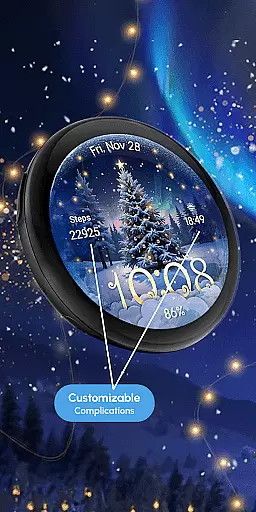
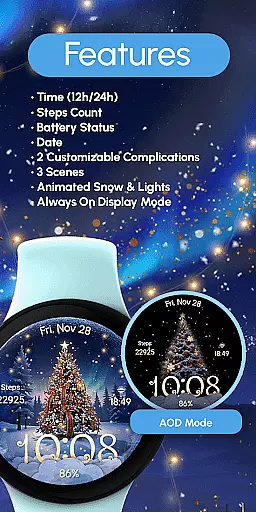
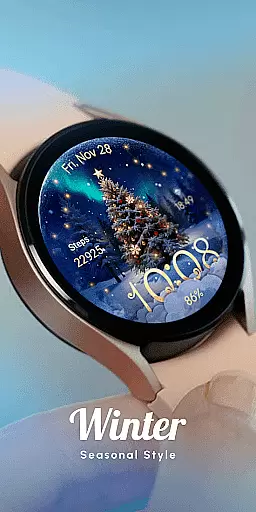
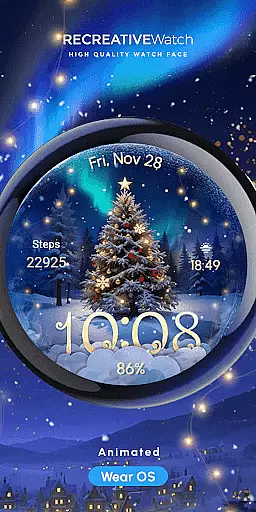
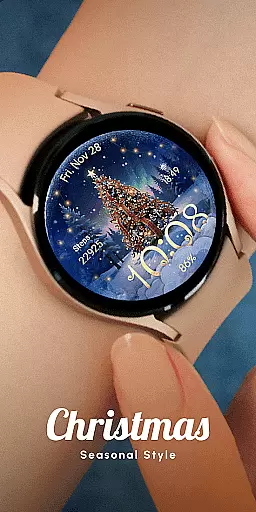
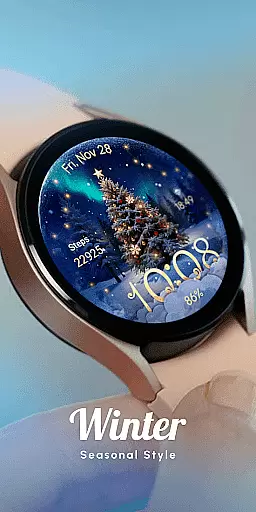
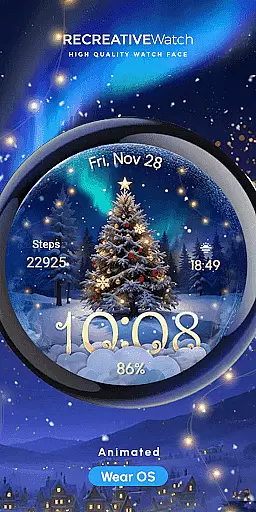
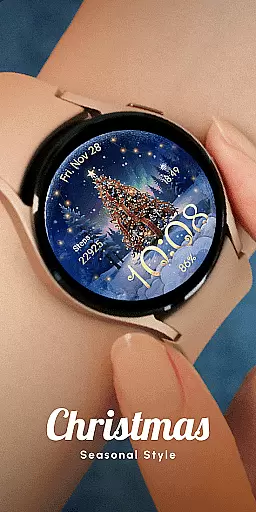
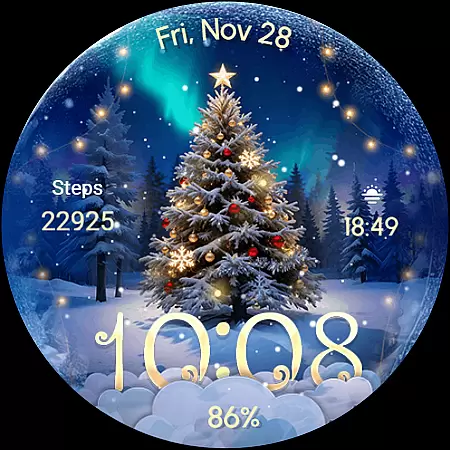
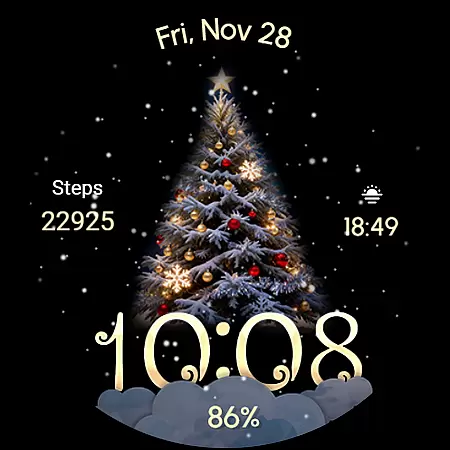
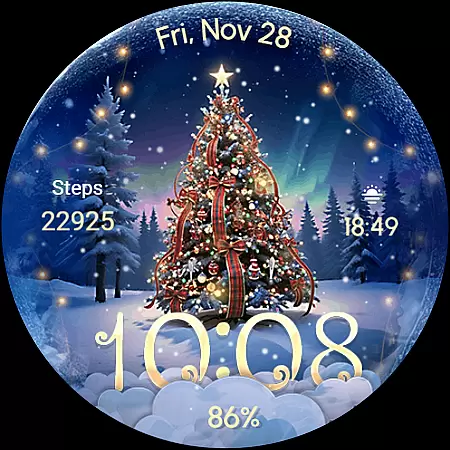
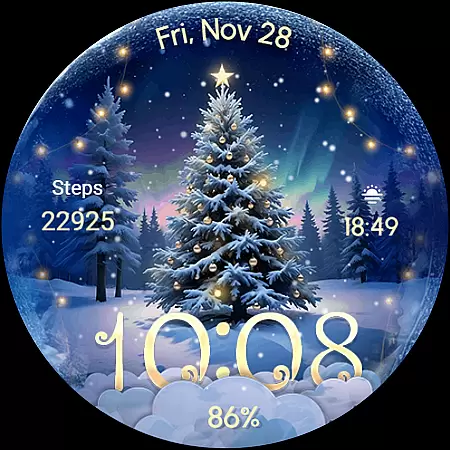
ReS71 - Northern Christmas is a captivating Wear OS watch face that brings the magic of the holiday season to your smartwatch. Featuring an enchanting Christmas tree at the North Pole, this app creates a festive atmosphere with animated holiday lights and a beautiful snow effect. The watch face not only adds a touch of seasonal charm but also provides essential functionalities.
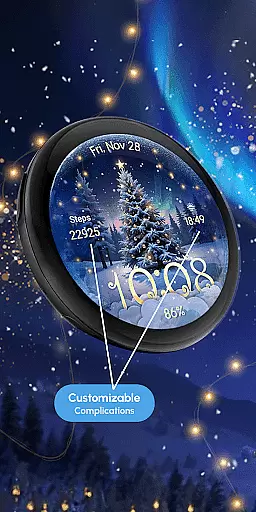
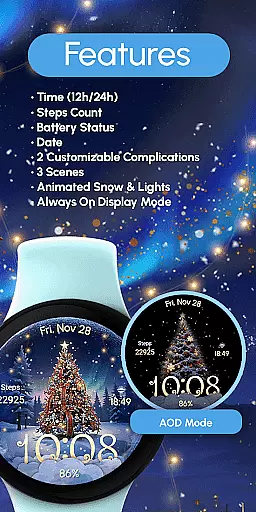
The design includes digital time display in 12/24hr format, date, battery status, and two customizable complications. With three different scenes to choose from, users can personalize their experience while enjoying features like animated snow and lights. The Always ON Display ensures you have access to important information at a glance, making it both visually delightful and practical for daily use.
ReS71 offers a rich set of features designed to enhance your Wear OS experience during the holiday season. The watch face displays digital time in either 12 or 24-hour format alongside the current date, ensuring you stay informed while enjoying the festive visuals. Battery status is conveniently shown, helping you manage your device's power efficiently.
Customization is key with ReS71, allowing users to tailor their watch face with two customizable complications. You can choose from various data fields to display on your watch face by simply touching and holding the display, then tapping on the Customize option. The app also offers three distinct scenes, animated snow effects, and glowing holiday lights, creating a dynamic and engaging visual experience.
For optimal battery performance, users are advised to disable the Always ON Display mode. This feature, while convenient, may impact battery life. Compatible with API level 33+ devices including Google Pixel and Galaxy Watch models, ReS71 ensures broad device support while delivering a magical Christmas experience right on your wrist.
Companion app integration is essential for a seamless wearable experience. ReS71 - Northern Christmas offers a robust connection between your Wear OS device and the companion app, ensuring that all features are easily accessible and customizable.
This watch face allows users to adjust settings such as time format, date display, and battery status directly from the companion app. The two customizable complications can be tailored to show the data most relevant to you, enhancing both functionality and personalization.
By touching and holding the display, users can enter customization mode effortlessly. This intuitive interaction between the watch face and its companion app ensures that your preferences are always just a tap away, making daily use both convenient and enjoyable.
Ensuring broad device compatibility is crucial for any Wear OS application. ReS71 - Northern Christmas is designed to work seamlessly with API level 33+ devices, including popular models like Google Pixel, Galaxy Watch 4, 5, 6, 7, and other Wear OS models.
The installation process is straightforward, but users should follow the provided link for detailed instructions on installation methods and troubleshooting. This guarantees that the watch face operates smoothly across different devices, providing a consistent user experience.
For optimal performance, especially regarding battery life, it's recommended to disable the Always On Display mode. With these considerations in mind, ReS71 - Northern Christmas delivers a magical holiday experience without compromising on device compatibility or usability.
Holiday-themed design
Animated snow & lights
Customizable complications
Always ON Display
Multiple scene options
Battery consumption
Limited customization
Seasonal appeal only
No analog time option
Device compatibility

WTW M17 is a premium and luxurious hybrid watch face
 4.70
4.70
Christmas - Festive - Christmas Village - Winter - Christmas lights
5.00
Precision analog watch face with 7 complications and style options
4.0
Contemporary digital watch face with five complications
4.0
Digital watch face. For Wear OS devices.
4.40
sleep, alarm, snoring, stress, healing, focus, sound therapy, circadian rhythm
4.10
Stylish, Energizing and Modern Watch Face crafted by Dominus Mathias.
4.50
Your music, your playlists, and more—offline and unlimited.
4.20
Track airplanes and follow flights with our real-time flight tracker
4.50
Hyperlocal rain alerts by MyRadar using patent-pending technology, radar & more
4.80
Monitor health with the stress test and pulse checker in the heart rate app.
4.60
MyNISSAN® lets you remotely control your car from your phone.*
4.50
Connect to your Bluelink equipped Hyundai vehicle from your smartphone.
4.50
Beautiful artistic animated digital watch face, with a customizable layout!
4.40
A white realistic classic analog watch face with many customization options.
4.40
The ultimate destination for kids ages 3-8 to explore the Marvel Universe!
4.30
A digital watch face that celebrates Christmas.
4.00
Watch face designed for Thanksgiving Day. 7 Background Styles included.
3.20
Christmas is near, let's count together the days left until Santa comes
4.5


User Reviews