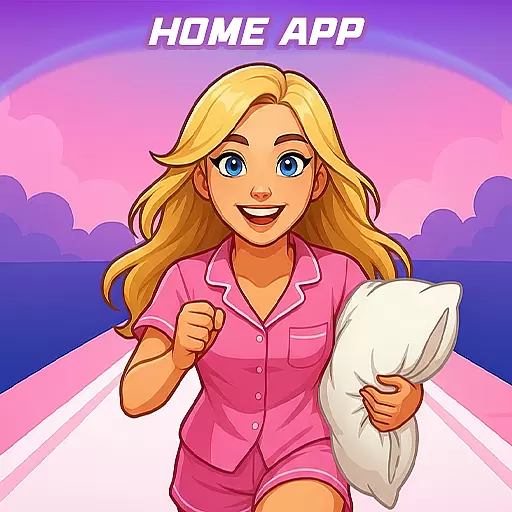
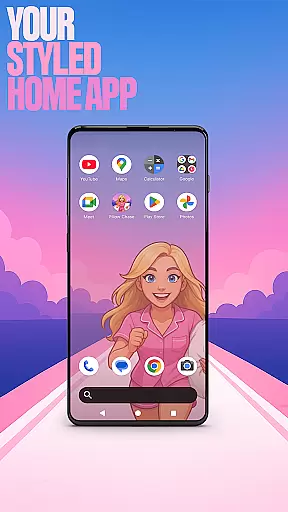

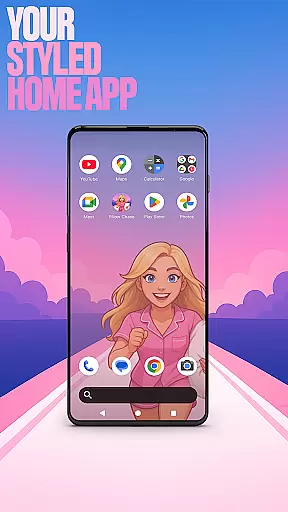

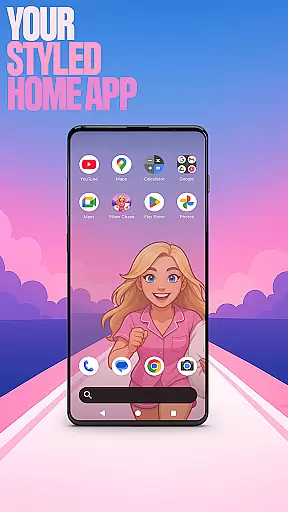

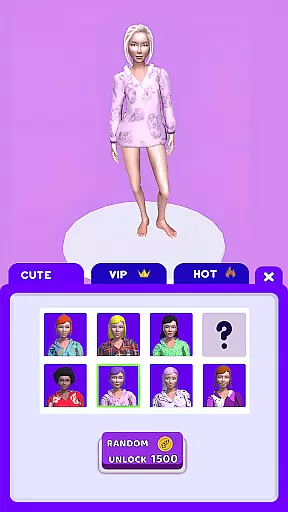
Pillow Chase Home App is a launcher app that allows users to create a personalized home screen experience. With this app, you can fully customize the layout of your home screen, organize apps into folders, and select from various color options. The app offers a fresh style that keeps your device exciting to use every day.
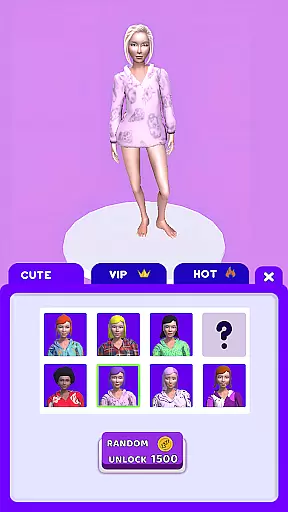
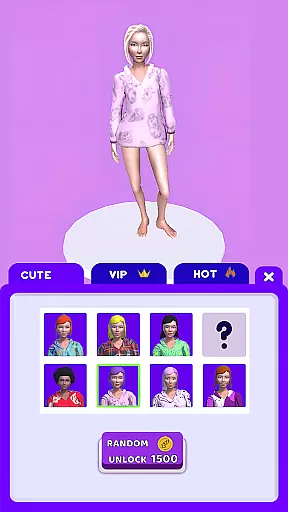
One of the key features is the ability to set Pillow Chase Home App as your default launcher through the 'Default home app' setting. This makes it your primary interface for daily use, while still allowing you to switch back to your previous launcher whenever desired. Additionally, the app includes an entertaining game called Pillow Chase, where you run, dodge obstacles, and collect pillows in a fast-paced, fun-filled environment perfect for short breaks.
This customization-focused launcher provides a personal touch to your device's interface, making it both functional and enjoyable to interact with on a regular basis.
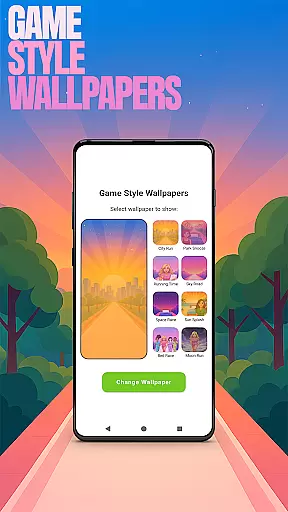
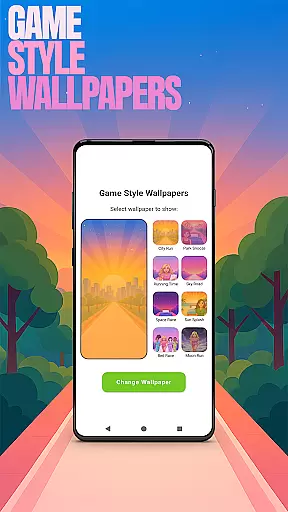
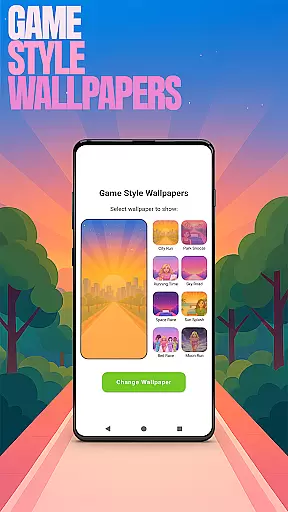
Pillow Chase Home App offers a variety of features designed to enhance user experience through customization. One notable feature is the Game Style Wallpapers, which lets you apply unique wallpapers inspired by the Pillow Chase game. By long-pressing on the home screen and selecting 'Game Style Wallpapers,' you can give your device a playful look.
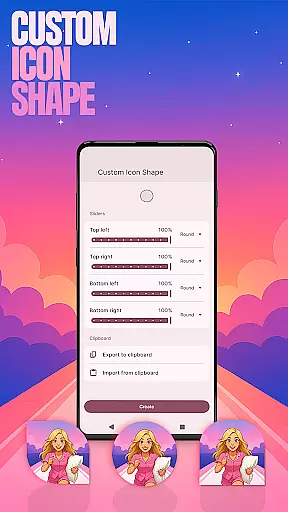
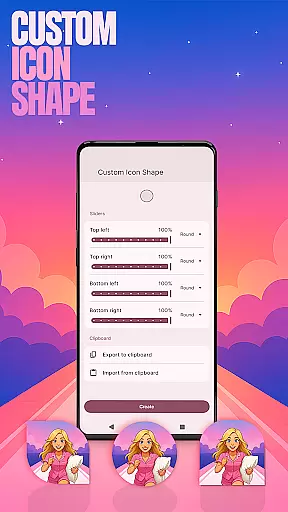
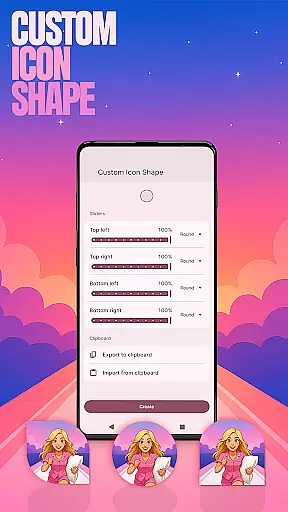
The app also supports Custom Icon Shapes, enabling you to personalize your device with different icon styles. Accessible via the same long-press menu under 'Custom Icon Shape,' this feature adds a distinct flair to your home screen icons. Another valuable feature is Custom Gestures, allowing quick access to apps or settings through swipe or tap actions configured in the 'Gestures' section under 'Home settings.'
For privacy-conscious users, the Hide Apps function helps keep certain apps concealed yet accessible. You can manage hidden apps within the 'App drawer' settings. Lastly, the Accent Color option lets you tailor the visual theme of your home app using preset colors or custom shades found under 'Accent color' in 'General' settings.
Customization is at the heart of Pillow Chase Home App, offering users a wide array of options to personalize their home screen. This app allows for complete control over the layout, enabling users to arrange and design their digital space in a way that truly reflects their personality and preferences.
With features like custom icon shapes, accent color settings, and unique game-style wallpapers, users can modify visual elements to their liking. The ability to create folders and choose from various customization presets adds another layer of personal touch, making each home screen not just functional but also distinctly individual.
The app's versatility extends to its gesture controls and app hiding capabilities, allowing users to streamline their experience and maintain privacy. These customization options ensure that whether it's for aesthetic appeal or practical functionality, Pillow Chase Home App delivers a personalized and engaging user experience.
Pillow Chase Home App excels in theme compatibility, ensuring that all visual modifications and customizations are seamlessly integrated into the user's home screen. The app supports a diverse range of themes, from playful game-inspired designs to sleek, professional looks, catering to every user's style.
Users can switch between themes without losing their customized settings, thanks to the app's robust compatibility framework. This means that personal touches such as icon shapes, colors, and gestures remain intact, providing a consistent experience across different themes.
This level of compatibility enhances the overall user experience by allowing instant transformation of the device's appearance while maintaining the integrity and functionality of the personalized settings. It ensures that users enjoy both variety and stability, making Pillow Chase Home App a reliable choice for those seeking adaptable theming options.
Highly customizable
User-friendly interface
Unique game integration
Variety of themes
Privacy controls
May overwhelm new users
Limited widget support
Occasional bugs
Drains battery faster
Not all devices compatible

Vertically oriented rectangular icons
 4.70
4.70
A light in the dark, a unique style and an andless cutomization!
4.30
Adult video chat, dating, making friends, random matching
4.20
Turn your lock screen into fun with smile live wallpapers & animated wallpapers!
2.50
Wallpaper HD 4K Live - Thousands of high-quality Anime backgrounds for you.
4.80
Want to make your phone more special than ever?
4.60
Custom edge gestures for volume control, brightness, apps, and shortcuts.
4.5
Transform your device in a game console
4.40
Your home screen, just the way you like it.
3.80
400+ Beautifully crafted widgets inspired by NOTHING.
4.70
Classic analogue watch face. For wear os devices.
4.60
Embrace the Night. Unleash the power of darkness with Raven Dark Icon Pack
4.60
Aesthetic Widgets, HD Wallpapers, Themes in Mico Widget for Home and Lock Screen
4.50
Turn text & photos into stunning AI videos, art, and creative visual stories.
4.50
AI-powered Copilot. Personalized keyboard with gifs, stickers & themes
4.40
Yandex Browser — stylish and secure, with voice search and data compression
4.40
Unleash Your Creativity and Connect with Loved Ones with Lockscreen Drawing!
4.20
Crystal-clear, square icon provides a sleek and sophisticated visual upgrade
4.00
Prank your friends with realistic broken screen and cracked HD effects!
4.2


User Reviews