
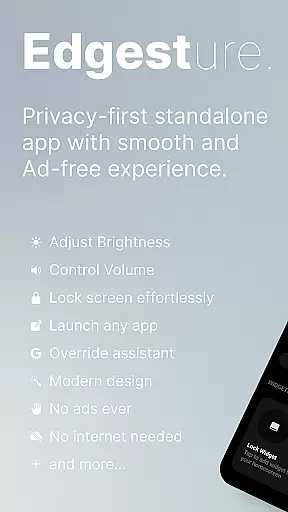
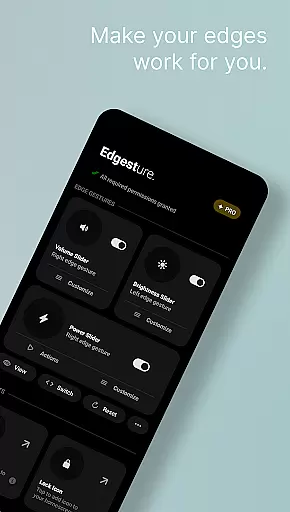
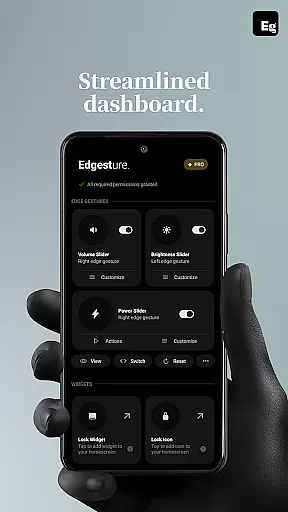
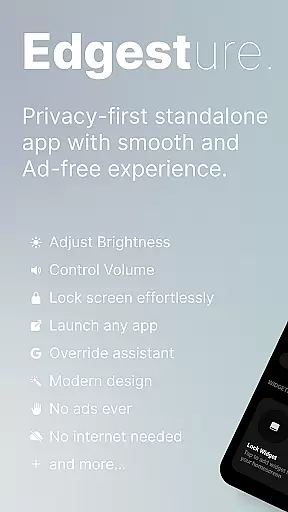
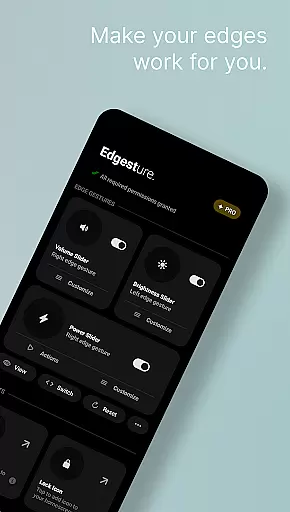

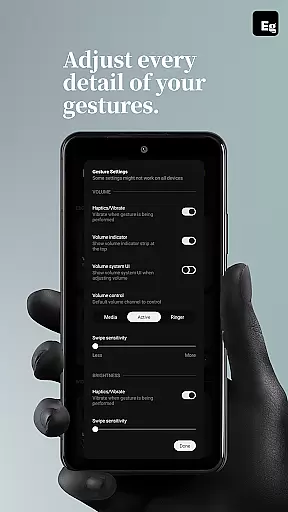
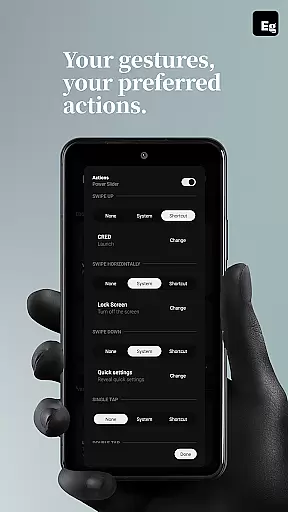
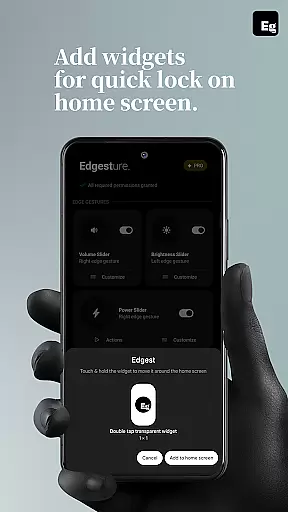
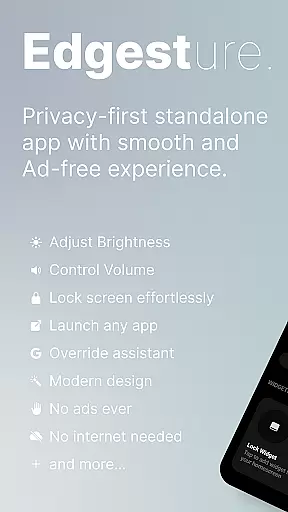
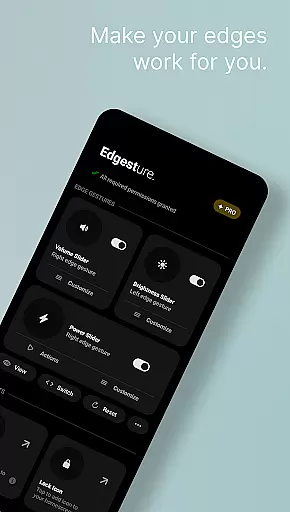
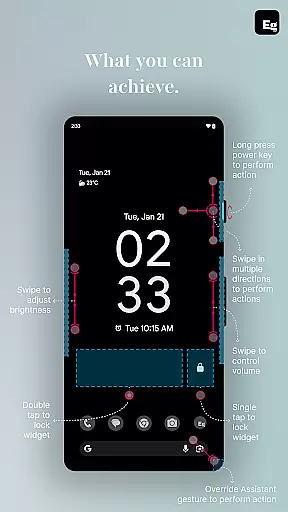
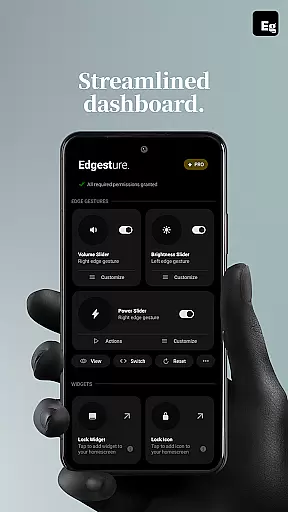
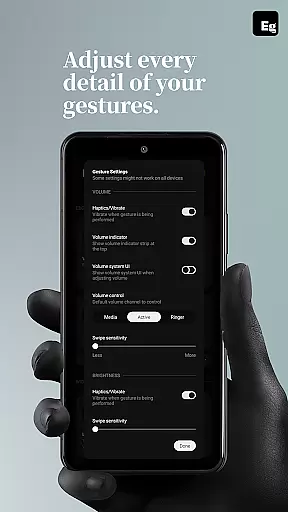
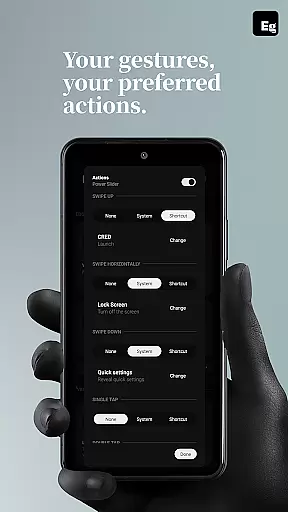
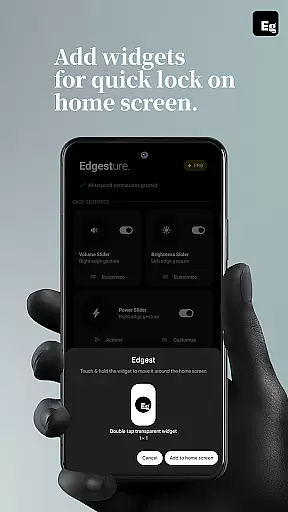
Edgest is a powerful personalisation tool designed to enhance your smartphone experience through intuitive gesture controls. This application allows users to take complete control of their devices with smart edge gestures, custom shortcuts, and instant access to frequently used actions. The app supports navigation through edge gestures, quick adjustments for volume and brightness, and personalized shortcuts that streamline daily tasks.
What sets Edgest apart is its focus on simplicity and user-centric design. With no ads, tracking, or hidden charges, the app offers a seamless experience. Users can perform essential functions like locking the screen, controlling media playback, and opening favorite apps without navigating through multiple menus. Its lightweight architecture ensures minimal battery consumption while maximizing productivity.
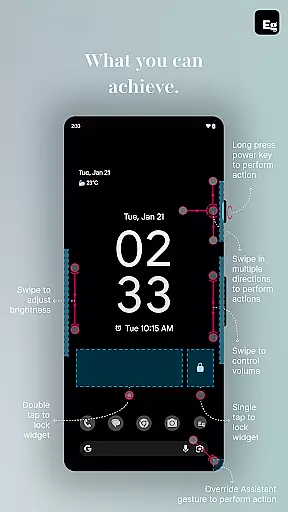
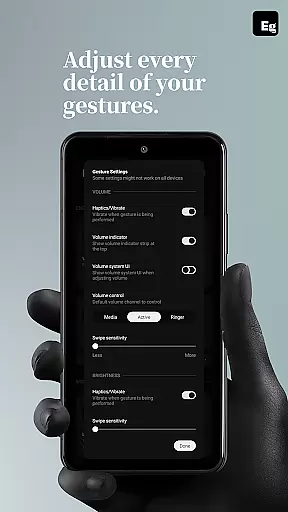
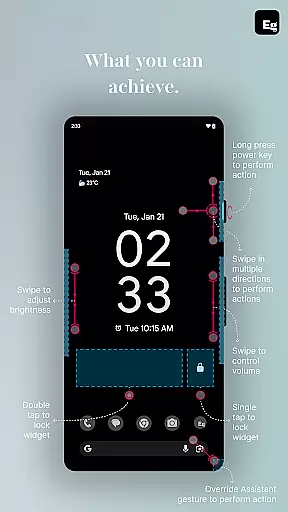
Edgest provides an extensive range of features tailored to improve device interaction. One of its core functionalities is gesture navigation, where users can swipe, tap, or long-press on screen edges to execute commands such as returning to the home screen or adjusting settings. The app also includes dedicated volume and brightness sliders that eliminate the need to access system menus.
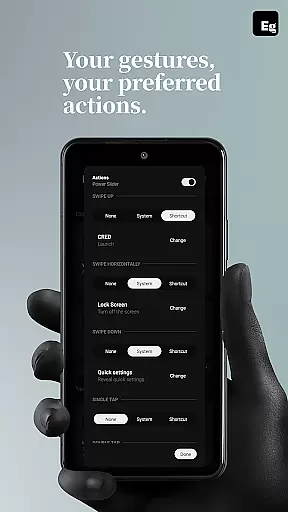
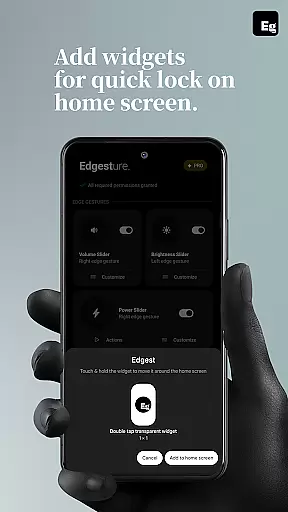
Customization is at the heart of Edgest's offering. Users can create personalized gestures to launch specific apps, trigger system actions, or even open URLs. Additional tools include lock screen widgets, quick settings tiles, and media control options. These features collectively ensure that every interaction with your device becomes faster, more efficient, and uniquely yours.
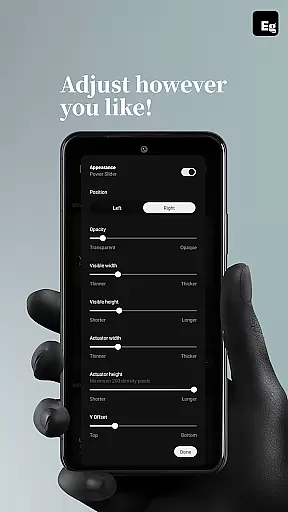
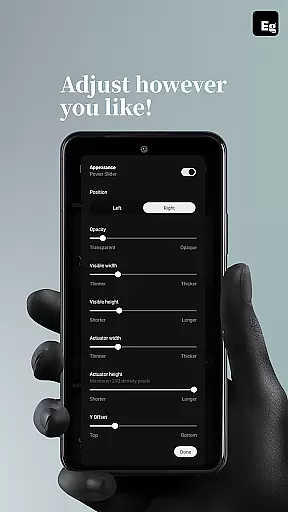
Edgest Edge Gestures & Control offers an extensive range of customization options that allow users to tailor their device interaction according to personal preferences. The app supports custom gestures which can be mapped to various actions such as launching apps, opening system menus, or triggering shortcuts.
This level of customization extends to controlling media playback, adjusting volume and brightness directly from the screen's edge, and even locking the screen with simple tap gestures. Users are not constrained by predefined settings; instead, they have the freedom to assign specific actions to unique gestures, enhancing both functionality and accessibility.
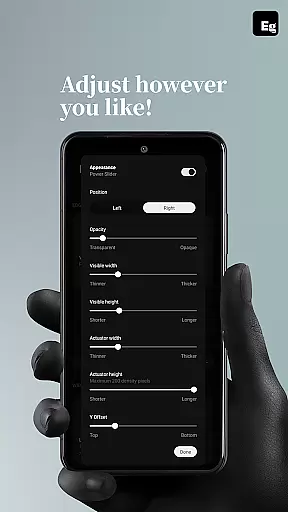
The ability to personalize gesture sensitivity, animation speed, and feedback ensures that each user's experience is optimized for comfort and efficiency. With Edgest, you're not just getting a set of tools; you're gaining a customizable interface that evolves with your needs, making daily tasks quicker and more intuitive.
While Edgest Edge Gestures & Control focuses on gesture-based navigation and control, it also ensures seamless theme compatibility across different devices and operating systems. This means that regardless of whether you prefer a light or dark mode, the app integrates smoothly without disrupting your chosen aesthetic.
Users will appreciate how Edgest maintains visual consistency within their deviceu2019s existing design language. Whether using stock themes or third-party ones, all functionalities remain accessible and visually coherent, providing an uninterrupted user experience.
Moreover, this compatibility extends beyond mere appearance. It encompasses functional aspects like gesture responsiveness and ease of access, ensuring that no matter what theme is applied, performance remains top-notch. By prioritizing both form and function in its approach to theme integration, Edgest guarantees a harmonious blend between personalized controls and overall device usability.
Intuitive gesture controls
Highly customizable shortcuts
No ads or tracking
Lightweight performance
Battery-friendly operation
Limited to Android devices
Requires accessibility permissions
Learning curve for new users
Premium version may be costly
Dependent on device compatibility

Wear Os Watch Face - Seasonal - Animated Snow Effect - 9 Animals
 4.20
4.20
Adult video chat, dating, making friends, random matching
4.20
Zip lock screen with magic wallpaper to decorate your phone with fun zipper lock
4.60
Adaptive Dot Style IconPack with Light & Dark Theme.
3.70
Customize your home screen with stunning themes, blur, widgets & icons.
4.60
Embrace the Night. Unleash the power of darkness with Raven Dark Icon Pack
4.60
Yandex Browser — stylish and secure, with voice search and data compression
4.40
300+ Stunning and well-designed widgets inspired by NOTHING.
4.70
200+ Material Inspired Widgets
4.50
One 8 icons glass color version
4.80
Nothing Icon pack with more than 3750+ highly crafted icons.
4.70
Stunningly Different look with Line Icons and Neon Colors
4.60
Ultra realistic high quality analog watch face for Wear OS.
4.60
Unique Android Launcher
4.60
Vibrant Adaptive Icons with Material You and Enhanced Monet Colors.
4.50
Romantic Kiss Stickers App. Start romantic messaging now!
4.30
Transfer your live wallpapers from Windows to Android using Wallpaper Engine!
4.00
HappyLighting is a Bluetooth lamp control software.
3.40
⭐ OneUI inspired Fluffy Icon Pack – Soft. Stylish. Standout. ⭐
4.3


User Reviews