
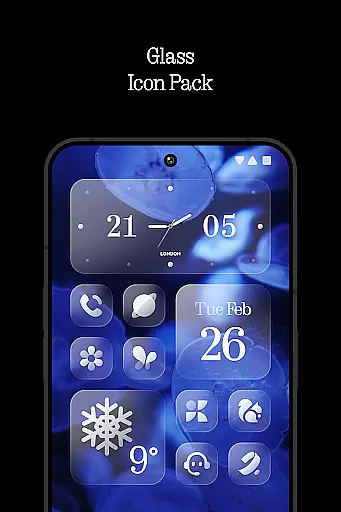
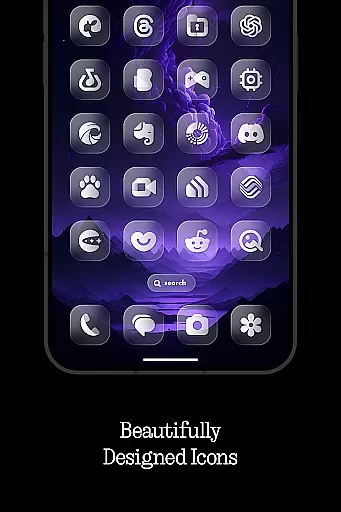
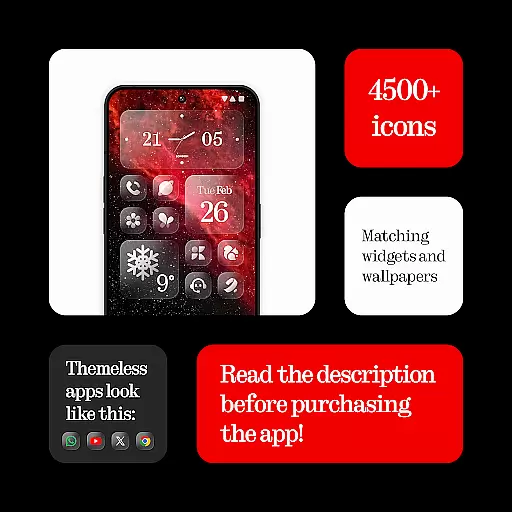
Glass Icons is a premium icon pack designed to elevate your device's visual aesthetics with its crystal-clear, square icons. Featuring over 5400 meticulously crafted icons, this pack provides a sleek and sophisticated look that seamlessly integrates with your device's interface.
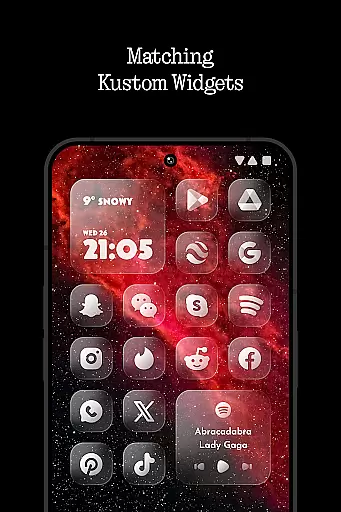
In addition to the extensive icon collection, Glass Icons includes 5 Kustom widgets and cloud-based wallpapers, offering users multiple customization options. The pack also comes with an icon request tool and regular updates, ensuring compatibility with new apps and maintaining a fresh experience. Whether you're using Nothing Launcher, Nova Launcher, or any of the other supported launchers, Glass Icons delivers a cohesive and polished appearance.
Glass Icons stands out with its comprehensive set of features tailored for personalization enthusiasts. With over 5400 icons, it covers a wide range of popular apps, ensuring that your device maintains a consistent look across all interfaces. The inclusion of 5 Kustom widgets adds dynamic elements to your home screen, enhancing both functionality and aesthetics.
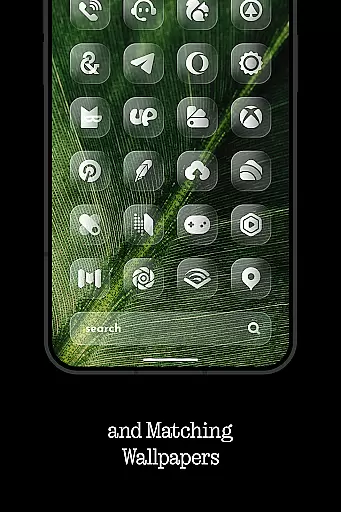
The pack also offers cloud-based wallpapers, providing users with high-quality background images that complement the icons perfectly. An easy-to-use icon request tool allows users to ask for specific app icons not already included, while regular updates ensure long-term usability. Compatible with numerous launchers like Nothing Launcher, Nova Launcher, and Lawnchair Launcher, Glass Icons guarantees a seamless integration into your existing setup.
Glass Icons offers an extensive range of customization options, ensuring users can tailor their device's appearance to their exact preferences. With over 5400 icons, the pack provides a comprehensive selection that caters to various tastes and styles.
In addition to the vast icon library, the pack includes five Kustom widgets, allowing for further personalization of the home screen. These widgets are highly customizable, giving users the ability to tweak and adjust them to fit their unique visual aesthetic seamlessly.
The inclusion of a cloud-based wallpaper feature adds another layer of customization. Users can choose from a dynamic collection of wallpapers that complement the crystal-clear icons, enhancing the overall visual experience of their device.
Moreover, Glass Icons supports a wide array of launchers, making it versatile and adaptable to different devices and user preferences. This compatibility ensures that everyone can enjoy a personalized and cohesive look across their smartphone interface.
Theme compatibility is a crucial aspect of Glass Icons, ensuring that the icon pack works harmoniously with various launchers and device interfaces. The pack is designed to integrate smoothly, providing a consistent and polished appearance regardless of the launcher in use.
For optimal performance, certain launchers require specific settings or additional applications. For instance, using Pixel Launcher on stock devices necessitates the Shortcut Maker app, while Nova Launcher users must activate shadows for the best visual results.
Kustom Widgets included in the pack demand KWGT and KWGT PRO apps for functionality, emphasizing the necessity of having the correct software environment to fully utilize all features. This requirement highlights the importance of theme compatibility in delivering the intended user experience.
By supporting numerous launchers like Nothing Launcher, Lawnchair, and Niagara Launcher, among others, Glass Icons demonstrates its commitment to broad theme compatibility. This dedication allows users to maintain a uniform look and feel across different platforms, enhancing both usability and aesthetic appeal.
Extensive icon library
Frequent updates
Wide launcher support
High-quality design
Customization options
Paid KWGT required
No stock launcher support
Limited widget variety
Shadow dependency in Nova
External wallpaper source

Winter's Journey: digital watch face for Galaxy Watch & Wear OS
 4.80
4.80
Sparkle your screen with Glitter Wallpapers For Girls and Cute Backgrounds!
4.80
Unique Fonts, typefaces and stylish text. Fonts for Instagram, Whatsapp & others
4.20
⭐ OneUI inspired Fluffy Icon Pack – Soft. Stylish. Standout. ⭐
4.1
Adaptive Dot Style IconPack with Light & Dark Theme.
3.70
Unleash Your Creativity and Connect with Loved Ones with Lockscreen Drawing!
4.20
Your go to Weather App & Home Screen. Get your weather at a swipe of a finger!
3.80
400+ Beautifully crafted widgets inspired by NOTHING.
4.70
Transform your phone with stunning video wallpapers and a unique, personal touch
3.80
Customizable Glass widgets. Over 360+ stunning widgets and more!
4.70
Bring adorable pets to life on your screen. Playful, interactive and full of fun
4.60
Ultimate Gallery Lock App - Hide Pictures, Videos and Lock Apps Instantly!
4.60
300+ Beautifully crafted widgets inspired by OneUI.
4.60
Try creating your own keyboard with "Keyboard theme for android" app now!
4.50
Color phone with cool effects for call screen, flash alert & ringtones music
4.50
Fingerprint Lock Screen & Live Animations with 4K Wallpapers as Live Wallpaper
4.40
Themes - Widget & Wallpaper: Customize home screen, icon changer w unique themes
4.30
Design your screen with unique, vibrant clocks
3.80 3.50
3.50


User Reviews