
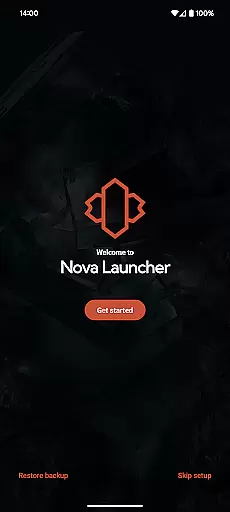
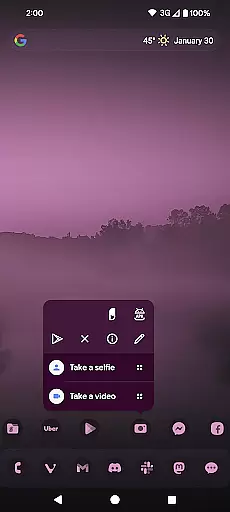
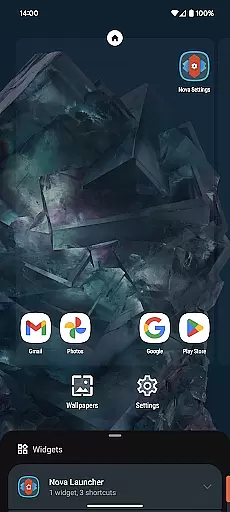
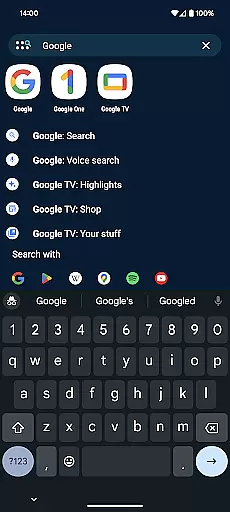
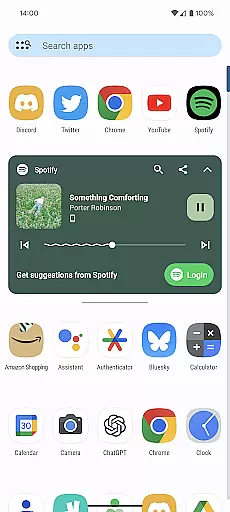
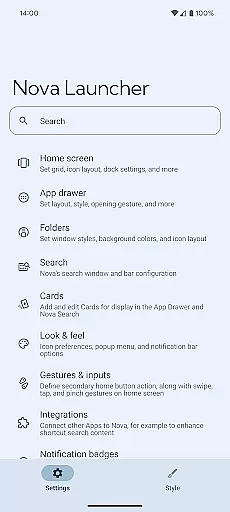
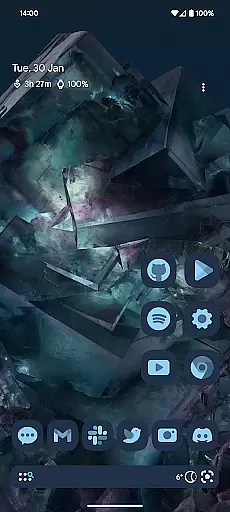
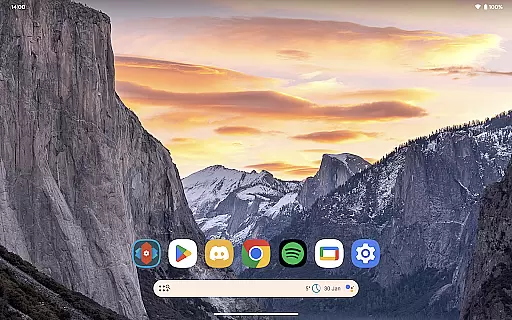
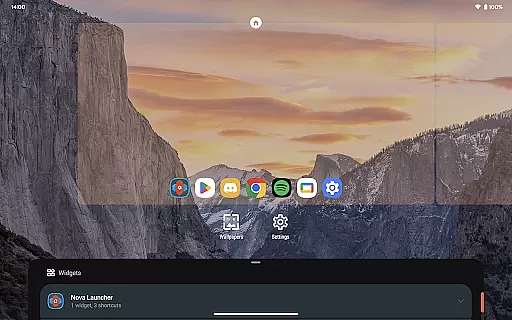
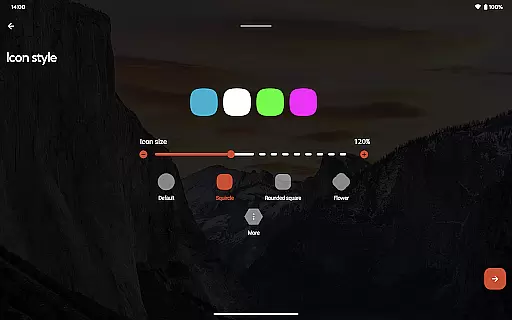
Nova Launcher stands out in the realm of personalisation by offering an extensive array of customization options that cater to both novice users and tech enthusiasts. The app allows for meticulous adjustments ranging from icon size, label colors, to the positioning of the search bar, ensuring your home screen reflects your personal style and functional preferences.
One of the remarkable features is its support for thousands of icon themes available on the Play Store, providing a rich palette for aesthetic expression. Users can further unify their home screens by reshaping all icons to a preferred shape, thus achieving a consistent look that enhances visual appeal.
Beyond superficial aesthetics, Nova Launcher delves into deeper customization territories with options like custom light and dark themes. This feature not only caters to user comfort but also optimizes battery usage on AMOLED screens. Whether syncing with system settings or setting based on time, this flexibility empowers users to tailor their experience precisely as they desire.
The subgrid positioning capability exemplifies Nova's precision in layout management, allowing icons and widgets to be placed between grid cells. Such granular control over spatial arrangement ensures every element fits perfectly within the useru2019s envisioned design, making it a truly versatile tool for crafting unique digital environments.
Theme compatibility is where Nova Launcher truly shines, offering seamless integration with various visual themes and enhancing overall user experience. By supporting thousands of icon themes from the Play Store, Nova ensures that users have access to a vast repository of design choices, enabling them to maintain a cohesive look across their devices.
In addition to third-party themes, Nova provides robust tools for creating uniformity through custom icon reshaping. This means every icon can conform to a chosen style or shape, promoting consistency that is often lacking in default launchers. As a result, users enjoy an aesthetically pleasing interface that aligns with their personal tastes.
Moreover, Nova embraces Material You colors, allowing users to infuse their interfaces with personalized hues drawn either from system settings or individual preference. This harmonization extends beyond mere color schemes; it fosters an immersive environment where every visual element resonates with the user's identity.
Finally, Novau2019s adaptive theming includes customizable light and dark modes, which are crucial for modern digital experiences. These modes adapt to user-defined schedules or system-wide settings, ensuring optimal visibility and comfort throughout the day. With such comprehensive theme compatibility, Nova Launcher delivers a visually unified and highly adaptable mobile experience.

Stunningly Different look with Line Icons and Neon Colors
 4.60
4.60
Only for Wear OS devices!
4.90
Ultra realistic high quality analog watch face for Wear OS.
4.60
Realistic animated snow on your wrist, with 10 images landscapes to choose from
4.00
Themes - Widget & Wallpaper: Customize home screen, icon changer w unique themes
4.30
Wallpaper HD 4K Live - Thousands of high-quality Anime backgrounds for you.
4.80 4.10
4.10
300+ widgets inspired by Material You and Material 3 expressive design.
4.60
Transform your phone with stylish zipper lock themes and 4D live wallpaper
4.10
Dark icon pack based on One 8
4.80
One 8 icons glass color version
4.80
Customize your home screen with stunning themes, blur, widgets & icons.
4.60
Ninja Turtles Cowabunga SE watch face for Wear OS
4.50
Turn text & photos into stunning AI videos, art, and creative visual stories.
4.50 4.50
4.50
AI-powered Copilot. Personalized keyboard with gifs, stickers & themes
4.40
Yandex Browser — stylish and secure, with voice search and data compression
4.40
Turn your lock screen into fun with smile live wallpapers & animated wallpapers!
2.50
Custom edge gestures for volume control, brightness, apps, and shortcuts.
4.2


User Reviews