

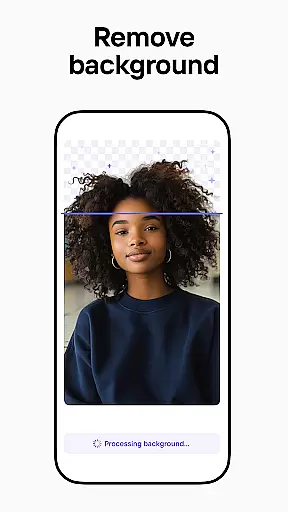
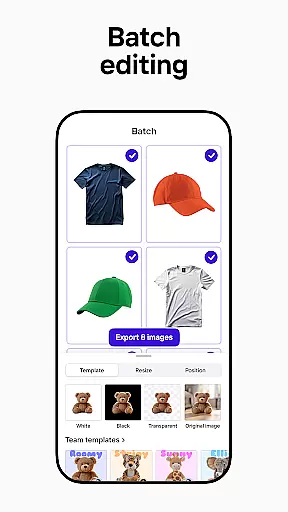

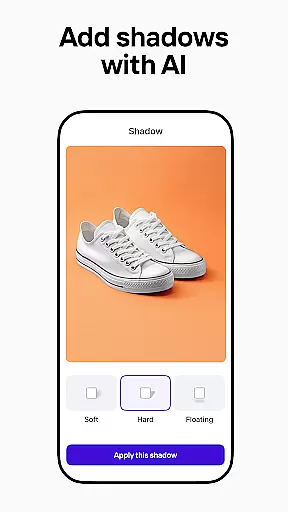
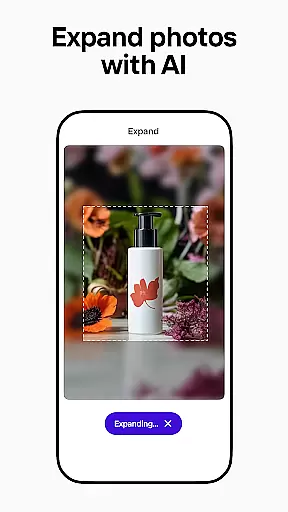
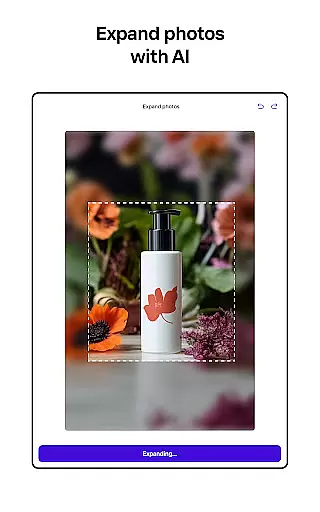
Photoroom AI Photo Editor is a powerful mobile application designed to help users create professional-quality images with ease. Leveraging advanced AI technology, the app allows users to design, edit, remove or replace backgrounds, and enhance photos effortlessly. Whether you're an e-commerce seller, content creator, or social media manager, Photoroom provides the tools needed to elevate your brand and engage your audience.
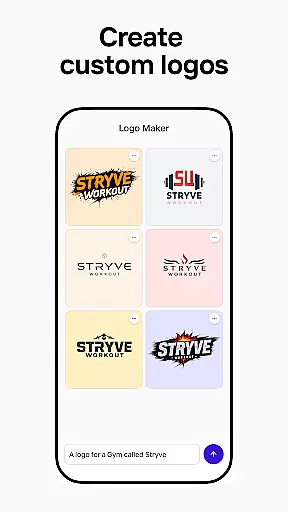
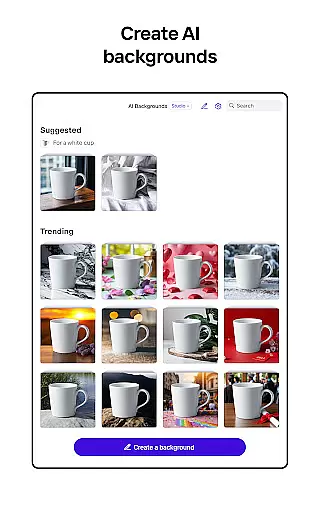
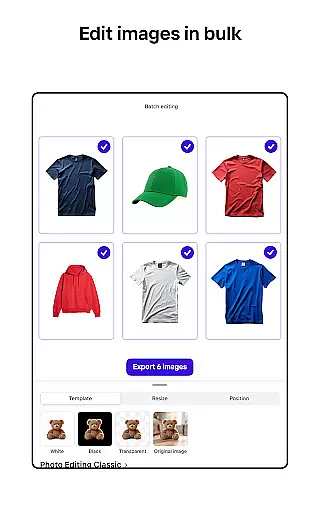
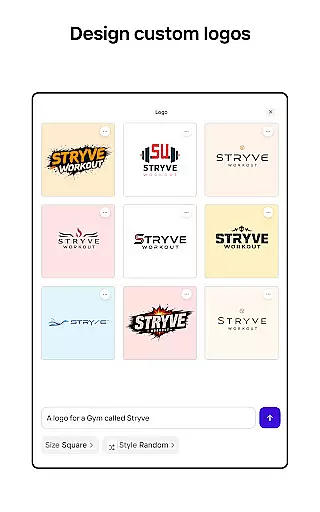
The app's standout feature is its AI-powered design capabilities that require no prior design experience. By simply describing your concept, Photoroom can generate backgrounds, scenes, logos, and more within seconds. Additionally, it offers batch editing for handling multiple images at once, making it ideal for professionals who need consistent and high-quality visuals across various platforms like Instagram, Facebook, Amazon, and Shopify.
Photoroom is particularly beneficial for creating polished product photos and engaging social media content. Its intuitive interface and robust features ensure that anyone can achieve pro-level results without needing extensive photo editing skills. This makes it an invaluable tool for growing online businesses and enhancing digital presence.
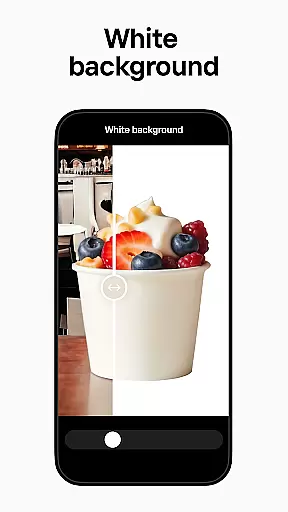
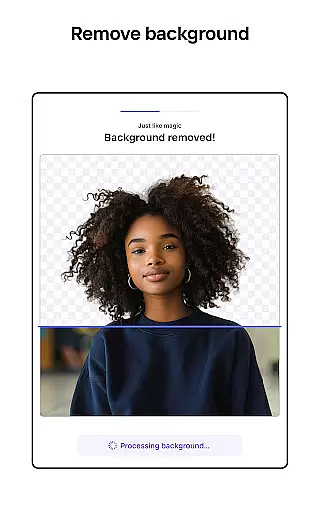
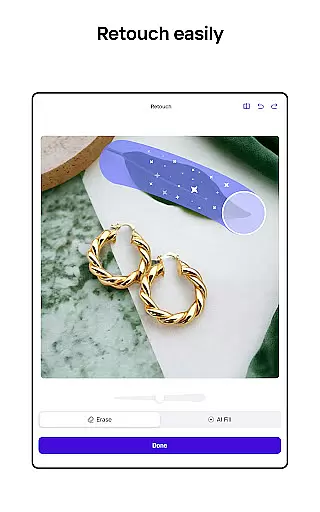
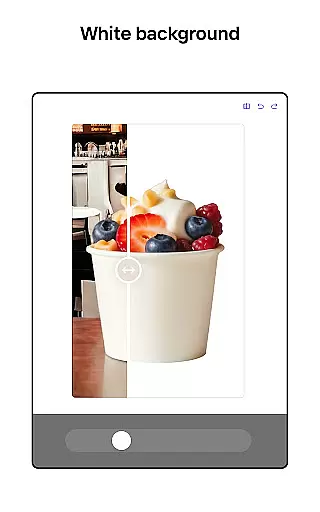
Photoroom AI Photo Editor stands out with its comprehensive suite of AI-powered features tailored for both amateur and professional users. One of its core functionalities is the ability to remove and replace backgrounds seamlessly. The smart eraser tool allows users to clean up details or erase unwanted objects from photos, resulting in polished and distraction-free images. This feature is especially useful for e-commerce sellers looking to create ad-ready product shots.
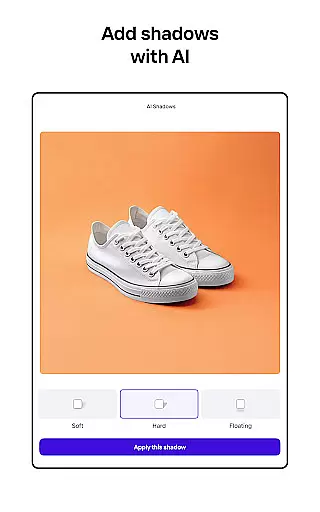
In addition to background manipulation, Photoroom offers enhanced photo editing capabilities. Users can adjust lighting, shadows, and sharpness to improve overall image quality while maintaining their desired background. The app also includes a Product Beautifier tool that instantly enhances visuals by showcasing items on virtual models or placing them in beautifully staged scenes. These features collectively enable users to transform ordinary images into professional-grade visuals effortlessly.
Another notable aspect of Photoroom is its collaborative environment and customization options. The app allows team members to work together in real time, sharing, commenting, and editing designs to ensure consistent branding. Moreover, users can build their own brand kits to store logos, colors, and fonts, ensuring uniformity across all projects. With customizable templates for various occasions and the ability to optimize images for different platforms, Photoroom equips users with everything they need to produce engaging and platform-specific content efficiently.
Real-time capture and preview functionality is essential for ensuring that every photo taken meets professional standards. With Photoroom AI Photo Editor, users can instantly see the results of their edits as they make them, providing a seamless editing experience.
The app's advanced AI technology allows for real-time adjustments to lighting, shadows, and sharpness, enabling users to fine-tune their images on the fly. This immediate feedback ensures that photos are optimized before they are even captured, saving time in post-production.
For e-commerce sellers and content creators, this feature is invaluable. It allows them to create polished product shots and engaging social media posts with confidence, knowing that the final image will look exactly as intended. The ability to preview changes in real-time enhances creativity and precision.
Ultimately, real-time capture and preview empower users to produce high-quality visuals efficiently. Whether you're managing an online store or curating a social media feed, this feature helps maintain a consistent and professional aesthetic across all platforms.
AI beauty and enhancement features have revolutionized the way we edit photos, offering tools that enhance natural beauty without appearing artificial. Photoroom AI Photo Editor excels in this area, providing users with sophisticated algorithms that ensure enhancements look genuine and lifelike.
The app's AI-powered tools can smooth skin, brighten eyes, and enhance facial features while maintaining the subject's natural appearance. This balance between enhancement and authenticity is crucial for creating images that resonate with audiences and uphold brand integrity.
For professionals in industries such as fashion and beauty, these capabilities are particularly beneficial. They allow for the creation of stunning visuals that highlight products and models in the best possible light, driving engagement and sales. The natural-looking enhancements also appeal to everyday users looking to refine personal photos.
By prioritizing natural beauty enhancement, Photoroom ensures that every edited image retains its original charm and character. This approach not only elevates the quality of the photos but also builds trust with viewers who appreciate authentic and relatable content.
User-friendly interface
AI-powered design tools
Batch editing capability
High-quality results
Real-time collaboration
Limited free features
Subscription required
Occasional bugs
Advanced tools locked
Export limits on free plan

A collection of tools and reference tables for DPs, ACs, DITs and Operators.
 4.70
4.70
Remote control of the phone camera from your Wear OS smartwatch
3.70
Viewfinder, Light meter, Reciprocity failure time, DOF & Bellows Extension
4.60
Photo editor: AI filters, photo enhancer, pic collage maker, AI art generator.
4.80
Be your best in every shot! Fix, edit and retouch your face in selfies & photos.
3.70
Create amazing frames with up to five photos. Rounded corners, effects and more!
3.60
Fit multiple photos on one post. Create carousels & scroll layouts for Instagram
4.50
Solocator stamps photos you take with GPS location, Compass Direction, Date/Time
3.80
Edit photos with the picture generator: PS2 & AI Clay filters, cartoon effects.
4.50
Android Native system HD camera app. Never been so simple and faster.
4.70
Cartoon and artistic effects for your photos and videos
4.70
Take videos and pictures with the popular TikTok TIME WARP SCAN filter.
4.60
Enhance, retouch & create your story - Share the moment with Photoshop Express.
4.60
Create collages easily! Nice pic collage maker & background eraser for Instagram
4.50
A reflected light meter with spot metering and incident light metering.
4.40
Future baby face generator: AI kids generator, kid face! What my baby look like?
4.40
A light meter for true photographers.
4.20
Gallery Slideshow is slideshow maker app for slideshow from your gallery photos.
3.90
Pet Camera
3.70


User Reviews