
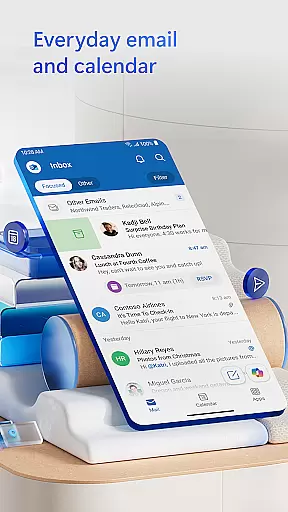
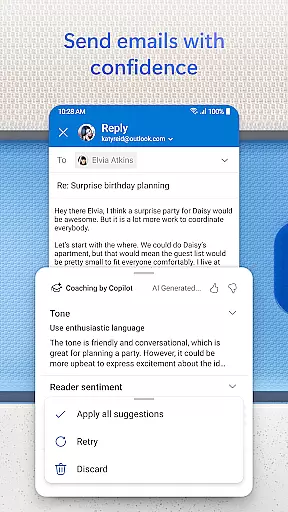
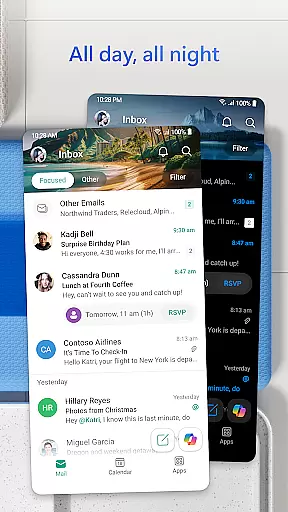

Microsoft Outlook is a comprehensive email and calendar app designed to streamline your busy life. It consolidates your emails, files, and calendar into one secure platform, ensuring you stay productive regardless of the source - be it work, school, or personal accounts. The app's intelligent organization system filters emails into Focused and Other categories, helping you prioritize important messages.
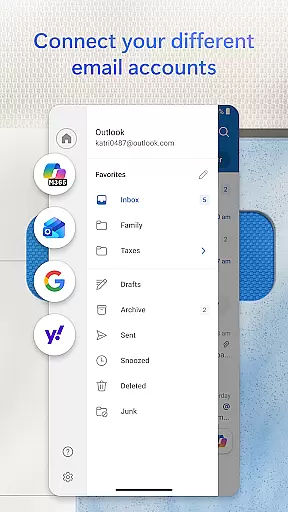
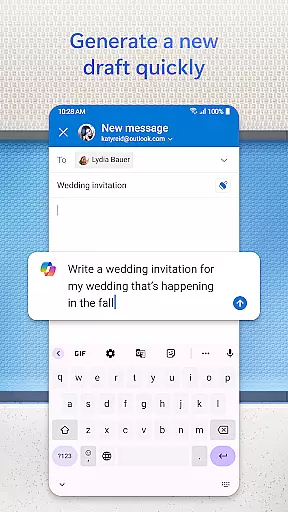
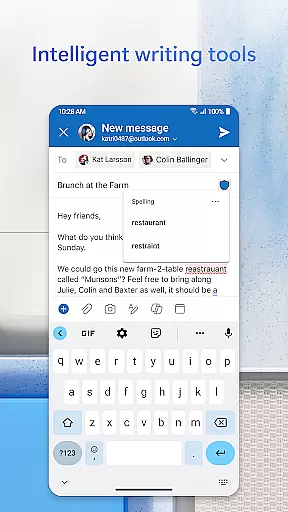
The app offers seamless integration with multiple account types including Microsoft Exchange, Gmail, Yahoo Mail, and iCloud, making it versatile for users on the go. With built-in editing tools, you can craft professional-quality emails with ease, while also having the ability to send documents from various cloud storage services. Its robust security features protect against phishing and spam, providing peace of mind for both personal and enterprise users.
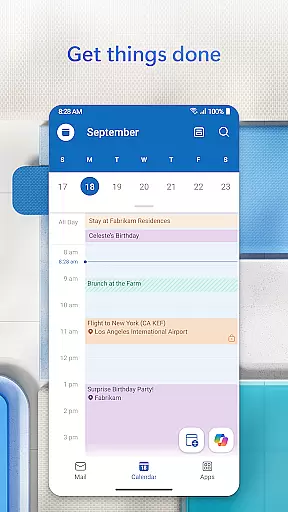
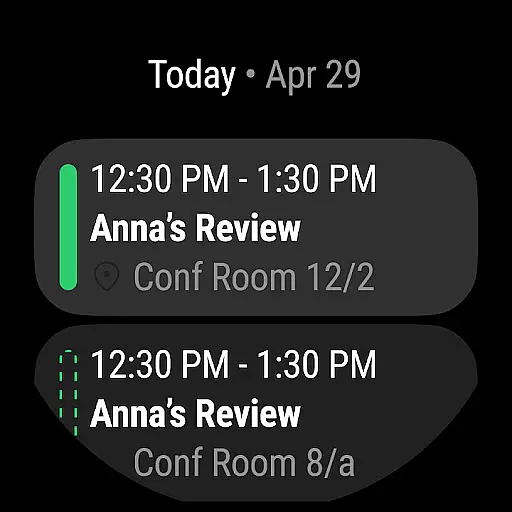
Microsoft Outlook stands out with its array of productivity-enhancing features. One notable aspect is the ability to view multiple calendars simultaneously, which greatly aids in organizing your day efficiently. The app supports integration with video calling platforms like Teams, Skype, and Zoom, allowing you to join meetings directly from your inbox.
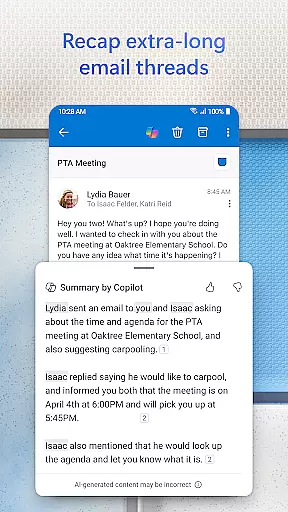
Outlook's intelligent inbox management includes grouping similar emails and conversations, suggested replies for quick responses, and voice search capabilities to find contacts and attachments effortlessly. Additionally, the Play My Emails feature lets you listen to your emails hands-free, while the calendar automatically updates with travel and delivery information, keeping you informed and prepared.
Security is a top priority, with enterprise-grade protection ensuring your data remains safe from viruses, phishing attempts, and spam. For users requiring extra privacy, Outlook allows encryption of sensitive emails to prevent unauthorized forwarding, provided you have a Microsoft 365 subscription.
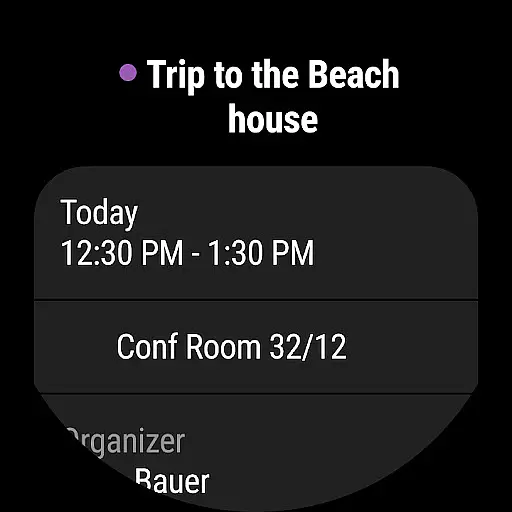
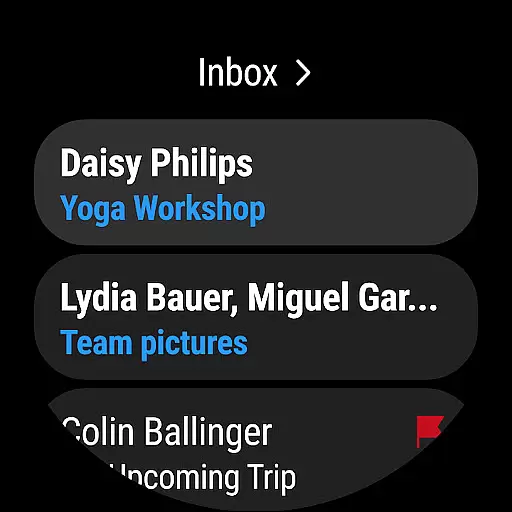
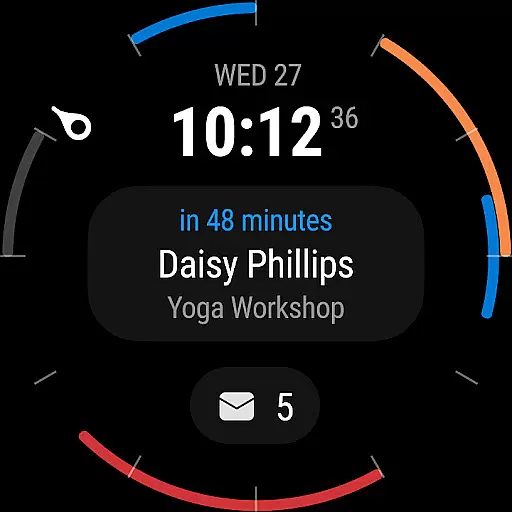
Companion app integration is a crucial feature for users who want seamless connectivity between their mobile devices and wearables. Microsoft Outlook excels in this area by offering a dedicated Wear OS companion app that ensures you stay updated with your emails and calendar events on the go.
The integration allows users to receive real-time notifications for new emails and meeting reminders directly on their smartwatches. This means you can quickly glance at your wrist to stay informed without needing to take out your phone, providing unparalleled convenience and time management.
Outlook's companion app is designed to work harmoniously with its mobile counterpart, ensuring that all updates and interactions are synchronized instantly. Whether you're archiving an email or responding to a meeting invite, these actions are reflected across all your devices, maintaining consistency and reliability.
This level of integration not only enhances productivity but also offers peace of mind, knowing that you won't miss important communications regardless of where you are or what you're doing. With Microsoft Outlook's Wear OS app, staying connected has never been easier or more efficient.
Device compatibility is essential for ensuring that applications like Microsoft Outlook function optimally across various platforms. Outlook's support for Wear OS guarantees that users can access their critical information on a wide range of Android wearable devices.
Microsoft has optimized the Outlook app to ensure smooth performance and full functionality on all compatible Wear OS devices. This includes everything from receiving notifications to managing emails and calendar events, all tailored to provide an intuitive user experience on smaller screens.
In addition to supporting multiple device types, Outlook also ensures that its features are consistent regardless of the specific hardware. Whether you're using a smartwatch from Samsung, Fossil, or any other manufacturer, you can expect the same high-quality performance and feature set.
This broad compatibility underscores Microsoft's commitment to accessibility and convenience, allowing users to choose the wearable device that best suits their lifestyle while still enjoying the full benefits of Outlook's robust email and calendar management capabilities.
User-friendly interface
Robust security features
Seamless account integration
Efficient calendar management
Intelligent email organization
Limited free features
Requires subscription for full functionality
Occasional sync issues
Heavy on storage
Complex setup for beginners

Highly customizable hybrid watch face for Wear OS, perfect for everyday use.
 4.60
4.60
Snowflake Rose Gold Watch Face - Digital, modern, & sleek with GYRO effect.
4.10
Wear Os Watch Face - Animated Snow Effect & Magic Spark - 6 Scenes
4.10
Authentic military-tactical design with ZULU time! Realistic and functional!
3.80
The most customizable hybrid watch face. For Wear OS 5.0, API 34+ and later
4.70
Animated video-game inspired “secret agent” simulation, right on your wrist!
4.20
Premium hybrid watch face with many customizations for Wear OS devices.
4.40
Connect, create, and collaborate with Gmail, part of Google Workspace.
4.10
Back up your contacts & access them anywhere
4.30
Period, ovulation & pregnancy tracker. Fertility insights & menstrual calendar.
4.90
A modern hybrid informative watch face for Wear OS designed by BALLOZI
4.80
Your second brain for organizing your life: to-do, calendar, reminder.
4.70
Nutrition, Macro tracker: Food, fitness & healthy diet tracking for weight loss
4.60
Deck out your Wear OS Watch face with a beautifully decorated pine wreath!
4.50
Find EV charging stations
4.30
Let's celebrate Thanksgiving - Wear Os watch face
4.20
Get helpful reminders, take progress photos and find answers to your questions.
3.90
Watch the sharpness of the sky on your wrist..
3.70
A heartwarming Christmas scene featuring a cute image of Santa and Rudolf
4.2


User Reviews