
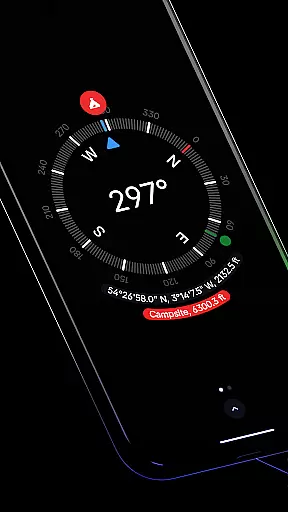
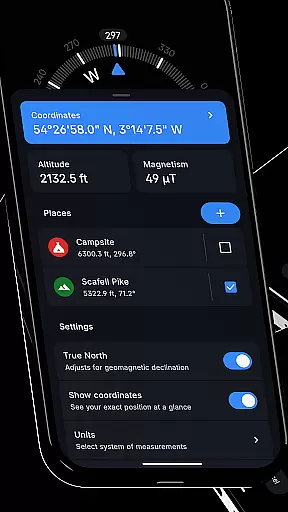
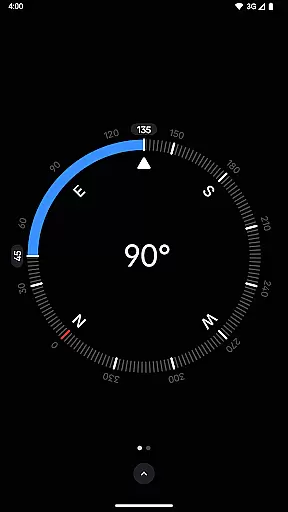
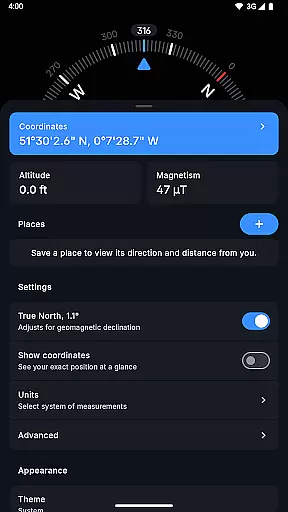
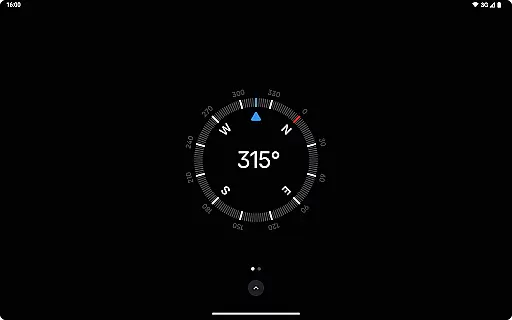
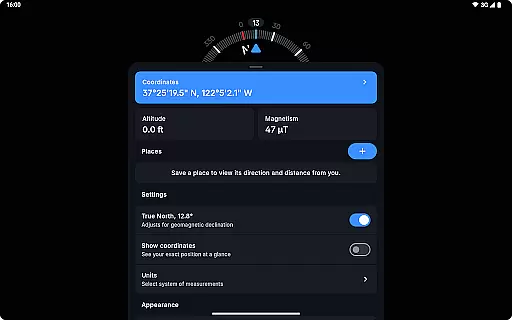
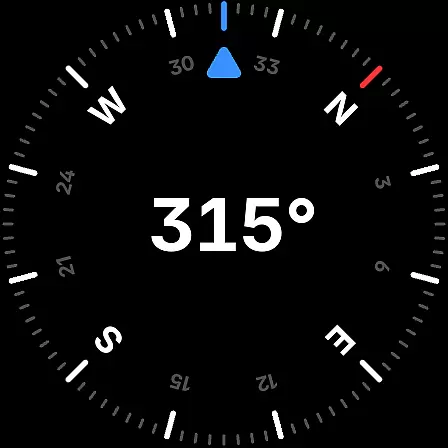
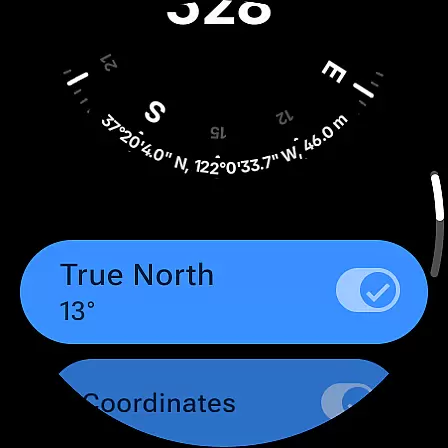
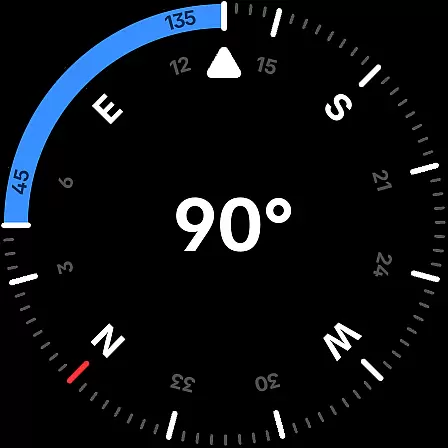
Compass is a sleek and minimalistic navigation app that combines simplicity with elegance. Designed for both Android phones and select Wear OS smartwatches, it offers users precise direction and location tracking through an intuitive dark-themed interface. The app provides essential features like coordinates display in multiple formats (DMS, DDM, DD, UTM, MGRS, OLC), altitude tracking, and the ability to save places for quick reference of direction and distance.
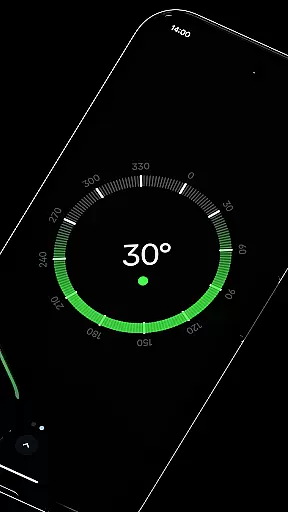
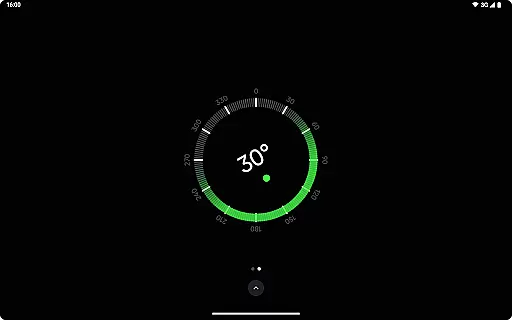
Beyond basic navigation, Compass includes advanced functionalities such as geomagnetic declination adjustment for true north alignment, a bubble level tool for checking surface levels, and angle difference measurement between orientations. With its flexible unit customization, users can adjust how angles, distances, and coordinates are displayed. Whether you're exploring outdoors or working on DIY projects, Compass ensures accurate readings while maintaining user privacy by operating without internet connection or intrusive ads.
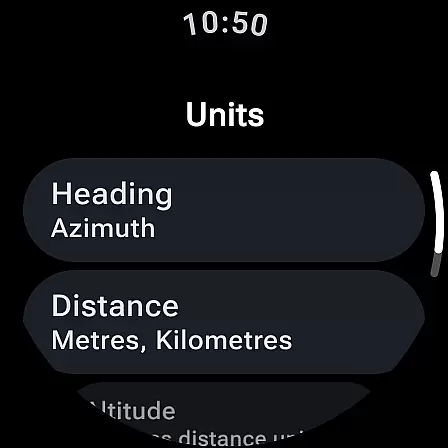
Compass stands out with its comprehensive feature set tailored for various navigation needs. One of its key strengths is the ability to customize units for angles (Azimuth or Quadrant Bearing), distances (Metric, Imperial, Nautical Miles), and coordinates, allowing users to personalize their experience. The app also supports dynamic color themes based on Android 12's wallpaper integration, offering both dark and light modes to suit different lighting conditions and aesthetic preferences.
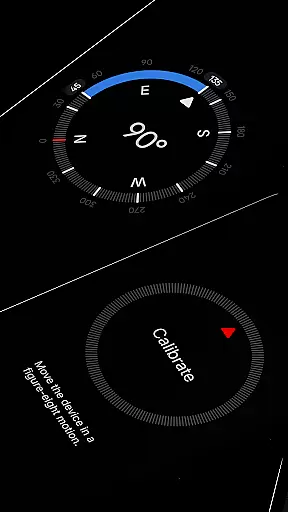
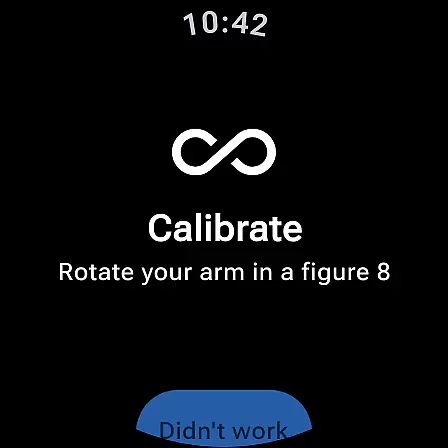
For enhanced usability, Compass includes practical tools like a red screen filter for better night vision, rich haptic feedback for tactile navigation cues, and a high-contrast display mode for improved visibility. Advanced features such as magnetic field magnitude detection and anomaly alerts ensure reliable performance even in challenging environments. Additionally, the app's calibration guide simplifies setup, while its dockable compass design allows multitasking without losing directional focus. These thoughtful innovations make Compass an indispensable tool for explorers, hikers, travelers, and professionals alike.
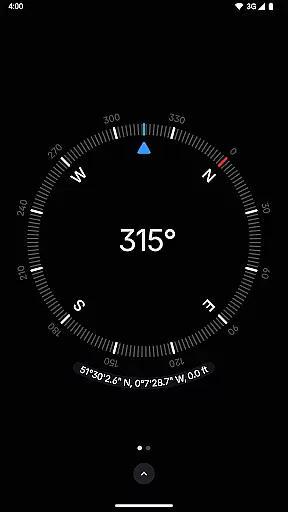
Compass stands out for its precision and reliability in delivering navigation data. The app provides users with exact location coordinates, including altitude, in multiple formats such as DMS, DDM, DD, UTM, MGRS, and OLC (Plus Codes). This versatility ensures that users can access geographic information in the format most useful to them, whether they are hikers, travelers, or professionals requiring specific data presentations.
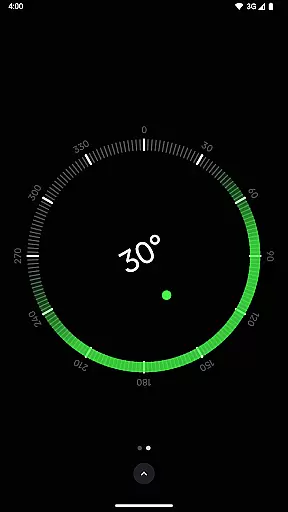
In addition to location data, Compass offers features like geomagnetic declination adjustment, aligning with true north for more accurate navigation. This is crucial for explorers who depend on precise bearings in their journeys. The inclusion of a bubble level feature further enhances its utility, allowing users to check the level of any surface, which is particularly beneficial for carpenters and DIY enthusiasts.
The app also measures the angle difference between two orientations, providing an additional layer of navigational detail. With rich haptic feedback, users receive tactile responses during navigation, making the experience more engaging and interactive. These core functions collectively ensure that Compass delivers both accuracy and effectiveness, catering to a wide range of user needs.
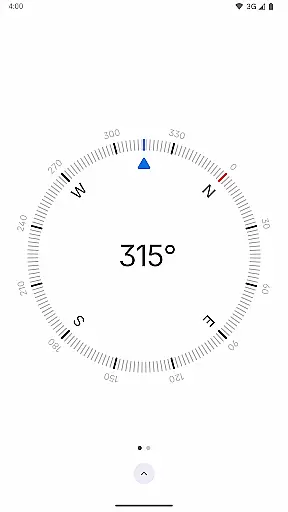
Compass excels in offering a user-friendly interface that combines simplicity with elegance. Its modern, dark-themed design not only looks sleek but also ensures ease of use, providing a clear and intuitive display that makes navigation effortless. The minimalist approach reduces clutter, helping users focus on essential information without distractions.
Users can personalize the appearance of the app through Android 12's dynamic colours feature, which adjusts the app's colours to match their wallpaper. This customization option adds a personal touch, enhancing user satisfaction. Additionally, the ability to switch between dark and light themes caters to different preferences and lighting conditions, ensuring optimal visibility at all times.
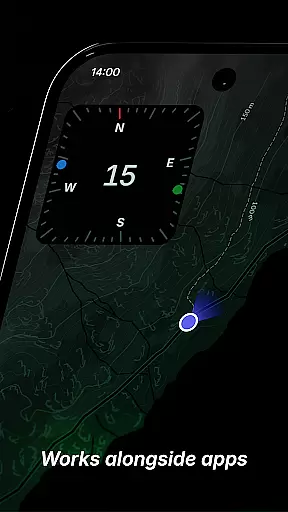
Compass further simplifies navigation by allowing users to dock the compass to the edge of the screen while using other apps. This multitasking capability ensures that directional information remains accessible without interrupting other activities. Combined with high contrast display options and a red screen filter for better night vision, Compass proves to be an intuitive tool that prioritizes user experience without compromising functionality.
User-friendly interface
Highly customizable settings
Accurate geomagnetic adjustments
No ads or trackers
Offline functionality
Limited Wear OS compatibility
Advanced features may overwhelm beginners
Redundant for casual use
Requires manual calibration
Dynamic colors need Android 12+

Just swipe the edge to do something!
 4.40
4.40
PDF Reader - Document Viewer: Read, Manage & Organize Your Documents
3.10
Unlock your Essential Key. Create custom shortcuts to your favorite apps!
4.0
eXtended Permission Manager - a small app to manage permissions and AppOps
4.50
Monitor car performance in real time and troubleshoot malfunctions.
4.80
Quickly check the frequency of the Earth
4.30
Powerful collection of electronics tools and reference.A must for any enthusiast
4.90
Create your own custom widget with endless possibilities
3.90
A clean app.
4.50
Enjoy smooth gameplay with Game Booster
4.90
Learn the vast amount of system information about device and monitor it's state
4.70
Connect instantly to a fast, encrypted VPN with one tap
4.60 4.50
4.50
Game Booster, GFX Tool is now compatible with newer game update
4.50
pdf merge, word to pdf, jpg to pdf, edit pdf, convert to pdf and much more!
4.20
Carry a FTP server in your pocket and avoid USB cables for file transfer
4.20
An open-source APK explorer for Android!
4.10
Fun lie-detection pranks for friends and parties.
3.80
This app unlocks the Pro features of the Central for DayZ app
3.60


User Reviews