
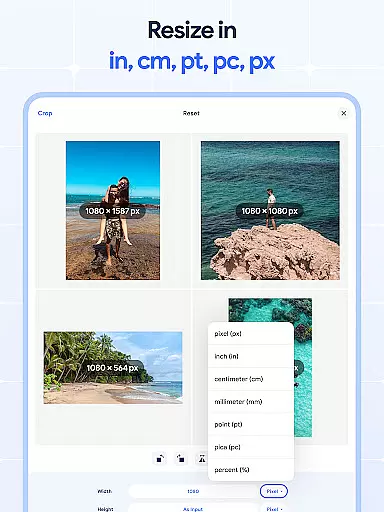
Image Resizer: Crop Photo is a versatile tool designed for resizing, cropping, rotating, flipping, and compressing images with ease. This app caters to users who need to adjust photo resolution, change image size, or optimize storage for various platforms including social media. With its intuitive interface, the app allows both quick edits and precise control over image adjustments.
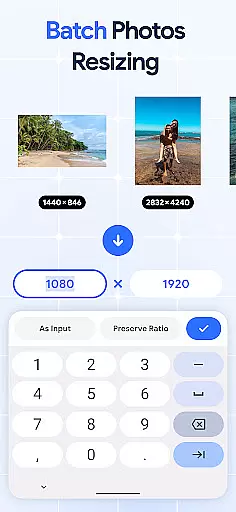
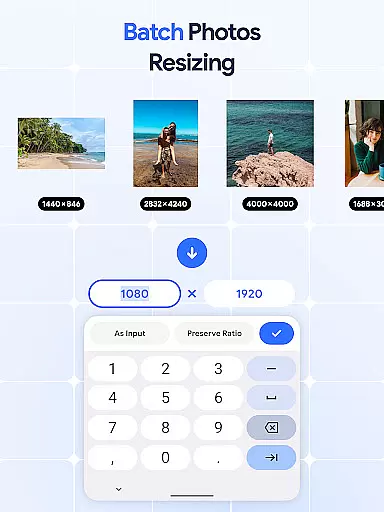
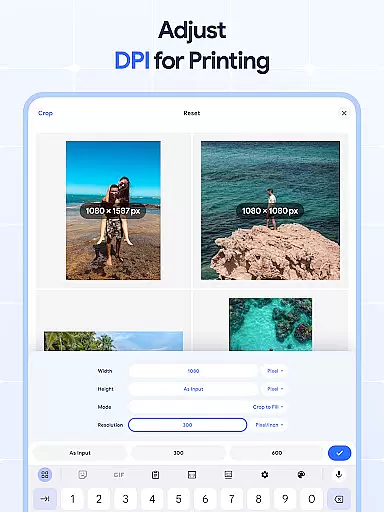
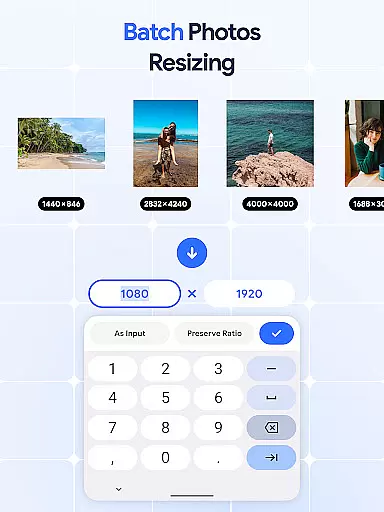
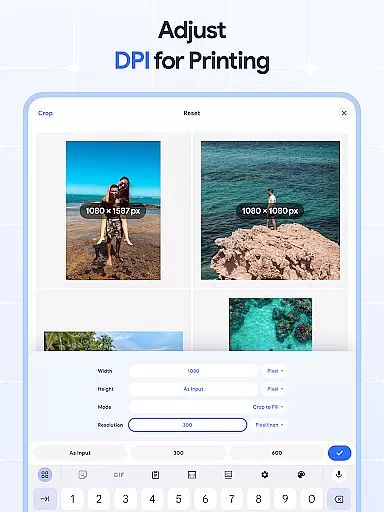
The application stands out with its batch processing capabilities, enabling users to resize multiple images simultaneously. Whether you need to rotate photos in bulk, crop pictures precisely, or flip images for creative effects, this app provides all the necessary tools. Additionally, the built-in dpi changer helps modify image resolution for better print quality, while the photo compressor reduces file sizes without compromising on quality.
For anyone looking to streamline their image editing process, Image Resizer offers an efficient solution. Its comprehensive feature set makes it suitable for both casual users managing personal photos and professionals handling large volumes of images. The app's ability to handle multiple tasks within a single platform adds significant value to your digital toolkit.
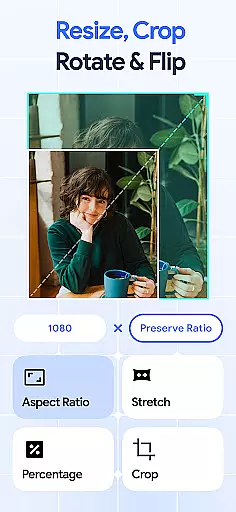
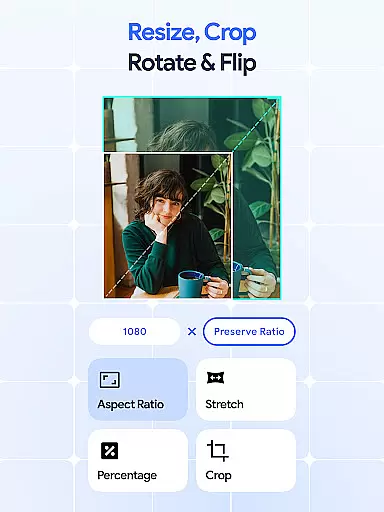
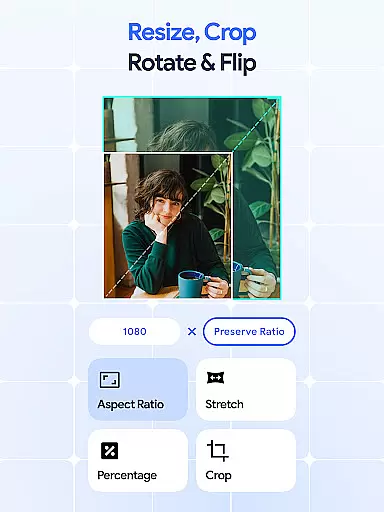
Image Resizer: Crop Photo boasts an impressive array of features that cater to diverse image editing needs. One of its standout functionalities is the batch resize option, which allows users to adjust multiple images simultaneously, saving considerable time and effort. The app also includes a robust cropping tool that enables precise edits, removing unwanted parts of an image while maintaining aspect ratios.
In addition to resizing and cropping, the app offers powerful rotation and flipping capabilities. Users can easily rotate pictures to correct orientation or create mirrored effects with a single tap. These features are particularly useful for creating symmetrical designs or correcting improperly aligned shots. Furthermore, the photo rotator supports bulk operations, allowing users to apply changes to numerous images at once.
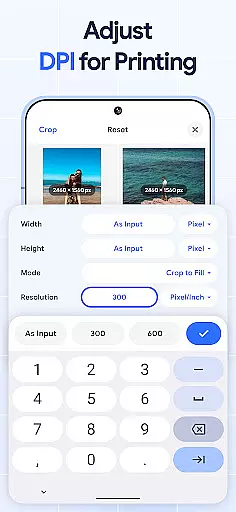
The app also excels in resolution management with its dpi changer and photo compressor tools. The dpi changer lets users modify image resolution for optimal print quality, while the photo compressor reduces file sizes without noticeable loss in quality. These features make it ideal for optimizing images for web use or storage. Whether you're a professional photographer or a casual user, Image Resizer provides the tools needed to efficiently manage and edit your photo collection.
In the realm of digital art and design, having access to comprehensive tools is essential for bringing creative visions to life. Image Resizer: Crop Photo stands out by offering a wide array of features that cater to various image editing needs.
From resizing and cropping to rotating and flipping images, this app provides users with everything required to modify photos accurately. The inclusion of a dpi changer and photo compressor ensures that creatives can also optimize their images for both digital and print media without compromising on quality.
The true power of Image Resizer lies in its batch processing capabilities. Users can perform bulk operations such as resizing, rotating, or compressing multiple images simultaneously. This feature significantly enhances productivity, allowing artists and designers to focus more on the creative aspects rather than getting bogged down by repetitive tasks.
Ultimately, the extensive suite of tools available in Image Resizer empowers users to execute their projects with precision and efficiency, making it an indispensable asset for anyone involved in art and design.
Flexibility in canvas size and format options is crucial for designers who work on diverse projects. Image Resizer: Crop Photo addresses this need by providing versatile solutions that adapt to different design requirements.
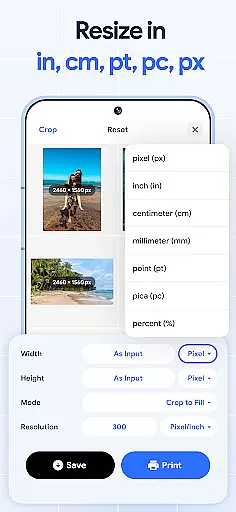
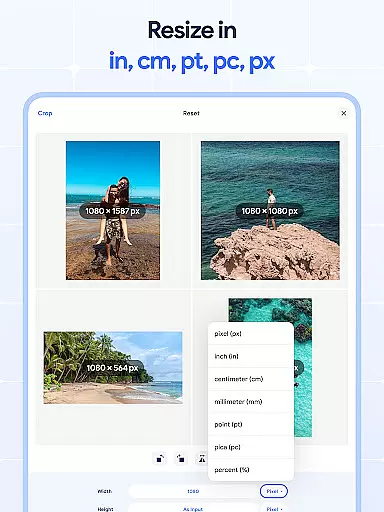
Whether you're adjusting dimensions for social media posts or preparing high-resolution images for professional printing, the app's ability to change dpi and resolution settings ensures your visuals always meet the necessary specifications. Its intuitive interface makes these adjustments straightforward, even for those new to image editing.
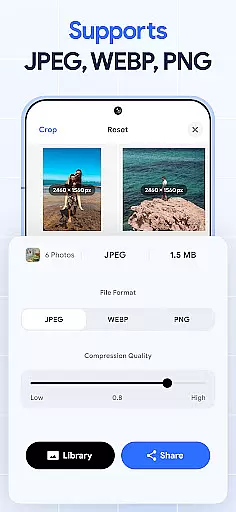
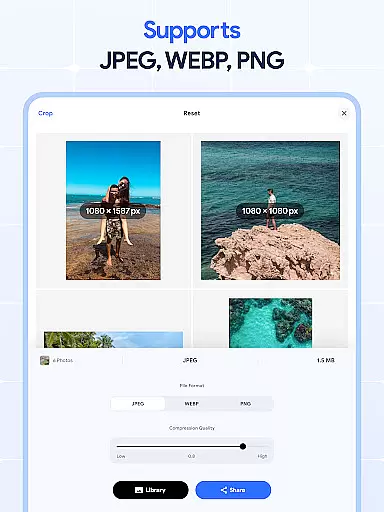
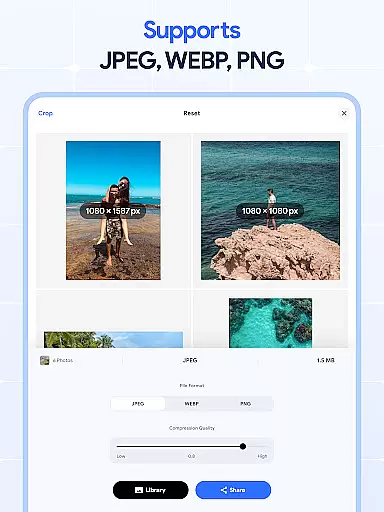
Moreover, the application supports a variety of file formats, giving users the freedom to import and export their work without worrying about compatibility issues. This versatility extends to its batch processing functions, where entire collections of images can be transformed to fit specific formats or sizes effortlessly.
By prioritizing canvas and format flexibility, Image Resizer equips designers with the adaptability needed to tackle any project confidently, ensuring their creative output remains unrestricted by technical limitations.
User-friendly interface
Batch processing capabilities
Precise cropping options
Efficient photo compression
Versatile editing tools
Limited advanced editing
No cloud integration
Basic filters only
Occasional bugs
Ads in free version

Unleash your drawing and painting potential
 4.50
4.50
Photo blender app to create overlay photos & double exposure.
4.40
See Color, Paint Color
4.90
Art of Combination Wear OS Watch Faces
4.3
Digital, Abstract, Classic - all types of color wheels in one app!
4.60
Design unique, funny and adorable cat stickers that reflect your own style!
3.80
Your homescreen as an elegant glass with customized blur, lighting, and visuals.
3.70
Share the joy of painting with ibis Paint! Drawing anime and manga art.
4.50
Beauty Camera - Selfie Camera is the ultimate beauty camera and selfie app
4.30
The ultimate tool for creating animations
4.60
AI Tattoo Generator: Create Tattoo Designs & Get Ideas! Ink & Stencil Maker
4.50
Trace, draw, and create art with AR - from memes to masterpieces!
4.30
Sketch, plan, take notes and illustrate on an infinite canvas.
4.20
Create stylish invitation cards using templates for weddings, birthdays & RSVP.
4.20
Design your dream room with AI. Get decor ideas & plan home interiors
3.90
Meet the magic aı 3d photo generator and smart AI video generator app.
3.20
Download now for a stylish and functional timepiece
4.5
Your Essential Color Theory Guide: Red, Yellow, Blue (RYB)
4.4
Android 14 style widgets and wallpapers app.
4.1


User Reviews