
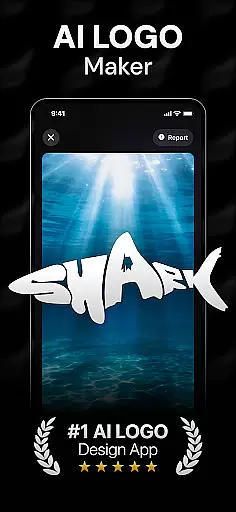
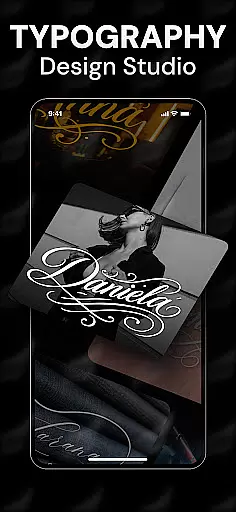
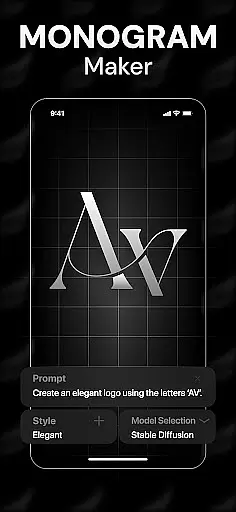
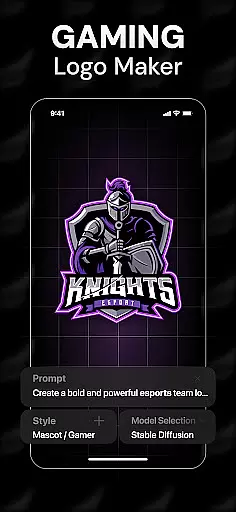
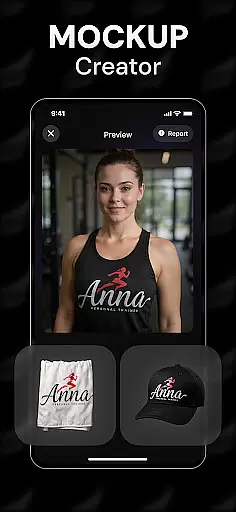
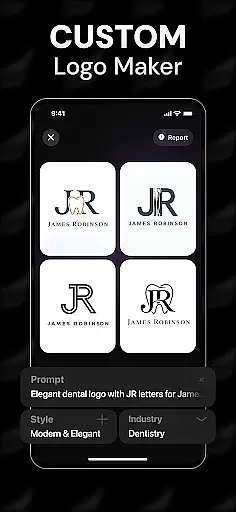
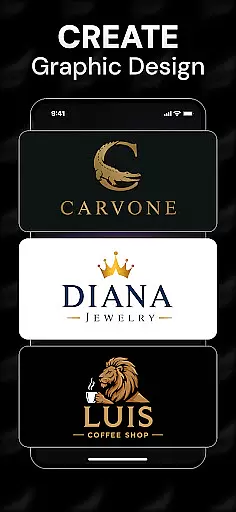
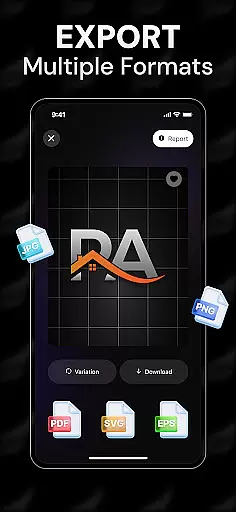
Rebrand is an AI-powered logo design studio that revolutionizes the way users create professional logos and branding materials. This app combines cutting-edge artificial intelligence with intuitive design tools, enabling users to generate unique logos tailored to their specific needs.
The application offers a comprehensive suite of features including customizable logo elements, realistic mockups, and versatile design options. Users can visualize their logos on various real-world items like business cards and merchandise. The app's powerful AI engine transforms simple text prompts into sophisticated logo designs within seconds.
Whether you're establishing a new business, developing a personal brand, or creating gaming community logos, Rebrand provides the perfect solution for all your branding requirements.
Rebrand distinguishes itself through its advanced AI logo generation capabilities and extensive customization options. The AI-powered logo maker interprets user-defined prompts to produce distinctive designs that align with specific branding objectives.
The app includes professional-grade tools for modifying colors, typography, and layout elements. Its realistic mockup feature allows users to preview their designs on various products, while the export functionality supports multiple file formats for web and print use.
Additional premium features include icon creation tools, monogram generators, and social media graphic templates. These comprehensive design capabilities make Rebrand suitable for both beginners and experienced designers seeking professional results.
In the realm of graphic design, having access to comprehensive creative tools is essential for bringing artistic visions to life. Rebrand stands out by offering an extensive suite of features that cater to both novice and professional designers alike.
At the core of Rebrand's offerings is its AI Logo Generator, which allows users to input custom prompts and receive tailor-made logo designs. This feature is complemented by a robust set of logo maker tools that enable detailed customization, from color palettes to typography choices, ensuring each element aligns with the user's brand identity.
Beyond logo creation, Rebrand extends its capabilities to realistic mockups, allowing creators to visualize their designs on various mediums such as mugs, business cards, and apparel. This not only enhances the design process but also provides a tangible sense of how logos will appear in real-world applications.
The inclusion of additional functionalities like icon and monogram makers further enriches the user experience, empowering individuals to expand their branding efforts beyond traditional logos. With these complete creative tools at their disposal, users can craft stunning visuals that capture the essence of their brands with remarkable ease and precision.
Flexibility in canvas and format options is crucial for accommodating diverse design needs and ensuring that creations can be utilized across multiple platforms. Rebrand addresses this need by providing versatile solutions that adapt to varying project requirements.
Users have the freedom to experiment with different canvas sizes and orientations, making it possible to create designs tailored for specific use cases, whether it's for digital media or print materials. The ability to adjust these parameters ensures that every piece produced is optimized for its intended purpose.
Moreover, Rebrand supports exporting logos and other graphics in a wide array of file formats, catering to different technical specifications and platform requirements. This flexibility guarantees that final outputs are compatible with websites, social media profiles, marketing collateral, and more.
By combining adaptable canvas settings with broad format compatibility, Rebrand empowers designers to seamlessly integrate their work into any environment, enhancing both the creative process and the practical application of their designs.
User-friendly interface
Advanced AI technology
Customizable design elements
Realistic product mockups
Versatile export options
Limited free features
Subscription required
Internet connection needed
Learning curve for beginners
Occasional AI inaccuracies

Design your dream room with AI. Get decor ideas & plan home interiors
 3.90
3.90
Digital Drawing: Draw & Paint
4.10
Digital, Abstract, Classic - all types of color wheels in one app!
4.60
Novices can also easily complete diamond painting masters
4.70
Get creative and make art with your Sesame Friends!
4.00
Video AI: Revolutionize Your Content Creation with Advanced Video Generation
4.50
Create cute cat emojis & PFPs! Fun, custom avatars for cat lovers.
3.70
Kling AI is an image and video generation and editing studio powered by AI.
4.50
Multiplayer Drawing game, Coloring, Painting・Sketch, Handwriting・Paint, draw
4.30
2D animation studio for Android tablets - unlimited layers, infinite timeline
4.70
Everything you need to create hand drawn animation, anywhere you go!
4.40
Unleash the artist in you with our AR drawing and tracing tool for photo drawing
4.10
Sketch and paint on your device with the feel and freedom of drawing on paper
4.00
Resize photos and print photos in exact size with our powerful photo printer!
3.80
Apply cartoon, caricature, and portrait effects to make your photos stand out!
3.60
Create stunning video, photo & magic from text with FlixAI GPT video generator.
3.10
Premium version of Shimeji-ee app with no ads & no limit active shimeji
4.2
Your Essential Color Theory Guide: Red, Yellow, Blue (RYB)
4.2
Art of Combination Wear OS Watch faces
4.0


User Reviews