
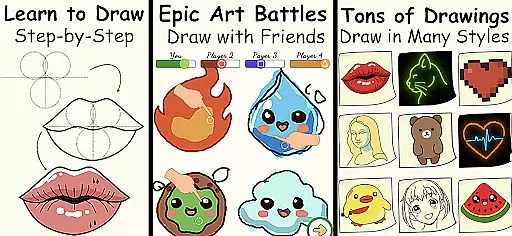
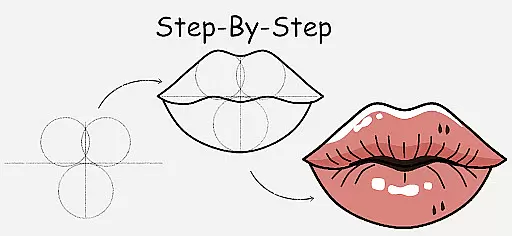
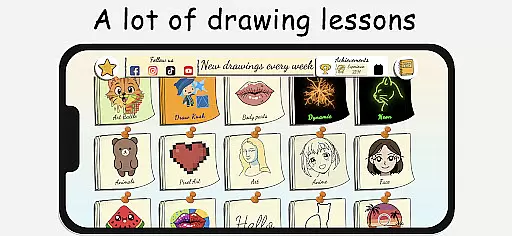
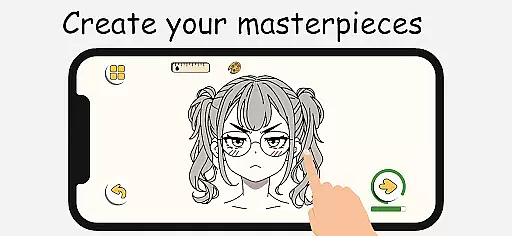
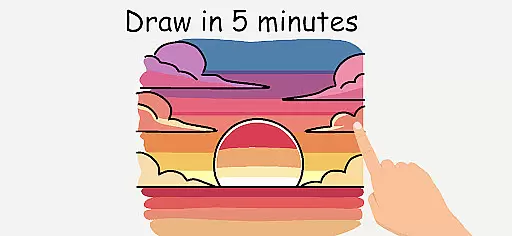
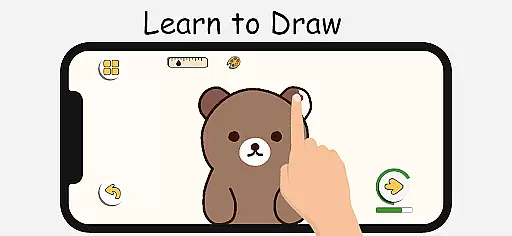
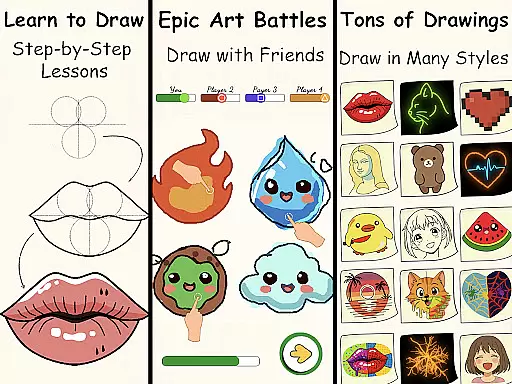
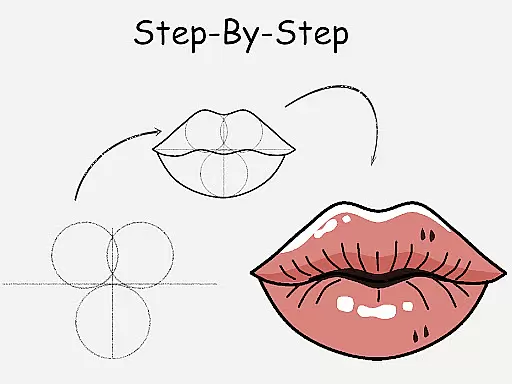
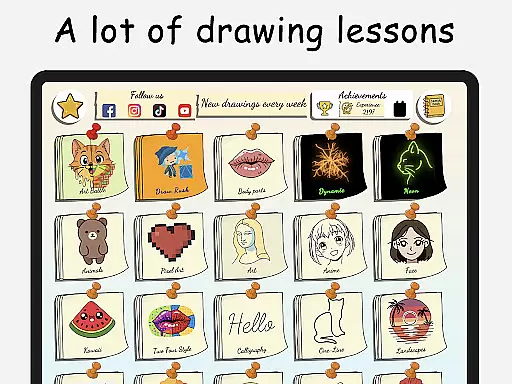
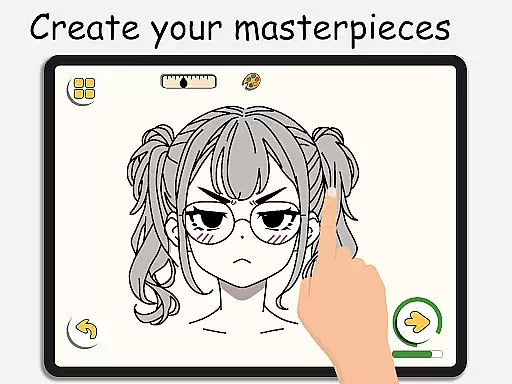
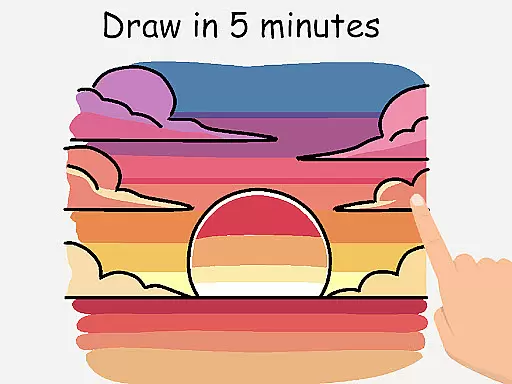
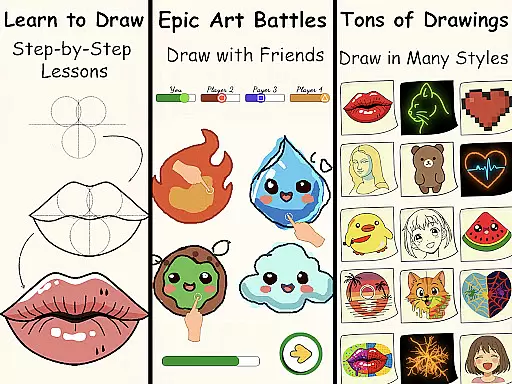
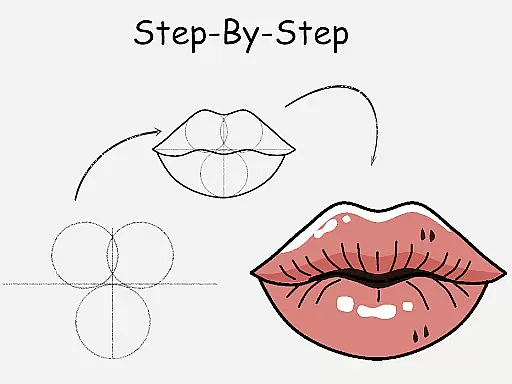
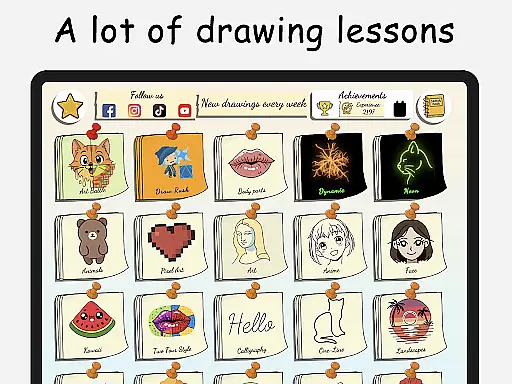
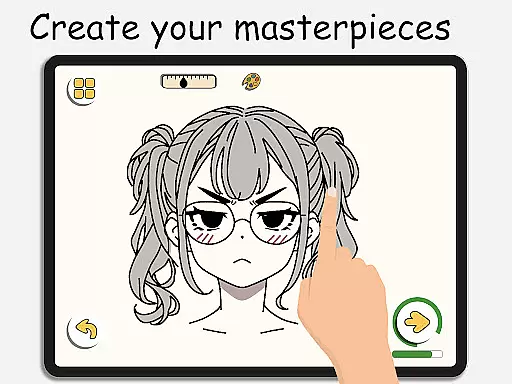
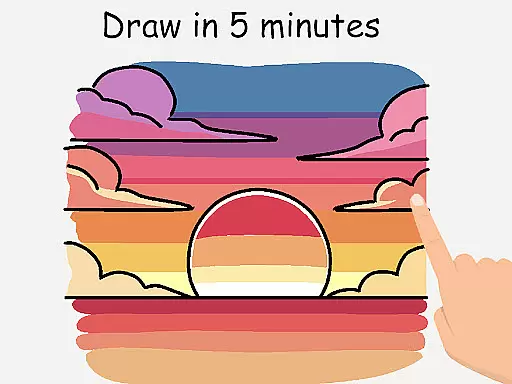
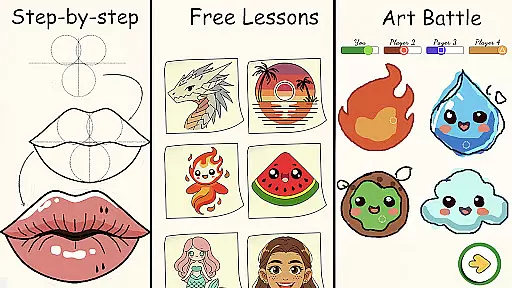
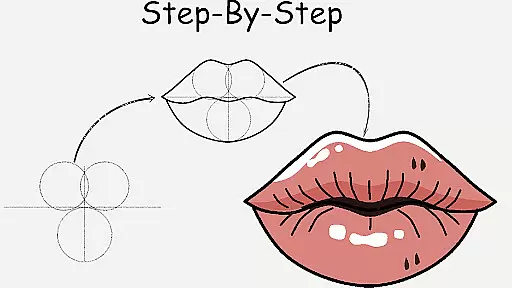
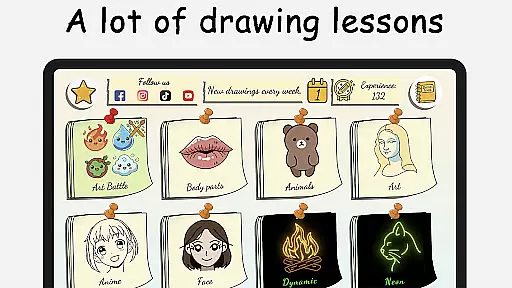
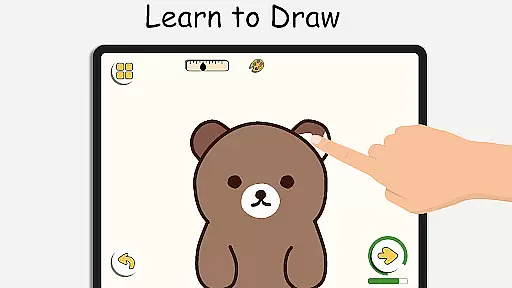
ArtLoop is a premier mobile application designed for both aspiring and experienced artists looking to enhance their drawing skills. This app offers an extensive range of step-by-step lessons and tutorials that cover various art forms including characters, animals, food, people, emojis, anime, and more. Each lesson is crafted with clear, easy-to-follow instructions making it ideal for beginners and those aiming to refine their techniques.
In addition to structured learning, ArtLoop provides interactive features such as multiplayer drawing battles, which allow users to compete with friends or other artists globally. These challenges not only make learning fun but also motivate users to improve their speed and accuracy. The app also includes smart evaluation tools that help track progress over time, ensuring continuous improvement in a supportive environment.
ArtLoop stands out by offering tailored learning paths and intuitive drawing tools that cater to all ages and skill levels. Whether you are interested in sketch art, pixel art, neon drawing, or quick draw challenges, this app has something for everyone. With the added benefit of offline functionality, ArtLoop ensures that inspiration and creativity are never limited by internet access.
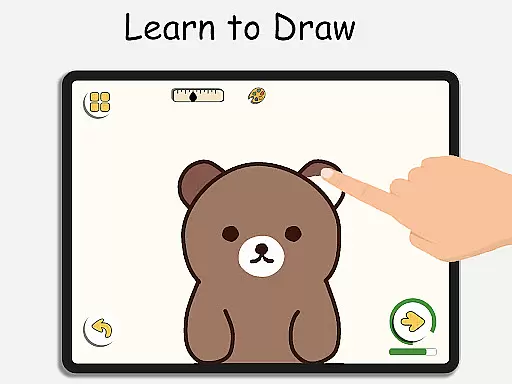
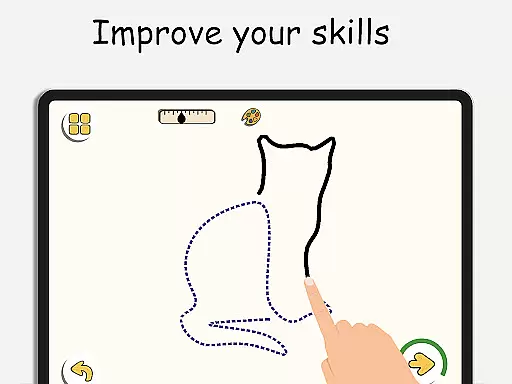
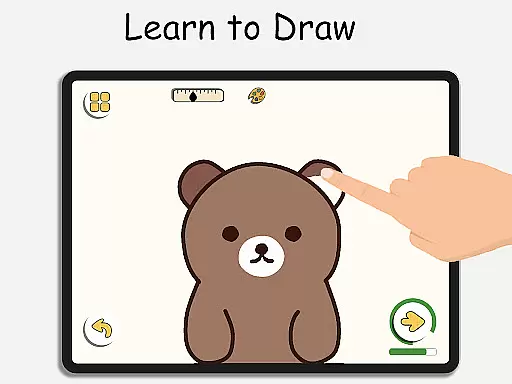
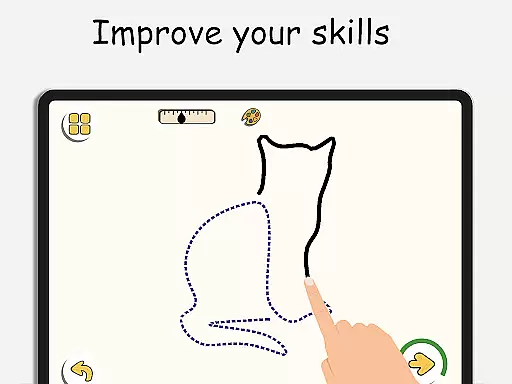
ArtLoop boasts a rich array of features designed to provide a comprehensive drawing experience. One of its standout features is the step-by-step drawing lessons that guide users through mastering the basics of various subjects like animals, food, and anime. These tutorials are complemented by structured learning paths that let users focus on specific topics such as sketching or cartoon drawing, ensuring a personalized learning journey.
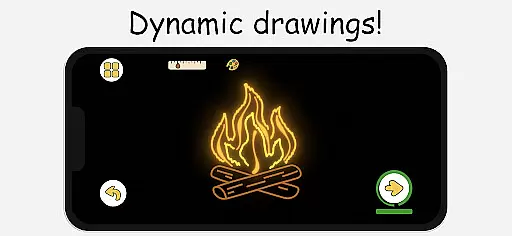
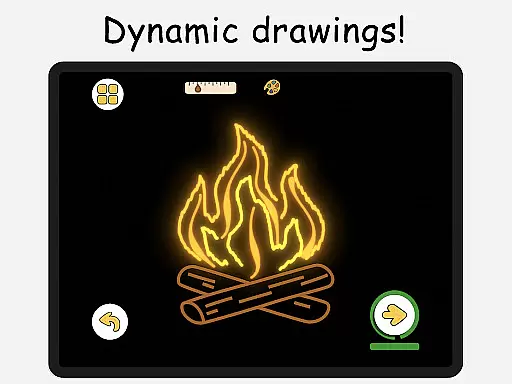
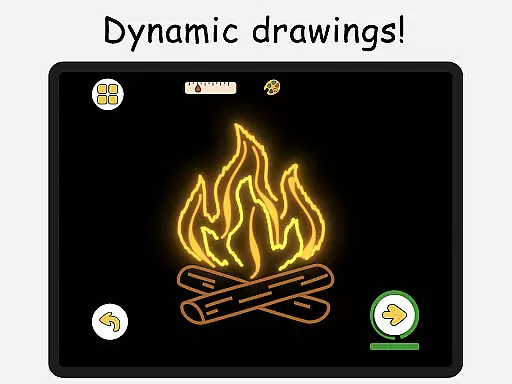
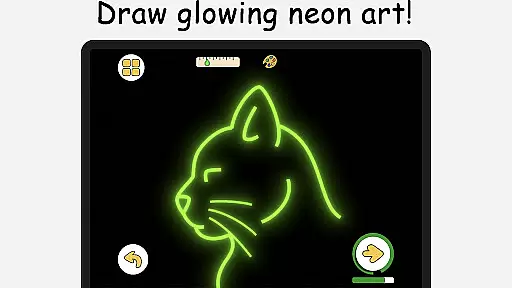
Beyond traditional lessons, ArtLoop incorporates innovative modes like Pixel Art and Neon Drawing. The Pixel Art Mode offers grid-perfect drawing with snap-to-grid tools and quick-fill coloring, perfect for creating retro sprites and game characters. Meanwhile, the Neon Drawing feature allows users to create vibrant, glowing artwork with luminous brushes. Additionally, Quick Draw & Speed Draw Challenges push users to enhance their accuracy and think on their feet, providing an engaging way to practice.
Another remarkable feature is the Multiplayer Drawing Battles, where users can challenge friends or random players in real-time art competitions. This fosters a sense of community and friendly rivalry, keeping users motivated. Moreover, the Draw With Friends option lets users open private rooms to collaborate on sketches together, promoting artistic freedom and creativity in a shared space.
ArtLoop offers a comprehensive suite of creative tools designed to cater to artists of all levels. From basic sketching to advanced digital art, the app provides an extensive range of features that ensure users have everything they need at their fingertips.
The inclusion of step-by-step drawing lessons and tutorials allows beginners to master fundamental techniques while offering more experienced users the opportunity to refine their skills. With structured learning paths covering various topics such as anime, cartoon drawing, and sketch art, ArtLoop ensures that every artist can find content tailored to their interests.
Unique modes like Pixel Art and Neon Drawing further enhance the creative experience by providing specialized tools for creating retro sprites or luminous brush strokes with glow effects. These innovative features not only expand artistic possibilities but also keep users engaged and inspired.
Additionally, Quick Draw & Speed Draw Challenges introduce an element of fun competition, pushing artists to improve their speed and accuracy in a supportive environment. This combination of educational resources and entertaining activities makes ArtLoop a versatile platform for nurturing creativity.
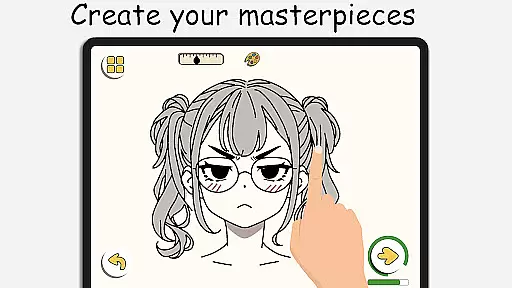
ArtLoop stands out with its exceptional canvas and format flexibility, empowering users to create art without limitations. The app's virtual sketchpad is equipped with smooth, responsive tools that mimic real-world drawing experiences, ensuring precision and ease of use.
Users can enjoy unparalleled freedom when it comes to choosing their preferred canvas size and format. Whether working on small doodles or large-scale digital paintings, ArtLoop adapts seamlessly to accommodate different project requirements. This adaptability extends to offline functionality, allowing artists to continue creating even without internet access.
The introduction of Multiplayer Drawing Battles adds another layer of interaction by enabling real-time collaboration through private rooms where friends can sketch together. Such social features foster community engagement while maintaining individual creative control over oneu2019s work environment.
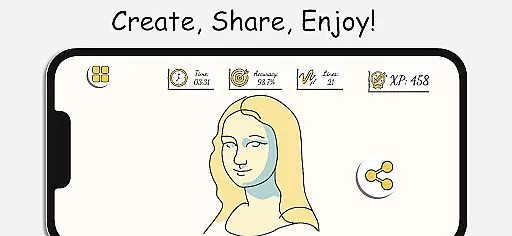
Furthermore, smart evaluation tools help track progress by analyzing accuracy and flow during each tutorial session. By combining these robust customization options with interactive elements, ArtLoop delivers a dynamic yet user-friendly interface suitable for both casual doodlers and professional artists alike.
User-friendly interface
Comprehensive tutorials
Multiplayer drawing battles
Offline drawing capability
Smart progress tracking
Limited advanced tools
Occasional bugs
Ads in free version
High system requirements
Learning curve for new users

Customizable Outlined Fonts. Watch Face Format. Battery friendly Digital Clock.
 4.20
4.20
Floor Plan Creator lets you create, edit and share floor plans.
4.00
Image/ Text to Video Generator
4.40
Sketch, plan, take notes and illustrate on an infinite canvas.
4.20
Draw anime & manga drawing, art with templates to create stunning picture!
4.50
Paint with oils and sketch with natural tools on a realistic virtual canvas.
3.80
Turn your drawings into flipbook-style animations with simple creative tools
4.60
Kling AI is an image and video generation and editing studio powered by AI.
4.50
Draw, make movies & animate cartoons easily with our 2D animation maker app
4.40
Passport size photo maker, create ID photo and visa photo in seconds
4.80
Photo editor for art, avatars, filters & fun transformations.
4.60
Discover Cartoon Dream : Unleash Your Creativity with CuttingEdge AI
4.50
The perfect place to start sketching! Use Sketchbook to draw and paint sketches.
4.50
Share the joy of painting with ibis Paint! Drawing anime and manga art.
4.50
Video AI: Revolutionize Your Content Creation with Advanced Video Generation
4.50
Experience next-gen icons with a modern liquid glass look.
3.60
Create sweet, cool and unique couple avatars easily, in just a few steps!
3.40
Sketch, trace and master AR drawing with awesome anime art!
3.30
Art of Combination Wear OS Watch faces
4.4


User Reviews