
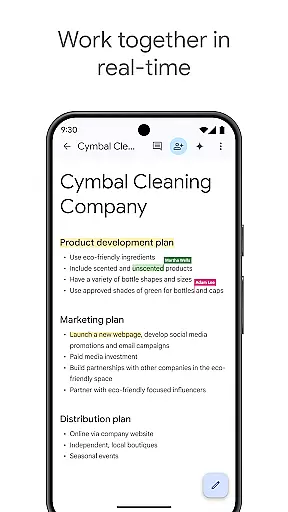
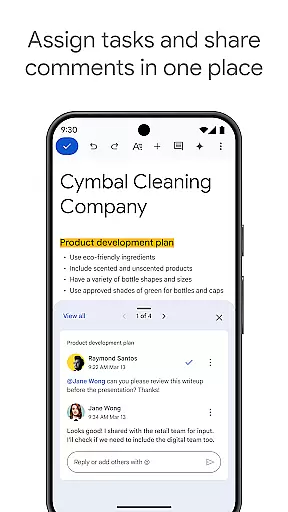
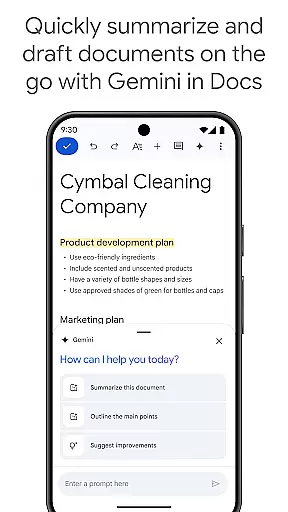
Google Docs is a powerful productivity application that allows users to create, edit, and collaborate on documents directly from their Android devices. The app supports real-time collaboration, enabling teams to work together seamlessly by sharing documents, leaving comments, and assigning action items without missing a beat. Whether you're online or offline, Google Docs ensures you can capture ideas and complete tasks with its robust offline mode and easy-to-use templates.
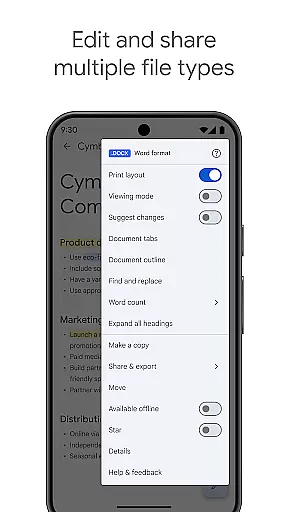
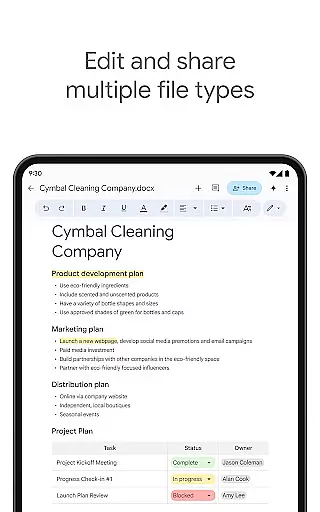
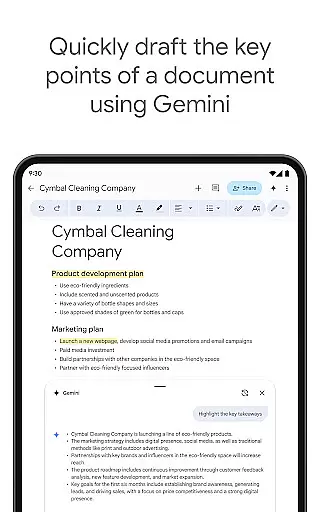
Beyond basic document creation, Google Docs supports multiple file types, including Microsoft Word files, and offers seamless conversion and exporting options. As part of Google Workspace, it provides an integrated environment where teams can chat, create, and collaborate. Subscribers to Google Workspace enjoy advanced features like AI-powered writing suggestions, content generation using Gemini in Docs, and the ability to create custom images for unique document personalization.
With its versatile functionality, Google Docs is ideal for professionals, students, and anyone needing a reliable tool for document management and team collaboration. Its intuitive interface and comprehensive feature set make it a go-to solution for enhancing productivity and streamlining workflows across various industries.
Google Docs stands out with its rich feature set designed to enhance productivity and collaboration. One of its core strengths is real-time collaboration, allowing multiple users to edit documents simultaneously, leave comments, and assign tasks without any delays. This feature is particularly beneficial for remote teams and fast-paced work environments where instant communication is crucial.
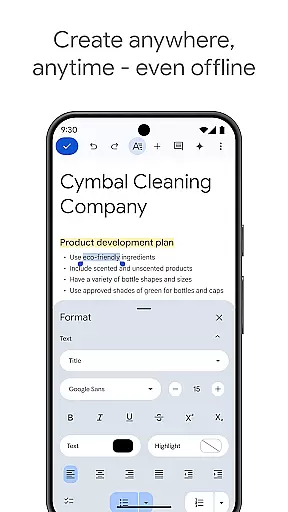
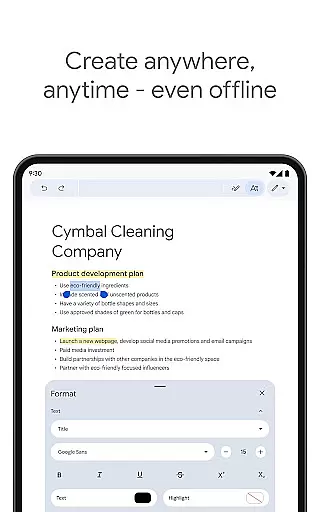
The app also excels in accessibility and convenience. Users can create and edit documents from anywhere, even without an internet connection, thanks to its offline mode. It includes a variety of templates that save time and add a professional touch to your work. Additionally, Google Docs supports a wide range of file types, such as Microsoft Word, and offers smooth conversion and exporting capabilities, ensuring compatibility across different platforms and applications.
For those subscribed to Google Workspace, Google Docs provides advanced functionalities like AI-driven writing suggestions and the innovative Gemini tool, which helps draft and refine content quickly. These features not only improve efficiency but also empower users to produce high-quality documents with ease, making Google Docs a top choice for both individual and team-based projects.
Google Docs excels in core task management by providing a comprehensive suite of tools designed to streamline document creation and collaboration. The app allows users to create, edit, and share documents effortlessly, ensuring that teams can work together efficiently regardless of their location.
The real-time collaboration feature is particularly noteworthy. Multiple users can simultaneously edit a document, leave comments, and assign action items without any delay. This ensures that projects move forward smoothly and deadlines are met with ease.
Additionally, Google Docs supports offline mode, enabling users to capture ideas and complete tasks even without an internet connection. This flexibility ensures productivity is not hindered by connectivity issues, making it ideal for professionals on the go.
Cross-device synchronization is a standout feature of Google Docs, ensuring that all your documents are consistently up-to-date across various devices. Whether you're switching from your phone to a tablet or a computer, you can be confident that your latest changes are always available.
This reliable synchronization is powered by Google's robust cloud infrastructure, which guarantees that updates are instantaneously reflected. Users can start a document on one device and seamlessly continue their work on another without missing a beat.
Moreover, Google Docs supports a wide range of file types, including Microsoft Word files, enhancing its versatility. This compatibility ensures that no matter which application your collaborators use, everyone can contribute effectively, maintaining workflow continuity and efficiency.
User-friendly interface
Real-time collaboration
Offline editing mode
Wide file compatibility
AI-powered enhancements
Limited offline features
Requires Google account
Occasional sync issues
Basic formatting tools
Dependent on internet speed

Experience real multitasking on your Android!
 4.00
4.00
Create study competitions, track your hours, and stay consistent with friends
4.0
Total remote control for your Android device, PC and cloud services (IFTTT)!
4.20
aCalendar+ makes your day, week and month
4.70
ID.me Authenticator is a simple and free Two Factor Authentication solution
3.50
Understand anything with a personalized AI research assistant
4.80
AT&T Internet customers can use this app to personalize their Wi-Fi network.
4.40
Daily processing of PDF documents.
4.40
Put a lock on your cloud: Take the security of your data into your own hands
3.70
The Pro Version of Android's tiniest Notepad app. Just 0.3MB but feature-packed!
4.60
App Lock with fingerprint, password: Lock apps & hide photos with lock screens
4.60
This small app MUST BE INSTALLED after purchase, else license won't work
4.40 4.20
4.20
A customizable calendar for your Wear OS watch
4.20
Secure, open-source, SPICE and SSH Remote Desktop for QEMU KVM virtual machines
4.00
Access your phone's notifications, calls, apps, photos & texts on your PC
3.90
Remotely view listen control and record cameras.
3.70
Experience and share your SolidWorks designs on your Android® phone and tablet.
2.50
Ads Free App! Editor, Hide File, Copy, Move, Delete and Rename.. all facility av
1.70


User Reviews