
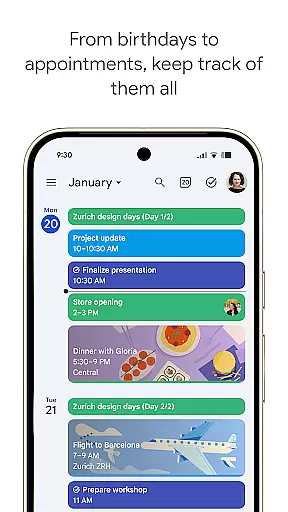
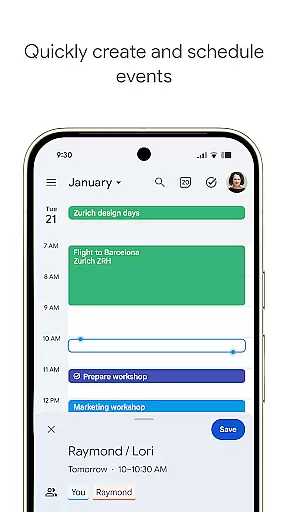
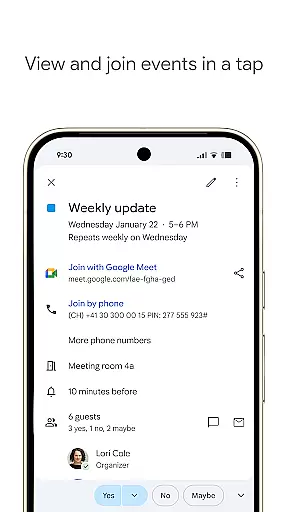
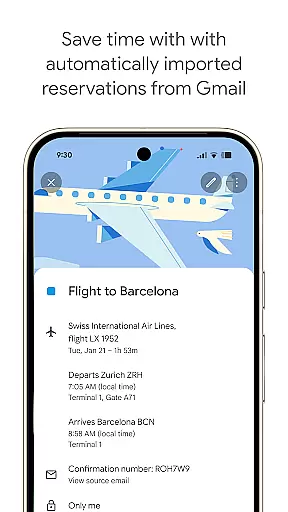
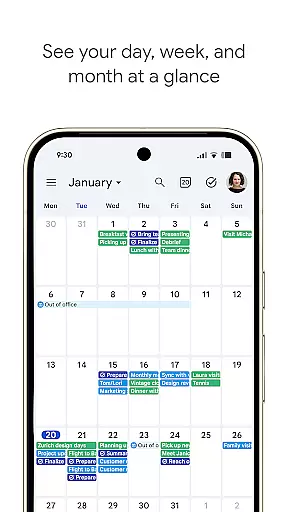
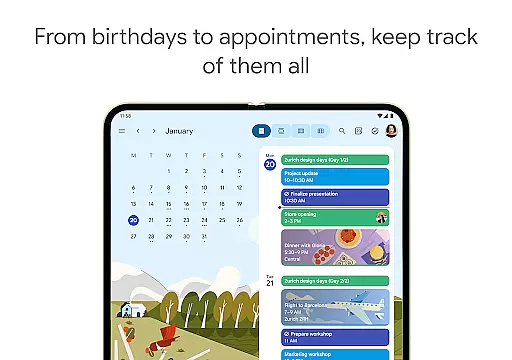
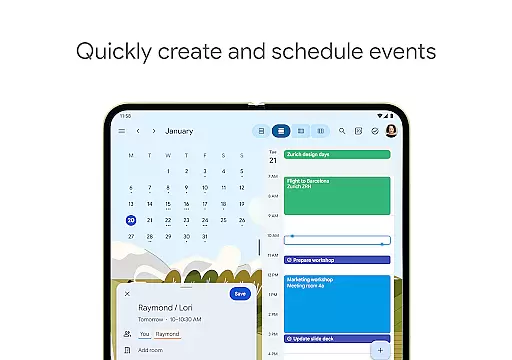
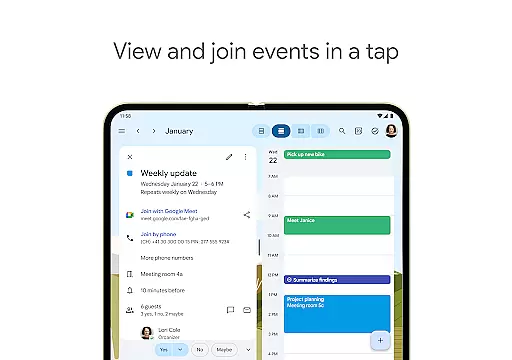
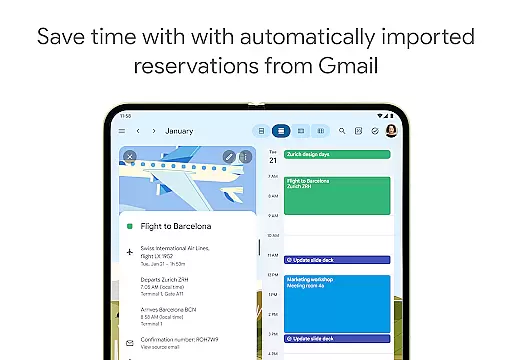
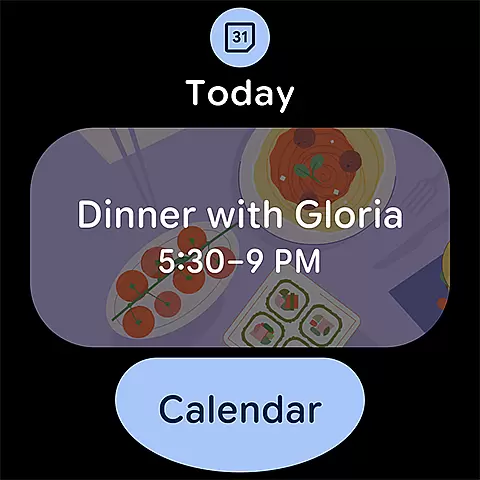
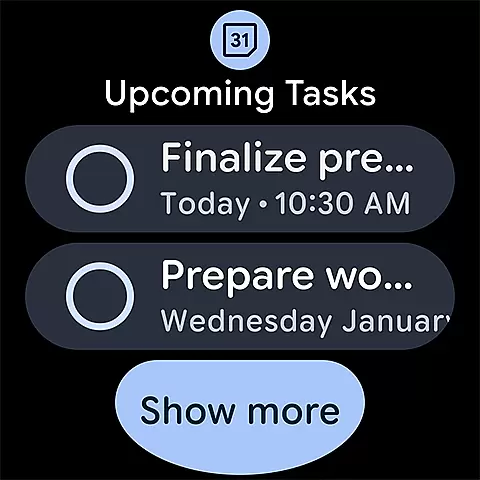
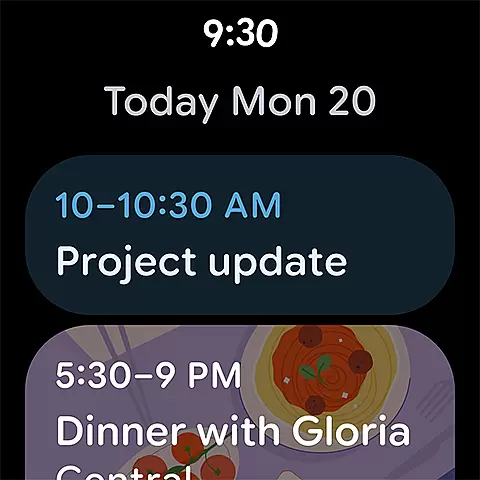
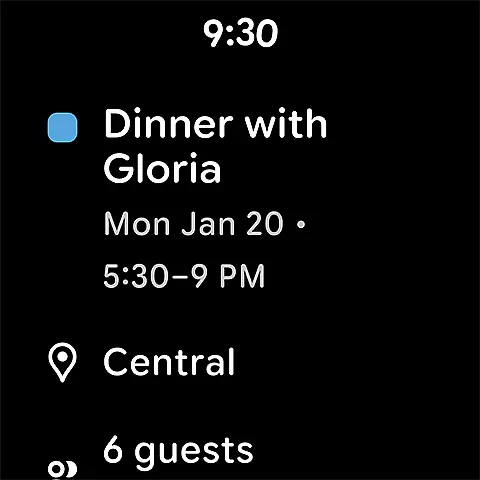
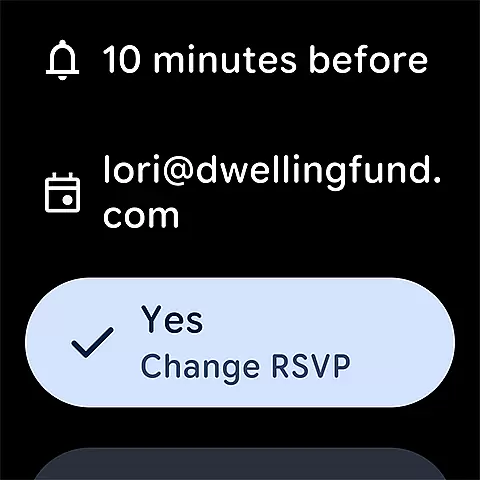
Google Calendar is the official calendar app designed for Android devices, including phones, tablets, and Wear OS. It helps users stay organized by offering easy event creation, multiple calendar views, and seamless synchronization across devices. The app automatically imports events from Gmail, such as flight details and hotel reservations, ensuring that your schedule is always up-to-date.
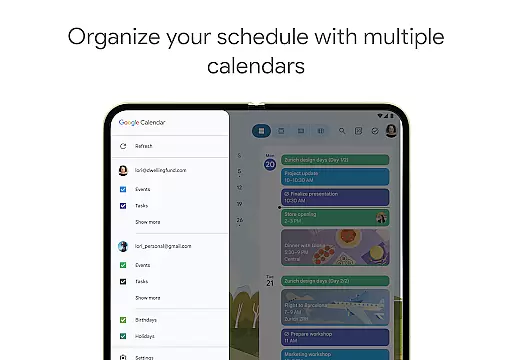
With features like shared calendars, task management, and customizable views, Google Calendar allows users to personalize their experience while staying connected with family, friends, and colleagues. Its integration with Google Workspace tools makes it ideal for hybrid work environments, enabling users to schedule meetings, add video calls, and attach important documents directly to events.
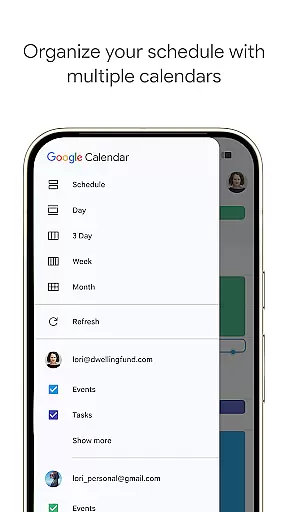
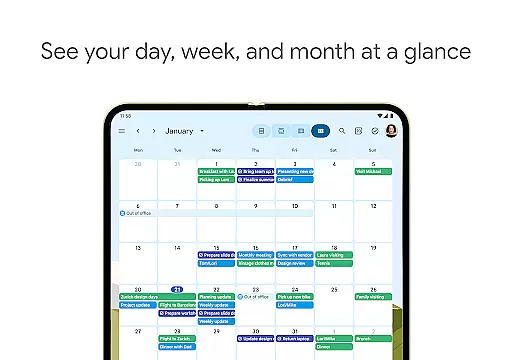
Google Calendar offers a variety of advanced features tailored to enhance productivity. Users can switch between different viewing modes—month, week, or day—to better manage their schedules. The app supports task management, allowing users to create and organize to-do lists alongside their events in a full-screen view.
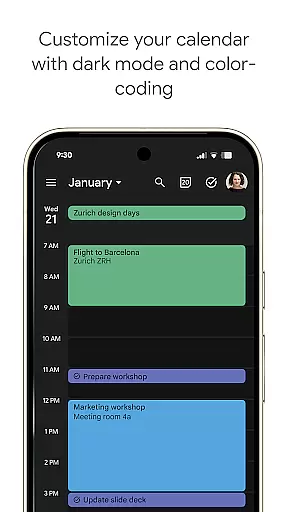
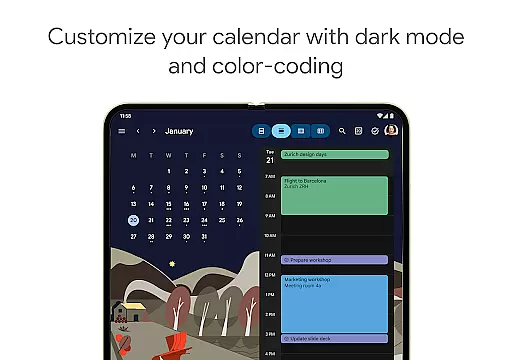
Customization options include light or dark mode and color-coded events, providing a personalized user experience. For professionals, Google Calendar integrates seamlessly with Google Workspace, enabling features like booking pages, meeting availability checks, and document attachments to calendar events. These capabilities ensure efficient collaboration in both personal and professional settings.
Companion app integration is a crucial feature for wearable devices, ensuring seamless synchronization between the main application and its wearable counterpart. Google Calendar excels in this area by providing consistent functionality across Android phones, tablets, and Wear OS devices.
The integration allows users to access their calendar events directly on their Wear OS device without missing any details. This means that whether you're viewing your schedule on your phone or smartwatch, the information remains up-to-date and consistent.
Users benefit from real-time updates, ensuring they are always informed about their upcoming events, meetings, and tasks. The ability to receive notifications and reminders on the go enhances productivity and helps maintain an organized lifestyle.
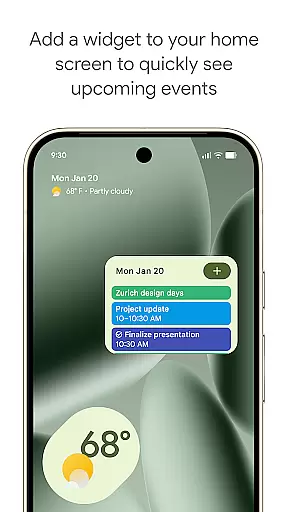
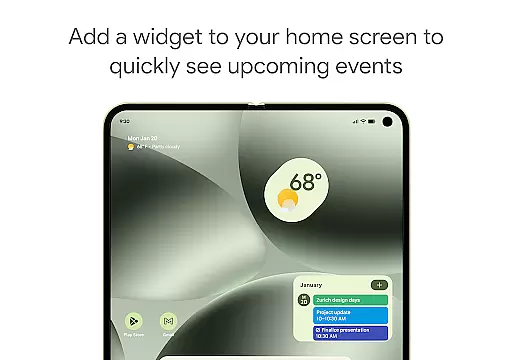
This level of companion app integration not only simplifies event management but also supports features like tiles and complications on Wear OS, making it easier to track important dates and tasks at a glance.
Device compatibility is essential for ensuring that applications run smoothly across various platforms and devices. Google Calendar offers extensive support for Wear OS, making it accessible and functional on a wide range of smartwatches and wearable devices.
The app's compatibility with Wear OS ensures that users can enjoy a full-featured calendar experience on their smartwatches. This includes viewing events, receiving notifications, and managing tasks directly from their wrist.
By supporting both smartphones and wearable devices, Google Calendar provides flexibility and convenience. Users can seamlessly transition between devices while maintaining access to their schedules and tasks.
Moreover, the app's optimization for Wear OS guarantees a user-friendly interface and responsive performance, enhancing the overall user experience. This compatibility underscores Google Calendar's commitment to delivering versatile and reliable time management solutions.
User-friendly interface
Seamless cross-device sync
Automatic Gmail event import
Robust task management
Enterprise-level security
Limited offline functionality
Requires Google account
Occasional sync delays
No built-in reminders
Basic free version

Animated Watch Face and Customizable with 24 Backgrounds. Perfect for Christmas!
 3.90
3.90
Current temperature, weather hourly, weather radar by the weather forecast app
4.40
Elegant animated Christmas tree with multiple customization options
4.20
3 Complications. All shadow on/off. 30 Themes color palette...
4.1
The most customizable minimal watch face. For Wear OS 5.0, API 34+ and later
4.70
The #1 source of faces for your smartwatch!
4.00
Hybrid Vibrant Health Watch Face for Wear OS
4.2
Hybrid watch face for Wear OS with customizable complications by Matteo Dini MD
4.70
Track airplanes and follow flights with our real-time flight tracker
4.50
Christmas Theme Watch Face for Wear Os
5.00
Period, ovulation & pregnancy tracker. Fertility insights & menstrual calendar.
4.90
A modern hybrid informative watch face for Wear OS designed by BALLOZI
4.80
Your second brain for organizing your life: to-do, calendar, reminder.
4.70
Kia Access makes getting your vehicle information easier than ever
4.60
Fast and smart typing with Emojis, GIFs, and more
4.50
Stay in touch with your friends and family using LINE!
3.40
Your local weather forecast, storm tracker, radar maps & live weather news
3.40
an Analog Watch Face for winter season with freeze winter background for Wear OS
4.0
Minimalistic design modern digital watch face.
4.4


User Reviews