
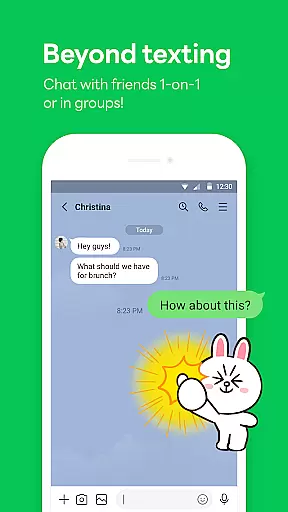
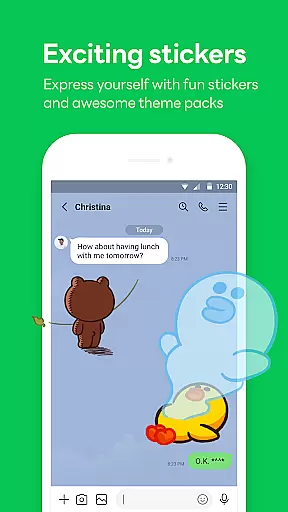
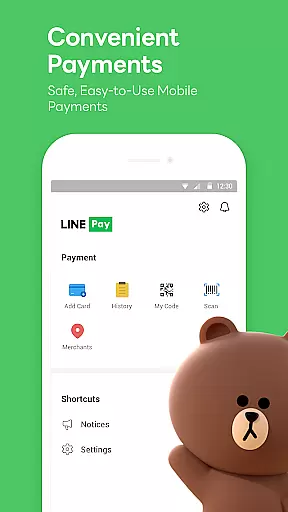

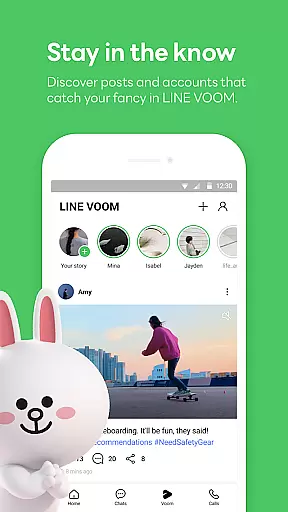
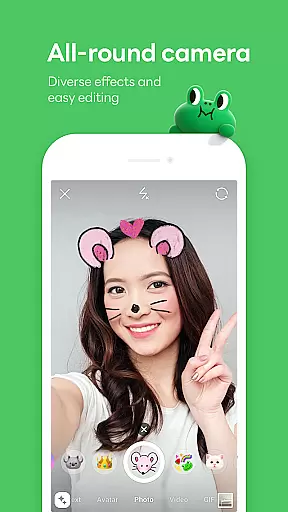
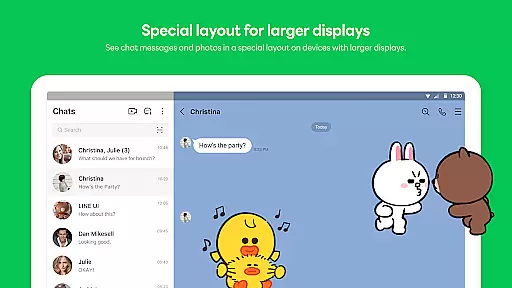
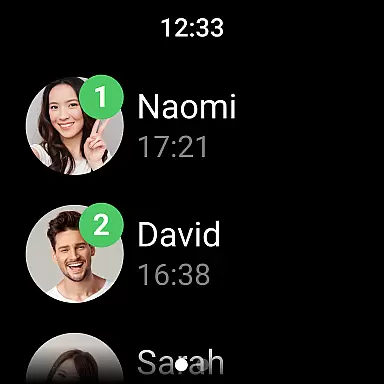
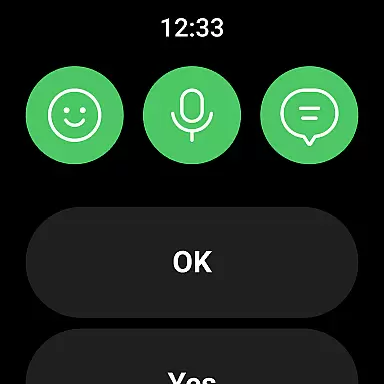
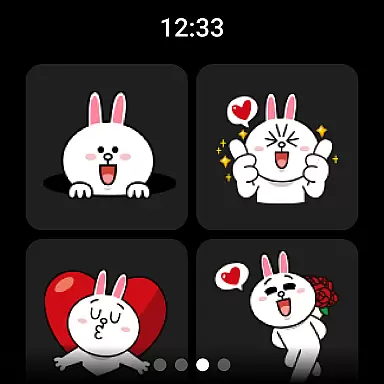

LINE is a comprehensive communication app that bridges the gap between family, friends, and loved ones through free voice and video calls, messages, and an extensive range of exciting stickers. Available globally on mobile, desktop, and Wear OS, LINE continues to expand its platform with new services and features that enhance both fun and convenience in daily life.
The app offers seamless connectivity across various devices, ensuring you can chat anytime and anywhere. With additional features like Keep Memo for personal information storage and Letter Sealing for enhanced message protection, LINE prioritizes both user experience and privacy.
LINE stands out with its diverse communication options including high-quality voice and video calls, text messaging, and a vast selection of expressive stickers. The Home feature provides quick access to friends' lists, birthdays, sticker shops, and other engaging content.
One of LINE's key strengths is its cross-platform compatibility, allowing users to stay connected via smartphones, Wear OS, or desktops. Privacy-conscious users will appreciate the Letter Sealing function that encrypts messages, call history, and location data, ensuring secure communications at all times.
Companion app integration is essential for users who want a seamless experience across multiple devices. LINE ensures that its mobile, desktop, and Wear OS versions are perfectly synchronized.
With companion app integration, users can start a conversation on their smartphone and continue it on their desktop or smartwatch without missing a beat. This interconnected ecosystem allows for real-time updates and notifications, ensuring you're always connected.
The benefit of this feature is the convenience it offers. Whether you're commuting, at work, or relaxing at home, your conversations and important information are accessible from any device. This flexibility enhances productivity and keeps you engaged with your contacts.
LINE's commitment to providing a unified experience across platforms showcases its dedication to user satisfaction and modern communication needs.
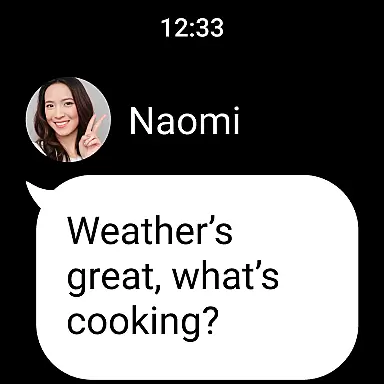
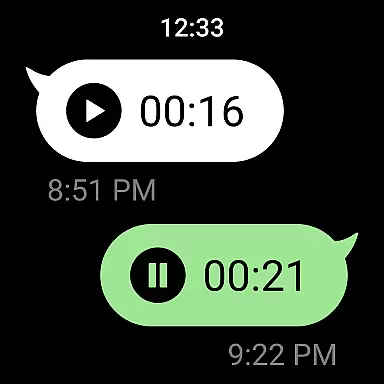
Wear OS and device compatibility ensure that LINE functions optimally on various devices, including smartwatches equipped with Wear OS. This compatibility extends the app's usability beyond smartphones and desktops.
By supporting Wear OS, LINE allows users to receive notifications, check messages, and even respond directly from their smartwatches. The addition of the LINE app complication to watch faces further streamlines access to essential features, making communication effortless.
This compatibility benefits users by offering greater mobility and quicker access to communications. It caters to those who are always on the go and need instant access to their messaging app without having to reach for their phone.
LINE's focus on Wear OS and device compatibility highlights its innovative approach to integrating technology into everyday life, ensuring users stay connected in a fast-paced world.
User-friendly interface
Free voice and video calls
Vast sticker collection
Cross-platform support
Strong privacy protection
Requires significant storage space
May drain battery quickly
Limited functionality on older devices
Some features need Wi-Fi
Occasional connectivity issues

A customizable Christmas watch face for Wear OS with a countdown.
 4.20
4.20
Christmas is near, let's count together the days left until Santa comes
4.3
A heartwarming Christmas scene featuring a cute image of Santa and Rudolf
4.1
Easy Voice Recorder is your everyday companion to record important moments.
4.70
Sleek, highly customizable watch face inspired by Galaxy Watch Circle Dashboard.
4.2
Let's celebrate Thanksgiving - Wear Os watch face
4.20
Stylish digital watch face for Wear OS devices with customizable features
4.3
Control your Samsung Smart TVs, appliances, and SmartThings-compatible devices
4.60
From periods to pregnancy & perimenopause, Flo helps you track it all. Try now.
4.70
Real-time weather radar with temperatures, warnings, hurricanes, and widgets
4.80
Your second brain for organizing your life: to-do, calendar, reminder.
4.70
Hybrid watch face for Wear OS with customizable complications by Matteo Dini MD
4.70
A realistic hybrid watch face with many customization options.
4.60
Christmas watch face. For Wear OS devices.
4.30
"PER27 Galaxy Digital" is a digital Wear OS watch face designed by PERSONA
4.10
Daily Weather forecast with 15 weather images for Day & Night plus Big Bold time
4.10
Structured watch face with seven complications and modular UI elements
3.90
Wear Os Watch Face - Animated Snow Effect & Christmas Lights
4.1
Christmas and New Year - Themed Watchface
4.2


User Reviews