
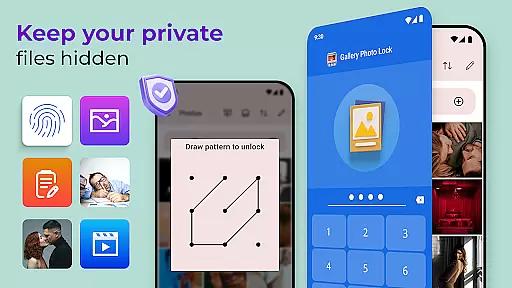
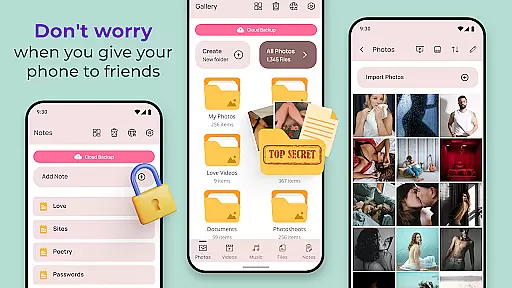
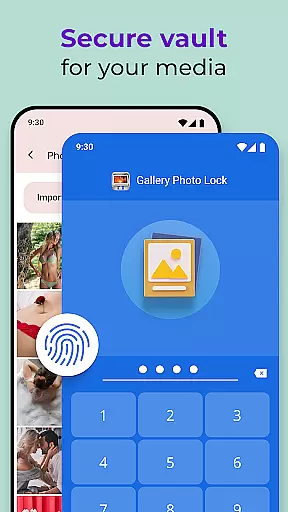
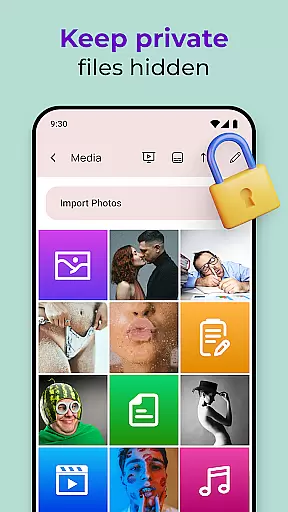
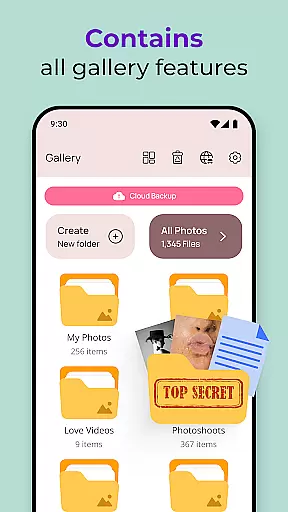
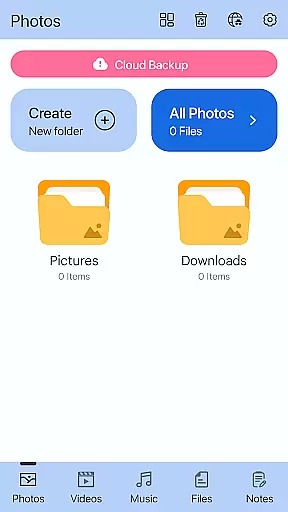
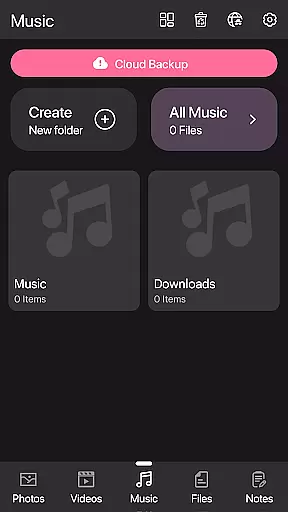
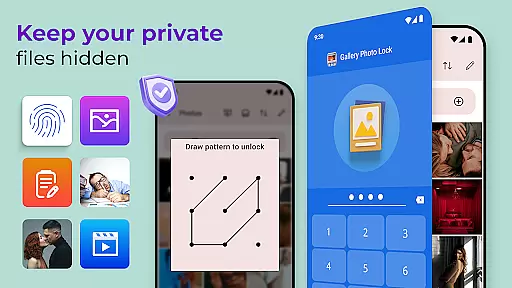
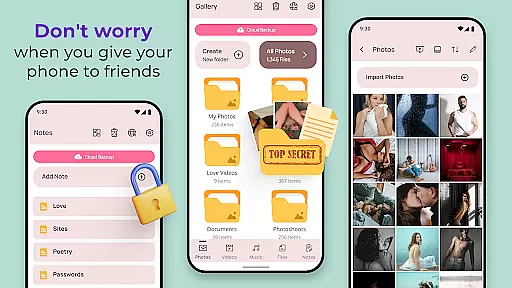
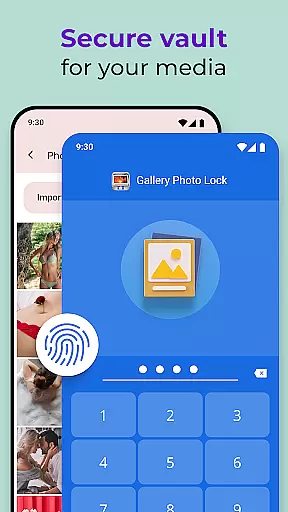
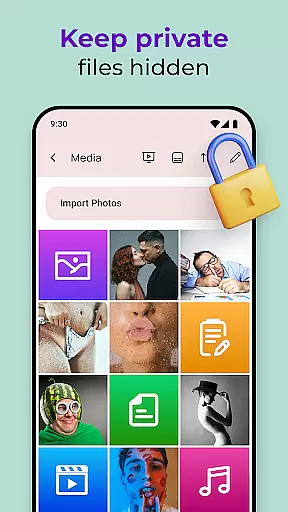
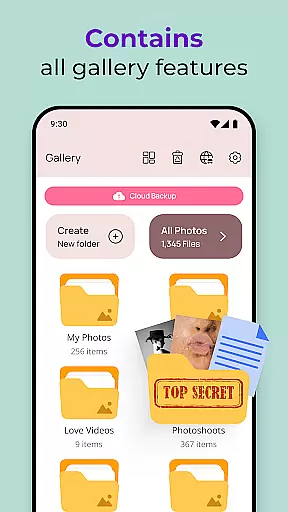
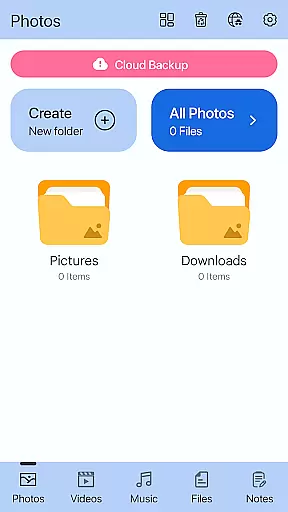
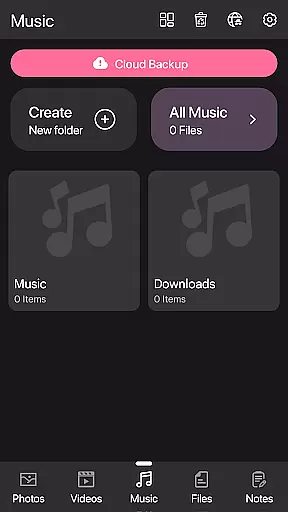
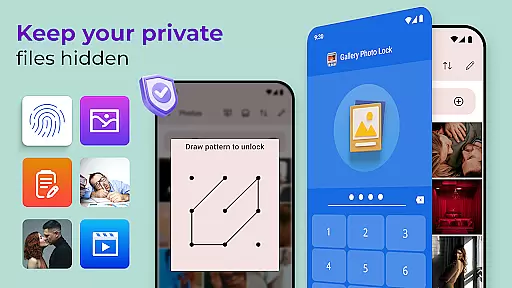
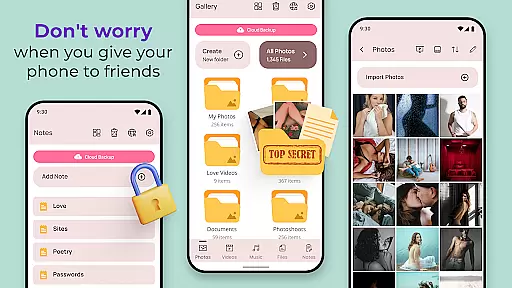
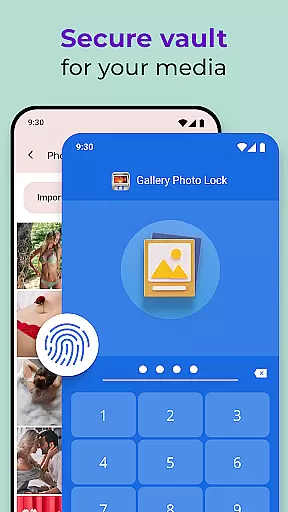
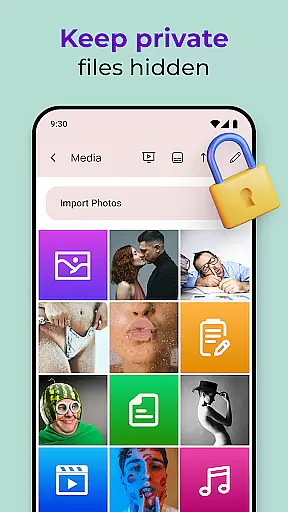
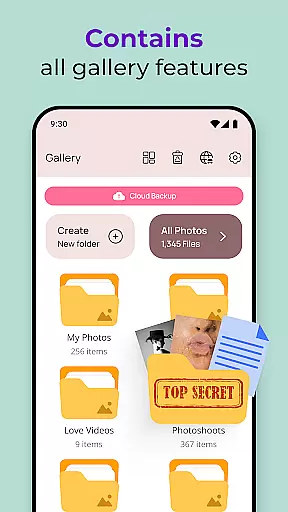
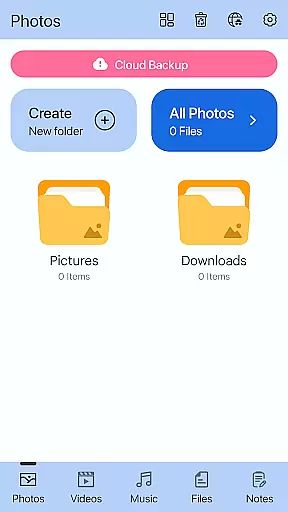
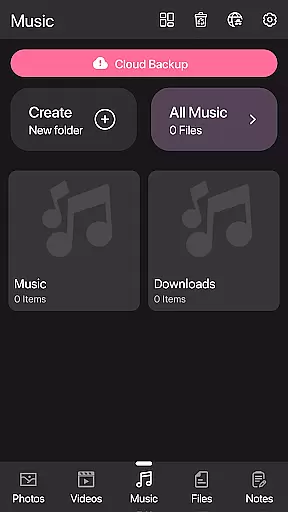
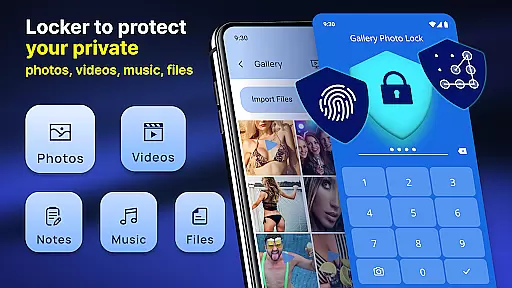
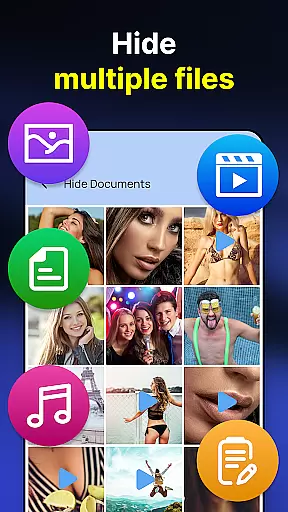
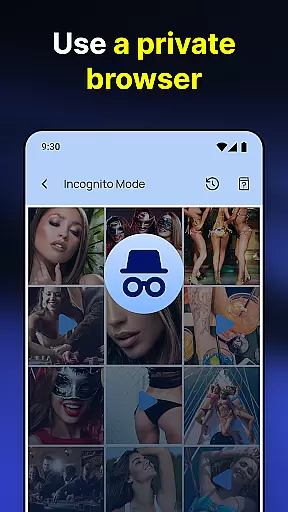
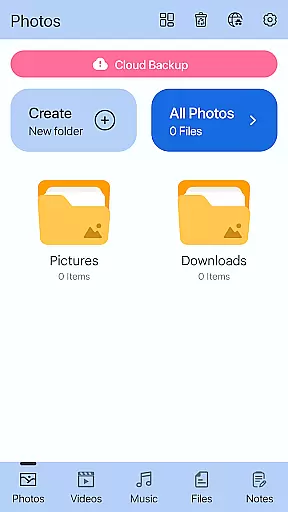
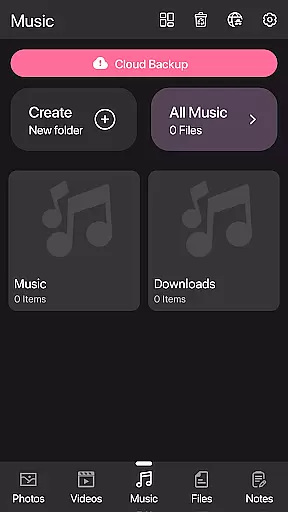
Photo Lock App - Hide Pictures is a comprehensive privacy protection solution designed to safeguard your personal media files. This app allows users to effortlessly hide an unlimited number of images and videos, ensuring that sensitive content remains secure from unauthorized access. With features like fingerprint authentication and cloud backup, the app provides both security and convenience.
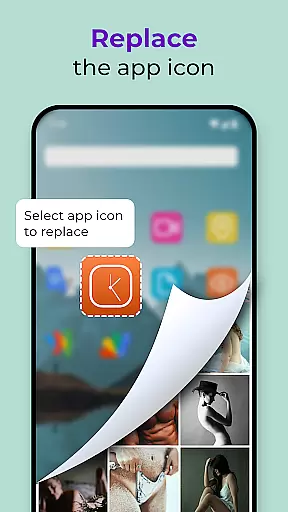
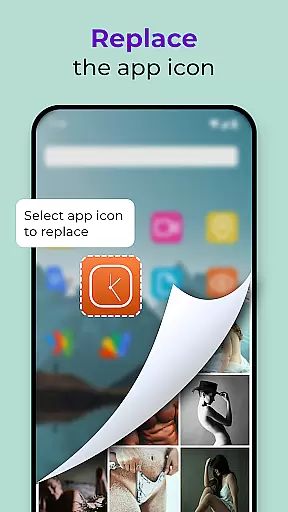
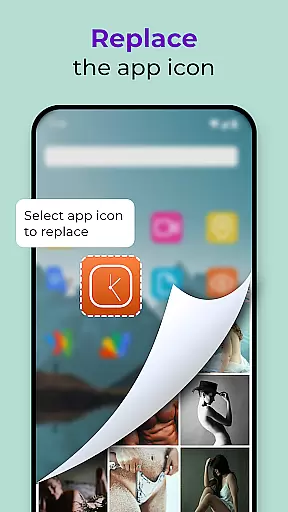
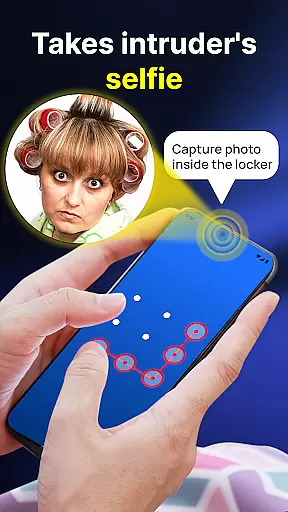
The application's core functionality revolves around its ability to lock and hide media files through various methods. Users can create a decoy gallery with a different password, replace the app icon for stealth, and even capture intruder selfies when incorrect passwords are entered. These robust security measures make it an ideal choice for those looking to maintain strict privacy controls on their mobile devices.
Whether you're concerned about lending your phone to friends or family, or simply want to keep certain files private, Photo Lock App offers peace of mind. Its user-friendly interface and advanced security features make it suitable for both personal and professional use cases where data confidentiality is paramount.
Photo Lock App - Hide Pictures stands out with its comprehensive feature set designed for maximum privacy protection. The app's primary feature is its ability to securely store and hide unlimited photos and videos, making them completely inaccessible without proper authentication. This is achieved through multiple layers of security, including PIN codes, pattern locks, and fingerprint recognition.
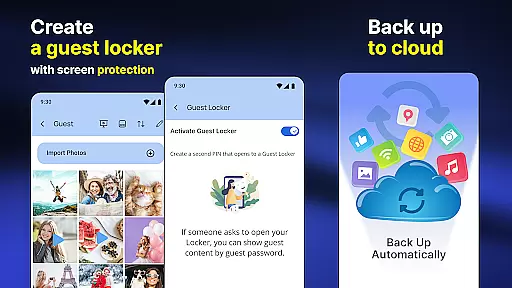
Beyond basic hiding capabilities, the app includes several innovative features. Users can utilize the 'Share to Hide' function to directly transfer files from their gallery into the secure vault. The built-in media viewer allows for seamless playback of hidden content without leaving any traces in the device's recent apps. Additionally, the cloud backup feature ensures that users can recover their hidden files even if they switch devices or experience data loss.
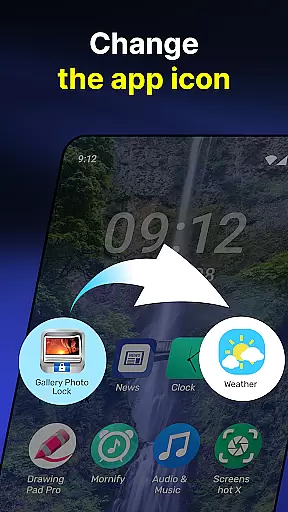
Advanced security measures include the unique Face Down Lock feature, which automatically closes the app when the device is placed face down. The app also offers customizable themes and the ability to replace its icon with common utility icons like weather or calculator apps. These features, combined with the intruder selfie capture and guest locker functionality, create a robust privacy protection system that addresses multiple security scenarios.
Customization is at the heart of personalizing your experience with the Photo Lock App - Hide Pictures. This app offers a plethora of customization options that allow users to tailor their privacy settings according to their preferences.
One of the standout features is the ability to replace the app icon with a secret icon such as news, weather, or radio, effectively camouflaging the app and safeguarding your privacy. Additionally, the Galerie Lock Themes let you customize the Private Photo Vault: Photo Hider app, ensuring that your interaction with your secured content is both unique and enjoyable.
The app also provides a Guest Locker feature, which allows for an extra layer of deception by creating a dummy gallery with a different password. This ensures that even if someone gains access to your device, your real private media remains hidden.
By offering these diverse customization options, the Photo Lock App not only secures your personal media but also gives you control over how protection mechanisms are presented on your device, making it an indispensable tool for anyone looking to maintain their privacy in a personalized manner.
Theme compatibility is crucial for users who desire both security and aesthetic continuity on their devices. The Photo Lock App - Hide Pictures excels in this area by providing theme options that align with various user preferences and device setups.
With Galerie Lock Themes, the app enables users to modify the appearance of the Private Photo Vault: Photo Hider. This means that while you enjoy top-notch security features like hiding pictures and videos or using fingerprint unlock, you can also ensure that the look and feel of the app match your device's other applications.
This level of theme compatibility extends to functional elements as well; for instance, the Calculator Lock App feature not only disguises the app as a mundane calculator but integrates seamlessly with the overall design language of your smartphone.
Ultimately, the Photo Lock App's commitment to theme compatibility enhances user engagement by allowing individuals to protect their personal life without compromising on style or visual coherence across their digital environment.
Comprehensive security features
User-friendly interface design
Cloud backup functionality
Intruder detection system
Multiple authentication methods
Premium features require subscription
Occasional performance issues
Limited free storage capacity
Complex setup process
Resource-intensive operation

Realistic animated snow on your wrist, with 10 images landscapes to choose from
 4.00
4.00
Personalize your phone with stunning HD and 4K wallpapers!
4.70 4.50
4.50
Design your screen with unique, vibrant clocks
3.80
Modern Glass Icon Pack with glossy icons, clean minimal theme & aesthetic style
4.3
Your home screen, just the way you like it.
4.30
A minimalist productivity launcher. One-hand-friendly. Zero ads.
4.70
Fast SMS & group chat - use GIFs and emojis from your home screen launcher.
4.50
Transform your phone with stylish zipper lock themes and 4D live wallpaper
4.10
300+ Stunning and well-designed widgets inspired by NOTHING.
4.70
Bring adorable pets to life on your screen. Playful, interactive and full of fun
4.60
300+ Beautifully crafted widgets inspired by OneUI.
4.60
300+ widgets inspired by Material You and Material 3 expressive design.
4.60
Beautiful realistic hybrid watch face with numerous customization options.
4.50
Try creating your own keyboard with "Keyboard theme for android" app now!
4.50
200+ Material Inspired Widgets
4.50
Adult video chat, dating, making friends, random matching
4.20
Ultimate widget creator. Design custom widgets for a truly unique home screen!
3.90
⭐ OneUI inspired Fluffy Icon Pack – Soft. Stylish. Standout. ⭐
4.5


User Reviews