
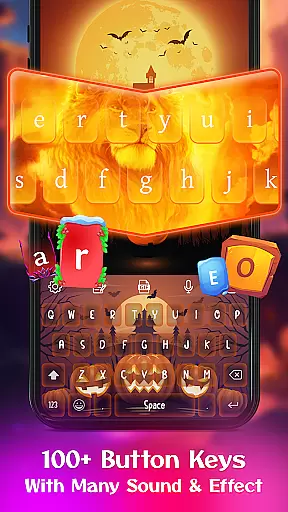
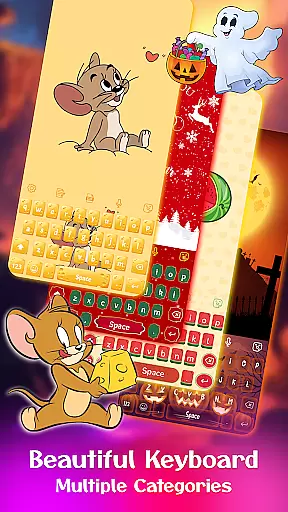
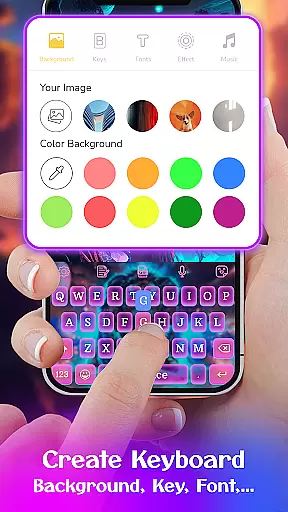
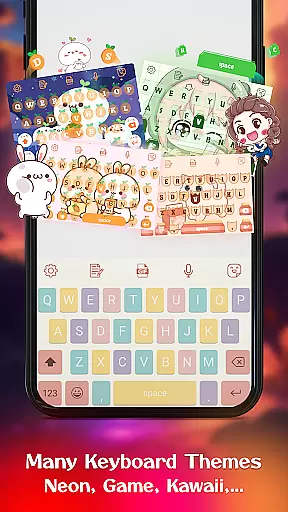
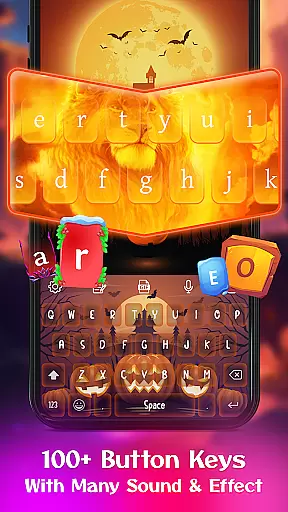
Keyboard Maker is a feature-rich personalization app that allows users to create their own custom keyboard themes for Android devices. With support for over 150 languages and multiple typing methods, it offers a versatile typing experience. The app provides various customization options including wallpapers, fonts, and sound effects.
One of the standout features is its DIY functionality, enabling users to design unique keyboard layouts using personal photos or selecting from hundreds of pre-made themes. Whether you prefer a professional look or something more playful like anime or neon styles, Keyboard Maker caters to diverse aesthetic preferences while enhancing typing efficiency.
This application is particularly useful for users who want both functionality and personal expression in their daily typing. Its smart autocorrect and word prediction features ensure accuracy and speed, making it suitable for both casual and professional use.
Keyboard Maker offers an impressive array of features designed to enhance both the aesthetics and functionality of Android keyboards. The app includes smart autocorrect and word prediction capabilities that significantly reduce typing errors and improve input speed. These features are complemented by voice input functionality and gesture typing support.
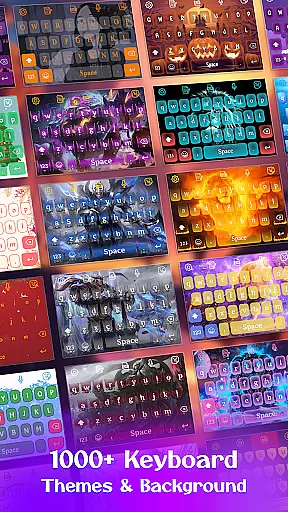
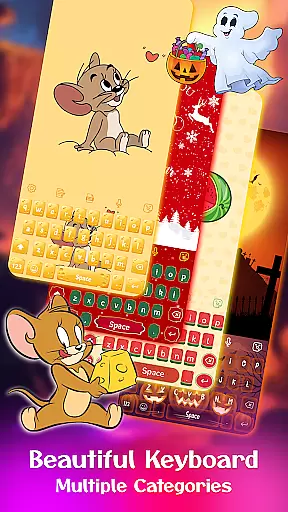
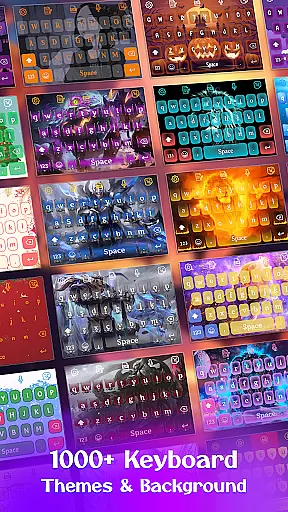
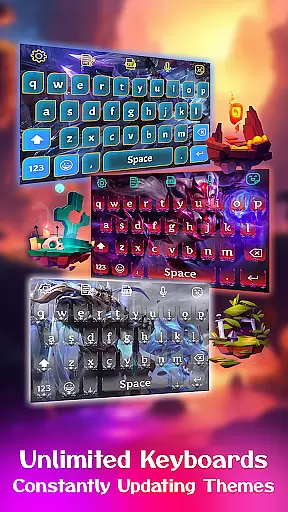
Users can choose from over 500 free keyboard themes categorized into simple, colorful, LED, anime, love, and cute styles. The DIY feature lets users upload personal images as keyboard backgrounds, creating truly unique typing experiences. Additionally, the app supports various keyboard layouts and offers customization options such as font selection, sound effects, and vibration settings.
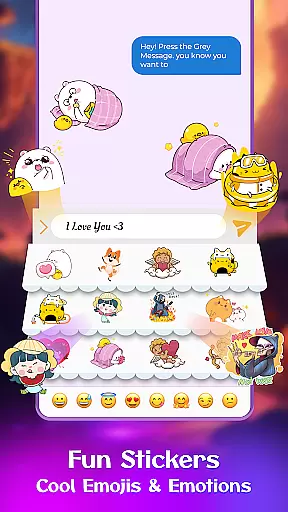
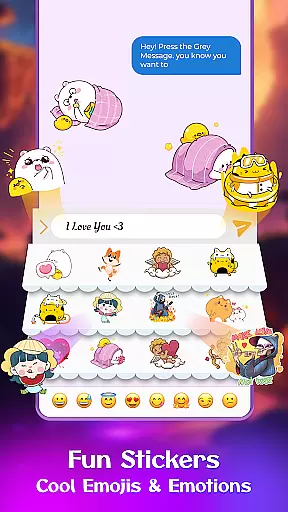
The integration of emoji, GIFs, and sticker keyboards adds a fun element to messaging, while multilingual support ensures global accessibility. These comprehensive features make Keyboard Maker a complete solution for users seeking both practicality and personalization in their mobile typing experience.
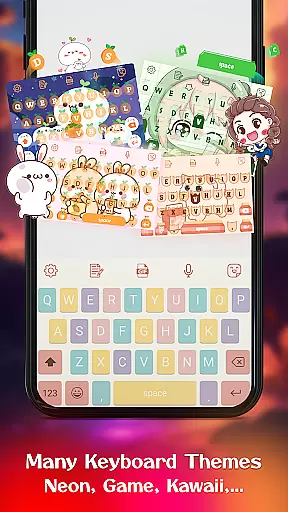
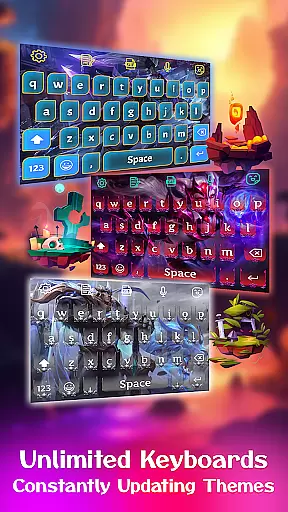
Customization is at the heart of Keyboard Maker, offering users a vast array of options to tailor their typing experience. This app provides an extensive selection of themes, ranging from simple and colorful designs to more specialized ones like LED, Neon, and Anime themes. With over 500 free keyboard themes, users can constantly refresh the look and feel of their keyboard, matching it with their personal style or mood.
Beyond just visual aesthetics, Keyboard Maker allows for functional personalization. Users can enjoy features such as customizable keyboard layouts, resizing options, and the ability to set up a number row according to their preference. These practical adjustments ensure that the keyboard doesn't only look good but feels right under your fingertips, catering to both ergonomic and efficiency needs.
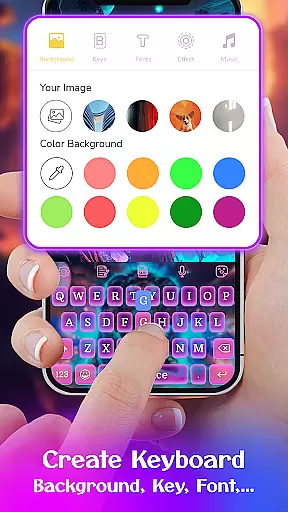
The true power of customization shines through the DIY aspect of Keyboard Maker. Here, users are not limited to pre-set themes; they have the freedom to design their own unique keyboard interface. Whether it's uploading personal images for background or choosing between different fonts and effects, the level of personal touch is limitless. This feature transforms a regular typing tool into a personal gadget that reflects individuality and creativity.
By integrating fun elements such as stickers, emojis, and GIFs, Keyboard Maker enhances user interaction while maintaining its commitment to customization. The availability of various emoticons and the option to share these across platforms adds another layer of personal expression in communication. This ensures that every keystroke is not just a character input but an opportunity to showcase oneu2019s personality.
Theme compatibility in Keyboard Maker ensures that regardless of the device or operating system version, users can enjoy a seamless and visually pleasing typing experience. The app supports a wide range of Android devices, ensuring that whether you're on a flagship smartphone or a budget-friendly model, the themes will render beautifully without any glitches. This universal approach guarantees that all users have access to high-quality customization options, making personalized keyboard themes accessible to everyone.
Keyboard Maker goes beyond basic theme application by ensuring deep integration with the deviceu2019s existing settings. This means that themes do not just overlay the keyboard but become a part of the typing environment, adjusting smoothly to different keyboard sizes, orientations, and language inputs. Such compatibility enriches the user experience, providing consistency and reliability no matter how the keyboard is used or configured.
Moreover, the app offers frequent updates and new theme additions, keeping the content fresh and engaging. This dedication to maintaining compatibility across various devices and OS versions ensures that users always have access to the latest design trends and functionalities without worrying about performance issues. It highlights the developer's commitment to quality and user satisfaction, fostering trust and loyalty among its user base.
Finally, Keyboard Maker's compatibility extends to its support for multiple languages, allowing users worldwide to enjoy customized typing experiences in their native tongues. Whether it's Hindi, English, Russian, or any other supported language, the themes adapt effortlessly, preserving their aesthetic appeal and functionality. This global accessibility underscores the app's versatility and positions it as a top choice for users seeking both beauty and utility in their mobile keyboards.
User-friendly interface
Extensive theme selection
Smart typing features
Voice input capability
Multilingual support
Occasional lag reported
Ads in free version
Complex settings
Limited iOS support
High memory usage

Beautiful realistic hybrid watch face with numerous customization options.
 4.50
4.50
3D, live, and moving wallpapers & themes in 4K and HD for your device.
4.50
Sparkle your screen with Glitter Wallpapers For Girls and Cute Backgrounds!
4.80
A launcher for Samsung Good Lock and Good Guardians modules without ads
4.70
Bring adorable pets to life on your screen. Playful, interactive and full of fun
4.60
Run multiple accounts of the same app on a single device
4.10
Ultimate Gallery Lock App - Hide Pictures, Videos and Lock Apps Instantly!
4.60
Customize glowing edges, wallpapers, and caller screen with EdgeAura.
3.50
Cool custom fonts & keyboard themes! Symbols & font changer for Instagram
4.50
One 8 icons glass color version
4.80
Gun Chase - Let the chase begin.
4.80
Shimeji adds cute animated characters to your screen, lively and fun.
4.70
400+ Beautifully crafted widgets inspired by NOTHING.
4.70
Ultra realistic gold analog watch face with lots of customization options.
4.50
Transform your phone with Launcher iOS 26 - Smooth & elegant iOS experience
4.50 4.50
4.50
Art & Emoji Keyboard with Cool Fonts, Cute Themes and Custom Designs.
4.40
A light in the dark, a unique style and an andless cutomization!
4.30
HappyLighting is a Bluetooth lamp control software.
3.40


User Reviews