
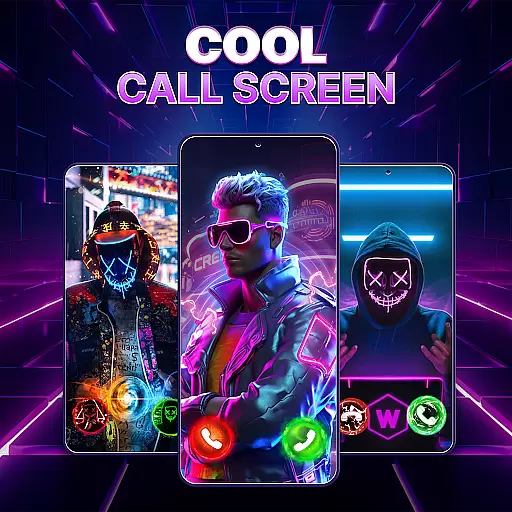
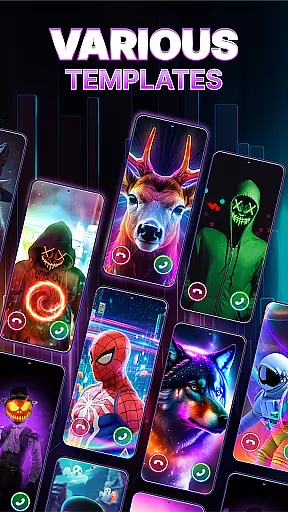
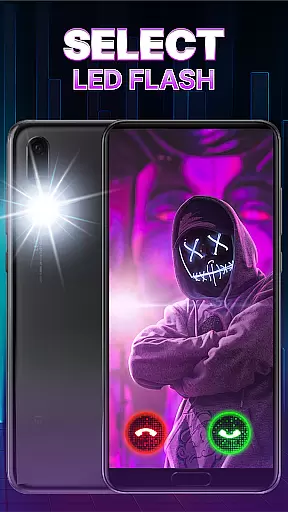
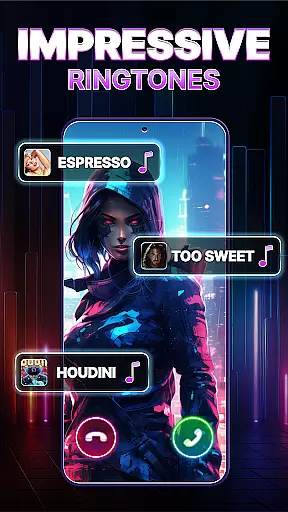
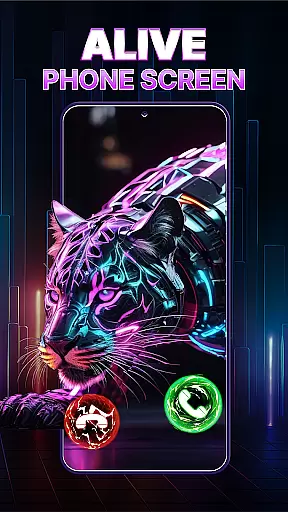
Call Screen & Ringtones Music is a feature-rich personalization app designed to transform your mobile calling experience. This app offers over 100 customizable 3D call screen themes across various categories such as anime, animals, and love, allowing users to express their unique style. The built-in flashlight notification system ensures you never miss an important call or message.
In addition to its stunning visual features, the app includes a comprehensive ringtone maker. Users can choose from a wide selection of free ringtones or upload their own audio files to create personalized alert sounds for calls, SMS, and notifications. The intuitive interface makes it easy to apply these customizations and preview changes in real-time.
This application is particularly useful for individuals who want to personalize both the aesthetic and functional aspects of their phone's call interface while maintaining practical features like flash notifications and vibration settings.
The app's most distinctive feature is its extensive collection of 3D call screen themes that go beyond basic wallpapers. Users can select from multiple categories including cute, funny, and car-themed designs, with each theme offering customization options for call buttons and display styles. The built-in preview function allows users to see how their chosen theme will look in real-world scenarios.
Another key feature is the integrated flashlight notification system, which provides visual alerts for incoming calls and messages. This system offers adjustable flash speeds and vibration patterns, giving users control over their notification preferences. The auto-save functionality ensures that all customizations are preserved during theme experimentation.
The ringtone creation module stands out with its user-friendly interface and diverse music library. Users can assign specific ringtones to contacts, modify existing sounds, or upload new ones from their device. The app's regular updates guarantee fresh content, while its offline functionality allows users to manage their call screen themes without internet connection.
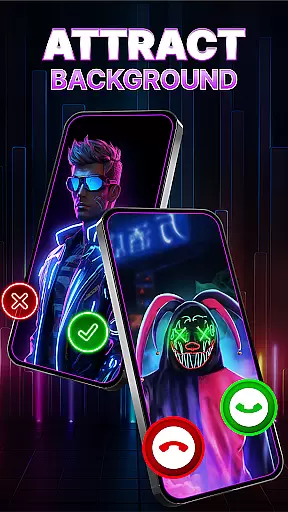
Customization is at the heart of Call Screen & Ringtones Music, allowing users to tailor their phone experience like never before. With over 100 3D call screen themes spanning various categories such as car, anime, love, and more, personal expression has never been so diverse. The app enables you to customize available photos for your incoming call theme, effectively turning your phone into a canvas of self-expression.
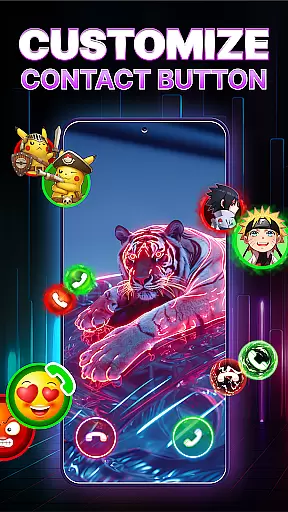
Beyond just static images, the app offers dynamic customization options including call button styles with its 3D call screen theme changer. This feature ensures that every aspect of your incoming call display can be modified to suit your taste. A preview function allows you to see how live call themes will look, ensuring satisfaction before finalizing your choices.
The flexibility extends to incorporating gallery images or movies as call wallpapers, providing an endless array of possibilities. Auto-saving data means trying out different themes is hassle-free, encouraging experimentation without fear of losing previous configurations. These comprehensive customization options empower users to create a truly personalized device that reflects their unique style and personality.
Theme compatibility in Call Screen & Ringtones Music ensures that all customized elements work seamlessly across devices. Whether it's adjusting flashlight speed during incoming calls or setting up flash notifications for messages and app alerts, these features are designed to integrate smoothly with your smartphoneu2019s existing functionalities. Users can enjoy a cohesive experience where aesthetics meet practicality.
In addition to visual themes, the app provides extensive options for auditory customization through its free ringtone maker. With categories ranging from cool collections to easy uploads from personal libraries, creating distinctive sounds for calls, texts, and notifications becomes straightforward yet impactful. Each audio theme complements the visual aspects, enhancing overall user engagement.
Regular updates introduce new themes frequently, maintaining freshness while guaranteeing ongoing compatibility. By downloading this app, users not only access current offerings but also future enhancements, ensuring long-term satisfaction. Such commitment to compatibility underscores the app's dedication to delivering a unified and engaging mobile experience tailored specifically for each individual user.
Extensive theme library
User-friendly interface
Free customization tools
Regular content updates
Offline functionality
Potential battery drain
Limited advanced options
Ads may be present
Occasional bugs
Device compatibility issues

Ultra realistic gold analog watch face with lots of customization options.
 4.50
4.50
A retro cartoon style watch face and a punch right in the face of the copyright
4.60
Prank your friends with realistic broken screen and cracked HD effects!
4.3
Themes - Widget & Wallpaper: Customize home screen, icon changer w unique themes
4.30
Dark icon pack based on One 8
4.80
App Icon Changer & Shortcut Creator. Customize your icons without any watermarks
4.30 4.50
4.50 4.50
4.50
Stylish Pink Cute Hippo keyboard with 10000+ customized keyboard themes!
4.60
Customizable Glass widgets. Over 360+ stunning widgets and more!
4.70
Choose your keyboard with RGB colors effect, themes, fonts, emojis.
4.60
Ninja Turtles Cowabunga SE watch face for Wear OS
4.50
Transform your phone with Launcher iOS 26 - Smooth & elegant iOS experience
4.50
Customizable screen pets that play, climb, and keep you company.
4.50
Aesthetic Widgets, HD Wallpapers, Themes in Mico Widget for Home and Lock Screen
4.50
Adult video chat, dating, making friends, random matching
4.20
Organize and manage your photos and videos effortlessly with Photo Gallery
4.20
Unleash Your Creativity and Connect with Loved Ones with Lockscreen Drawing!
4.20
HappyLighting is a Bluetooth lamp control software.
3.40


User Reviews