
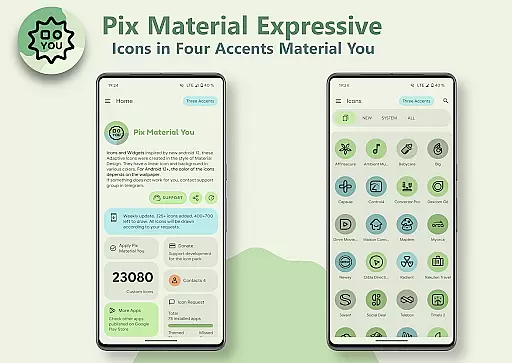
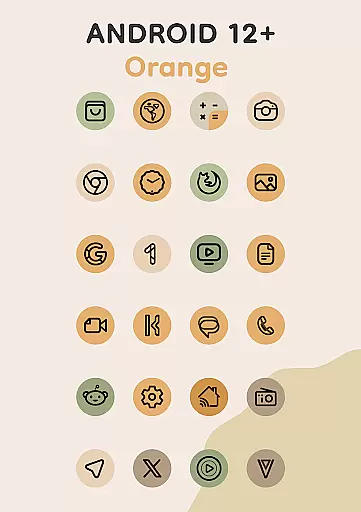
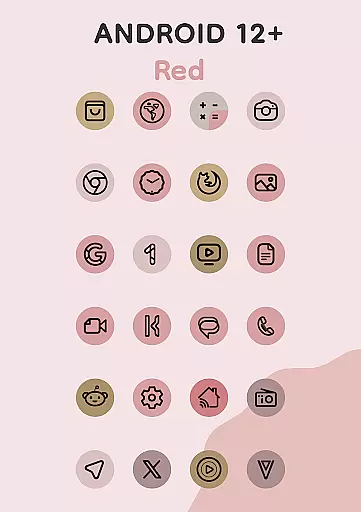
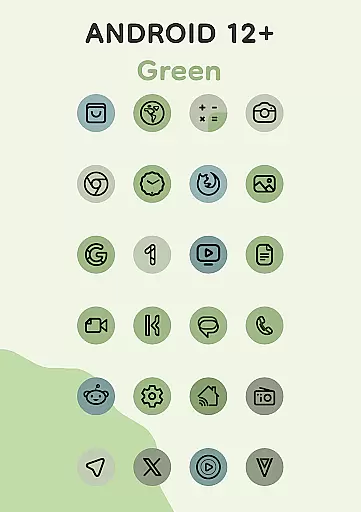
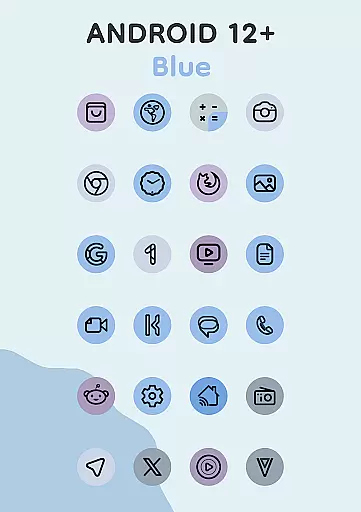
Pix Material Expressive Icons is a premium icon pack that brings your device to life with adaptive icons designed for full Material You support. This app goes beyond the standard Monet palette by introducing four expressive accent colors, allowing for more vibrant and personalized iconography. Each icon features a clean linear outline with dynamic background colors that adjust based on your wallpaper, ensuring seamless integration with your system's color scheme.
The adaptive nature of these icons allows them to change shape on supported custom launchers, offering extensive customization options. With compatibility across various Android versions, the app provides a modern look through its linear icon style and supports icon shape-shifting on compatible launchers. Whether you're using Android 8-11 or Android 12+, Pix Material Expressive Icons delivers a next-level personalization experience tailored to your device's capabilities.
This icon pack stands out with its comprehensive Material You support and enhanced Monet palette, which includes four additional accent colors for more expressive designs. The dynamic background color feature ensures that each icon's appearance changes based on your wallpaper, creating a harmonious visual experience. The clean linear icon style offers a contemporary aesthetic that complements modern devices.
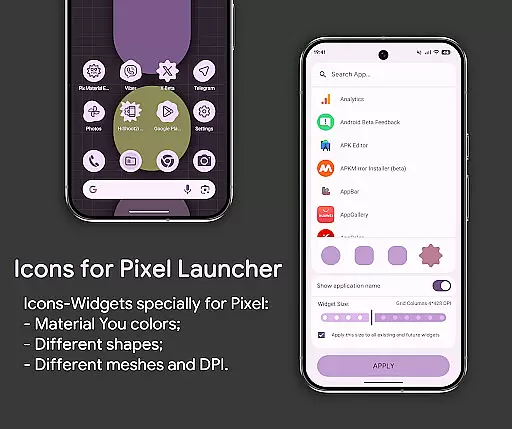
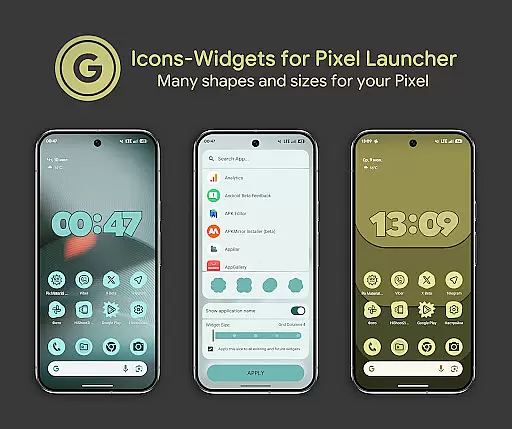
One of the key innovations is the Icon-Widget functionality, designed for launchers that don't natively support icon packs. Primarily created for Google Pixel but compatible with other devices, these widgets adapt their color based on the wallpaper and the device's light or dark theme. Users can customize icon shapes, names, and widget sizes, making them resemble themed icons in Pixel Launcher as closely as possible.
With over 24,000 adaptive icons, clock widgets, music widgets, and icon widgets included, this app provides extensive resources for personalizing your device. The ability to animate icons and adjust their size based on grid and DPI settings further enhances user control. These features collectively ensure that Pix Material Expressive Icons not only meets but exceeds user expectations for both aesthetics and functionality.
Pix Material Expressive Icons offers an extensive range of customization options, allowing users to refresh their device's appearance with adaptive icons that support Material You. This feature goes beyond the standard Monet palette by introducing four expressive accent colors, making your icons not only blend seamlessly but also stand out.
Each icon is crafted with a clean linear outline and a dynamic background that changes color based on your wallpaper, ensuring a modern look that remains harmonious with your system's color scheme. The adaptive nature of these icons allows them to shift shapes on supported custom launchers, providing even more ways to personalize your device's aesthetic.
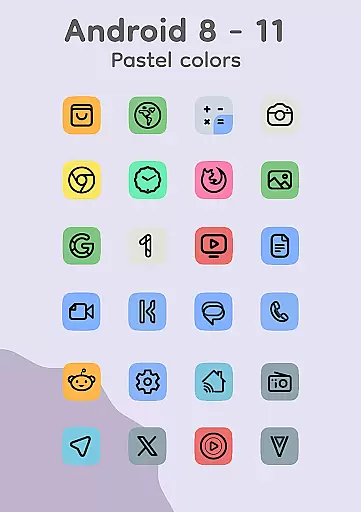
With compatibility across various launchers and devices, this app ensures you can enjoy a personalized experience regardless of your setup. Whether you're using Android 8-11 or Android 12+, the icons adapt to pastel colors or vibrant Material You colors, respectively, offering a next-level personalization that caters to individual preferences.
The theme compatibility of Pix Material Expressive Icons is designed to provide a seamless integration with your deviceu2019s existing system themes. By supporting both light and dark modes, the Icon-Widgets change color depending on the wallpaper and adhere to the device's selected theme, ensuring visual consistency across your device.
This innovative implementation of the Icon Pack is primarily designed for Google Pixel devices but extends its functionality to other devices as well. Users can choose from various icon shapes, names, and widget sizes for each screen grid, making widgets resemble themed icons in Pixel Launcher as closely as possible.
For optimal use, after changing the wallpaper, especially on Android 12+, it's recommended to reapply the icon pack to update the colors of the icons. This step ensures that the icons remain in sync with the current system color palette derived from the wallpaper, maintaining a cohesive look throughout the user interface.
Full Material You support
Dynamic color adaptation
Extensive customization options
Clean linear icon design
Compatibility with multiple launchers
Limited to Android devices
Requires reapplication after wallpaper changes
Some features need specific launchers
No iOS version available
Advanced options may overwhelm beginners

Capture moments that pass like a storm, second by second.
 4.3
4.3
Only for Wear OS devices!
4.90
Wear Os Watch Face - Seasonal - Animated Snow Effect - 9 Animals
4.20
Fingerprint Lock Screen & Live Animations with 4K Wallpapers as Live Wallpaper
4.40 4.10
4.10
Custom edge gestures for volume control, brightness, apps, and shortcuts.
4.4
Adorable pets roam and play right on your phone screen!
3.30
Your home screen, just the way you like it.
3.80
Create stunning widgets with Widget 2026: Aesthetic Widgets for Android!
4.60
One 8 icons glass color version
4.80
Customizable Glass widgets. Over 360+ stunning widgets and more!
4.70
Unique Android Launcher
4.60
Transform your phone with Launcher iOS 26 - Smooth & elegant iOS experience
4.50 4.50
4.50
Adult video chat, dating, making friends, random matching
4.20
Unleash Your Creativity and Connect with Loved Ones with Lockscreen Drawing!
4.20
Customize glowing edges, wallpapers, and caller screen with EdgeAura.
3.50
HappyLighting is a Bluetooth lamp control software.
3.40
Modern Glass Icon Pack with glossy icons, clean minimal theme & aesthetic style
4.5


User Reviews