

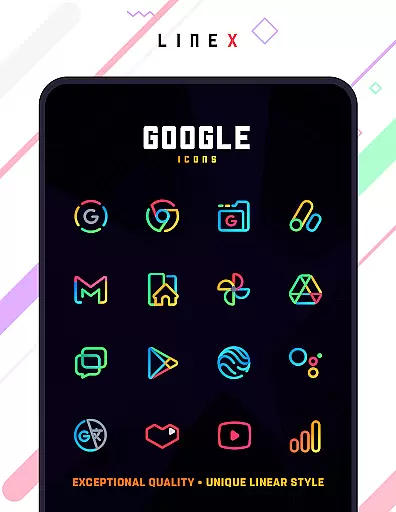
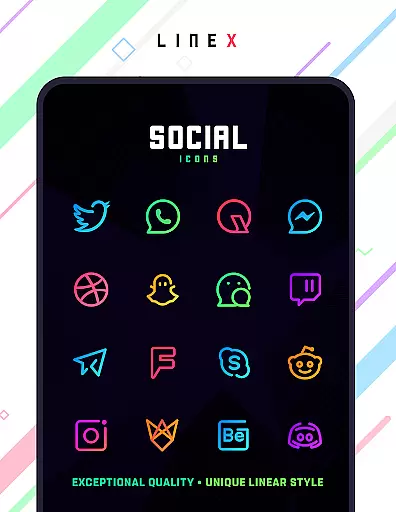
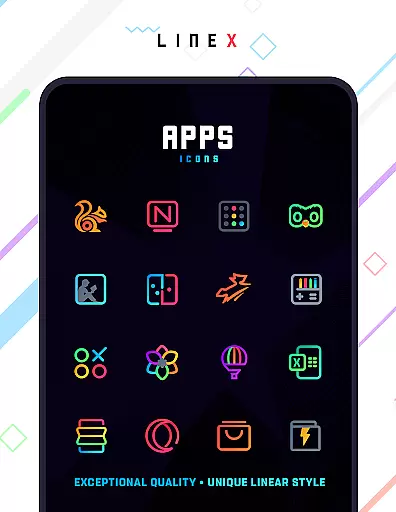
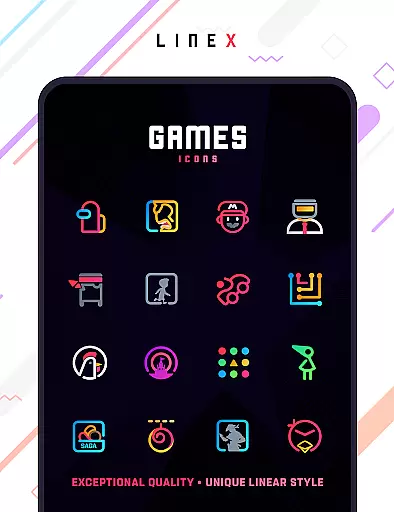
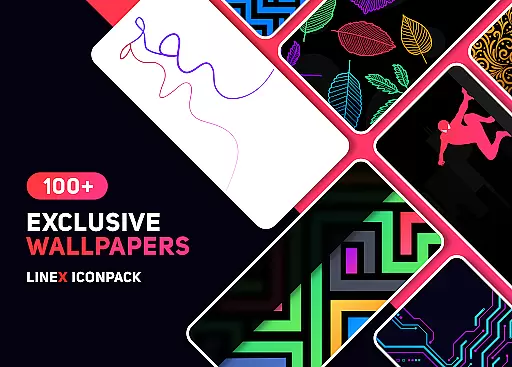
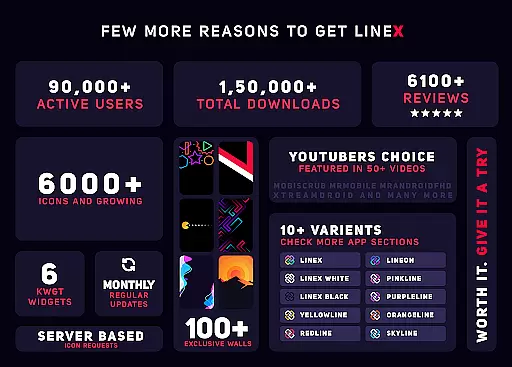
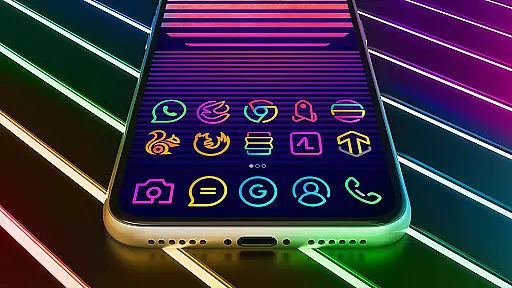
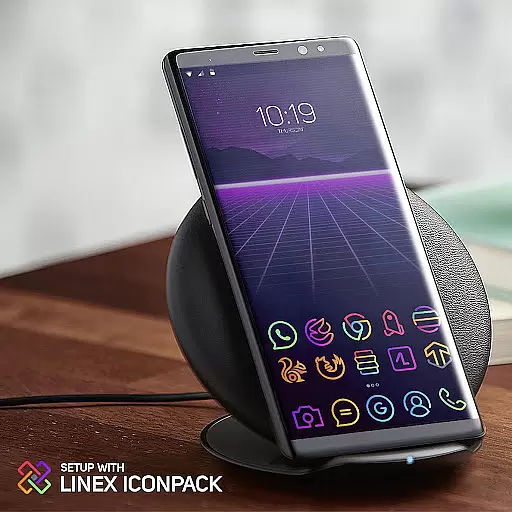
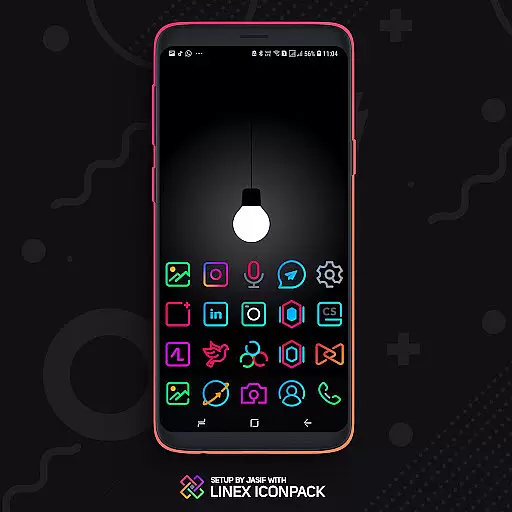
LineX Icon Pack is a premium icon pack designed for users who appreciate minimalist design with a modern touch. Featuring over 6000 linear-style icons, this pack offers one of the most comprehensive collections available on the market. Each icon is crafted with meticulous attention to detail, ensuring top-notch quality and consistency across the board.
Beyond its vast icon library, LineX also includes beautifully designed masks for unthemed icons, ensuring that even apps without specific icons still blend seamlessly into your home screen. Compatible with numerous launchers, including Nova, Action, Apex, and more, this pack allows you to customize your device's appearance fully. Whether you prefer small or large icons, LineX provides flexible sizing options to suit your preferences, making each interaction with your device a visual delight.
LineX Icon Pack stands out not only for its extensive collection of 6000+ high-quality icons but also for its innovative features that enhance user customization. The pack includes a dynamic calendar feature, allowing your date widgets to change in real-time, while the material dashboard offers an intuitive interface for easy navigation and management of your icons.
One of the key highlights is the advanced masking system, which ensures that even apps without dedicated icons are visually cohesive with the rest of your home screen. Additionally, LineX offers category-based organization, custom folder icons, and alternative icon choices, giving users unparalleled control over their device's aesthetics. With frequent updates and an easy icon request system, LineX continues to grow and adapt to user needs, ensuring long-term satisfaction.
LineX Icon Pack offers an extensive range of customization options that cater to various user preferences. With over 6000 icons, this pack ensures that users have a wide selection to choose from, making it possible to tailor their device's appearance to their liking.
The inclusion of a perfect masking system for unthemed icons means that even apps without specific icon designs within the pack can still blend seamlessly with the user's home screen aesthetic. This feature enhances the overall visual harmony of the device.
Alternative icons and category-based icons provide additional layers of personalization. Users can select from different styles for the same app or organize their home screens based on categories, giving them control over both individual app presentation and broader organizational themes.
Moreover, LineX supports custom folder icons and app drawer icons, allowing users to maintain consistency across all elements of their interface. These comprehensive customization features ensure that each useru2019s experience is unique and tailored specifically to their tastes.
Theme compatibility is a crucial aspect of LineX Icon Pack, ensuring that it works seamlessly with a variety of popular launchers. The pack has been tested and confirmed to be compatible with launchers such as Nova, Action Launcher, ADW Launcher, Apex, Atom, Aviate, CM Theme Engine, GO, Holo Launcher, and many others.
This broad compatibility ensures that regardless of the launcher a user prefers, they can enjoy the cohesive and polished look provided by LineX Icon Pack. Even if a launcher isn't directly listed in the apply section, users can typically apply the theme through their launcheru2019s settings.
For optimal results, LineX recommends using the Nova Launcher with icon normalization turned off and adjusting the icon size according to preferenceu201485% for smaller icons or 100%-120% for larger ones. This flexibility allows users to fine-tune their experience while maintaining visual consistency.
It's important to note that while Google Now Launcher does not support icon packs, LineX provides clear instructions and support for applying its themes across supported platforms, ensuring a smooth integration process for all users.
Extensive icon library
Frequent updates
Perfect masking system
Wide launcher support
Dynamic calendar feature
Paid app
Not all launchers supported
Requires compatible launcher
No Google Now support
Some icons may lack uniqueness

Transform your phone with Launcher iOS 26 - Smooth & elegant iOS experience
 4.50
4.50
Art & Emoji Keyboard with Cool Fonts, Cute Themes and Custom Designs.
4.40
Try creating your own keyboard with "Keyboard theme for android" app now!
4.50
Wallpaper HD 4K Live - Thousands of high-quality Anime backgrounds for you.
4.80
Customize glowing edges, wallpapers, and caller screen with EdgeAura.
3.50 4.50
4.50
Unleash Your Creativity and Connect with Loved Ones with Lockscreen Drawing!
4.20
400+ Beautifully crafted widgets inspired by NOTHING.
4.70
Emoji Maker app - Design custom emojis and effortlessly blend them with Mixer
3.80
Only for Wear OS devices!
4.90
A launcher for Samsung Good Lock and Good Guardians modules without ads
4.70
300+ Stunning and well-designed widgets inspired by NOTHING.
4.70
350+ widgets with a premium glass-style finish, perfect for home & lock screens.
4.70 4.50
4.50
Color phone with cool effects for call screen, flash alert & ringtones music
4.50
Adult video chat, dating, making friends, random matching
4.20
Unique Fonts, typefaces and stylish text. Fonts for Instagram, Whatsapp & others
4.20
Ultimate widget creator. Design custom widgets for a truly unique home screen!
3.90
Capture moments that pass like a storm, second by second.
4.4


User Reviews