
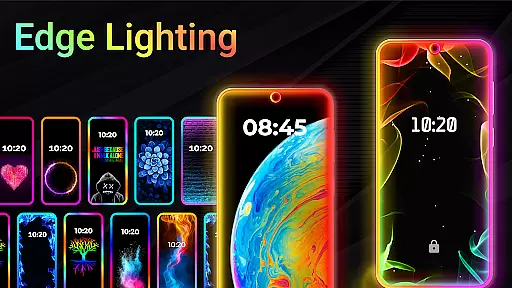
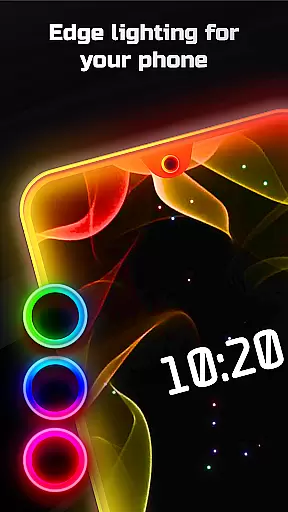
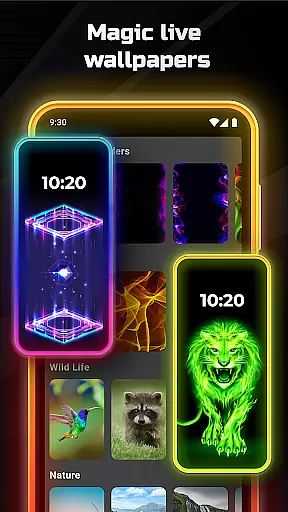
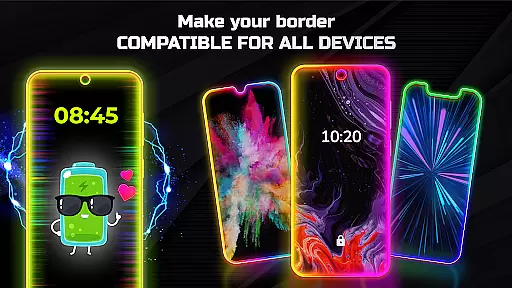
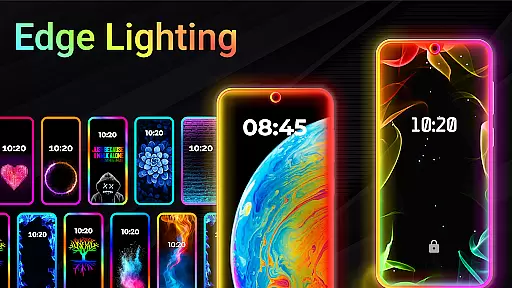
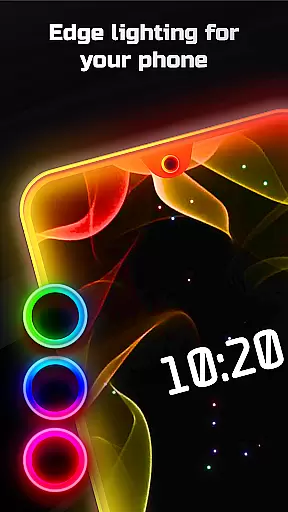
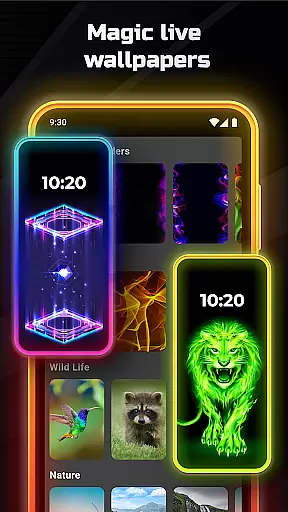
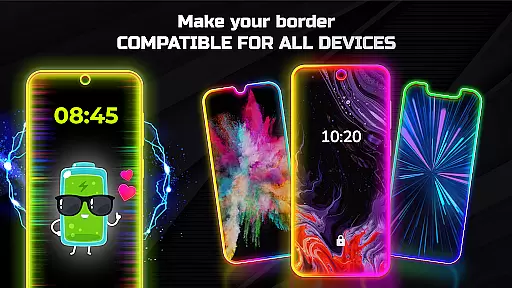

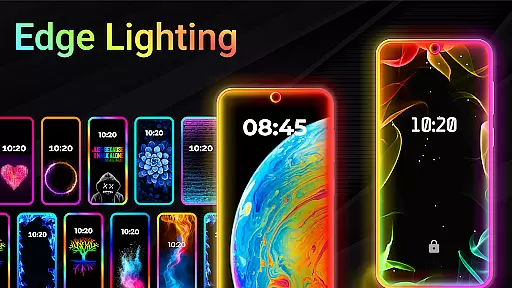
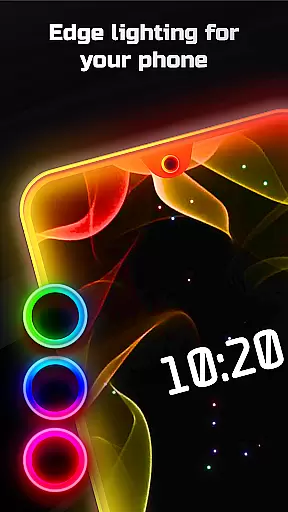
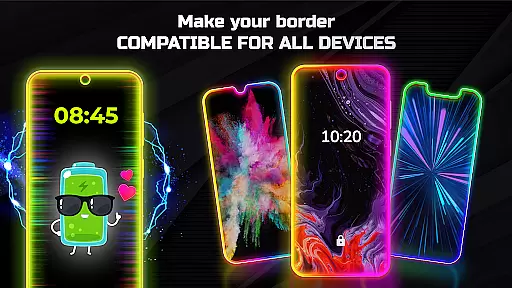
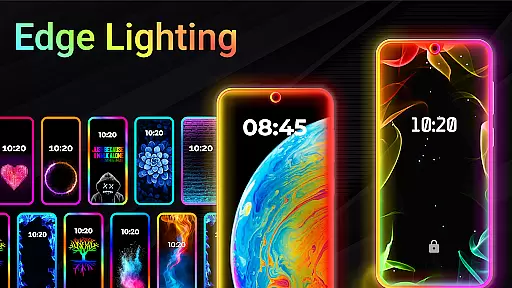
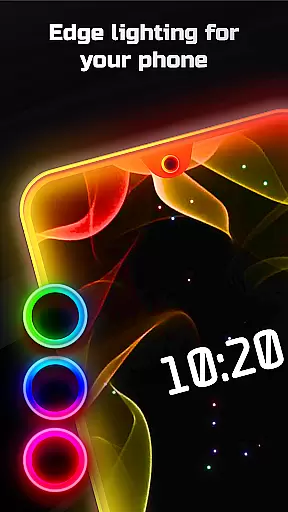
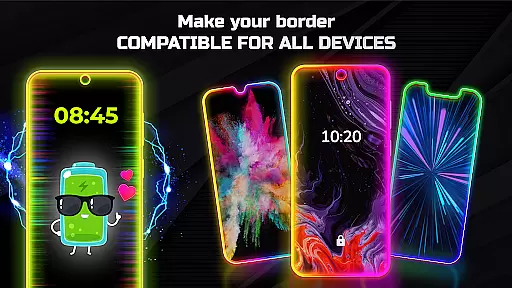
Edge Lighting is a versatile personalization app designed to enhance the visual appeal of Android devices. The application allows users to add stunning curved edge lighting effects to both their home screen and lock screen, creating an aesthetically pleasing interface. With support for all types of screens including Infinity displays and notched designs, this app ensures compatibility across various devices such as Samsung Galaxy, OnePlus, Xiaomi, and more.
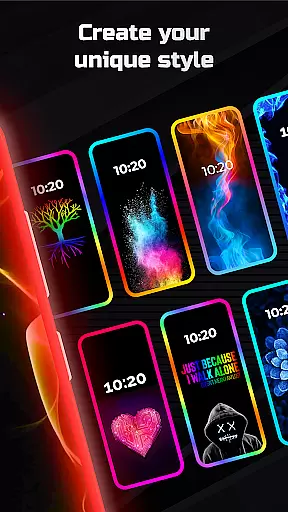
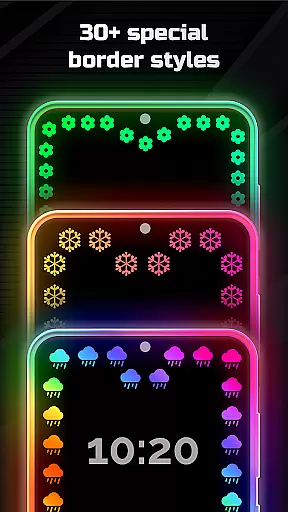
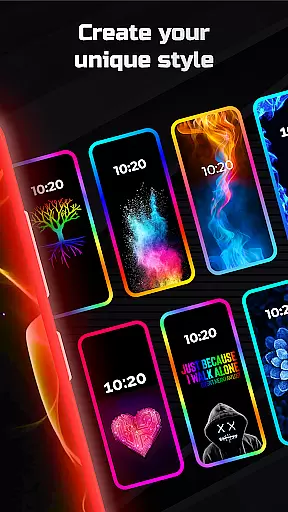
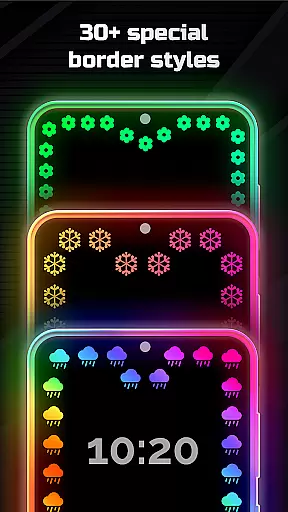
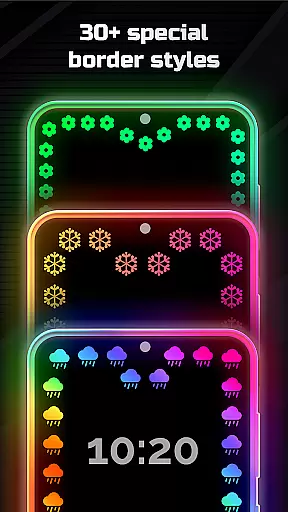
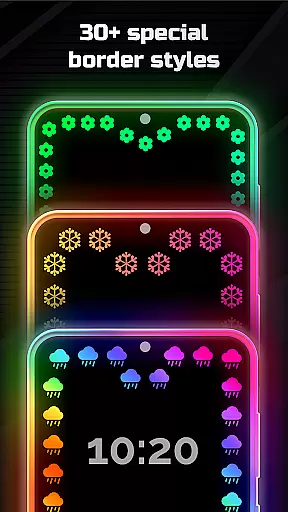
The true power of Edge Lighting lies in its extensive customization options. Users can modify colors, adjust border width, choose from over 15 unique border types like Heart, Bird, and Moon, and even set live wallpapers within the edge lighting frame. Additionally, the Magical EDGE Lighting feature offers more than 30 special effects that can be applied with a single click. This level of personalization enables users to create a truly unique mobile experience that reflects their personal style while maintaining optimal device functionality.
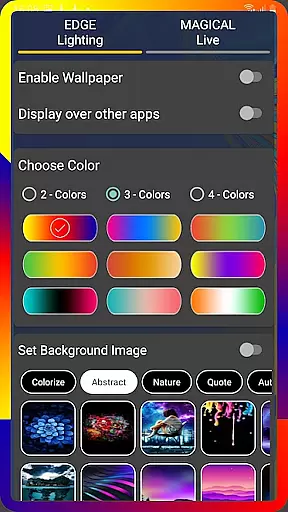
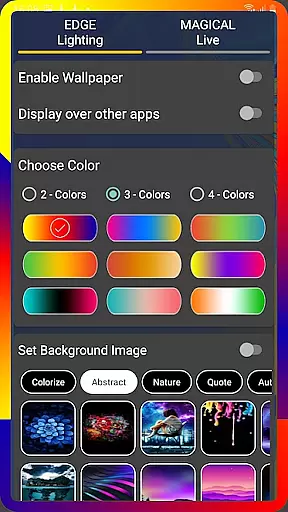
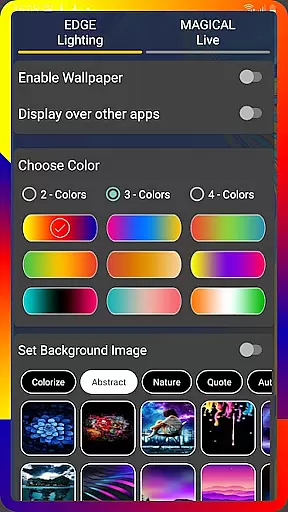
Edge Lighting stands out through its comprehensive feature set tailored for creative expression. One of the key highlights is the ability to customize every aspect of the edge lighting effect. Users can select from multiple color options, control animation speed, and fine-tune parameters such as curve radius and notch dimensions to perfectly match their device's specifications. The app also includes specialized display settings that ensure smooth performance even when running other applications.
Another remarkable feature is the inclusion of high-quality 4K backgrounds that can be integrated within the edge lighting framework. Users have the option to use pre-loaded images or upload their own photos, allowing for complete creative freedom. Furthermore, the exclusive Magical EDGE Lighting collection provides over 30 unique presets ranging from RGB effects to themed designs like Christmas trees and dolphins. These features collectively offer an unparalleled level of customization that transforms standard mobile interfaces into personalized works of art.
Customization is at the heart of EDGE Lighting, allowing users to tailor their device's aesthetics to their personal taste. With over 15 types of borders available, including Heart, Bird, Sun, and more, users can select an EDGE Lighting border that resonates with their style.
The app provides extensive control over the appearance of the EDGE lighting. Users can change colors, adjust animation speed, width, and curve radius, ensuring a perfect match with their device and preferences. This level of customization ensures that each user's device stands out as a unique expression of their personality.
For devices with display notches, EDGE Lighting offers specific settings to adjust notch dimensions and radius, seamlessly integrating the lighting effects with the device's physical characteristics. This attention to detail enhances the overall visual harmony of the device.
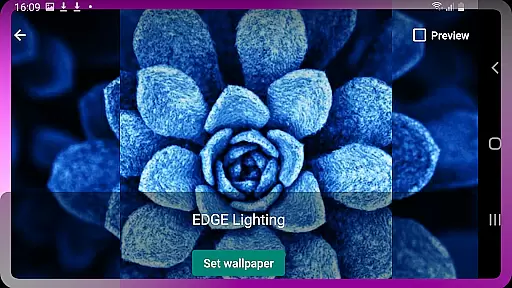
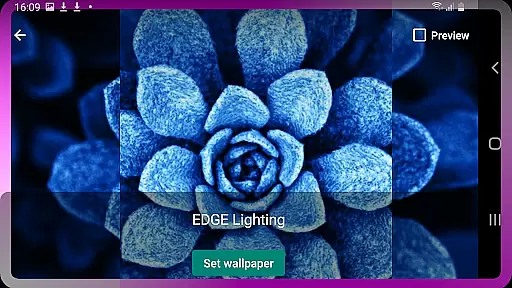
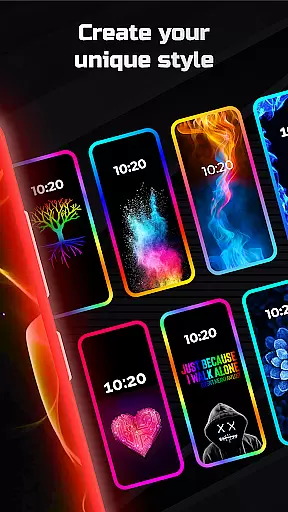
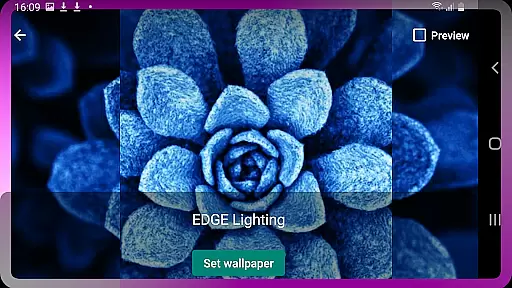
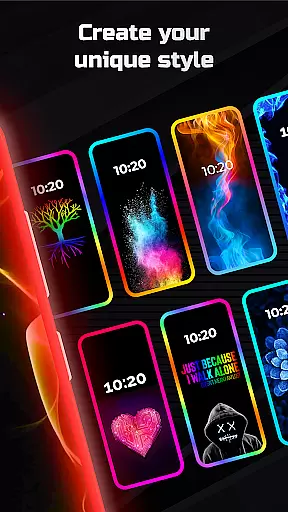
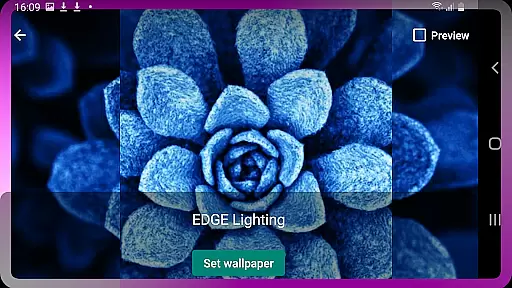
EDGE Lighting excels in theme compatibility, providing users with the ability to set their own photos as wallpapers within the EDGE Lighting screen. This feature allows for a personalized background that complements the vibrant edge effects, creating a cohesive and attractive look.
In addition to photo integration, the app supports 4K backgrounds, offering stunningly clear and detailed wallpapers that work in tandem with the EDGE effects. The high-resolution wallpapers ensure that both the lighting and the background maintain their quality and visual appeal.
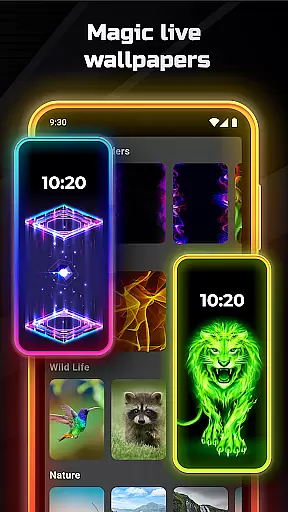
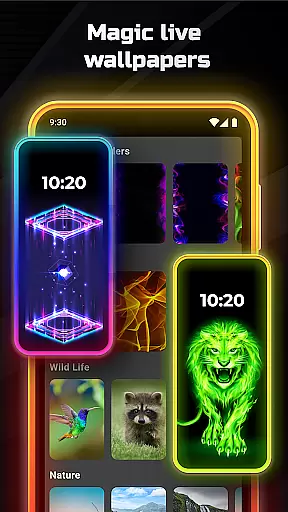
Magic EDGE Lighting presents over 30 magical themes for home and lock screens, which can be applied instantly with a single click. These themes are designed to be compatible across different Android devices, ensuring a consistent and enchanting experience regardless of the device model.
User-friendly interface
Extensive customization options
Wide device compatibility
High-quality 4K backgrounds
Unique magical effects collection
Premium features require purchase
May impact battery life
Occasional performance issues
Limited free wallpaper options
Complex settings for beginners

Ultra realistic gold analog watch face with lots of customization options.
 4.50
4.50
Capture moments that pass like a storm, second by second.
4.0
Ninja Turtles Cowabunga SE watch face for Wear OS
4.50
Interactive Miniature Painting Catalogue
3.30 4.50
4.50 4.50
4.50 4.10
4.10
A minimalist productivity launcher. One-hand-friendly. Zero ads.
4.70
Emoji Maker app - Design custom emojis and effortlessly blend them with Mixer
3.80
Ultra realistic high quality analog watch face for Wear OS.
4.60
A retro cartoon style watch face and a punch right in the face of the copyright
4.60
Embrace the Night. Unleash the power of darkness with Raven Dark Icon Pack
4.60
Choose your keyboard with RGB colors effect, themes, fonts, emojis.
4.60
Transform your phone with Launcher iOS 26 - Smooth & elegant iOS experience
4.50
Try creating your own keyboard with "Keyboard theme for android" app now!
4.50 4.50
4.50
Transfer your live wallpapers from Windows to Android using Wallpaper Engine!
4.00
Design your screen with unique, vibrant clocks
3.80
Your go to Weather App & Home Screen. Get your weather at a swipe of a finger!
3.80


User Reviews