
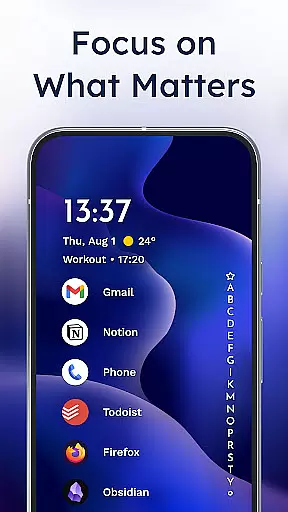
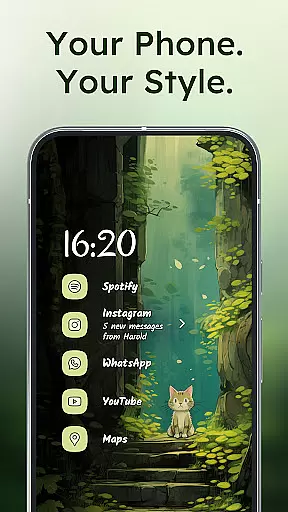
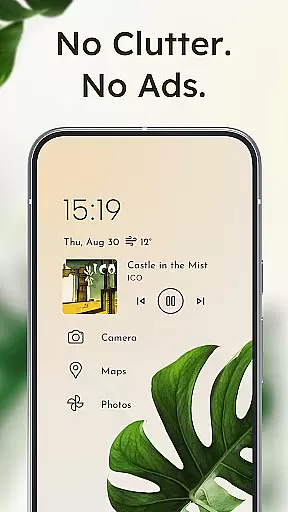
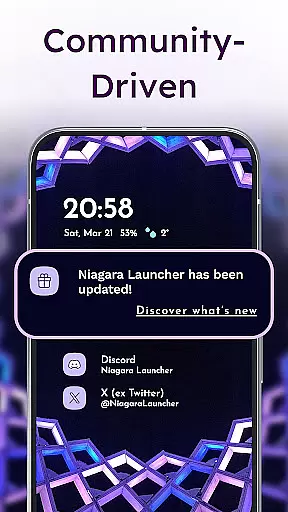
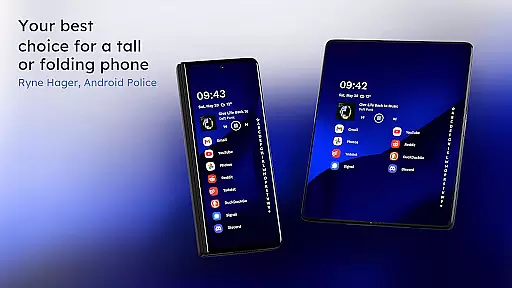
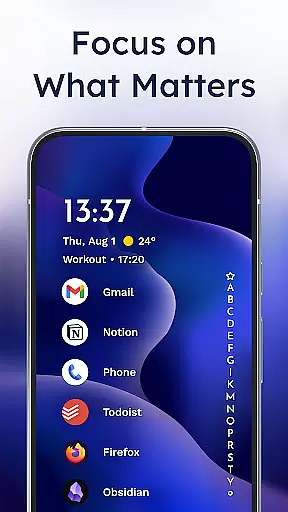
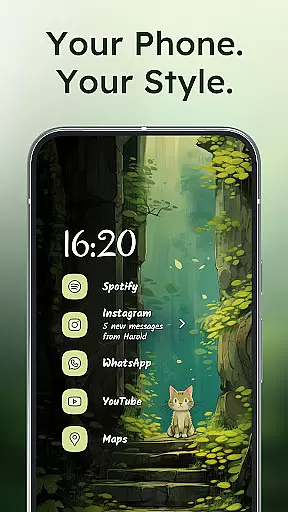
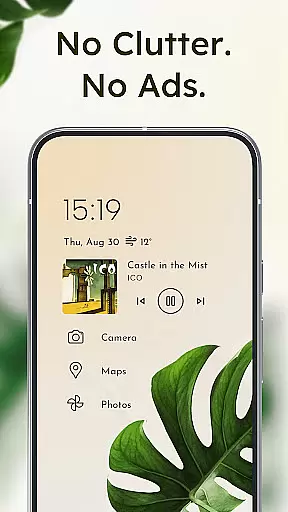
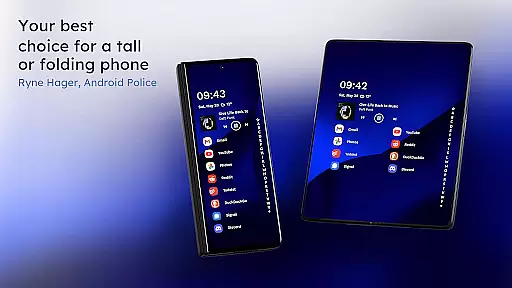
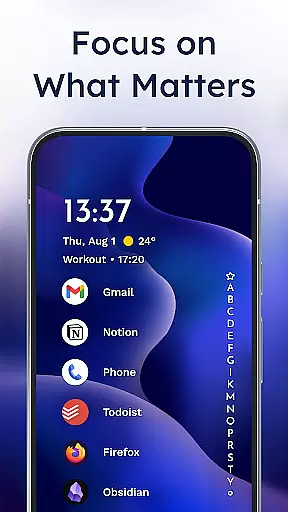
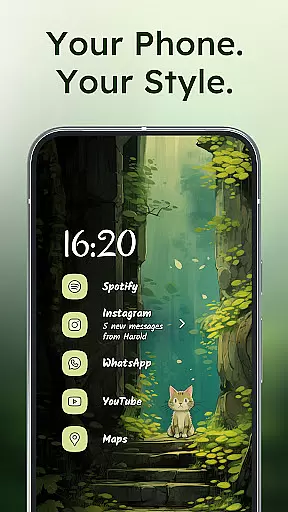
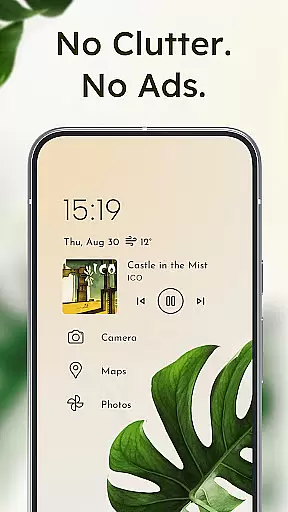
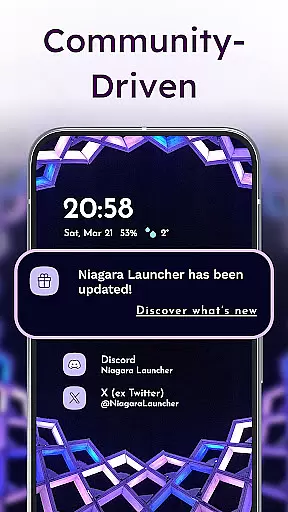
Niagara Launcher is a minimalist home screen app designed to make smartphone navigation more efficient and user-friendly. Unlike traditional launchers, Niagara focuses on one-handed usability regardless of phone size. The launcher features an adaptive list layout that dynamically displays important information like media controls, messages, and calendar events when needed.
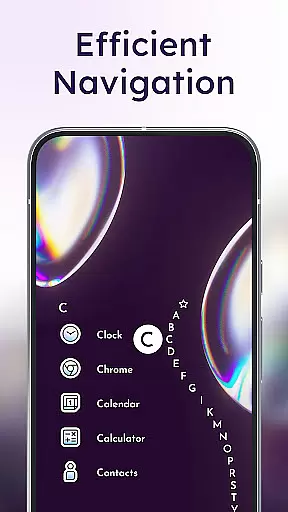
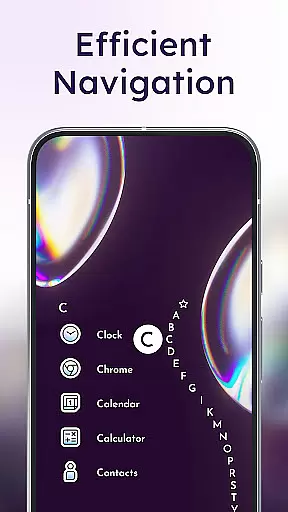
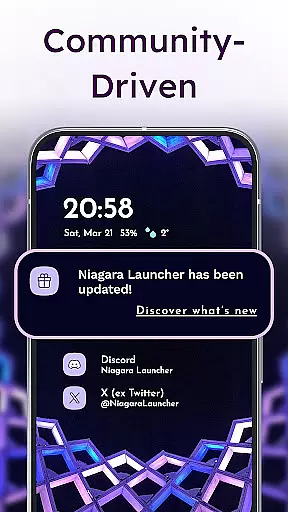
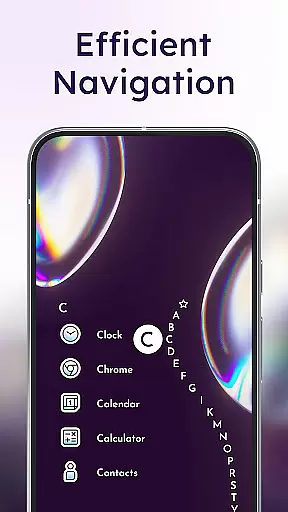
One of the standout features is the wave alphabet navigation, which allows users to reach any app without opening an app drawer. The launcher also embeds notifications directly into the home screen, enabling users to read and respond to messages instantly. With its Material You theming, Niagara Launcher offers extensive customization options while maintaining a clean and focused design. The app is lightweight, running smoothly even on older devices, and remains completely ad-free.
This launcher is particularly beneficial for users who value simplicity, speed, and personalization in their mobile experience. Whether you want to declutter your home screen or need a more ergonomic way to use your phone, Niagara Launcher provides a modern solution that enhances both aesthetics and functionality.
Niagara Launcher stands out with its innovative approach to Android home screen design. The launcher's adaptive list layout replaces the traditional grid system, creating a dynamic interface that adjusts based on user needs. This means relevant information such as ongoing notifications, media controls, and upcoming events appear seamlessly within the main interface.
The wave alphabet feature revolutionizes app navigation by allowing users to access any installed application through an intuitive wave motion. This eliminates the need for an app drawer and makes one-handed navigation effortless. Another key feature is the embedded notification system, which goes beyond simple notification dots by providing actionable alerts directly on the home screen.
Customization is at the core of Niagara Launcher's design philosophy. Users can personalize their home screens with various icon packs, fonts, and wallpapers while benefiting from automatic Material You theming that adapts to chosen wallpapers. The launcher maintains exceptional performance across devices due to its lightweight architecture, ensuring smooth operation without draining system resources.
Niagara Launcher offers a rich array of customization options that allow users to tailor their home screen experience according to personal preferences. This includes integrated icon packs, diverse font choices, and customizable wallpapers, ensuring that every user can create a unique interface.
The launcher's support for Material You Theming takes personalization to the next level by adapting the home screen theme based on the user's chosen wallpaper. This feature brings an expressive design system to all Android versions, allowing users to enjoy a personalized yet cohesive look across their device.
With its minimalist approach, Niagara Launcher enables users to declutter their home screens while still providing ample opportunities for personal touches. Users can embed notifications, adapt the list layout, and access everything with one hand, making daily interactions both efficient and uniquely theirs.
Theme compatibility is at the heart of Niagara Launcher's design philosophy. By adopting Material You, Android's latest design system, it ensures seamless integration with various themes and provides users with a visually consistent experience across their devices.
This launcher goes beyond standard theming capabilities by backporting Material You to all Android versions. This means that regardless of the device or OS version, users can enjoy a modern, adaptive theme that responds dynamically to their selected wallpapers and color preferences.
The adaptive nature of Niagara Launcher extends to its functional elements as well. The wave alphabet navigation, embedded notifications, and adaptive list layout all work in harmony with the chosen theme, creating a unified and intuitive user experience that maintains visual consistency while offering practical usability enhancements.
One-handed usability
Adaptive list layout
Embedded notifications
Material You theming
Lightweight performance
Limited widget support
No traditional app drawer
Learning curve for new users
Fewer customization options
Not suitable for power users

A retro cartoon style watch face and a punch right in the face of the copyright
 4.60
4.60
Transform your phone with Launcher iOS 26 - Smooth & elegant iOS experience
4.50
Interactive Miniature Painting Catalogue
3.30
Ultimate Gallery Lock App - Hide Pictures, Videos and Lock Apps Instantly!
4.60
Icons made of colorful linear lines
4.60
One 8 icons glass color version
4.80
Create unique, fun emojis with Funny Emoji Maker! Unlimited creativity!
4.00
Magic fluids wallpaper 4D: Relax with stunning fluid simulation wallpaper app
4.20
set a new experience for the Android mobile phone
4.20
Vertically oriented rectangular icons
4.70
Classic analogue watch face. For wear os devices.
4.60
Fingerprint Lock Screen & Live Animations with 4K Wallpapers as Live Wallpaper
4.40
Your home screen, just the way you like it.
4.30 4.10
4.10
Design your screen with unique, vibrant clocks
3.80
Adaptive Dot Style IconPack with Light & Dark Theme.
3.70
Adorable pets roam and play right on your phone screen!
3.30
Struggling to find apps? Use this app to locate and open any app on your phone!
2.20
Custom edge gestures for volume control, brightness, apps, and shortcuts.
4.1


User Reviews