
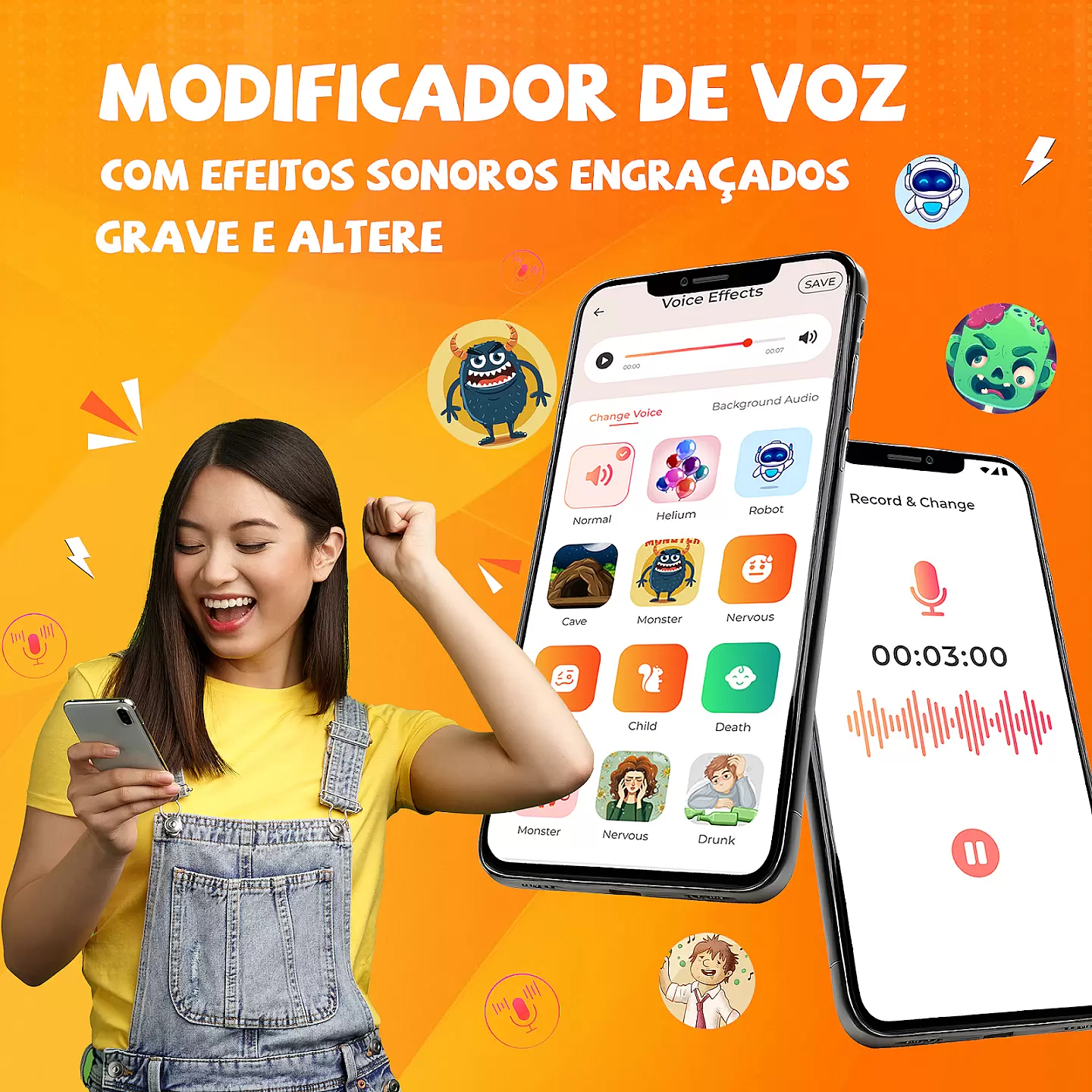
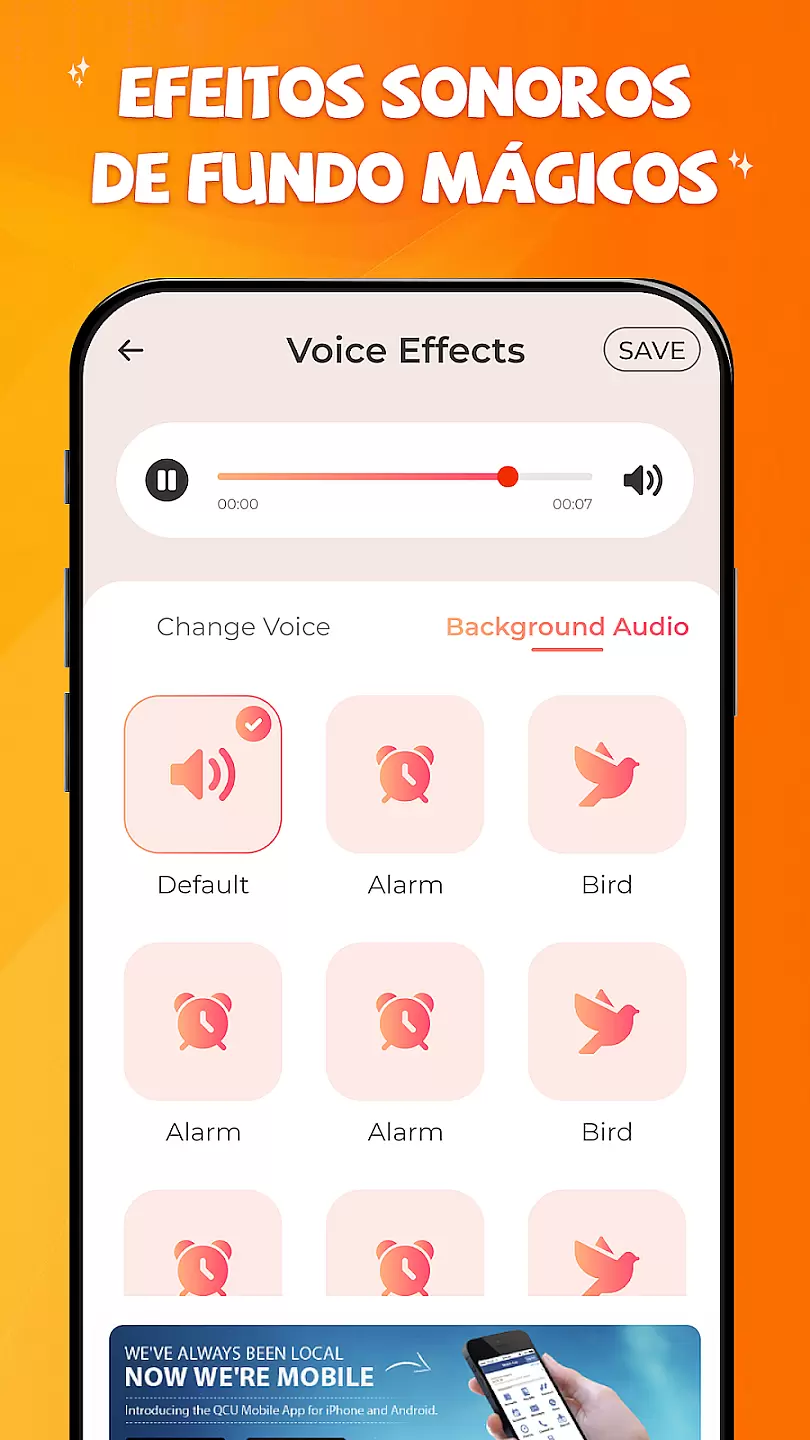
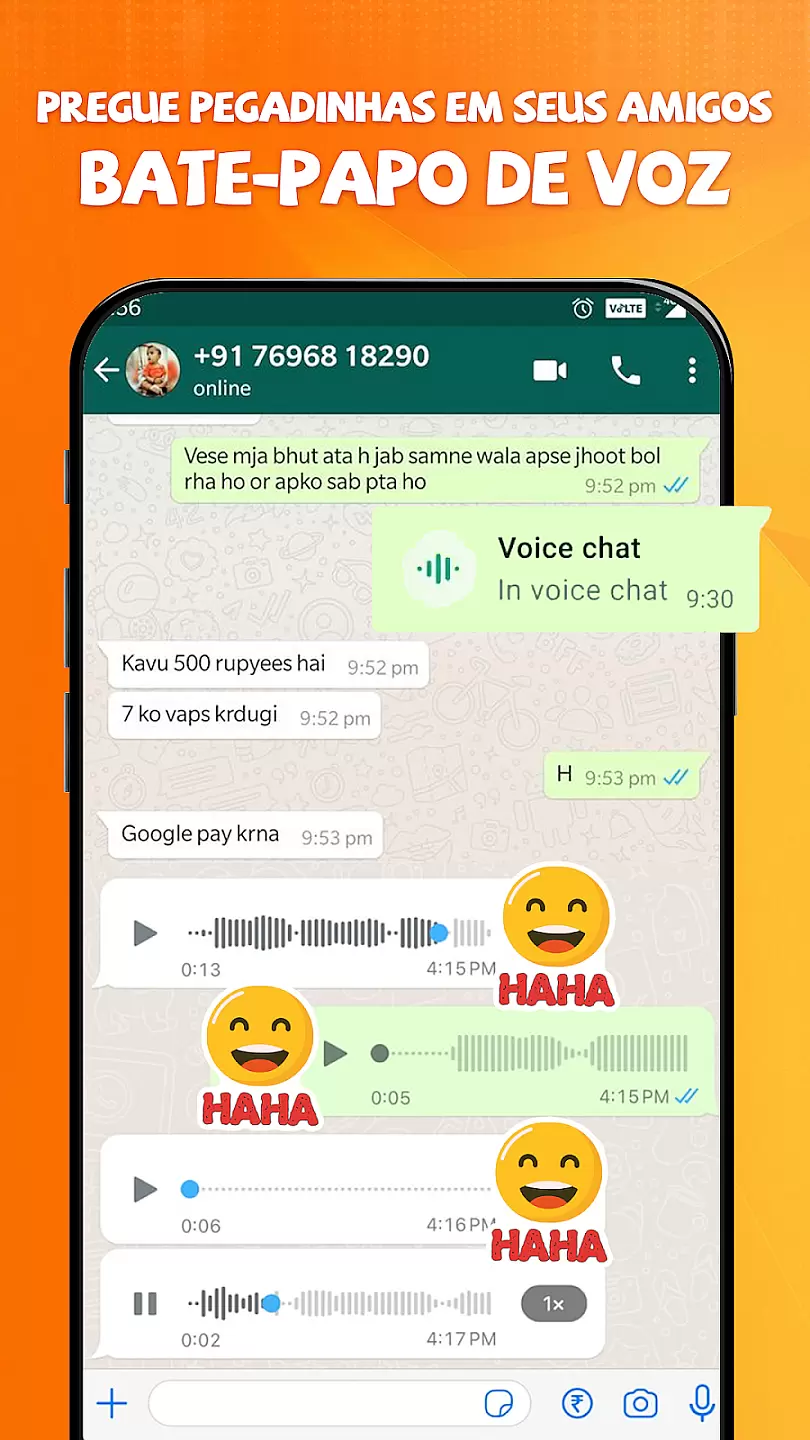
Voice Changer with Effects is an innovative audio tool designed to transform your voice recordings into various entertaining and professional effects. This app allows users to modify their voice in real-time or from pre-recorded files, making it perfect for content creators, prank calls, or simply having fun.
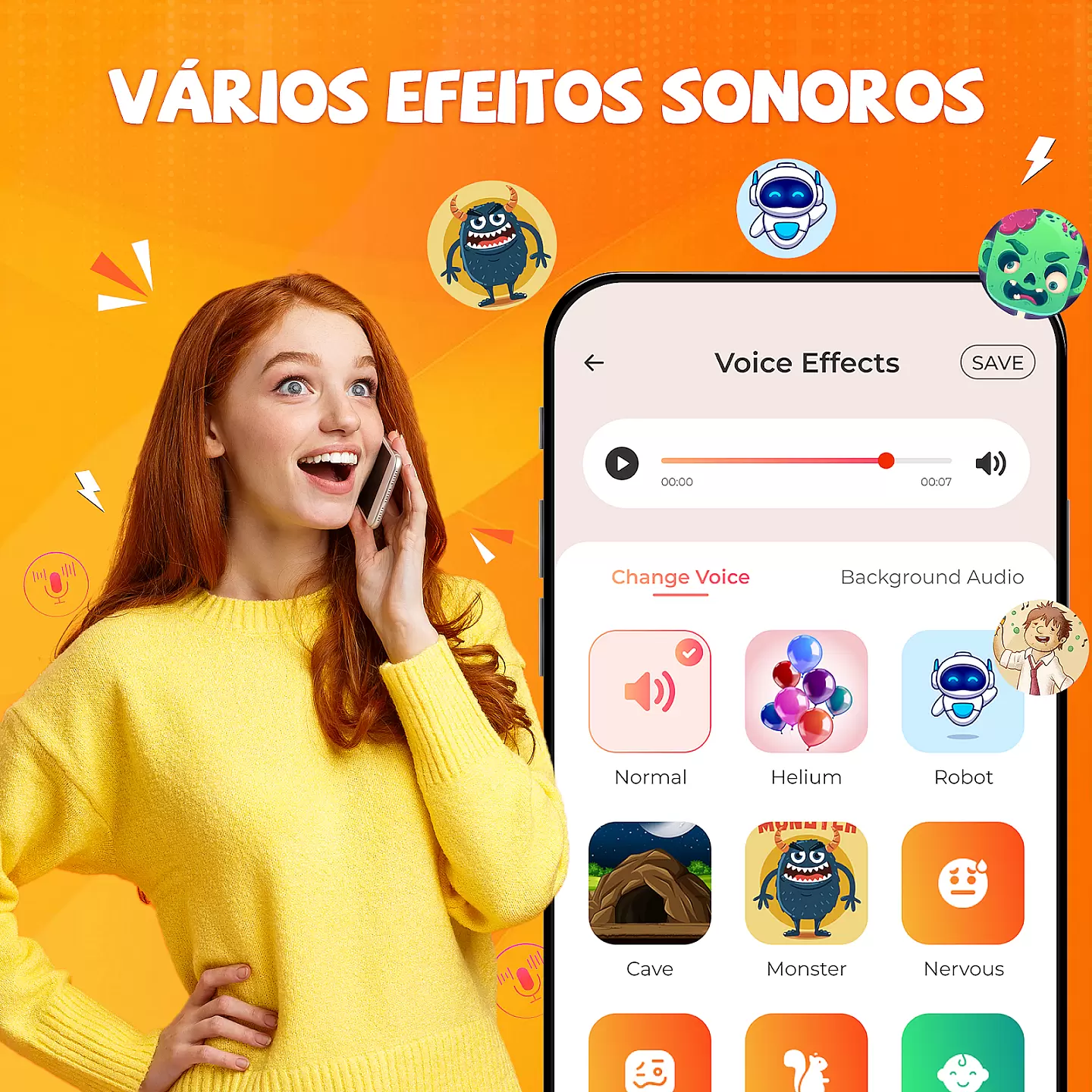
The application supports multiple sound effects including robotic, helium, monster, and many more. With its intuitive interface, users can easily navigate through different features and save their modified audio files for future use. Whether you need unique voiceovers for videos or just want to impress your friends, this app delivers a seamless experience across Android devices.
This voice modification app stands out with its diverse range of high-quality effects. It includes popular filters like echo, reverb, pitch change, and gender swap, allowing users to get creative with their audio projects. The real-time processing feature ensures minimal delay, providing instant results as you speak or play back recordings.
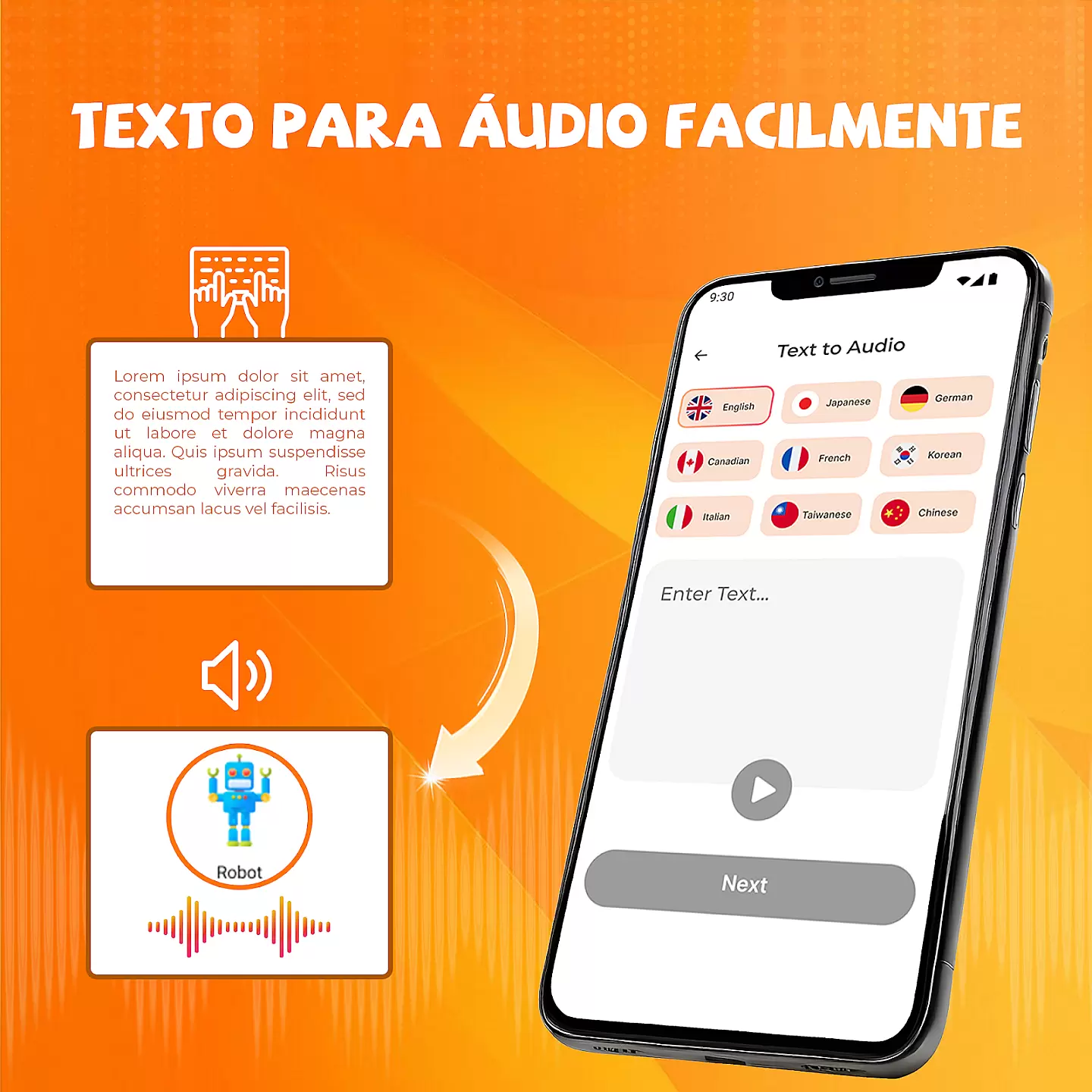
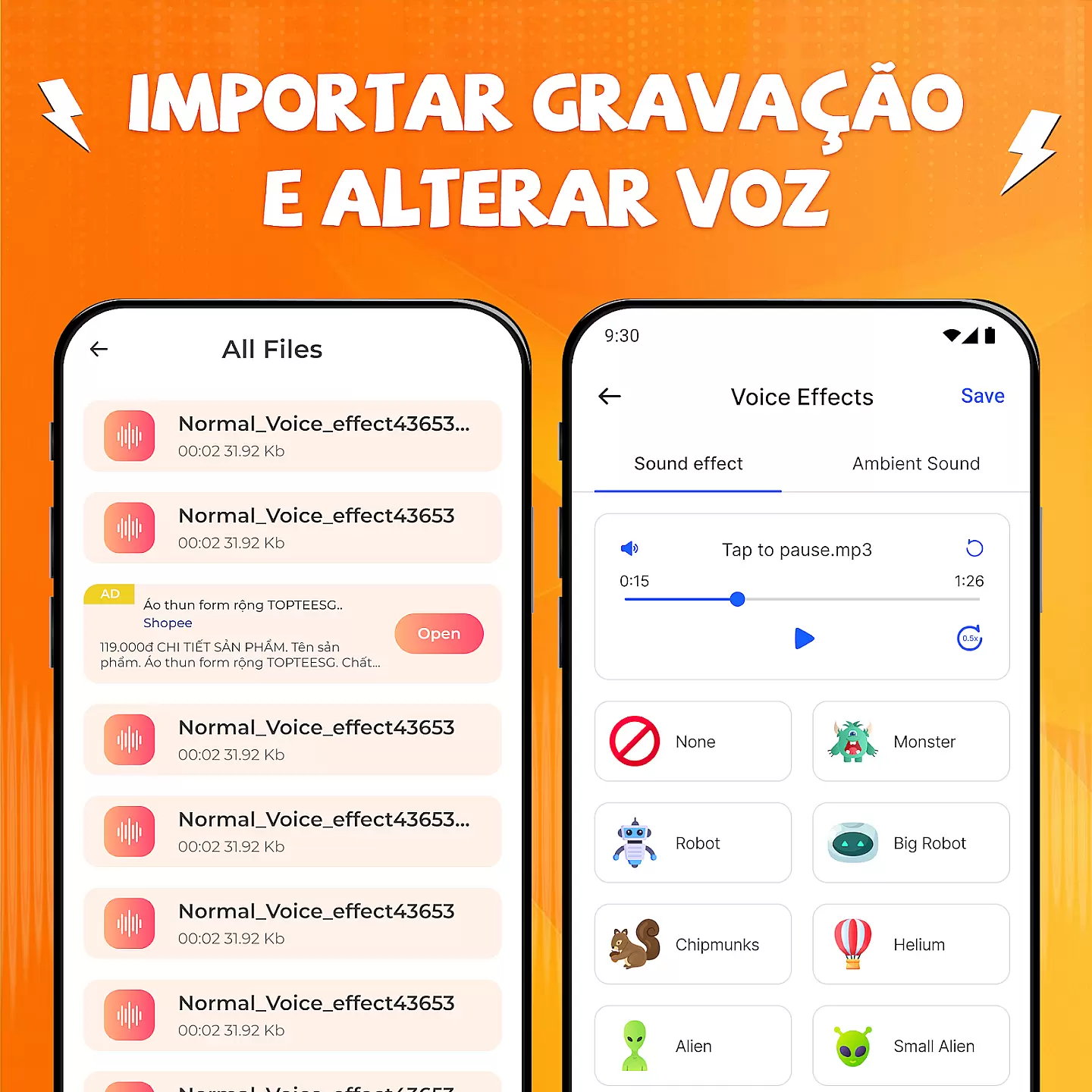
Additional functionalities include easy sharing options to social media platforms directly from the app, adjustable effect intensity controls, and support for multiple file formats. Users can also benefit from the built-in recording function that enables capturing new audio clips without leaving the application. These comprehensive features make it a versatile choice for both casual entertainment and professional use cases.
Voice Modifier with Effects offers a wide range of customization options that allow users to transform their voice in various ways. This feature is crucial for those who want to experiment with different vocal styles and effects.
The app provides an array of voice-changing effects such as robot, helium, monster, and many more. Each effect has adjustable parameters, enabling users to fine-tune the output according to their preferences. This level of customization ensures that every user can create a unique auditory experience.
Users benefit from this feature by being able to express themselves creatively through audio content. Whether it's for entertainment purposes or professional voice-over work, the ability to modify one's voice opens up numerous possibilities. The app empowers users to produce customized audio clips that stand out.
This extensive customization capability adds significant value to the app, making it not just a tool but also a creative outlet. It caters to a broad audience, from casual users looking for fun voice transformations to content creators needing diverse vocal effects for their projects.
Theme compatibility in Voice Modifier with Effects ensures that all visual elements of the app align well with various device themes and settings. This aspect is important for maintaining a cohesive user interface across different devices and operating systems.
The app supports both light and dark themes, adapting seamlessly to the system settings chosen by the user. This flexibility enhances readability and reduces eye strain, especially during extended use or in low-light conditions. By offering theme compatibility, the app provides a comfortable and visually pleasing experience.
Users gain the advantage of enjoying consistent aesthetics without compromising usability. They can switch between themes based on personal preference or environmental lighting, knowing that the app will adjust accordingly. This adaptability contributes to a more personalized and satisfying interaction with the app.
By prioritizing theme compatibility, Voice Modifier with Effects demonstrates attention to detail and commitment to user satisfaction. This feature not only improves the overall look and feel of the app but also reinforces its reputation as a versatile and user-friendly tool for voice modification.
User-friendly interface
Wide selection of effects
Real-time voice modification
High-quality audio output
Easy sharing capabilities
Limited free features
Ads between uses
Premium version costly
Occasional bugs reported
Internet connection required

Classic analogue watch face. For wear os devices.
 4.60
4.60
Ninja Turtles Cowabunga SE watch face for Wear OS
4.50
Adult video chat, dating, making friends, random matching
4.20
Art & Emoji Keyboard with Cool Fonts, Cute Themes and Custom Designs.
4.40
Interactive Miniature Painting Catalogue
3.30
Try creating your own keyboard with "Keyboard theme for android" app now!
4.50
Customize your home screen with stunning themes, blur, widgets & icons.
4.60
Struggling to find apps? Use this app to locate and open any app on your phone!
2.20
Magic fluids wallpaper 4D: Relax with stunning fluid simulation wallpaper app
4.20
One 8 icons glass color version
4.80
Vertically oriented rectangular icons
4.70
Personalize your phone with stunning HD and 4K wallpapers!
4.70
Aesthetic Widgets, HD Wallpapers, Themes in Mico Widget for Home and Lock Screen
4.50
A light in the dark, a unique style and an andless cutomization!
4.30
More than 3000+ themes and 9000+ wallpapers for everybody!
4.10
Create unique, fun emojis with Funny Emoji Maker! Unlimited creativity!
4.00
Transform your phone with stunning video wallpapers and a unique, personal touch
3.80
Adorable pets roam and play right on your phone screen!
3.30
Turn your lock screen into fun with smile live wallpapers & animated wallpapers!
2.50


User Reviews