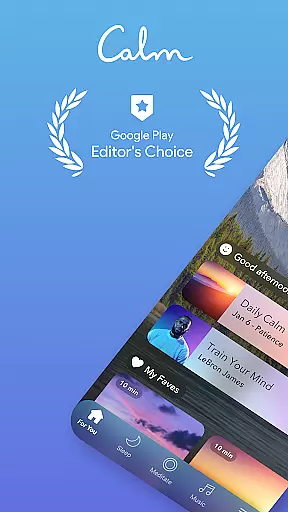

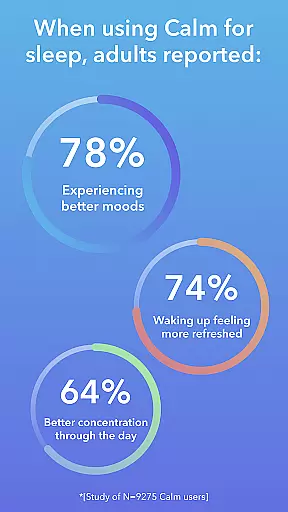
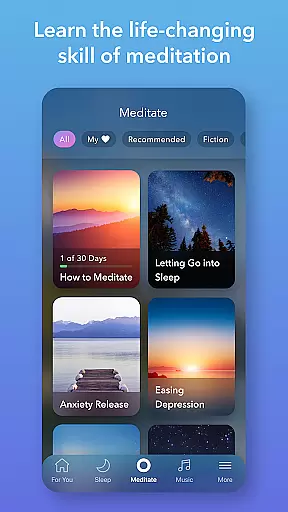
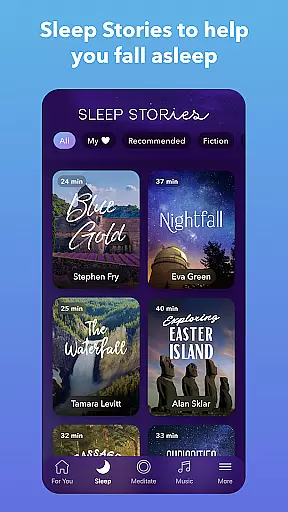
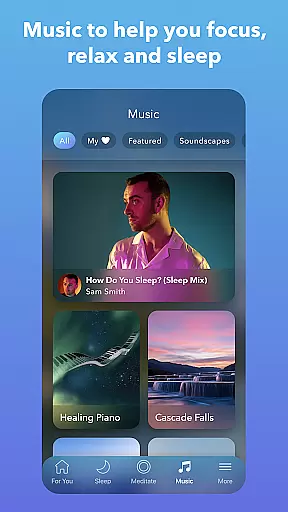
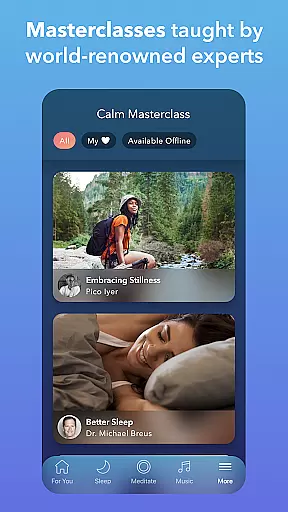
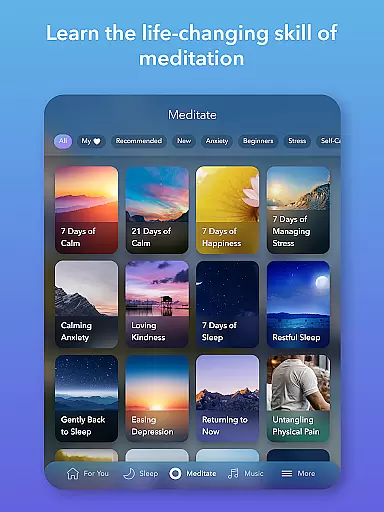
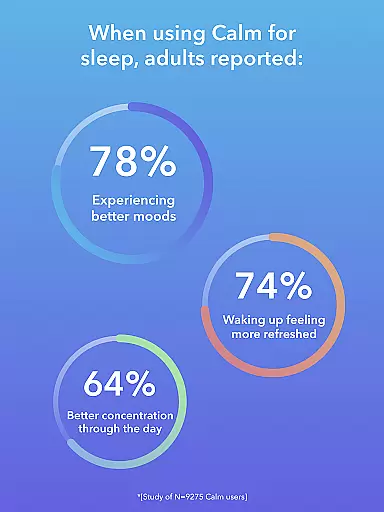
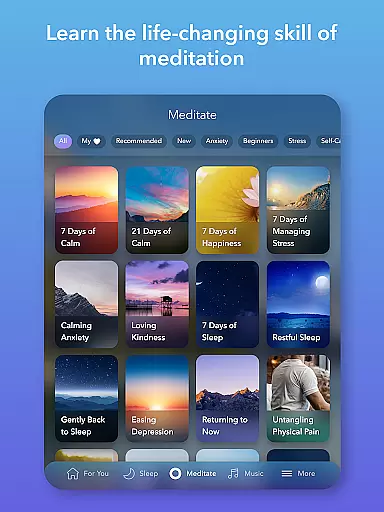
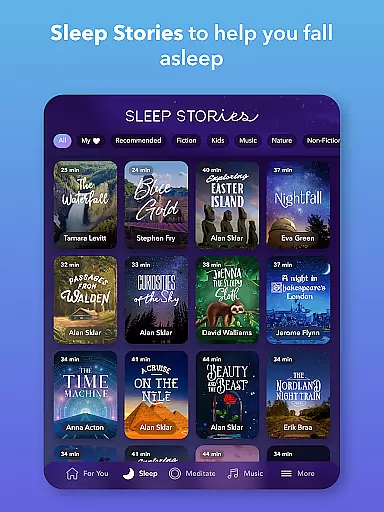
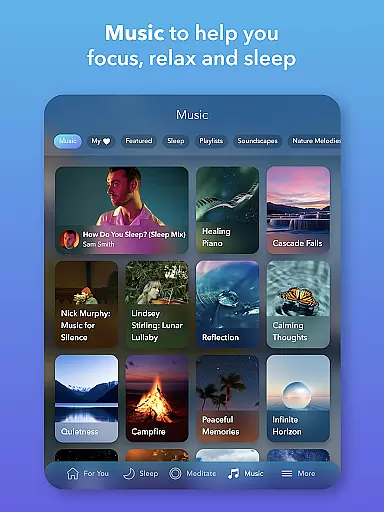
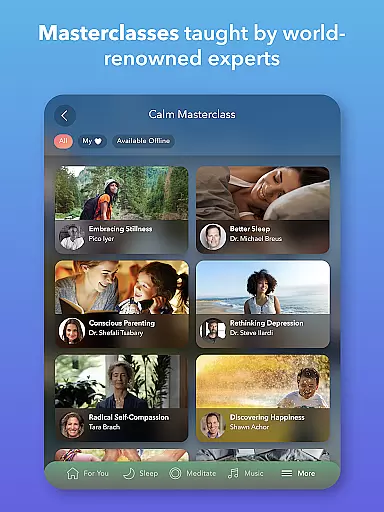
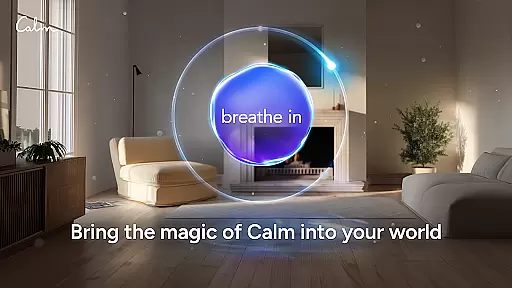
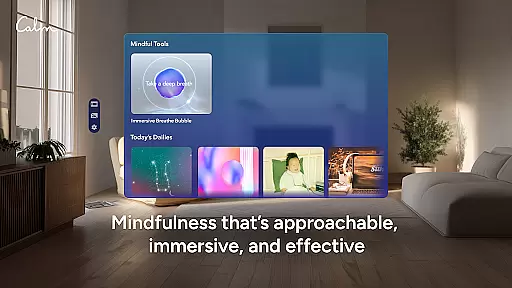
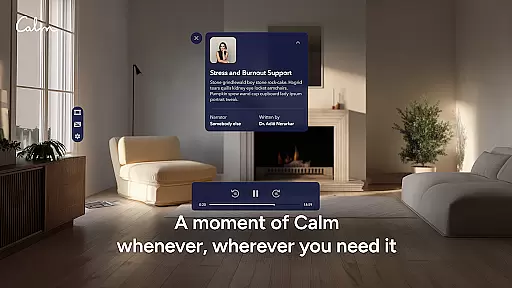
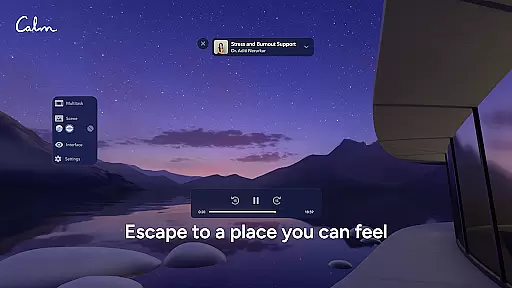

Calm is the leading application for sleep enhancement, meditation, and relaxation, designed to help users manage stress, stabilize moods, improve sleep quality, and refocus attention. The app offers an extensive suite of features including guided meditations, Sleep Stories, soundscapes, breathwork exercises, and stretching routines. These tools are crafted to promote self-healing and foster a happier, healthier lifestyle.
Whether you're new to meditation or an experienced practitioner, Calm provides tailored content that fits into any schedule. With exclusive Sleep Stories narrated by well-known voices such as Cillian Murphy and Rosé, alongside relaxing music and mindfulness programs, this app addresses common issues like anxiety and insomnia while promoting overall mental wellness.
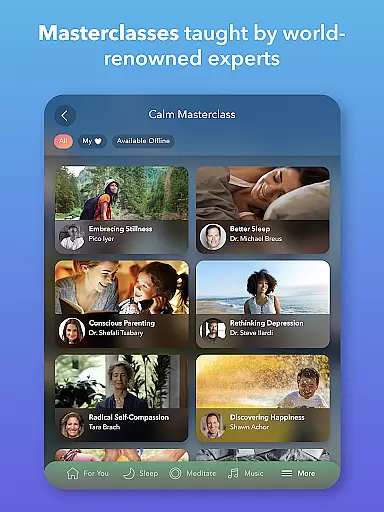
Calm boasts a rich array of features designed to enhance mental health and well-being. The app includes guided meditations led by seasoned experts suitable for all experience levels. Users can explore various mindfulness topics ranging from deep sleep techniques to focus improvement strategies.
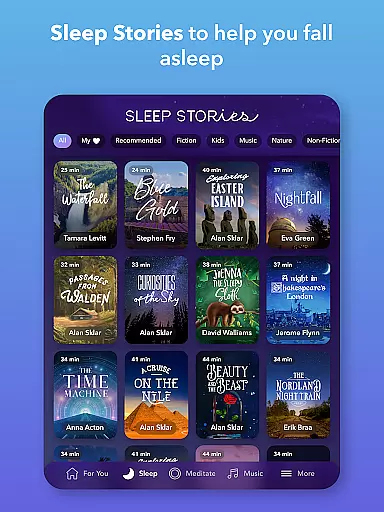
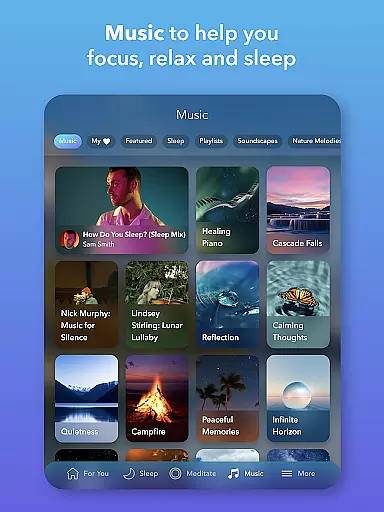
In addition to meditation, Calm offers Sleep Stories—bedtime narratives for adults and children—that aid in achieving restful slumber. The library also contains calming music tracks, full soundscapes, and nature-inspired scenes aimed at reducing stress and fostering relaxation. Regular updates ensure fresh content weekly, keeping user engagement high.
Breathing exercises and mindful movement routines further complement the holistic approach to wellness provided by Calm. By integrating daily practices such as the Daily Calm or Daily Move sessions, users can effectively manage stress and prioritize personal care.
Companion app integration is crucial for users who want a seamless experience between their mobile devices and wearables. Calm excels in this area by offering a cohesive ecosystem that connects its Android Wear app with the main mobile application.
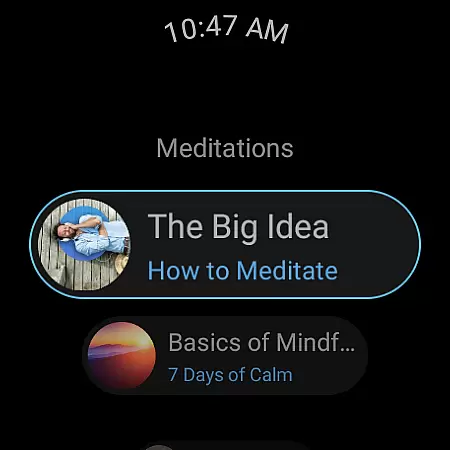
The Calm Wear OS app provides quick access to essential features through dedicated tiles, allowing users to start breathing exercises instantly. This immediate access ensures that users can manage stress or practice mindfulness without needing to reach for their phones.
Additionally, complications on the watch face help track meditation sessions and monitor progress. These integrations enhance user engagement by providing real-time updates and motivation directly on the wearable device.
By focusing on these companion app integrations, Calm delivers a unified experience that maximizes convenience and accessibility, making mindfulness practices more attainable in everyday life.
Ensuring broad device compatibility is vital for any application targeting multiple platforms. For Calm, compatibility with various Wear OS devices guarantees that a wide range of users can benefit from its mindfulness and relaxation features.
Calm's developers have optimized the app to work smoothly across different Wear OS devices, ensuring consistent performance regardless of the hardware specifications. This optimization includes adapting UI elements to fit smaller screens while maintaining usability and clarity.
Moreover, the app supports various sensors and functionalities inherent to different smartwatches, such as heart rate monitors and accelerometers. By leveraging these capabilities, Calm offers personalized experiences tailored to individual user needs and preferences.
This commitment to Wear OS/device compatibility not only expands Calmu2019s reach but also enhances user satisfaction by delivering a reliable and adaptive experience on every supported device.
User-friendly interface
Extensive content library
Expert-led meditations
Daily updated content
Sleep improvement tools
Premium subscription required
Limited free features
Occasional connectivity issues
High cost for full access
Some repetitive content

Diet tracker for weight loss - track calories, food and macros. Simple and easy!
 4.70
4.70
Christmas Theme Watch Face for Wear Os
5.00
Current temperature, weather hourly, weather radar by the weather forecast app
4.40
The most customizable minimal watch face. For Wear OS 5.0, API 34+ and later
4.70
Bold, Modern Hybrid Watch Face for Wear OS. 10 Colors, Rich Info Display.
4.30
Connect to your Bluelink equipped Hyundai vehicle from your smartphone.
4.50
Gym & home workout plans with strength training, exercise tracking, HIIT & more.
4.60
Daily Weather forecast with 15 weather images for Day & Night plus Big Bold time
4.10
Simple, helpful messaging by Google
4.60
Christmas - Festive - Christmas Village - Winter - Christmas lights
5.00
The most customizable hybrid watch face. For Wear OS 5.0, API 34+ and later
4.70
Stylish, Energizing and Modern Watch Face crafted by Dominus Mathias.
4.50
Locate your family members by GPS phone location tracker everywhere and anytime
4.30
Your music, your playlists, and more—offline and unlimited.
4.20
A full-featured Amazon Alexa voice assistant that can show you things.
3.70
Christmas and New Year - Themed Watchface
4.1
Wear Os Watch Face - Animated Snow - Sesonal for Christmas & Winter
4.2
3 Complications. All shadow on/off. 30 Themes color palette...
4.0
Funny animated watch face for Thanksgiving
4.4


User Reviews