
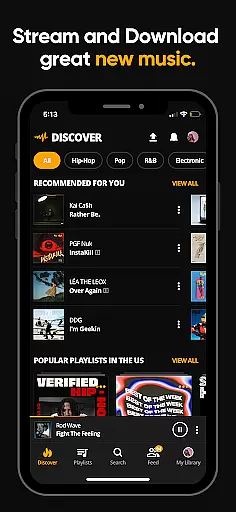
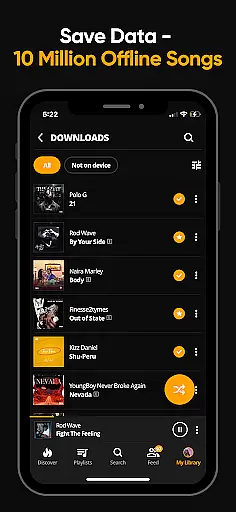
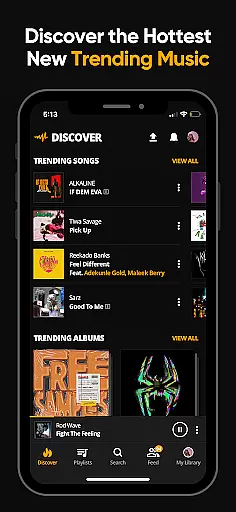

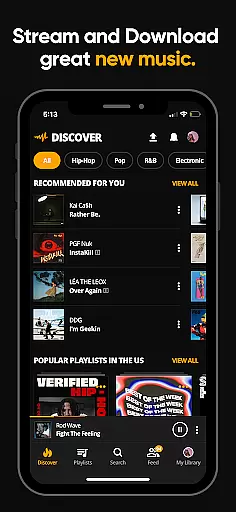
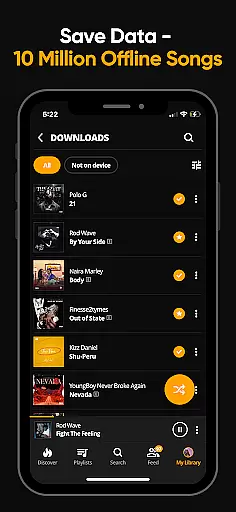
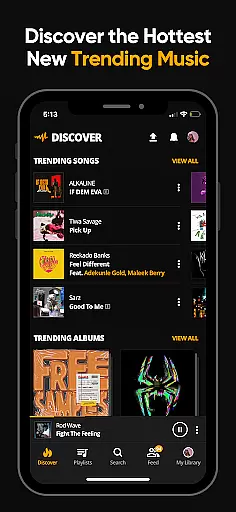

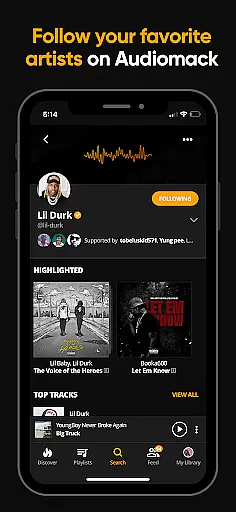
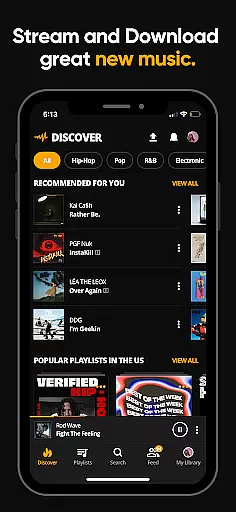
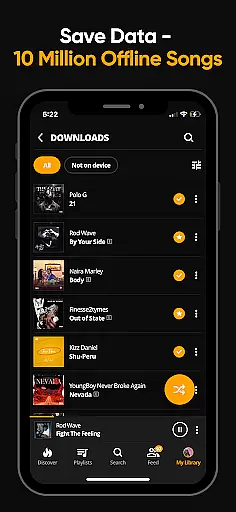
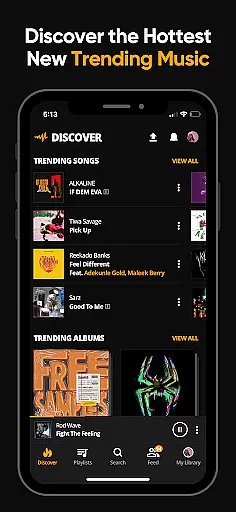

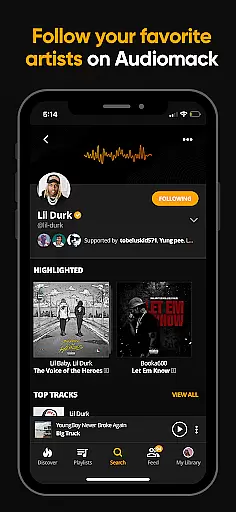
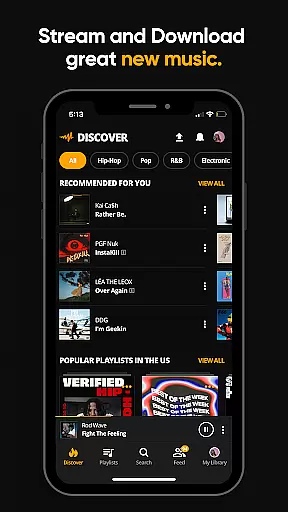
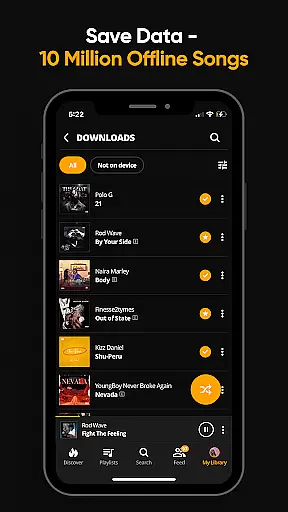
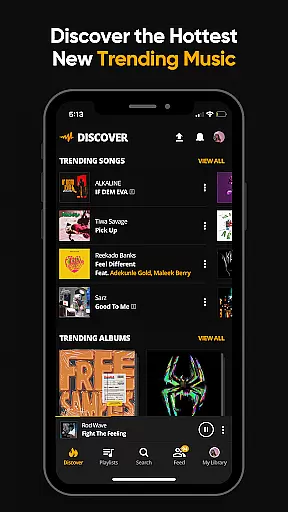
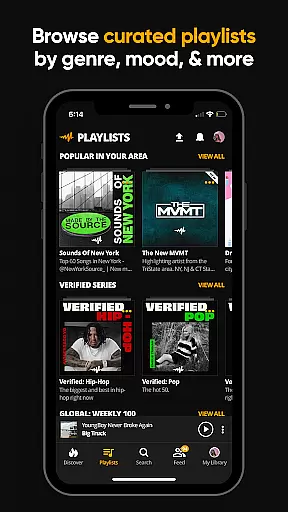
Audiomack is a premier music streaming and downloading app tailored for Android Wear users. It offers unlimited access to trending full tracks across genres like Hip-Hop, Rap, R&B, EDM, Afropop, and Reggae. The app stands out with its offline data-free listening feature, enabling users to download songs and albums without needing Wi-Fi.
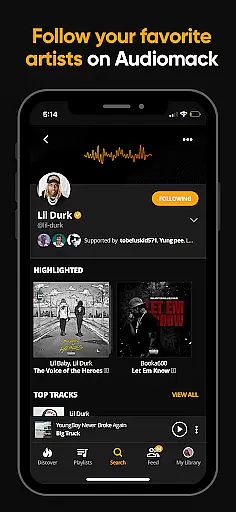
With Audiomack, you can seamlessly integrate your local MP3s, WAV, M4A, AAC files into the app's library, ensuring all your music is accessible from one place. Its curated playlists and 'Trending' section keep you updated on the latest hits, while the ability to follow top artists ensures you never miss new releases from your favorites.
Whether commuting or traveling, Audiomack's offline mode and compatibility with Wear OS and Android Auto make it an essential tool for uninterrupted music enjoyment. This app bridges convenience and comprehensive music discovery, making it ideal for users who value both accessibility and variety in their listening experience.
Audiomack distinguishes itself through a robust set of features designed to enhance user experience. One of its standout capabilities is the unlimited streaming of full music tracks and mixtapes that are either new or trending. This positions users at the forefront of music trends, allowing them to explore upcoming hits before they go mainstream.
The app also supports offline listening by enabling downloads of entire songs and albums without using data or Wi-Fi. This feature is particularly beneficial for users who frequently find themselves in areas with poor connectivity. Additionally, Audiomack allows users to listen to music while using other apps, providing a seamless multitasking experience.
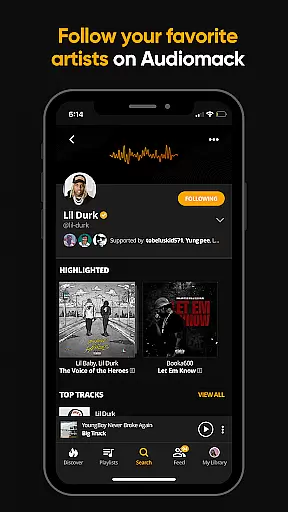
Users can create unlimited playlists, favorite tracks, and follow their favorite artists such as 21 Savage, Youngboy, and Kevin Gates. With expertly curated playlists by mood and genre, Audiomack caters to diverse musical tastes. Furthermore, integration with Wear OS and Android Auto extends usability, ensuring that music is always within reach, regardless of the situation.
For users of wearable devices, Audiomack offers seamless companion app integration that enhances the listening experience across platforms. This feature ensures that your music is accessible not only on your mobile device but also on Wear OS and Android Auto, providing flexibility and convenience.
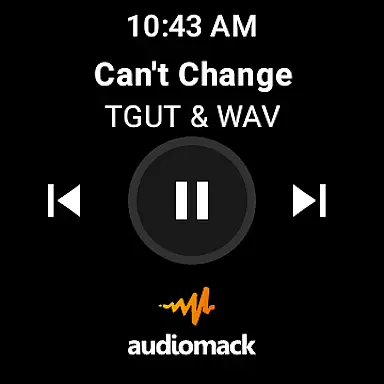
The integration allows you to control your music playback directly from your wearable device or car system. Whether you're driving or working out, you can easily manage your playlists, skip tracks, or adjust the volume without needing to reach for your phone.
This interconnected ecosystem ensures that your favorite tracks, albums, and playlists are synchronized in real-time. As a result, you can enjoy uninterrupted music streaming and access your downloaded songs wherever you go, making Audiomack a versatile choice for all your audio needs.
Audiomack's compatibility with Wear OS and other devices highlights its dedication to providing a comprehensive and adaptable user experience. By supporting multiple platforms, Audiomack ensures that users can enjoy their music library regardless of the device they are using.
This compatibility extends to various functions within the app, such as streaming, downloading, and managing playlists. Users can take advantage of these features on their smartwatches or in their vehicles through Android Auto, thus catering to different lifestyles and preferences.
Moreover, this broad device support reflects Audiomack's commitment to accessibility and user engagement. Whether at home, in the car, or on the go, listeners can immerse themselves in high-quality audio experiences, affirming Audiomack's position as a top choice for music enthusiasts who demand flexibility and performance.
User-friendly interface
Offline listening mode
Vast music library
Curated playlists
Cross-platform support
Limited ad-free option
Occasional bugs
Heavy battery usage
Regional restrictions
Subscription cost

Gym Log & Workout Tracker | Fitness Journal, Training & Weight Lifting Planner
 4.90
4.90
Walking app for weight loss: walk & step tracker, pedometer, indoor treadmill
4.60
Christmas is near, let's count together the days left until Santa comes
4.2
A watch face that fuses motorsport precision with contemporary smartwatch design
4.0
Beautiful, colorful and practical watch face. For Wear OS devices.
5.00
Let's celebrate Thanksgiving - Wear Os watch face
4.20
Digital watch face with big numbers and many customization for Wear OS devices
4.40
Gym & home workout plans with strength training, exercise tracking, HIIT & more.
4.60
A realistic hybrid watch face with many customization options.
4.60
Easy Voice Recorder is your everyday companion to record important moments.
4.70
Retro digital watch face with customizable colors and a unique lighting effect
4.60
MyNISSAN® lets you remotely control your car from your phone.*
4.50
Digital watch face. For Wear OS devices.
4.40
A white realistic classic analog watch face with many customization options.
4.40
Professional weather radar and more
3.90
Christmas and New Year - Themed Watchface
4.0
Wear Os Watch Face - Animated Snow - Sesonal for Christmas & Winter
4.3
Precision analog watch face with 7 complications and style options
4.5
Minimalistic design modern digital watch face.
4.1


User Reviews