
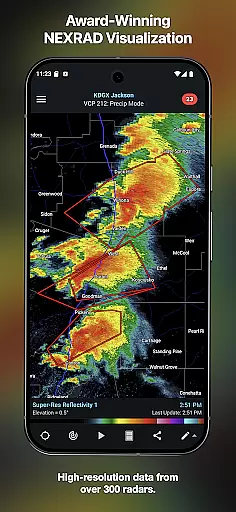
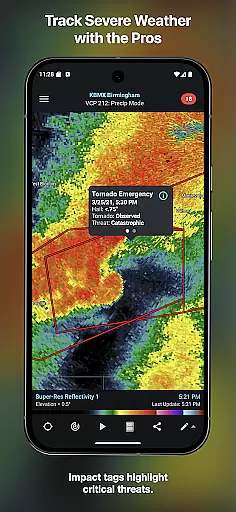
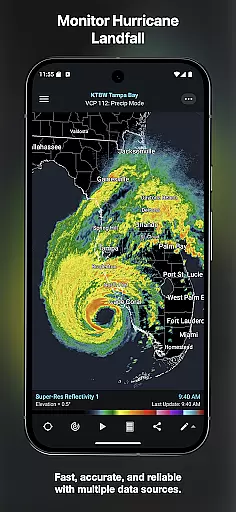
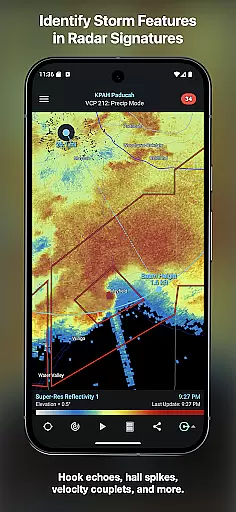
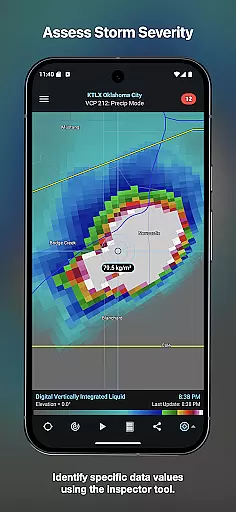
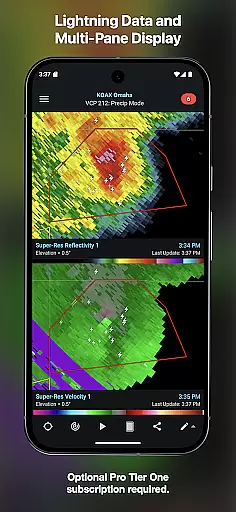
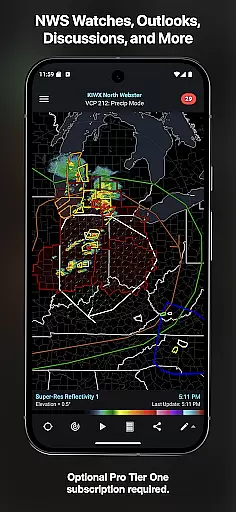
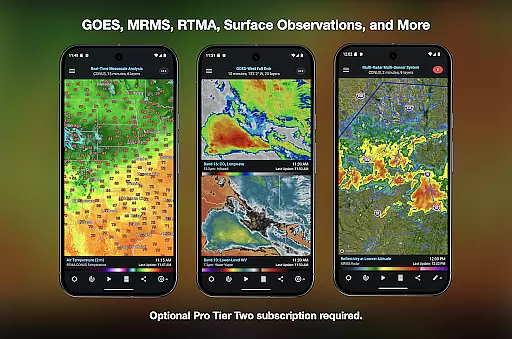
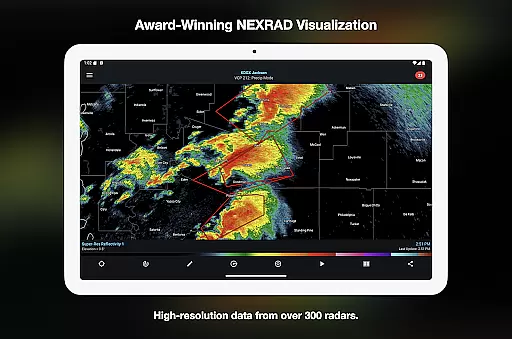
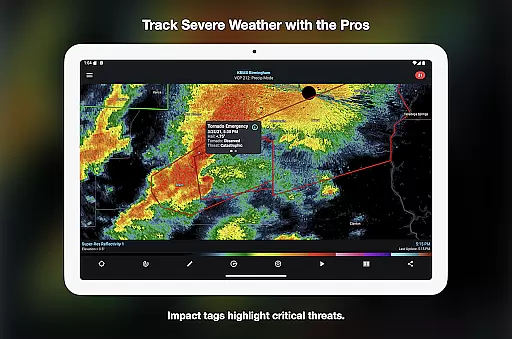
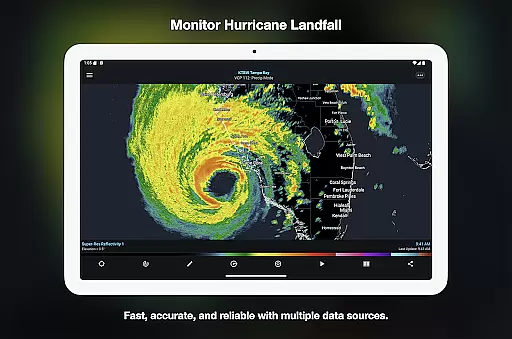
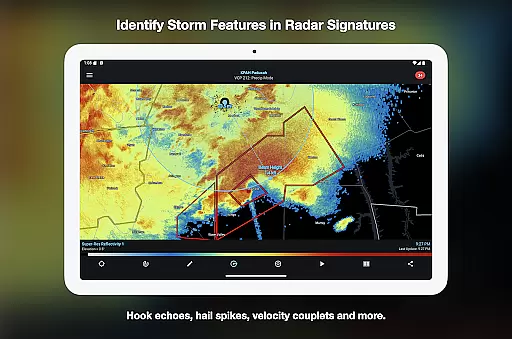
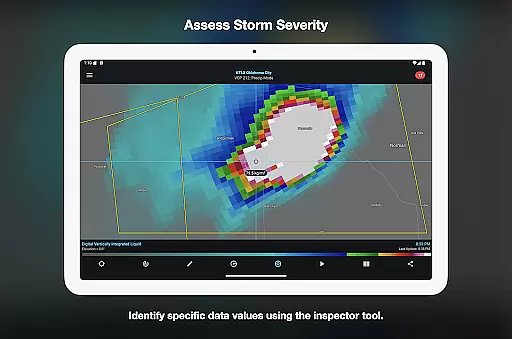

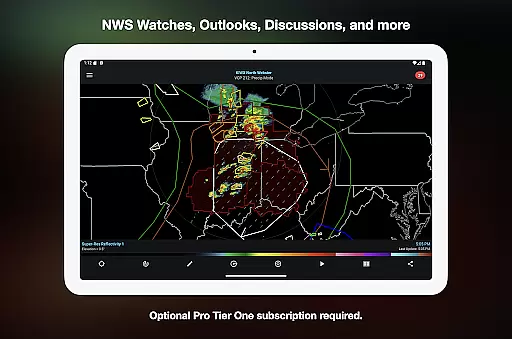
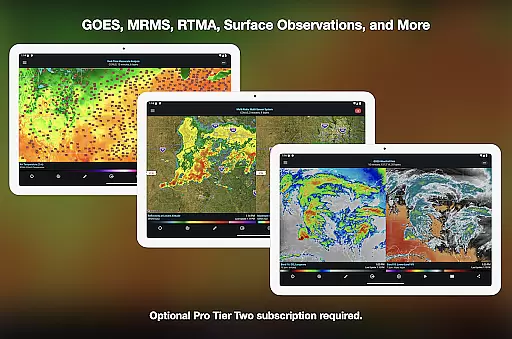
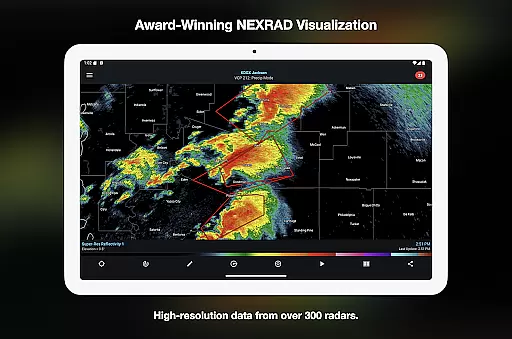
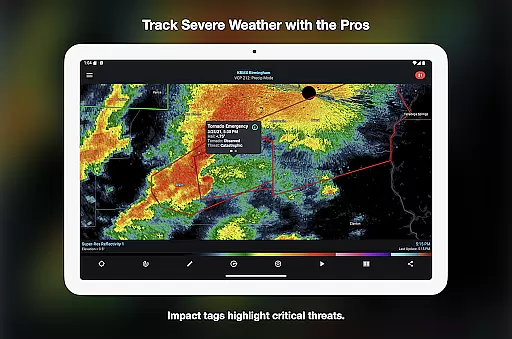
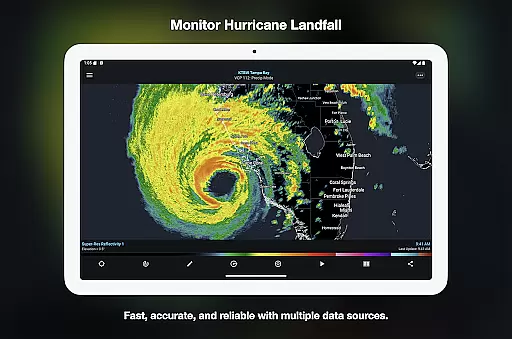
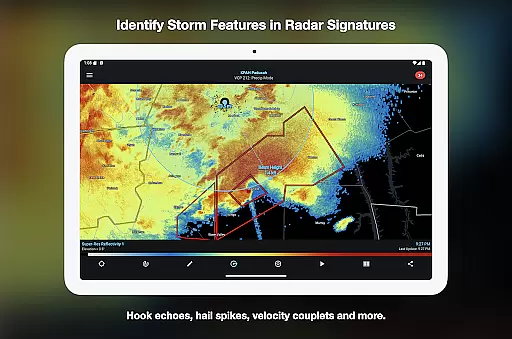
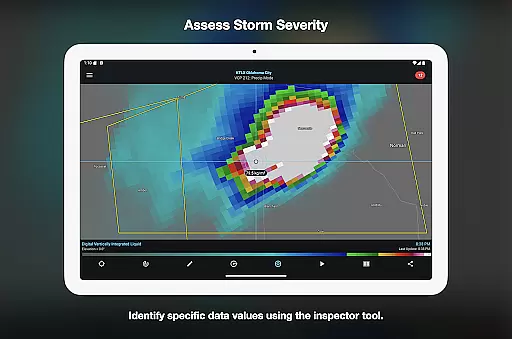
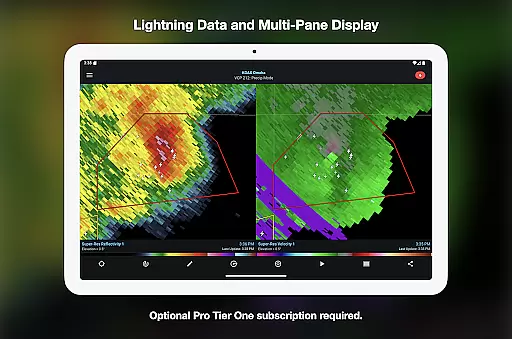
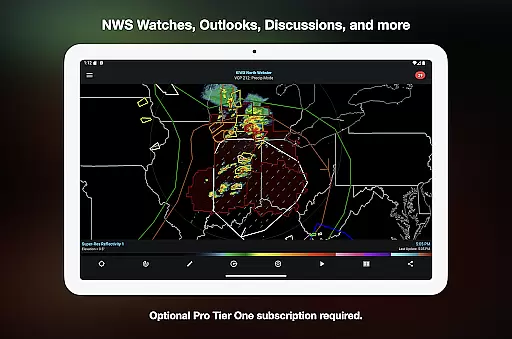
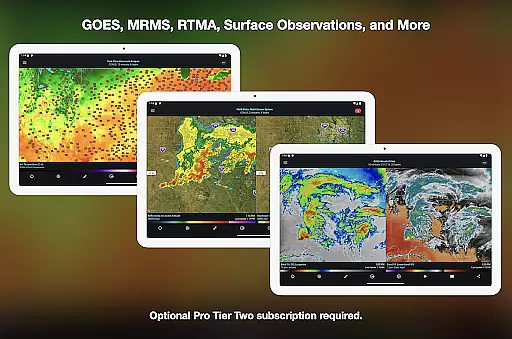
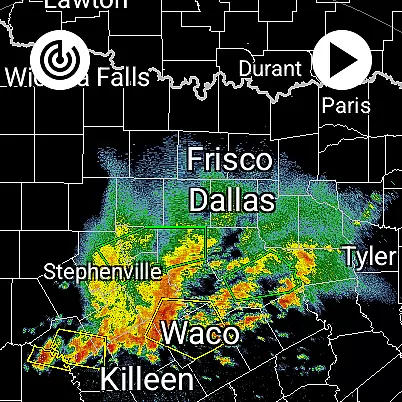
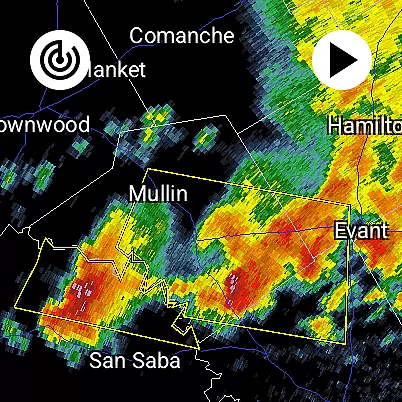
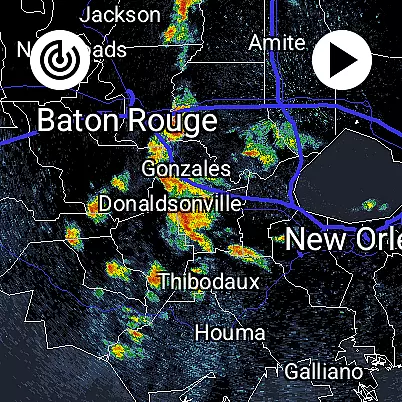
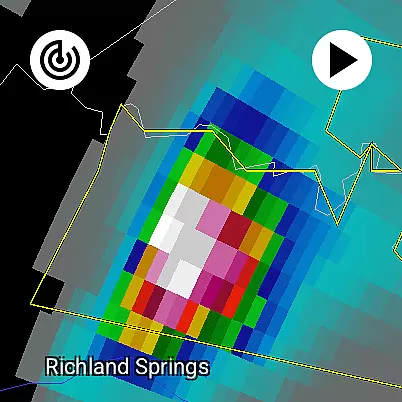
RadarScope is a professional weather visualization tool designed for meteorologists and weather enthusiasts. It provides real-time access to a comprehensive suite of single-site radar data and severe weather products across multiple countries. The app displays native radar data in its original radial format, offering near-instant updates every two to ten minutes depending on the radar's scanning strategy.
With its initial purchase, users gain access to advanced features such as 6-frame radar loops, tornado and thunderstorm warnings, storm tracks, and integration with services like AllisonHouse and Spotter Network. Optional RadarScope Pro subscriptions unlock additional capabilities, including longer radar loops, lightning strike data, satellite imagery, and historical weather archives, making it an indispensable tool for tracking storms and analyzing weather patterns.
RadarScope stands out with its ability to display radar data in its purest form, ensuring accuracy and timeliness for severe weather tracking. The app supports multiple radar providers and offers detailed warning systems for tornadoes, thunderstorms, and flash floods. Tools like the Inspector and distance measurement allow users to analyze storm attributes effectively.
For power users, RadarScope Pro tiers provide enhanced functionalities. Tier One adds 30-frame radar loops and severe weather outlooks, while Tier Two expands to include NEXRAD Level II data, GOES satellite imagery, and MRMS products. With support for custom color palettes, multi-pane displays, and cross-platform subscription sharing, RadarScope delivers a versatile and robust platform for both casual observers and professional meteorologists.
Companion app integration is crucial for Android Wear applications as it ensures seamless data synchronization and feature coordination between the wearable and its primary device. RadarScope excels in this area by offering a unified experience across Android and Wear OS platforms.
The app provides real-time weather updates directly to your wrist, ensuring that critical radar data is accessible wherever you are. This includes single-site radar products, warnings, and storm tracks, all optimized for low-bandwidth use on wearable devices.
Users benefit from having instant access to vital weather information without needing to carry their phone. Whether tracking a mesocyclone or monitoring hurricane landfall, RadarScope's companion app integration ensures meteorologists and weather enthusiasts stay informed on the go.
This robust integration enhances situational awareness for professionals and hobbyists alike, making severe weather tracking more convenient and reliable across devices.
Device compatibility is essential for any Android Wear application, determining how well the software performs across different Wear OS devices. RadarScope demonstrates excellent compatibility, functioning smoothly on various smartwatches running Wear OS.
The application is designed to deliver professional-grade radar visualization while maintaining optimal performance on smaller screens. It supports widgets and bundled maps with political boundaries, water bodies, and major highways, all tailored for efficient use on wearables.
By ensuring broad device support, RadarScope allows users to choose from a wide range of Wear OS devices without compromising functionality. This flexibility enables meteorologists and storm spotters to select the hardware that best suits their needs.
Ultimately, RadarScope's commitment to Wear OS compatibility ensures that weather enthusiasts can rely on consistent performance and access to comprehensive weather data regardless of their chosen device.
Real-time radar updates
Comprehensive weather data
Customizable color palettes
Cross-platform support
Pro-tier enhancements
Subscription costs
Complex for beginners
Limited free features
High data usage
Regional limitations

"PER27 Galaxy Digital" is a digital Wear OS watch face designed by PERSONA
 4.10
4.10
Walking app for weight loss: walk & step tracker, pedometer, indoor treadmill
4.60
Wear Os Watch Face - Animated Snow Effect & Christmas Lights
4.5
Artistic Digital Watchface
4.1
Kia Access makes getting your vehicle information easier than ever
4.60
The ultimate destination for kids ages 3-8 to explore the Marvel Universe!
4.30
Reliable phone calls with spam protection, caller ID and more helpful features
4.40
Stay in touch with your friends and family using LINE!
3.40
Fitbit is dedicated to helping people lead healthier, more active lives.
4.10
Digital, flexibly customizable watch face. For Wear OS 5.0, API 34+ and later.
5.00
Gym Log & Workout Tracker | Fitness Journal, Training & Weight Lifting Planner
4.90
A modern hybrid informative watch face for Wear OS designed by BALLOZI
4.80
Be an elegant and classy secret agent, with this carefully detailed watch face
4.70
A realistic hybrid watch face with many customization options.
4.60
Bold weather Digital watchface with forecast & optional animated background
4.40
A white realistic classic analog watch face with many customization options.
4.40
Calming & relaxing sounds for sleeping and stress relief. Stay focused all day!
4.20
Your local weather forecast, storm tracker, radar maps & live weather news
3.40
Stunning modern digital watch face with 7 complications and strong contrast
4.4


User Reviews