
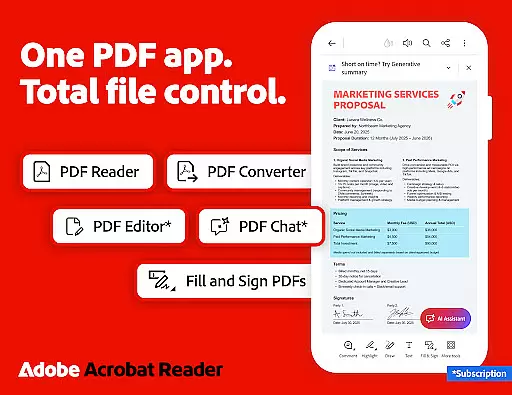
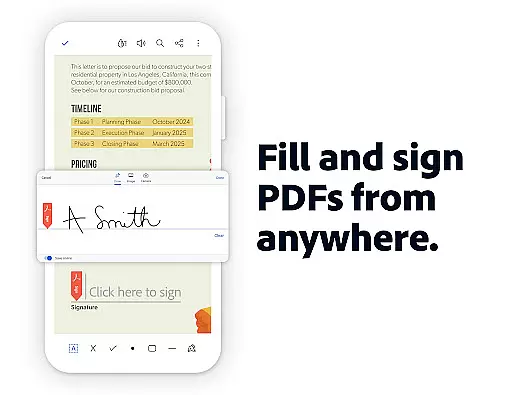
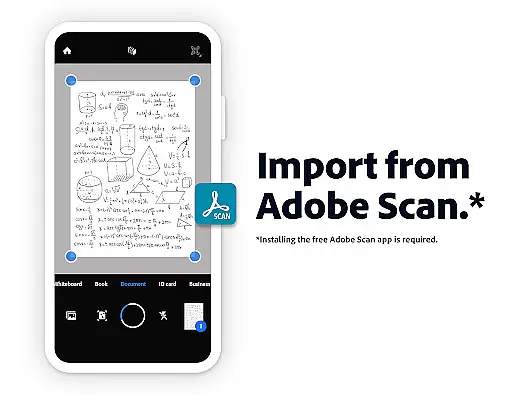
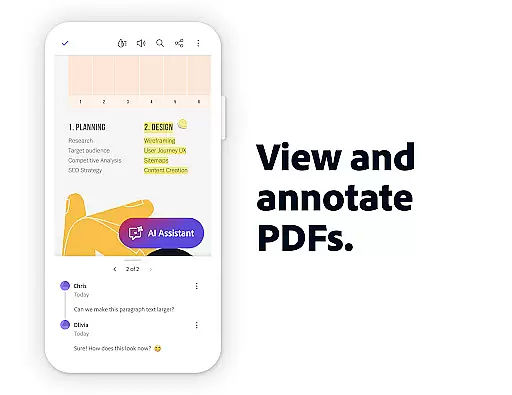
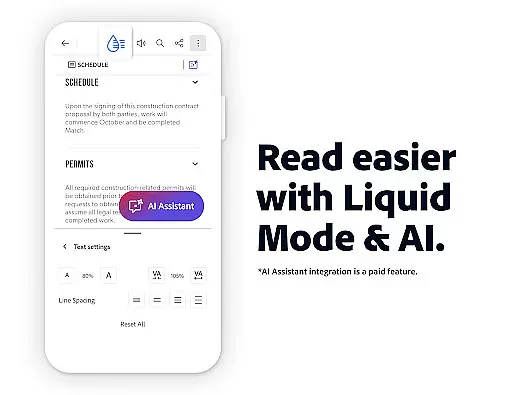
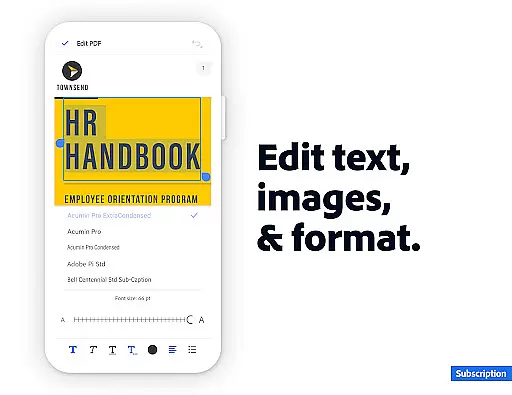
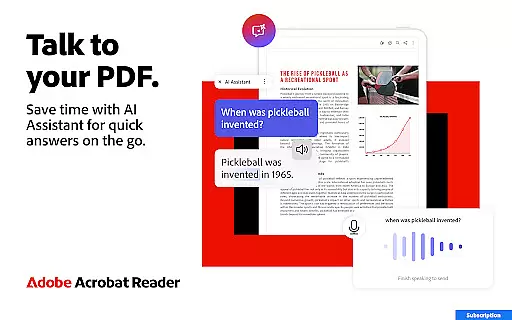
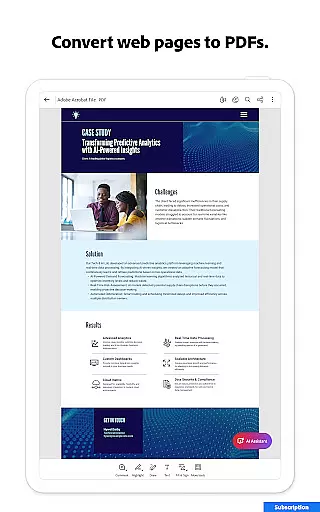
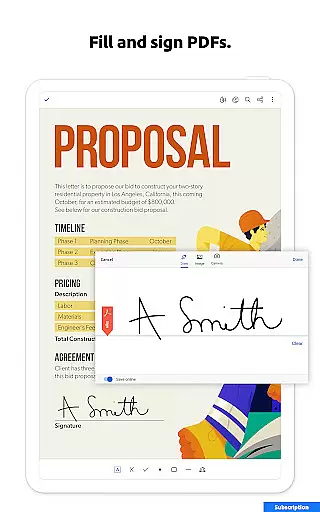
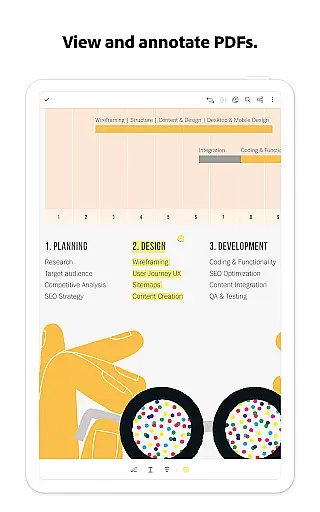
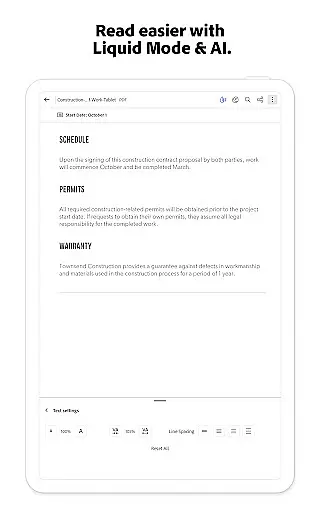
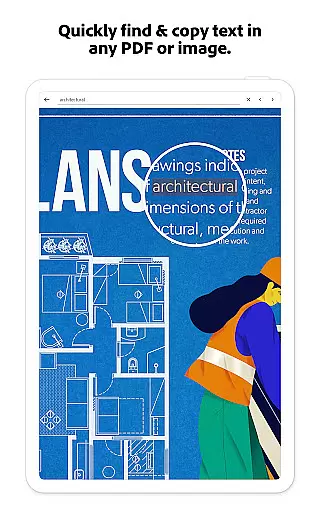
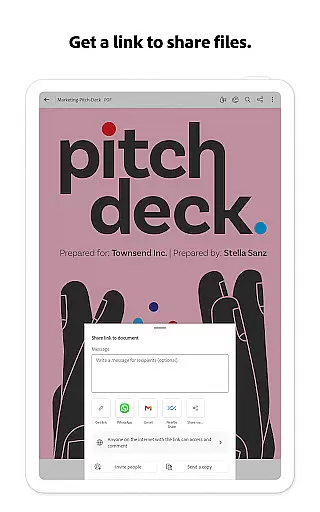
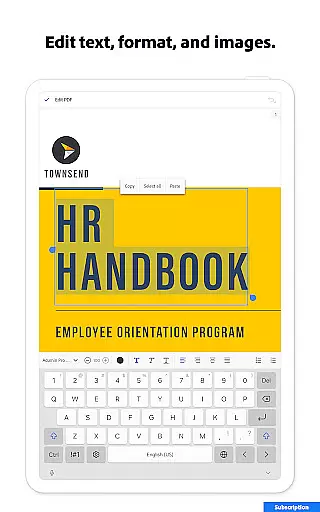
Core task management is essential for productivity applications, enabling users to organize and prioritize their work efficiently. Adobe Acrobat Reader excels in this area by offering a comprehensive suite of tools that streamline PDF-related tasks.
The application provides robust features such as editing text and images directly within PDFs, making it simple to fix typos or adjust content without needing to switch between multiple programs. Additionally, its ability to merge, split, and reorder pages ensures users can manage complex documents with ease.
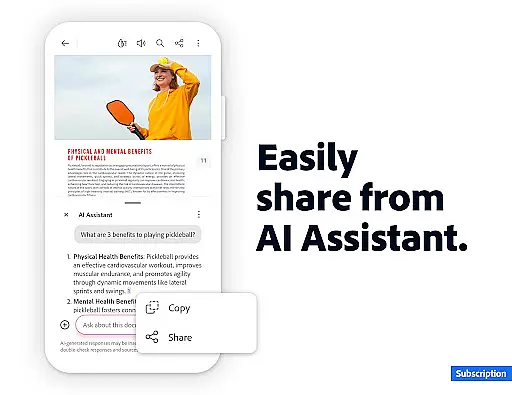
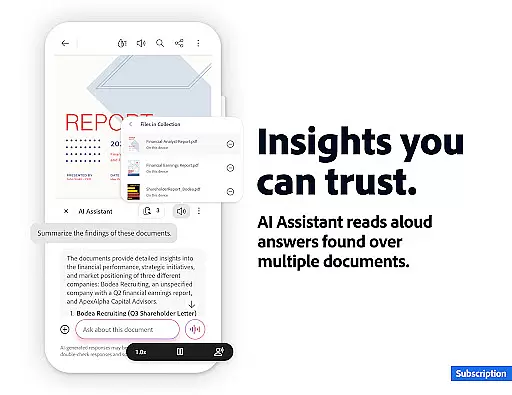
Acrobat Reader also facilitates collaboration through shared workspaces called PDF Spaces, where teams can store files, collaborate in real time, and utilize the AI Assistant across multiple documents. This enhances productivity by centralizing resources and communication.
Furthermore, the AI-driven functionalities like Generative AI Summaries allow users to instantly generate concise overviews of lengthy PDFs, saving valuable time. These capabilities collectively empower users to handle their PDF workflows more effectively, boosting overall productivity.
Cross-device synchronization is crucial for ensuring that users can access their documents seamlessly across different platforms. Adobe Acrobat Reader addresses this need by providing reliable synchronization features that keep files up-to-date regardless of the device being used.
With cloud integration options such as Google Drive, Dropbox, and Microsoft OneDrive, Acrobat Reader allows users to link their online storage accounts directly within the app. This means any changes made on one device are automatically reflected on all others, maintaining consistency and accessibility.
In addition to file synchronization, the app supports continuity in user actions. For instance, annotations, comments, and edits performed on a mobile device will appear on the desktop version, ensuring no detail is lost during transitions between devices. This level of reliability enhances the user experience significantly.
Moreover, the availability of Acrobat across both mobile and web platforms ensures that users have constant access to their documents and tools. Whether working from a smartphone, tablet, or computer, individuals can rely on Adobe Acrobat Reader to deliver a consistent and dependable performance, thus supporting an uninterrupted workflow.

A customizable calendar for your Wear OS watch
 4.20
4.20
Create study competitions, track your hours, and stay consistent with friends
4.2
All in one sketching tool. Technical and General drawing. Online Maps support.
3.70
8 custom complications. Custom Time Fonts. Beautiful color schemes. A++ Design.
5.00
Translate text/voice/photos in 150+ languages. Offline & fast translator app.
4.50
A beautiful digital clock with autostart and many other functions
4.70
Quickly and easily keep track of your work shifts
4.70
Share files & memories safely. Keep your photos and videos secure.
4.40
Daily processing of PDF documents.
4.40
Seamlessly integrate data and reports to build your presentation to impress
4.80
Mind Map and brainstorm, note taking and idea collection
4.80
Client for Nextcloud Deck
4.60
Absolutely the best CNC machinist speed and feed calculator around. fswizard.com
4.60
Functional QR scanner and barcode reader that requires little storage space.
4.60
Planet Free VPN - The best Fast Unlimited and Secure VPN Without Logs
4.50
Docker, Kubernetes management over Portainer Mobile
4.40
All in One PDF Reader: Manage, Read and Edit your Documents
4.20
Activate Two Factor Authentication (2FA or Multi OTP), Password manager and more
4.10
AI Video AI Image Private LLM AI Browser Llama Gemma Ollama Connect LLM Studio
4.3


User Reviews