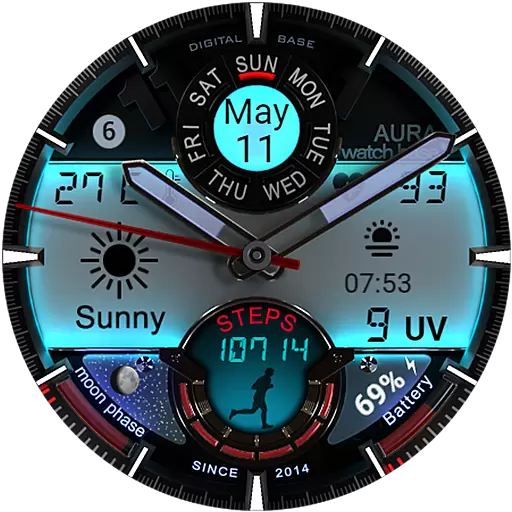
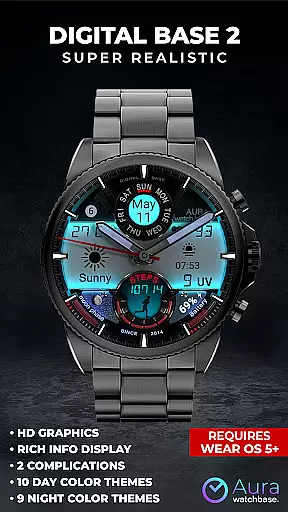
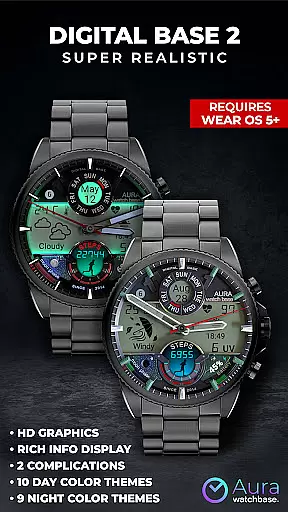
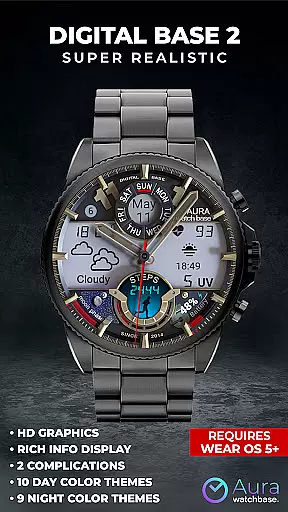
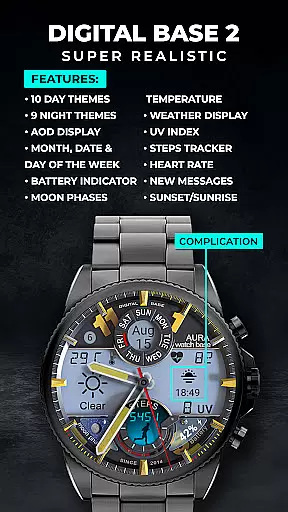
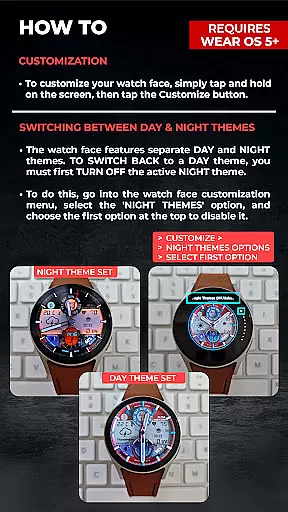
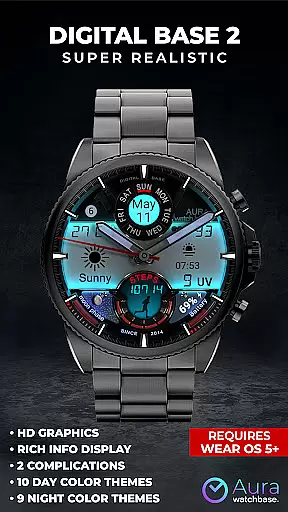
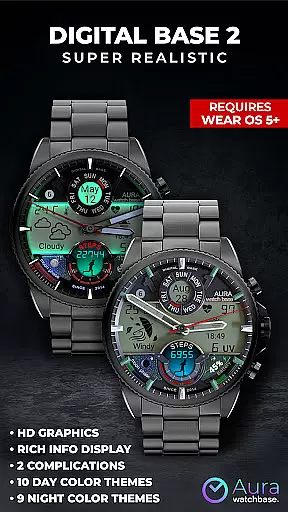
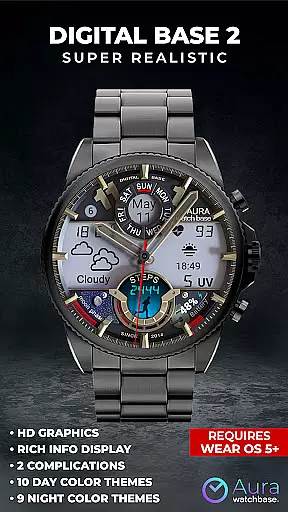
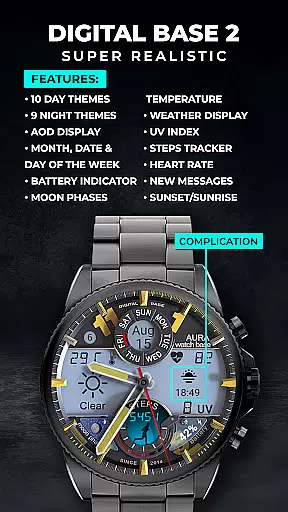
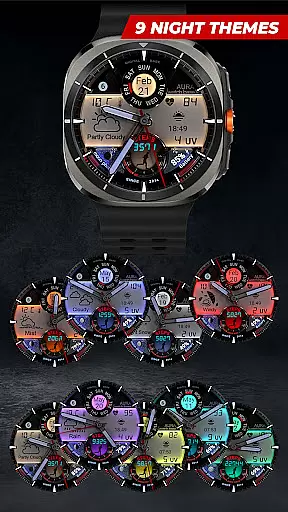
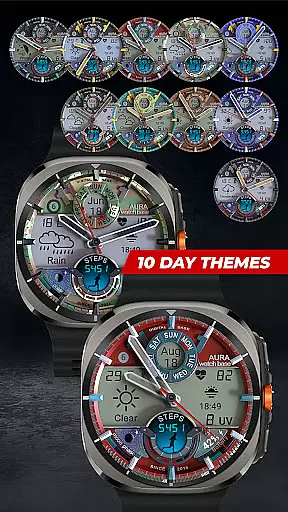
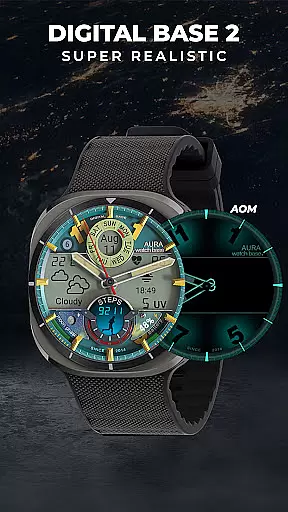
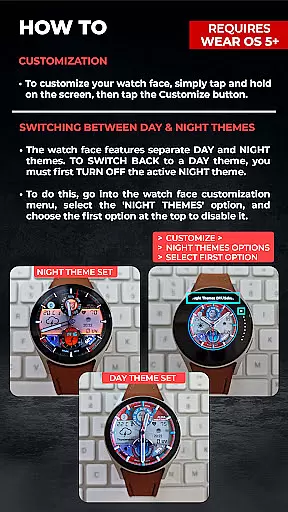
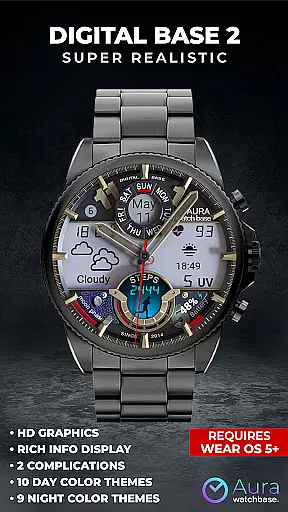
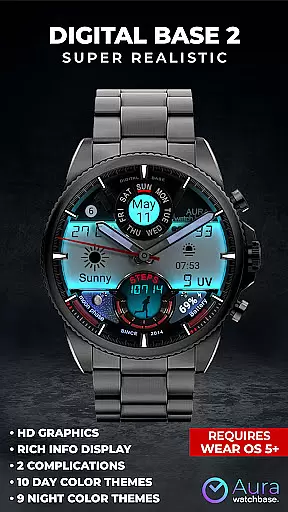
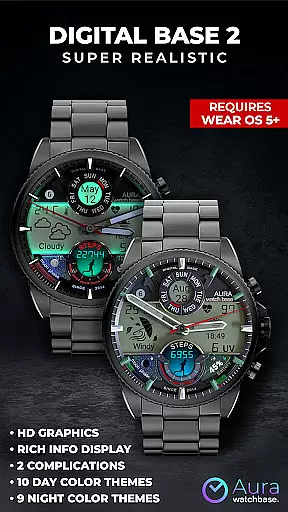
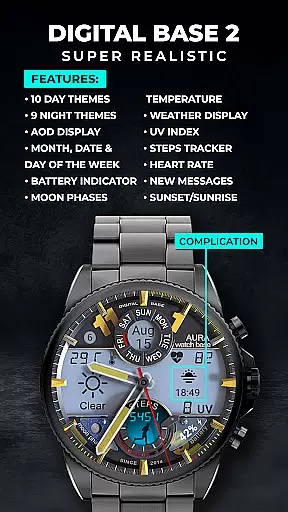
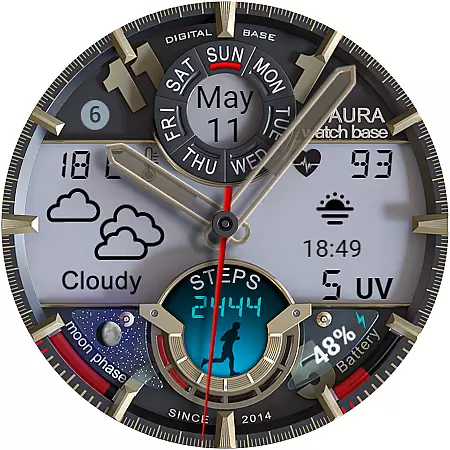
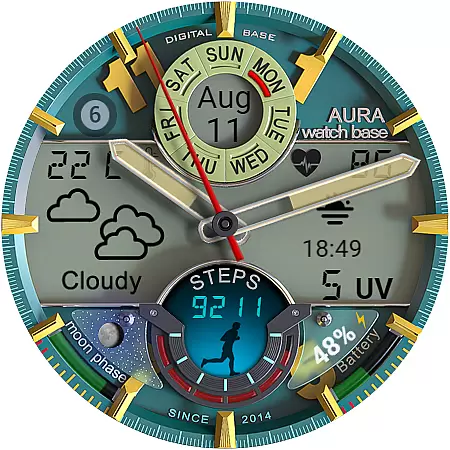
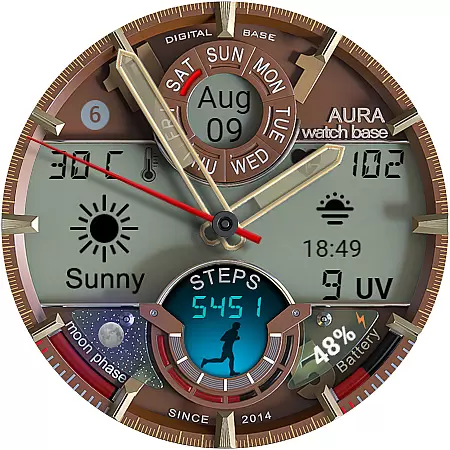
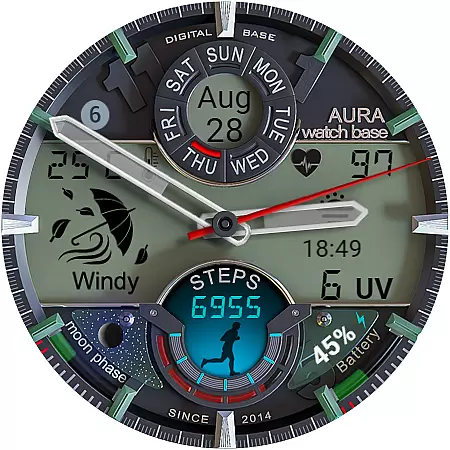
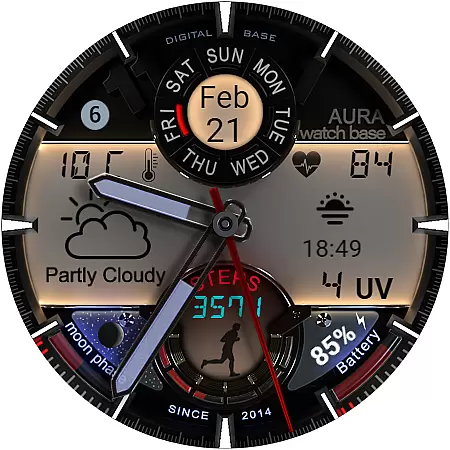
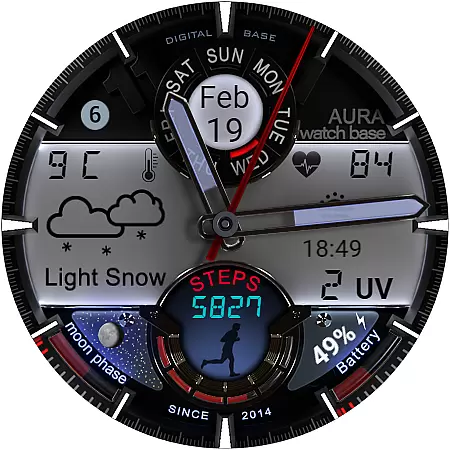
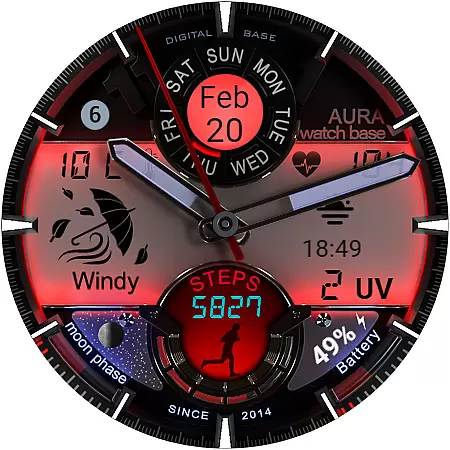
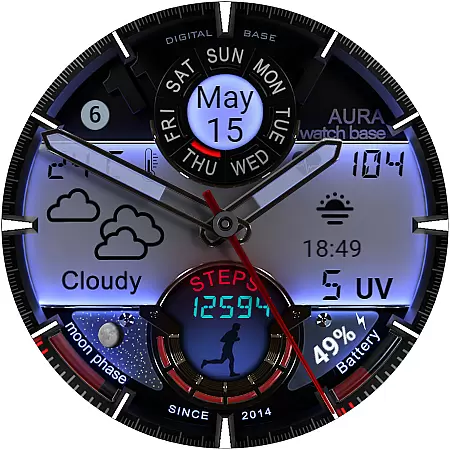
WB DIGITAL BASE 2 Watch Face offers a unique blend of classic analog aesthetics and modern digital functionality designed exclusively for Wear OS 5 and above. This advanced watch face serves as an all-in-one data dashboard providing users with essential health metrics weather updates and customizable display options.
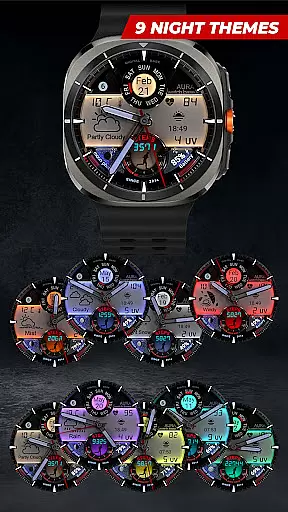
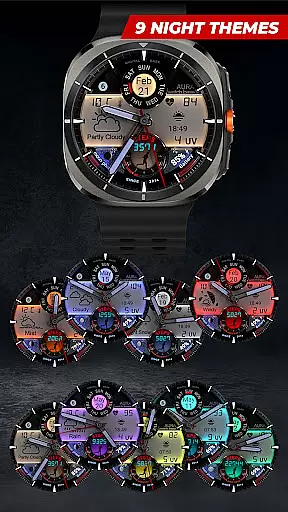
With features like LED-illuminated night mode multiple color themes and health tracking tools including steps and heart rate monitoring this watch face caters to both style-conscious and tech-savvy individuals. Its compatibility with Android Wear ensures seamless integration into your smartwatch ecosystem enhancing both utility and personalization.
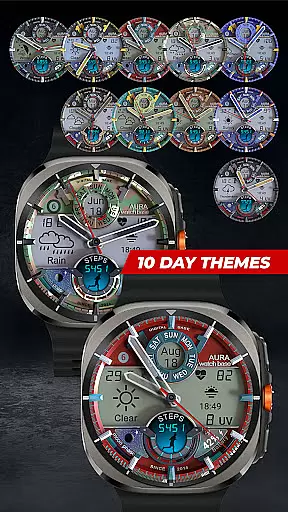
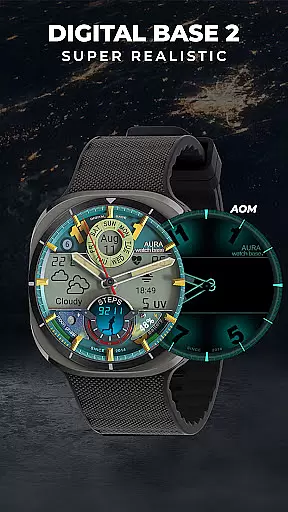
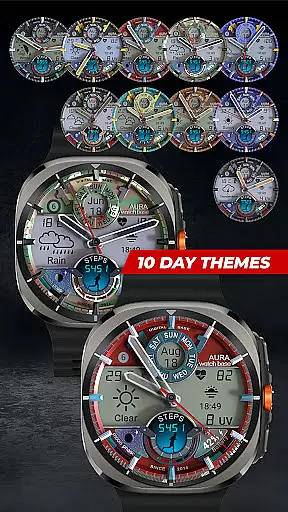
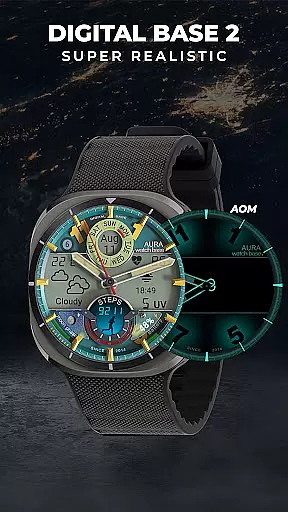
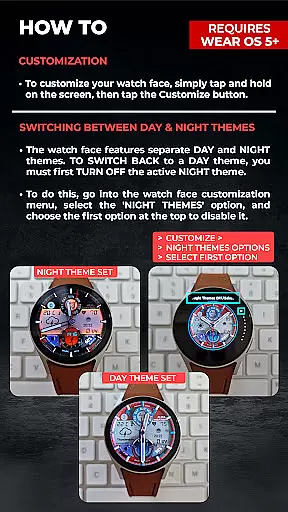
This innovative watch face stands out with its extensive customization capabilities. Users can choose from 10 day and 9 night color themes enabling them to tailor the appearance to their mood or environment. The always-on display AOD ensures time and important notifications are visible at a glance preserving battery life while maintaining functionality.
Two editable complications allow for personalized data presentation such as weather updates or fitness goals. Integrated health trackers provide real-time feedback on physical activity and vital signs while additional indicators for moon phases unread messages and UV index offer comprehensive lifestyle management. These features collectively create a sophisticated user experience tailored to individual preferences and needs.
Companion app integration is a crucial feature for smartwatch applications, ensuring seamless synchronization between the watch and paired mobile device. The WB DIGITAL BASE 2 Watch Face leverages its companion app to simplify the installation process significantly.
When users purchase and install the watch face, they can use the companion app on their phone to initiate the installation. This triggers a prompt on the watch that allows the user to complete the installation directly from their wearable device. This approach eliminates the complexities often associated with manual installations.
The companion app also addresses common synchronization issues. For instance, if the watch face still prompts users to purchase it after installation, this is typically a temporary sync issue. The system ensures users won't be charged twice, and a simple restart or waiting period usually resolves the discrepancy.
This streamlined integration enhances user experience by reducing technical barriers, making it easier for users to enjoy the full range of features offered by the WB DIGITAL BASE 2 Watch Face.
Device compatibility is a fundamental aspect of any Wear OS application, determining which devices can fully utilize the app's features. The WB DIGITAL BASE 2 Watch Face is specifically optimized for devices running Wear OS 5 and higher, ensuring optimal performance on supported devices.
This compatibility requirement guarantees that users will experience the full range of advanced features, including the hyper-realistic display, customizable complications, and comprehensive health tracking metrics. The watch face automatically adjusts temperature units to match the user's device settings, demonstrating its intelligent adaptation capabilities.
While this strict compatibility ensures superior functionality, users with older Wear OS versions may need to upgrade their operating systems to use the application. Clear compatibility information helps prevent installation issues and ensures users have realistic expectations about their device's capabilities.
By focusing on modern Wear OS versions, the developers can implement more sophisticated features while maintaining system stability and performance consistency across different devices.
Highly customizable
Real-time health tracking
LED night mode
Multiple color themes
User-friendly interface
Limited OS compatibility
Premium price point
Installation complexity
Battery consumption
Occasional sync issues

Watch the sharpness of the sky on your wrist..
 3.70
3.70
A full-featured Amazon Alexa voice assistant that can show you things.
3.70
Authentic military-tactical design with ZULU time! Realistic and functional!
3.80
sleep, alarm, snoring, stress, healing, focus, sound therapy, circadian rhythm
4.10
Get helpful reminders, take progress photos and find answers to your questions.
3.90
Hybrid watch face for Wear OS with customizable complications by Matteo Dini MD
4.70
Want to take charge of your health? Let Google Fit help you reach your goals.
3.50
Track your active life in one place and share the journey with friends.
4.40
Spam call blocker and caller ID for automatic call protection!
4.40
Real-time weather radar with temperatures, warnings, hurricanes, and widgets
4.80
Monitor health with the stress test and pulse checker in the heart rate app.
4.60
MyNISSAN® lets you remotely control your car from your phone.*
4.50
Current temperature, weather hourly, weather radar by the weather forecast app
4.40
Beautiful artistic animated digital watch face, with a customizable layout!
4.40
Animated Watch Face and Customizable with 24 Backgrounds. Perfect for Christmas!
3.90
Christmas and New Year - Themed Watchface
4.4
an Analog Watch Face for winter season with freeze winter background for Wear OS
4.4
Simple Analog-Digital Watchface For Wear OS 3.0 and Up Smartwatches
4.1
Funny animated watch face for Thanksgiving
4.4


User Reviews