
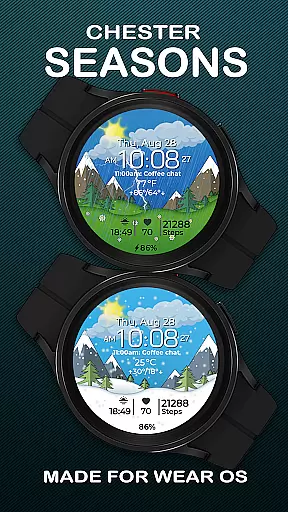
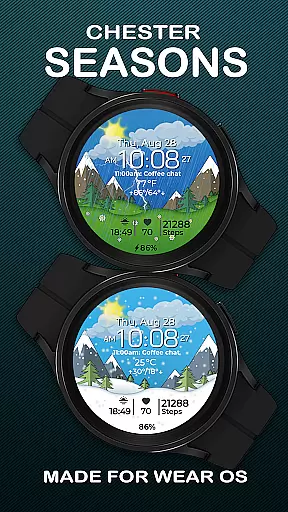
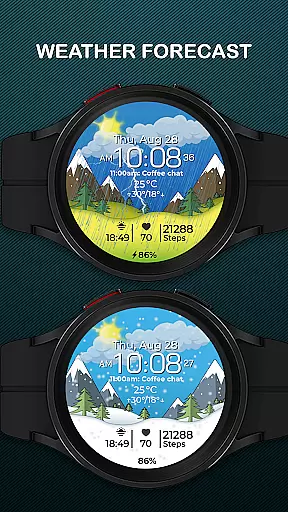
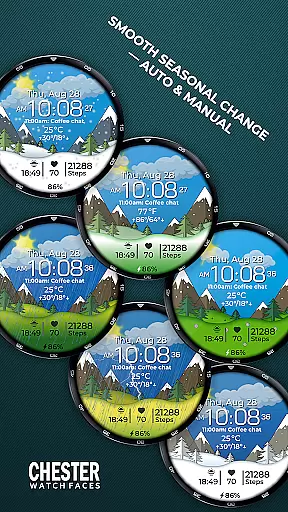
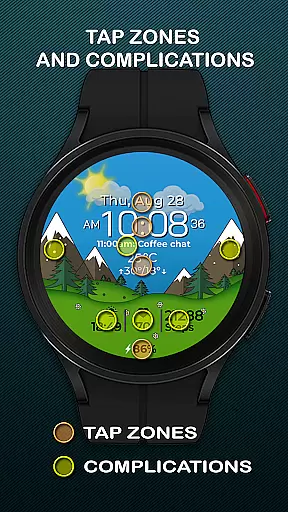
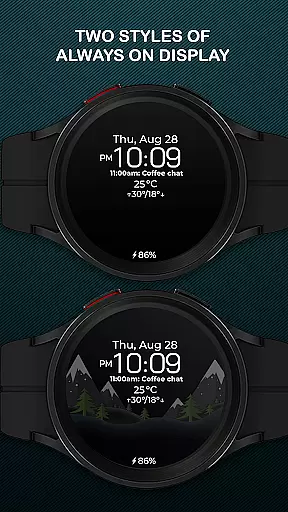
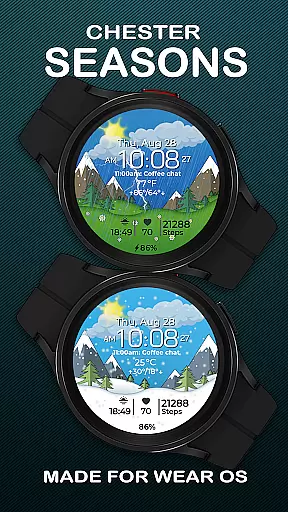
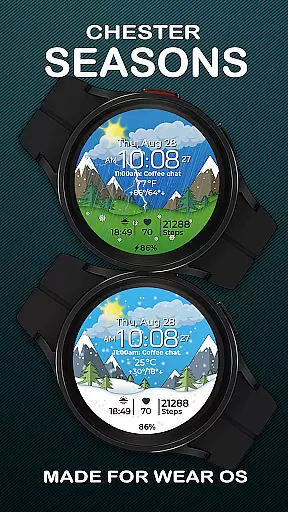
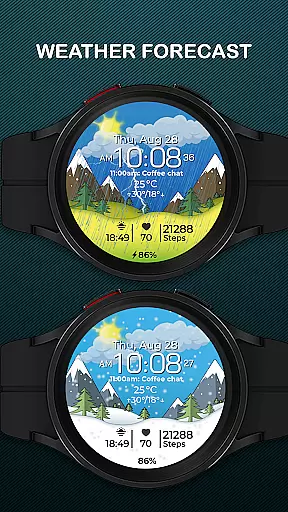
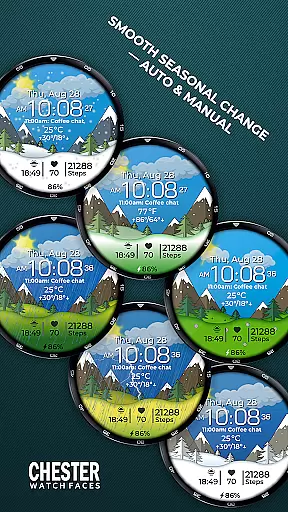
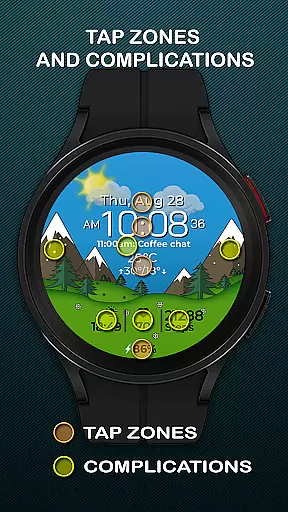
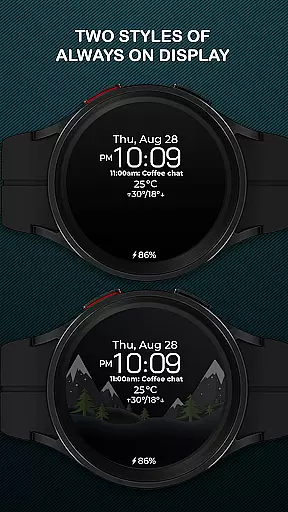
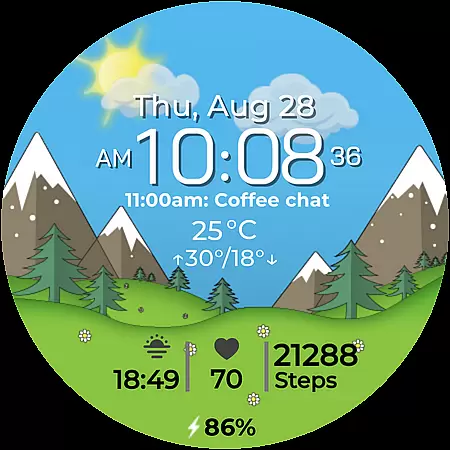
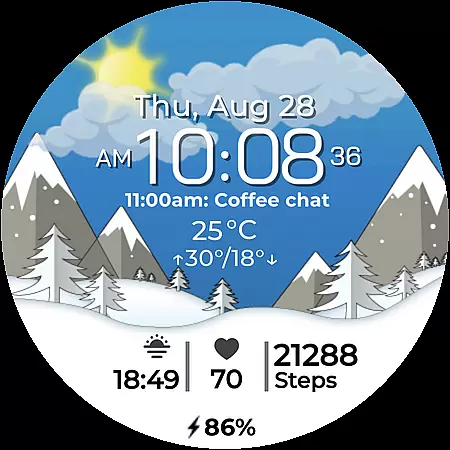
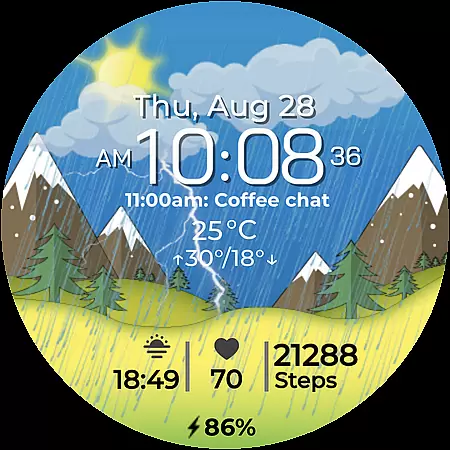
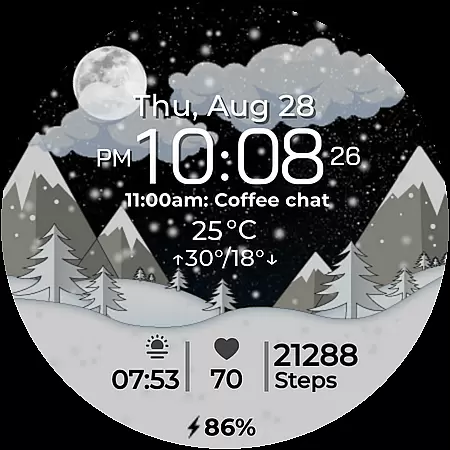
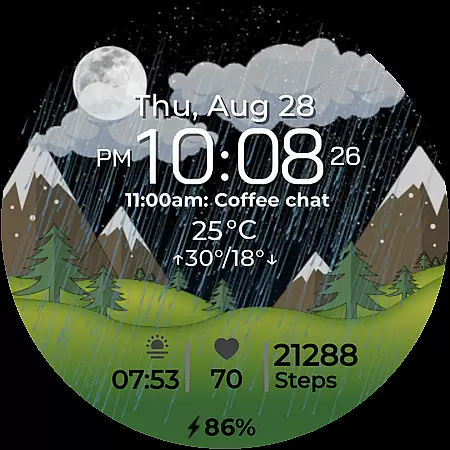
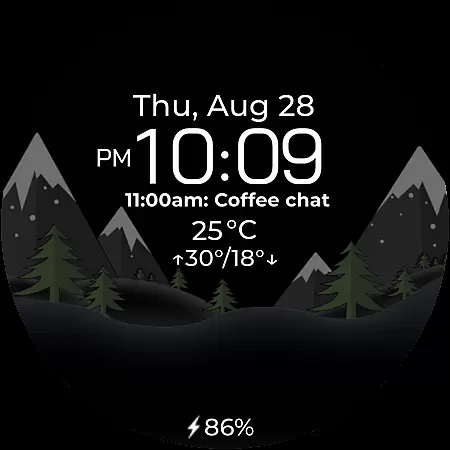
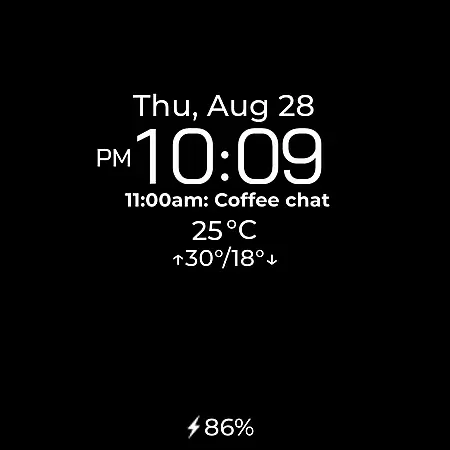
Chester Seasons is a premium watch face for Wear OS devices, offering both aesthetic appeal and practical functionality. Designed for users who value style and utility, this app brings dynamic animations and essential information directly to your wrist.
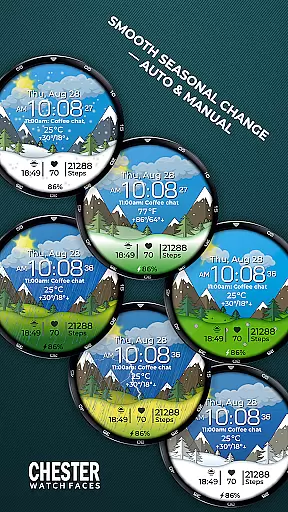
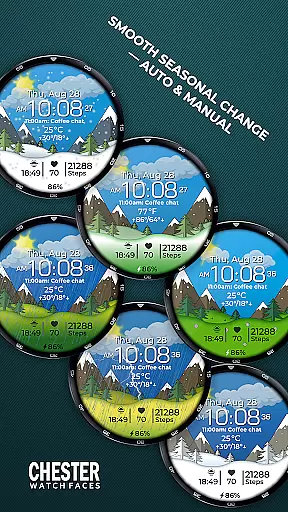
The watch face features smooth seasonal transitions, interactive tap zones, and customizable complications. With support for weather display, battery indicators, and temperature readings, it ensures you stay informed while maintaining a stylish appearance. Compatible with Wear OS API 30+ devices, Chester Seasons transforms your smartwatch into a versatile accessory that adapts to your lifestyle.
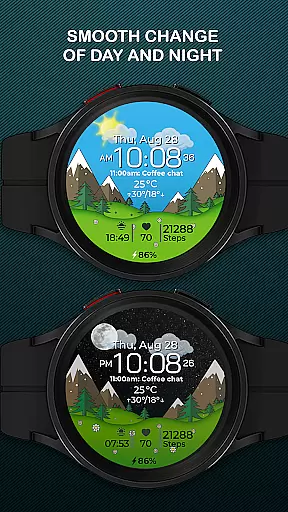
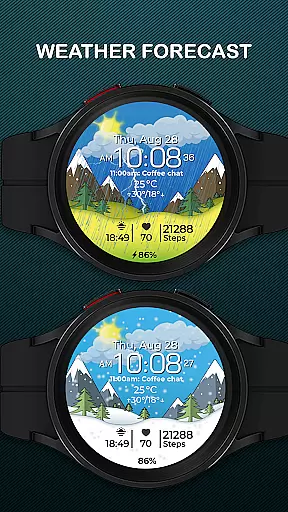
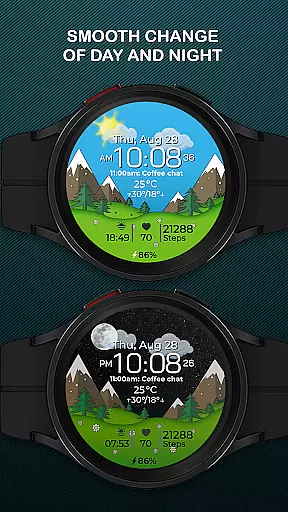
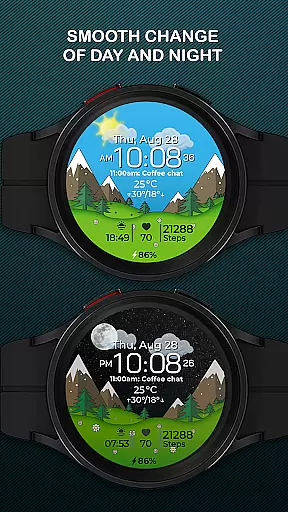
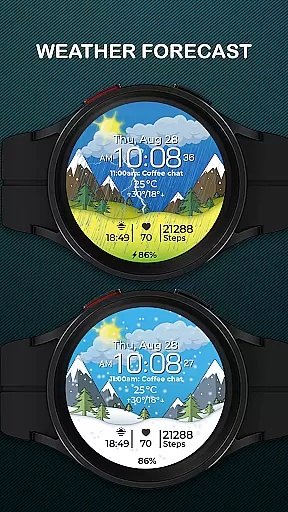
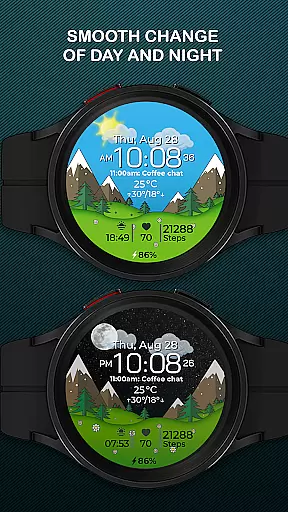
Chester Seasons stands out with its rich feature set tailored for both functionality and personalization. The watch face displays time, date, and weather conditions with beautiful animations that change smoothly with the time of day and seasons.
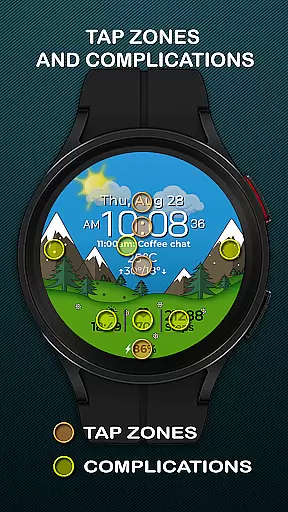
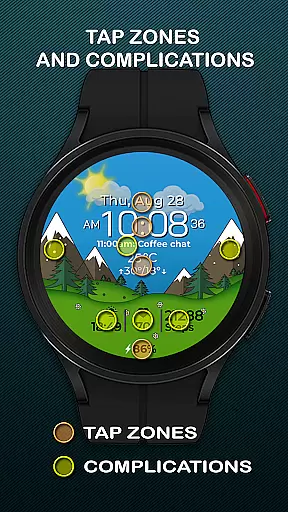
Users can customize their experience through four selectable complications, three quick access zones for apps and workouts, and interactive tap zones. The app supports both Celsius and Fahrenheit temperature formats and provides battery level indicators. Devices running on Wear OS API 34 and above benefit from additional features like manual seasonal background changes and enhanced weather display, making this watch face a comprehensive solution for smartwatch personalization.
Companion app integration is essential for a seamless wearable experience. Chester Seasons watch face offers robust connectivity with its companion app, ensuring that all your preferences and settings are perfectly synchronized.
This synchronization allows users to customize their watch face effortlessly. Whether it's adjusting the complications or changing the seasonal backgrounds manually, the process is smooth and intuitive through the companion app.
Additionally, the companion app provides easy access to weather updates and other dynamic features of Chester Seasons. This ensures that your smartwatch not only displays accurate information but also stays updated in real-time, enhancing both functionality and aesthetics.
Ensuring broad device compatibility is crucial for any Wear OS application. Chester Seasons is designed to work seamlessly with all Wear OS API 30+ devices, including popular models like Google Pixel Watch and Samsung Galaxy Watch series.
The watch face takes full advantage of the capabilities offered by these advanced devices, providing users with a rich and interactive experience. However, it is important to note that rectangular watches are not supported, as the design is optimized for circular watch faces.
For devices running below Wear OS API 34, certain features such as weather display and manual background changes for seasons are not available. Despite this, Chester Seasons remains a stylish and functional choice for the majority of Wear OS users seeking a dynamic accessory that adapts to their lifestyle.
Stylish design
Customizable features
Dynamic animations
Weather integration
Interactive zones
No rectangular support
Limited on older OS
Premium only features
Seasons are automatic
Complication limit

Christmas watch face. For Wear OS devices.
 4.30
4.30
Snowflake Rose Gold Watch Face - Digital, modern, & sleek with GYRO effect.
4.10
Elegant animated Christmas tree with multiple customization options
4.20
Contemporary digital watch face with five complications
4.4
Digital watch face with big numbers and many customization for Wear OS devices
4.40
Stylish digital watch face for Wear OS devices with customizable features
4.0
A modern hybrid informative watch face for Wear OS designed by BALLOZI
4.80
A realistic hybrid watch face with many customization options.
4.60
Want to take charge of your health? Let Google Fit help you reach your goals.
3.50
Real-time weather radar with temperatures, warnings, hurricanes, and widgets
4.80
A modern premium sporty hybrid watch face for Wear OS by Ballozi
4.70
Your second brain for organizing your life: to-do, calendar, reminder.
4.70
The most customizable hybrid watch face. For Wear OS 5.0, API 34+ and later
4.70
Kia Access makes getting your vehicle information easier than ever
4.60
The ultimate destination for kids ages 3-8 to explore the Marvel Universe!
4.30
"PER27 Galaxy Digital" is a digital Wear OS watch face designed by PERSONA
4.10
Daily Weather forecast with 15 weather images for Day & Night plus Big Bold time
4.10
Professional weather radar and more
3.90
A full-featured Amazon Alexa voice assistant that can show you things.
3.70


User Reviews