
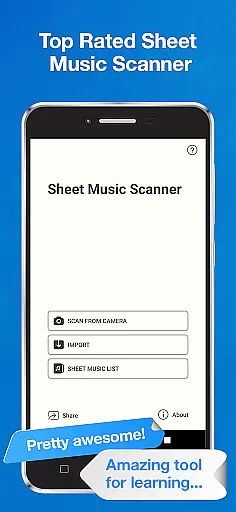
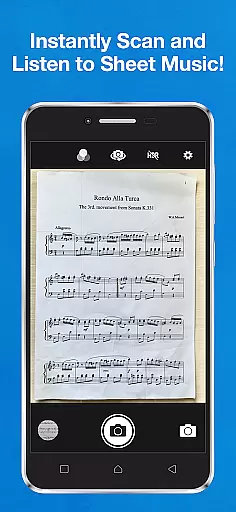
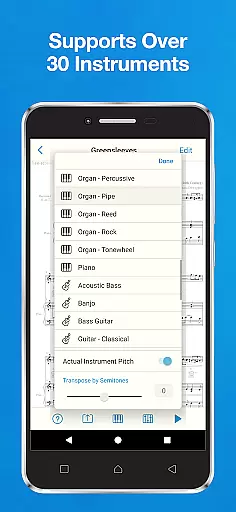
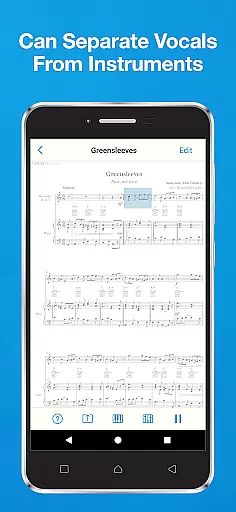
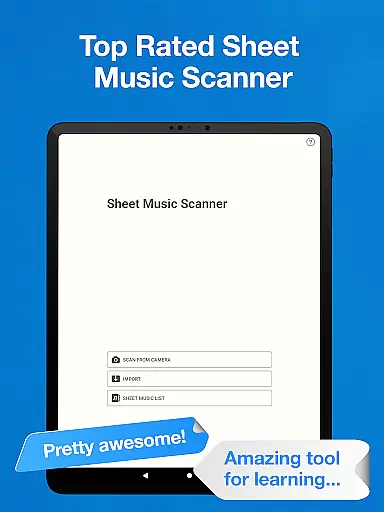
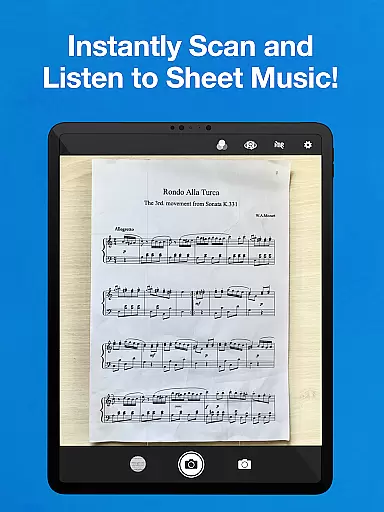
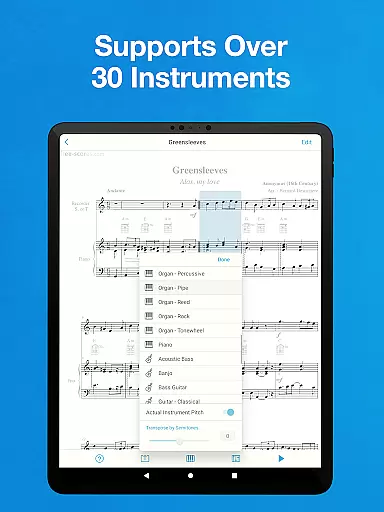
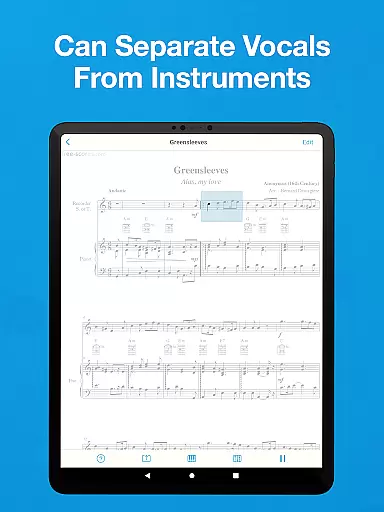
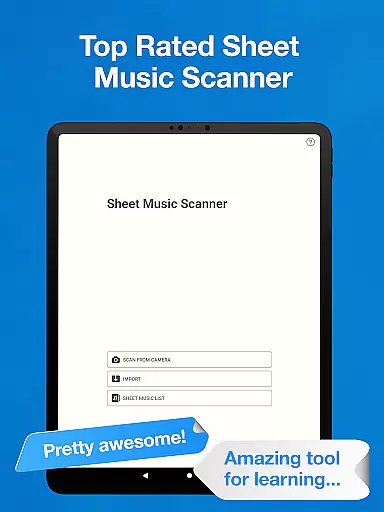
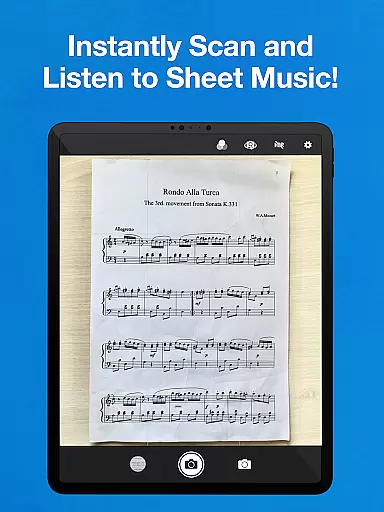
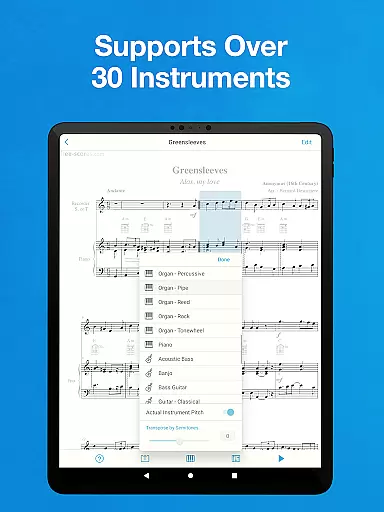
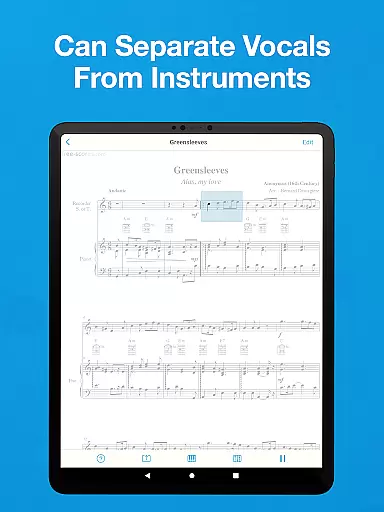
Sheet Music Scanner & Reader is a premier music application designed for musicians and learners alike. This app allows users to scan printed sheet music using their device's camera, transforming it into playable scores. With support for over 30 instruments, including piano, violin, and trumpet, it serves as an excellent tool for practice and learning.
The app highlights music notes and symbols during playback, aiding in the understanding of music notation. Users can adjust playback speed and choose specific measures to play from, making it versatile for different learning styles. Whether you're a beginner or a professional musician, this app provides valuable assistance in mastering musical pieces.
Ideal for those who use MuseScore, forScore, or similar applications, Sheet Music Scanner & Reader enhances the learning experience by providing accurate transcriptions and accommodating various pitches and tempos. It's particularly useful for those needing to transpose music or adjust pitch standards based on the instrument they play.
Sheet Music Scanner & Reader boasts a range of features that cater to musicians' needs. The app's optical music recognition technology swiftly scans entire sheets of music, recognizing a wide array of notation symbols related to melody, harmony, and rhythm. This includes treble, bass, and alto clefs, along with note durations, rests, and accidentals.
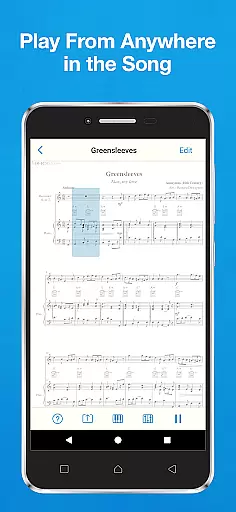
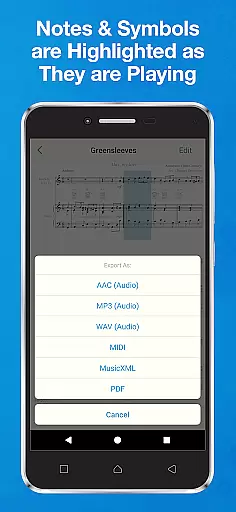
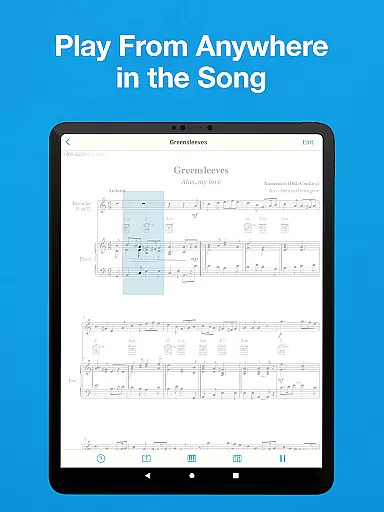
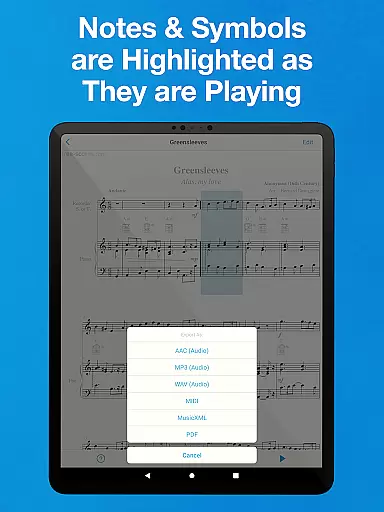
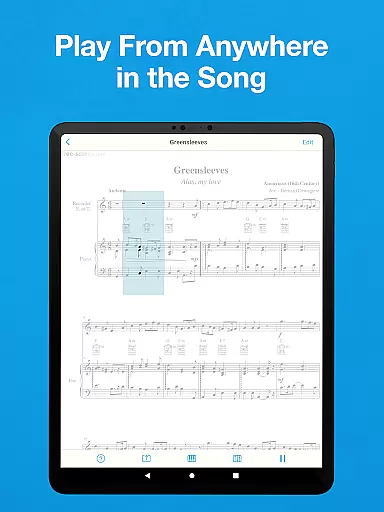
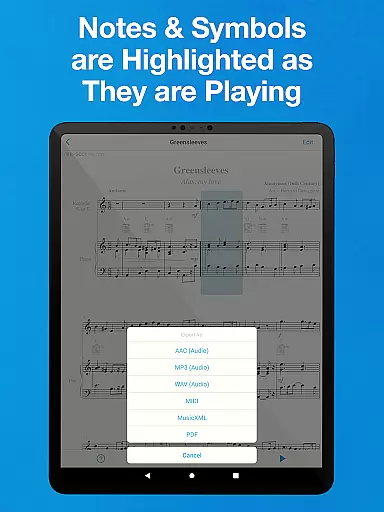
Users can benefit from the app's ability to play back music from any point in the score, highlighting notes as they are played. This feature is invaluable for learning and practicing. Additionally, the app supports exporting files in multiple formats such as MIDI, MusicXML, and audio files like M4A/AAC, MP3, and WAV, facilitating integration with other music software and cloud storage services.
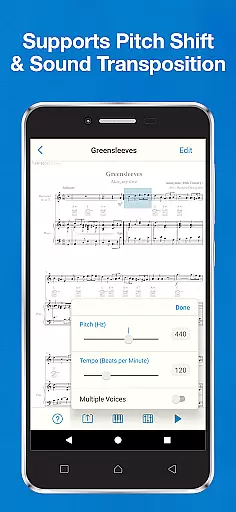
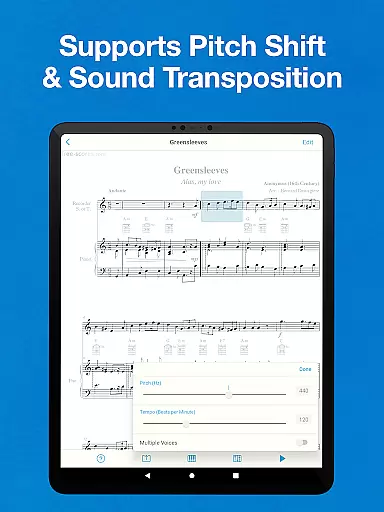
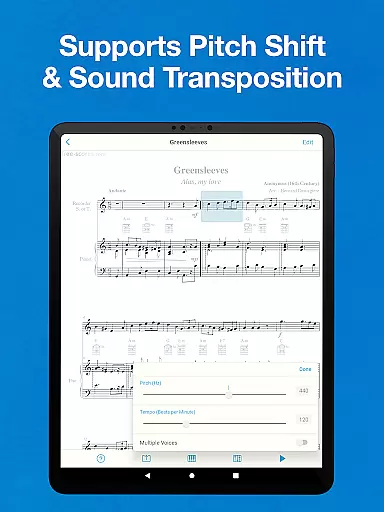
With its comprehensive instrument support and pitch adjustment capabilities, Sheet Music Scanner & Reader stands out as a versatile tool for musicians. The app also accommodates various tempo settings, allowing users to customize playback speeds between 50 and 330 beats per minute, thus catering to individual practice preferences.
Sheet Music Scanner & Reader offers an extensive virtual music library that supports over 30 instruments, providing users with a rich and diverse selection of music to explore. This vast library includes options for piano, violin, trumpet, flute, and more, catering to a wide range of musical interests and abilities.
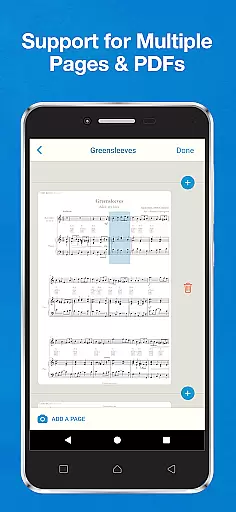
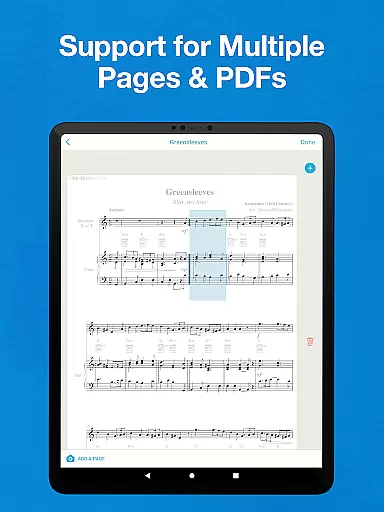
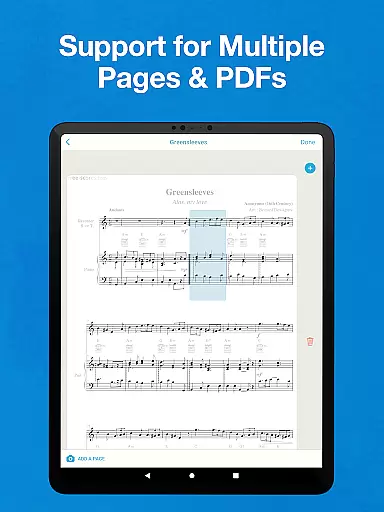
The app ensures copyright authenticity by employing advanced optical music recognition technology (OMR/OCR) to accurately read and interpret printed sheet music. Users can upload PDFs or image files of sheet music, and the app will scan and convert them into playable scores, respecting the original composers' work and intellectual property.
With its ability to export scanned music in various formats such as MIDI, MusicXML, audio (M4A / AAC, MP3, WAV), and PDF, users can seamlessly integrate their music with cloud storage services like Google Drive, Dropbox, and OneDrive. This feature not only enhances accessibility but also allows musicians to share their findings while maintaining proper attribution.
By supporting actual instrument pitch for transposing instruments and offering pitch shift capabilities, Sheet Music Scanner & Reader empowers musicians to adapt pieces to suit their specific needs without compromising the integrity of the original compositions. This flexibility makes it an invaluable tool for both learning and performance preparation.
Audio quality is paramount when reproducing music, and Sheet Music Scanner & Reader excels in delivering high-fidelity sound across its supported instruments. The app's playback feature allows users to choose from a variety of speeds, accommodating tempos between 50 and 330 beats per minute, ensuring that the nuances of each piece are preserved during practice sessions.
For those who demand the best in sound reproduction, the app provides multiple audio export options including M4A, AAC, MP3, and WAV formats. These formats cater to different requirements for compression and quality, allowing musicians to select the option that best fits their needs for archiving or sharing performances.
Furthermore, the app highlights music notation symbols as they are played, creating an immersive learning experience that connects visual and auditory feedback. This synchronization aids in developing a deeper understanding of how written notes translate into sound, which is crucial for beginners and experienced musicians alike.
Sheet Music Scanner & Reader also supports changing the pitch standard based on the instrument, ranging from 380 Hz to 480 Hz, thus adapting to various tuning conventions. This level of customization guarantees that users receive the most authentic listening experience possible, closely matching the intended tonality of the original works.
Accurate scanning
Wide instrument support
Customizable playback
Highlighting notes
Export options
No handwriting support
Limited symbol recognition
Requires good lighting
Old prints may fail
Premium features cost

Fun & Easy Voice Changer – Record, Edit & Add Hilarious Effects!
 4.50
4.50
Time Guru will strengthen your internal sense of musical time via random muting.
4.30
Most Advanced AI Song Generator and Music Creator. Rap, Pop, Rock, Gospel & more
4.70
More downloads than any other metronome. Includes drum machine & tempo trainer.
4.80
Network/Cloud Streaming, Visualization, Graphic Equalizer and Sound Effects.
4.20
The ultimate media player for Android devices
3.90
Record, Mix & Master with all n-Track effects, 64-bit audio and Stem Separation.
4.70
Super Sound Editor, Song Maker & Mixer, Vocal Remover, Voice Recorder & Changer!
4.60
Responsive piano with great sounds, graphics, and songs
4.80
Visualize the guitar fretboard, master scales & play through changes like a pro!
4.50
Save hundreds of dollars for a physical strobe tuner and instead use this app.
4.50
The Music Journey in Your Hands
4.30
A High-Precision Audio Spectrum Analysis App
4.20
A sleek, no-frills player designed for true music lovers.
4.20
Offline and always ad-free - stream in the highest quality available.
4.10
Permanently backup Now Playing. Maps, filters & listening stats.
4.00
Offline Tunes, Unlimited Vibes
3.90
The iconic iOS metronome app is now on Android.
3.70
Make music anywhere. Turn your device into an instrument.
4.1


User Reviews