
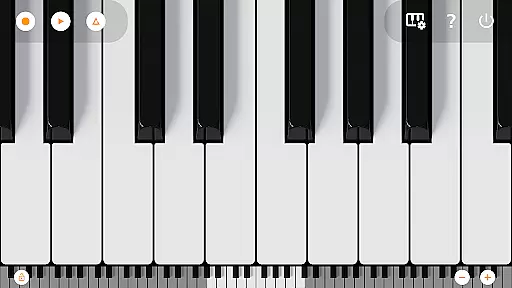
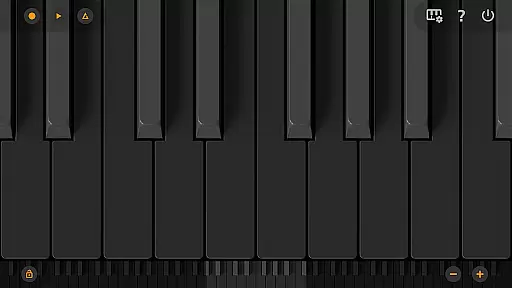
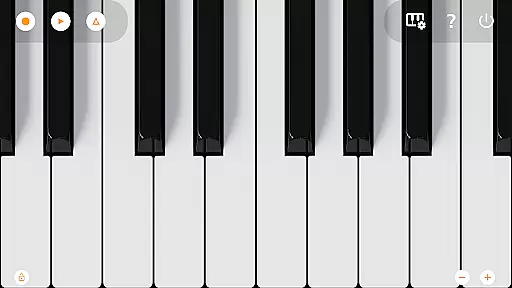
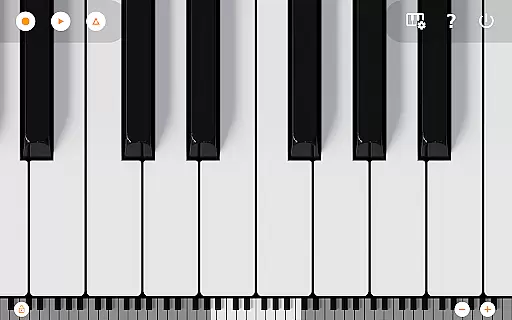
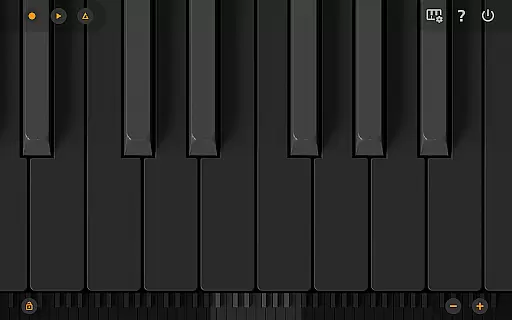
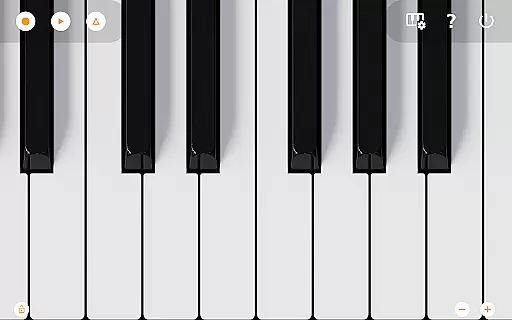
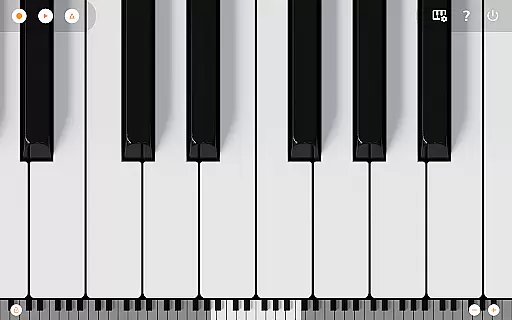
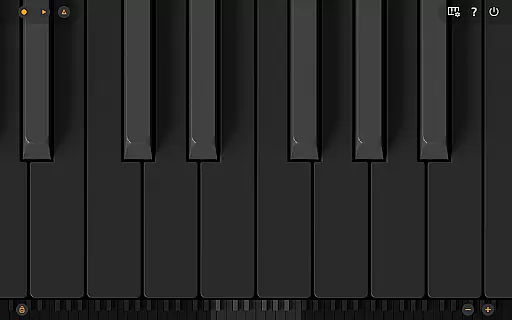
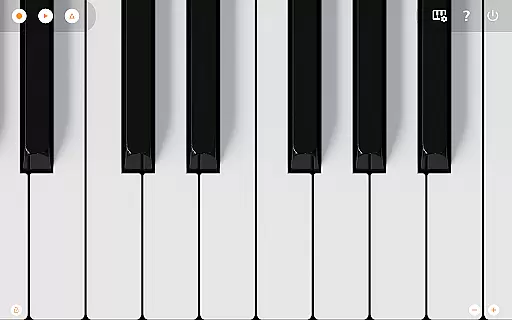
Mini Piano Pro is a premium piano application designed for Android devices, offering an exceptional playing experience with minimal install size. The app features a full 88-key zoomable and scrollable keyboard, providing users with a realistic piano-playing experience on their mobile devices. With various display modes including Dark Mode, it ensures optimal usability in different lighting conditions.
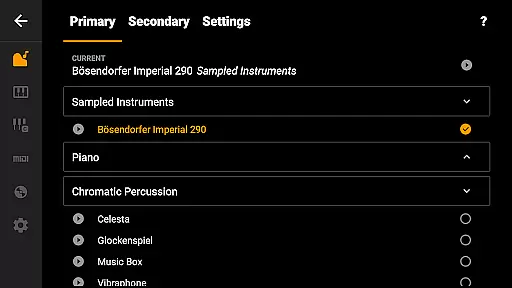
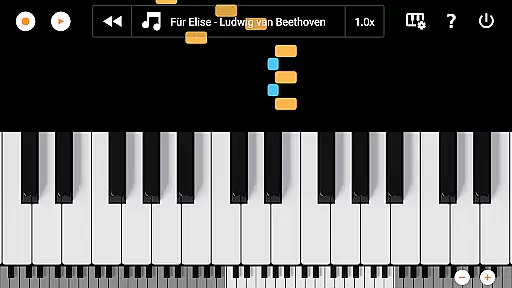
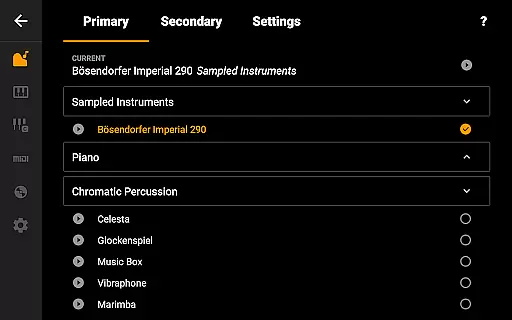
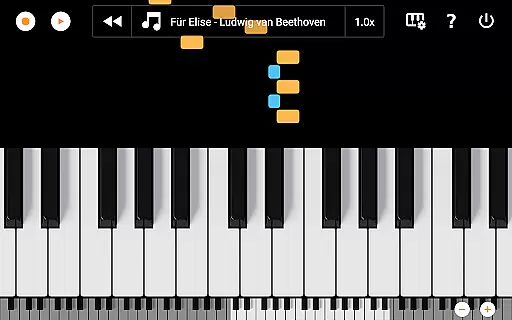
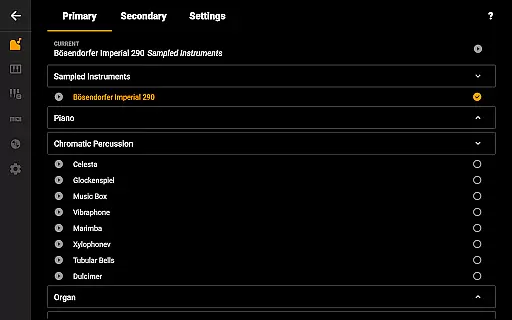
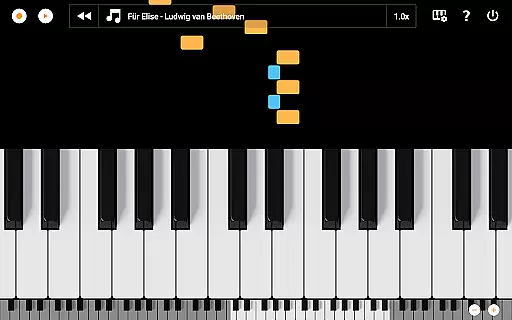
The app includes a beautifully sampled piano sound that mimics the real instrument, along with 128 other MIDI instruments covering a wide range of musical styles. Its minimalist design focuses on delivering an uninterrupted playing experience while allowing users to record their compositions as MIDI files and export them to MP3, AAC, or WAV formats. Additionally, the song mode with falling blocks helps users learn new songs effectively.
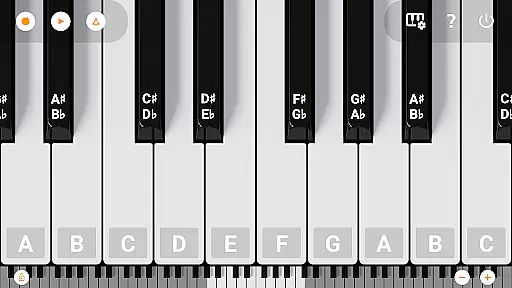
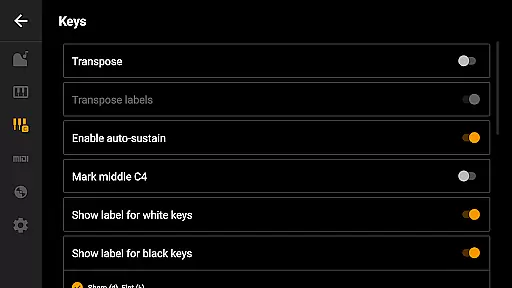
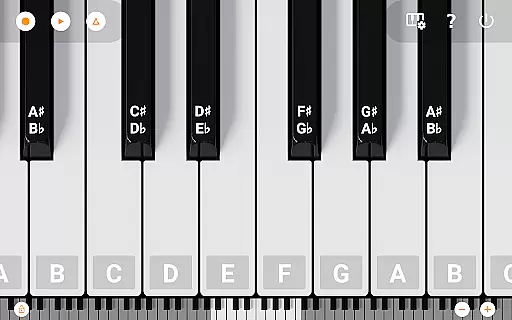
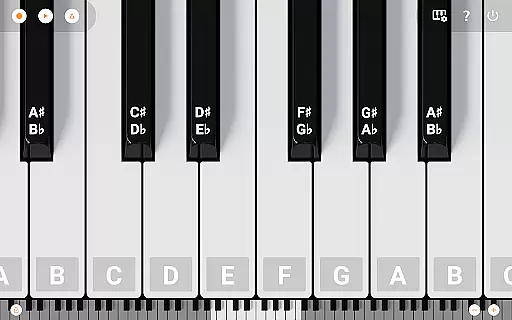
Optimized for phones, tablets, and Chromebooks, Mini Piano Pro offers multitouch support, customizable key labels, and MIDI in/out functionality for integration with external devices. This makes it an ideal choice for musicians who need a portable yet powerful piano solution.
Mini Piano Pro stands out with its comprehensive feature set tailored for both amateur and professional musicians. The app's 88-key keyboard provides a complete range like a traditional piano, enhanced by great sampled piano sounds and 128 additional MIDI instruments. These features ensure a rich and diverse sound palette for creative expression.
Users can take advantage of the app's recording capabilities to capture their musical ideas and export them in multiple formats such as MP3, AAC, or WAV. The inclusion of Dark Mode and optimization for various devices guarantees comfortable use in any environment. Moreover, advanced functionalities like metronome support, keyboard transposition, and MIDI connectivity make this app suitable for complex musical projects.
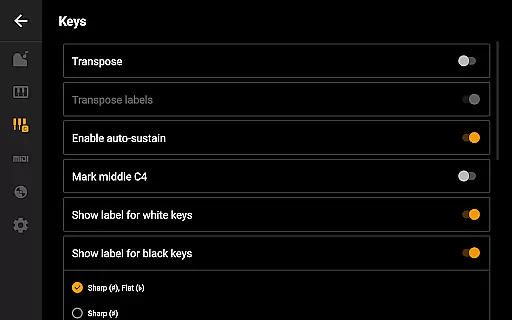
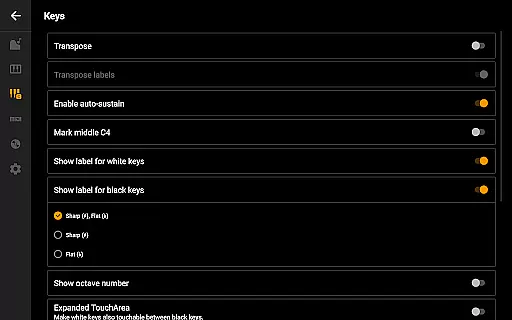
The app's customization options allow users to adjust note labels, tune the keyboard by Hz, and easily zoom in/out to fit their screen preferences. These thoughtful features enhance user experience by catering to individual playing styles and technical requirements.
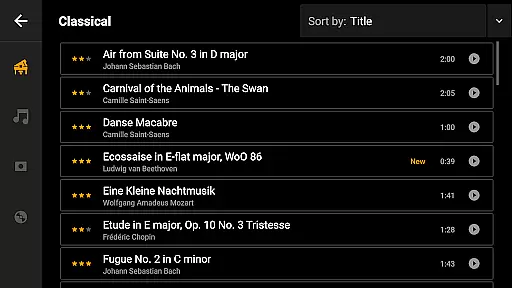
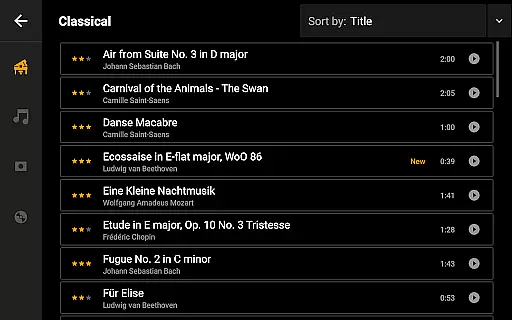
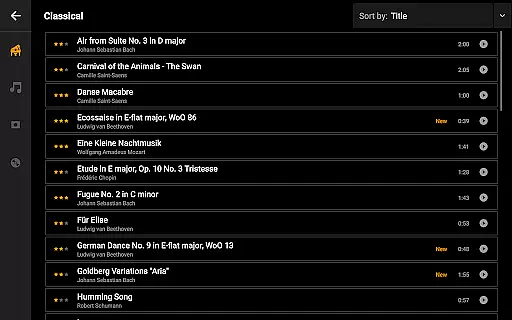
Mini Piano Pro offers an extensive music library that caters to a wide array of musical preferences. With 128 different MIDI sounds, the app provides users with a rich selection of instrument types, ensuring there is something for everyone.
The app includes a beautifully sampled piano sound that closely mimics the experience of playing an actual piano. This attention to detail in sound sampling underlines the app's commitment to copyright authenticity and delivering genuine, high-quality audio experiences.
Users can explore various genres and styles thanks to the diverse range of included instruments. From classical to contemporary, Mini Piano Pro ensures that all sounds are legally obtained and true to their original form, providing peace of mind alongside an expansive sonic palette.
Audio quality is paramount in Mini Piano Pro, offering users multiple options to enhance their auditory experience. The default instrument, a meticulously sampled piano, delivers a realistic sound that captures the essence of an acoustic piano.
In addition to the primary piano sound, users have access to 128 other high-quality MIDI instruments. Each sound has been carefully crafted to ensure clarity and depth, allowing musicians to produce professional-grade recordings directly from their Android devices.
For those looking to export their creations, the app supports exporting recordings in MP3, AAC, or WAV formats. This flexibility in audio file formats enables users to choose the best option for their desired balance of quality and file size, catering to both casual listeners and audio professionals alike.
Realistic piano sound
Wide range of instruments
User-friendly interface
Excellent recording options
No ads or internet permission
Limited visual design
Advanced features may overwhelm beginners
Occasional performance issues
Not ideal for live performances
Learning curve for MIDI functions

Formerly known as Spotistats! View your top tracks, artists, albums and more!
 4.40
4.40
Taal player that lets you sing any Indian & Western song with Tabla & Tanpura
4.60
Walkout Song DJ is the most intuitive app to manage your sports music.
4.70
Network/Cloud Streaming, Visualization, Graphic Equalizer and Sound Effects.
4.20
The ultimate media player for Android devices
3.90
Play your hearts out on TouchTunes jukeboxes & connect with fellow music lovers.
4.80
Powerful 10-Band equalizer pro with sound booster improves Android audio quality
4.30
Learn the notes on the guitar fretboard fast with this easy and fun app
4.60
Get alarms that fit your lifestyle and wake up to the sounds you love.
4.80
Brian Eno and Peter Chilvers’ acclaimed music app Bloom, radically reinvented.
4.80
DJ Music Mixer Pro is a real DJ controllers and DJ Music Studio to remix DJ.
4.40
Ringtone Maker is free app create ringtone from music files or your recording.
4.40
Enjoy singing any song, no matter how high or low it is
4.30
VB-AUDIO Software / VBAN-Receptor allows listening to any VBAN Streams
4.10
Permanently backup Now Playing. Maps, filters & listening stats.
4.00
Powerful beat maker & DJ mixer to remix tracks, make music, & perform DJ mix
3.70
Simple mp3 and mp4 player with advanced features.
3.40
Control your MIDI USB or Bluetooth devices in app and avoid some trampling
3.30
The Minimalistic Premium Music Player. Handmade with passion for music
2.20


User Reviews