
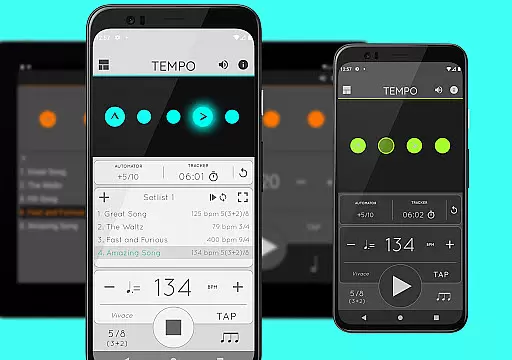
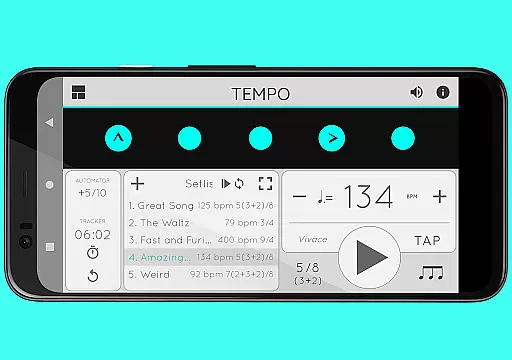
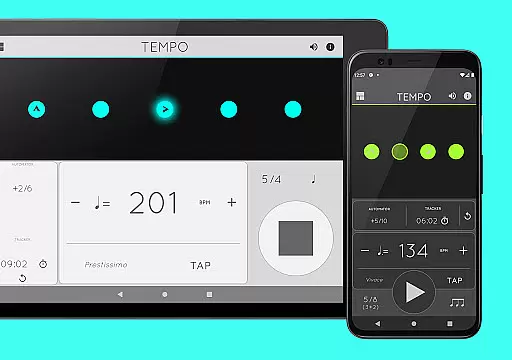
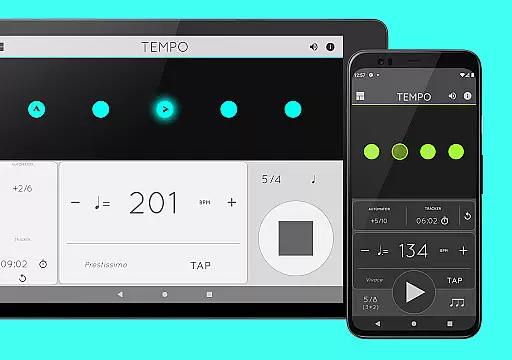
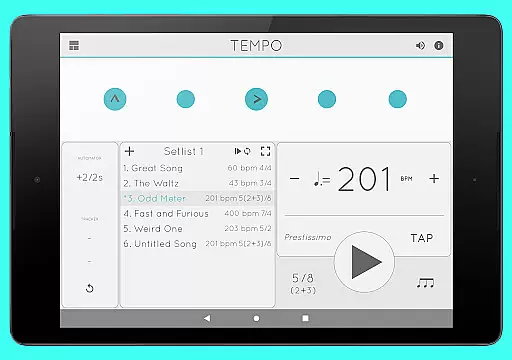
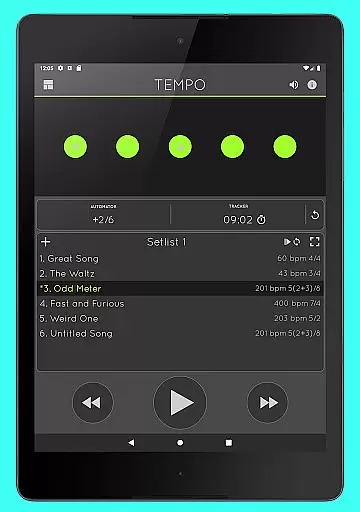
Tempo is a premier mobile metronome app designed for performing artists, teachers, students, and even athletes. It offers high accuracy and stability with an attractive, comprehensive single-screen interface. The app allows users to customize beats through flashing LEDs that double as buttons, enabling the creation of complex rhythms. Users can save configurations as songs in setlists and share them with others, including those on iOS devices.
Tempo stands out with its innovative interface that adapts to five modes: Basic, Preset, Setlist, Practice, and Gig. Each mode optimizes functionalities for specific tasks, ensuring a seamless user experience. Whether you're practicing, performing, or training, Tempo provides the tools you need to maintain perfect timing and rhythm.
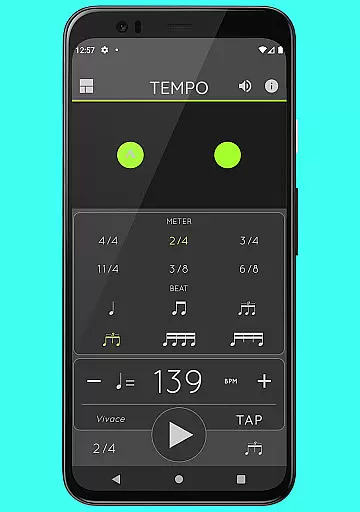
Tempo offers a wide array of features tailored to meet the needs of musicians and other professionals requiring precise timing. With 30 different time signatures and multiple rhythm patterns, users can customize accents or turn beats off to create complex rhythms. The tap tempo function and tempo range from 10 to 400 ensure flexibility and precision.
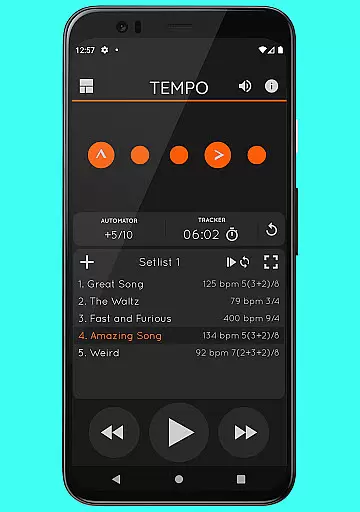
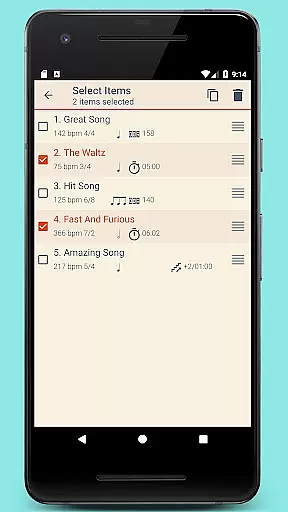
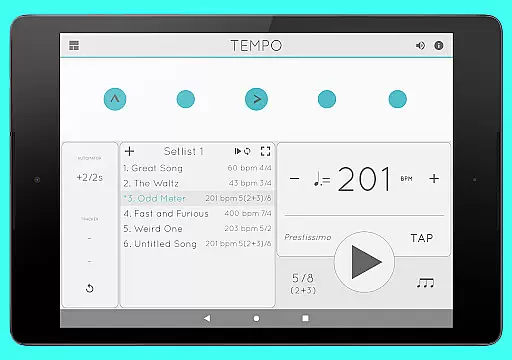
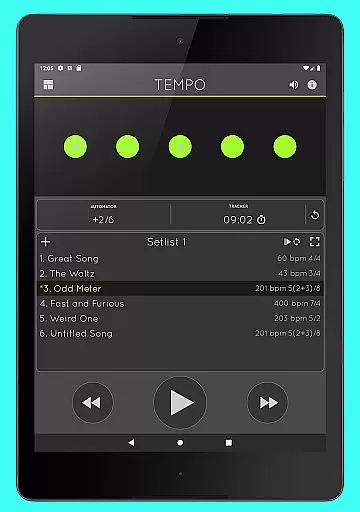
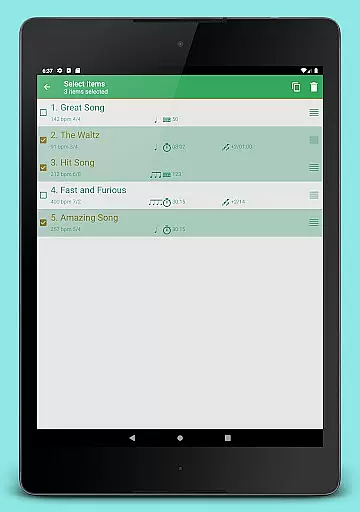
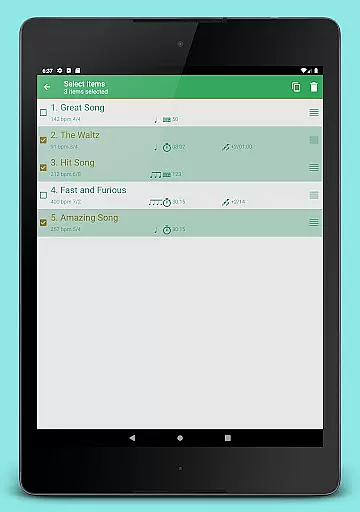
Setlist management is advanced yet user-friendly, allowing users to store presets in multiple setlists, search, overwrite, copy between setlists, and perform multi-deletion. Quick editing and sharing via email are also supported. Additionally, Tempo includes tracker and automator features, enabling users to track the number of bars played or time their practice sessions, with automatic stop and tempo adjustment capabilities.
When it comes to music and audio applications, the size and authenticity of the music library are crucial factors. Tempo offers an impressive collection of 30 different time signatures and various rhythm patterns for both simple and compound meters. This extensive range allows musicians and performers to find the exact tempo and rhythm they need for their performances or practice sessions.
The app's dedication to copyright authenticity is evident in its sound sets. With 12 distinct sound sets available, including one specifically optimized for live drumming click tracks, users can be confident that they are accessing legitimate and high-quality audio resources. The inclusion of classical metronome sounds and Italian tempo markings further enriches the library, catering to traditionalists and modern musicians alike.
Tempo's comprehensive library not only enhances usability but also ensures that all content is properly licensed and authenticated. This commitment provides peace of mind to users who rely on accurate and legal musical references for their professional and personal use.
Audio quality is paramount in any music application, and Tempo excels in providing versatile options for its users. The app features a volume control function, allowing users to adjust the sound levels according to their preferences or environment. Whether you're a teacher conducting a lesson or a student practicing at home, this flexibility ensures optimal audio output every time.
Another standout feature is the multi-tasking support, which enables playback to continue even when the app is running in the background. This seamless integration ensures uninterrupted performance, maintaining audio quality without compromise. Users can switch between apps or perform other tasks on their device while still benefiting from Tempo's precise metronome functionality.
Furthermore, the app includes various sound sets designed to cater to different musical styles and requirements. From the pulsating LEDs that provide visual feedback to the choice of 12 unique sound sets, Tempo guarantees a rich and immersive audio experience. These carefully crafted options underscore the app's commitment to delivering professional-grade audio quality for all users.
User-friendly interface
Highly customizable
Accurate timing
Versatile usage
Comprehensive setlist management
Limited sound options
No cloud sync
Premium price
Complex for beginners
Occasional bugs

Over 100 million tracks available for high quality streaming and download
 4.60
4.60
Time Trainer: accurate metronome w tools to help you develop your internal time!
4.20
Background pads for your band
3.80
Your song collections with lyrics and chords on Android smartphones and tablets.
4.80
Advanced 10-Band Audio Graphic Equalizer Sound Booster Pro
4.30
The best music and audio player, with beautiful UI, music search and equalizer.
4.60
Learn to play the piano using falling notes!
3.80
The original SP-1200 experience on your iPad
4.20
Listen to offline music and sounds from all categories
4.70
Brian Eno and Peter Chilvers’ acclaimed music app Bloom, radically reinvented.
4.80
Listen radio AM / FM Stations. Live AM / FM Radio App Station. Radio Com.
4.70
SqueezePlayer turns your Android phone or tablet into a SqueezeBox on its own!
4.60
Learn the notes on the guitar fretboard fast with this easy and fun app
4.60
Reverse your voice & songs instantly! Fun singing challenge with cool effects.
4.60
Learn and play 2M+ music tabs & chords on guitar, ukulele, bass, and more
4.30
Versatile MP3 recorder with auto-backup to Dropbox and Google Drive
4.10
Sing, record, and create music together — enhanced by smart voice tools.
4.00
USB audio recording and playback finally possible on Android 3.1 or higher!
3.90
MilkDrop for Android TV
3.00


User Reviews