

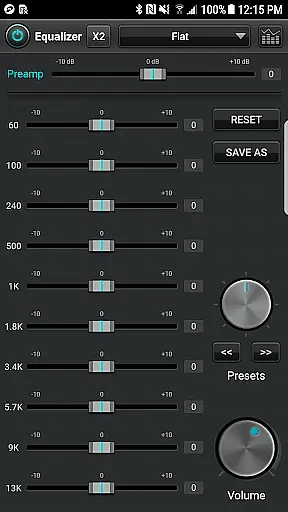
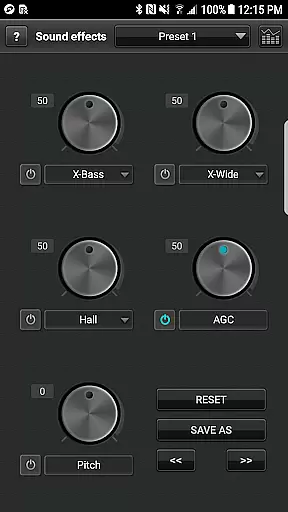
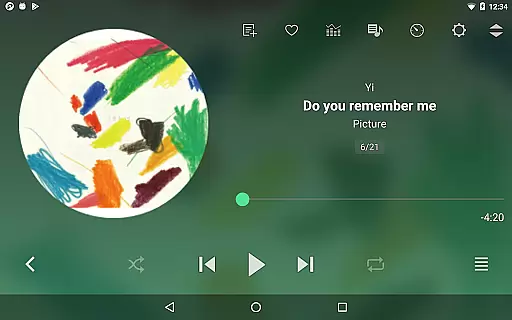
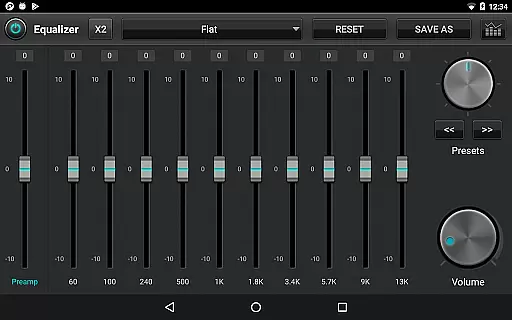
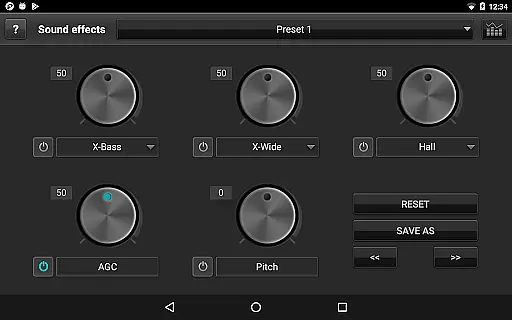
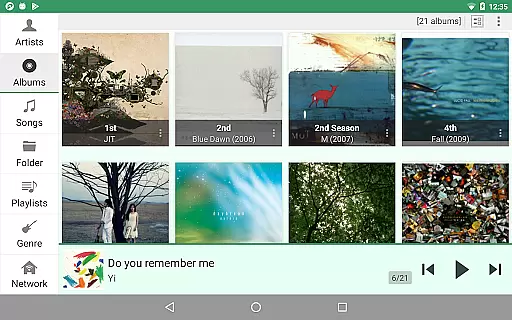
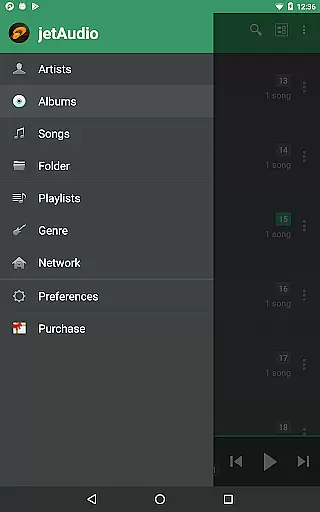
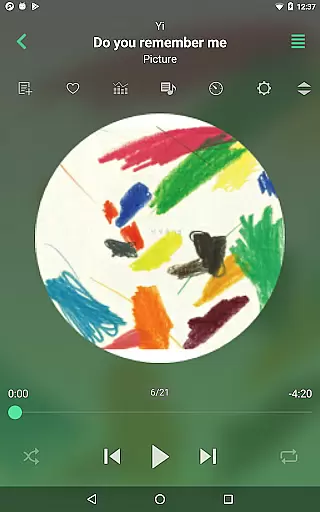
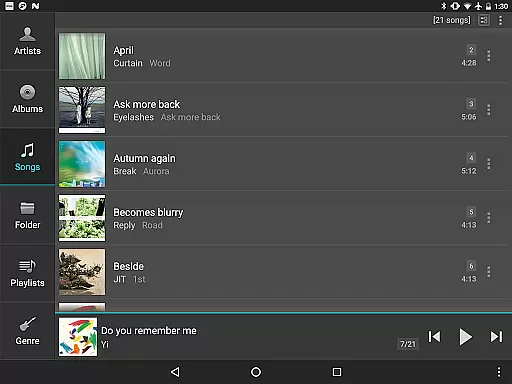
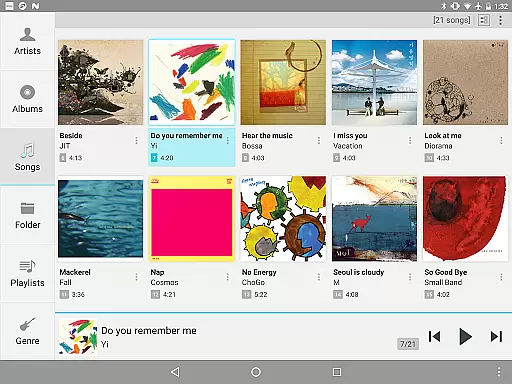
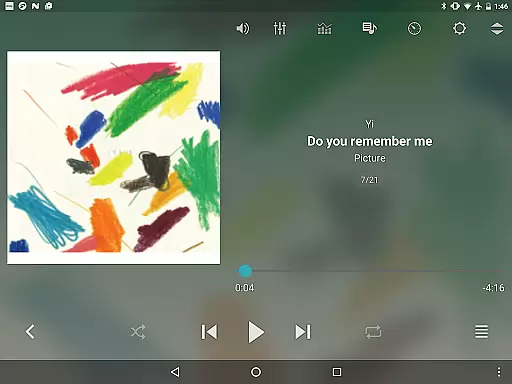
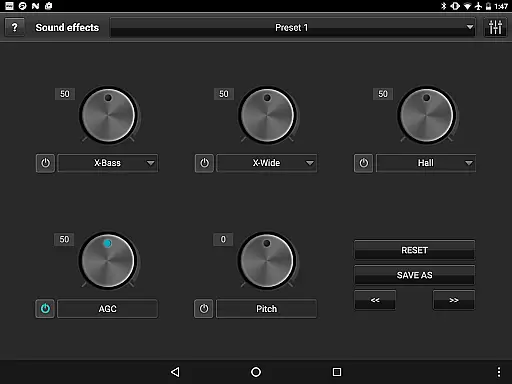
jetAudio+ Hi-Res Music Player is a premier audio solution for Android users, offering an exceptional listening experience. This app supports an extensive range of digital music files including .wav, .mp3, .ogg, and more, providing high-quality sound with effects like Wide, Reverb, and X-Bass. With 32 equalizer presets and advanced playback functions such as playback speed control and crossfading, jetAudio caters to both casual listeners and audiophiles.
Beyond its core features, jetAudio allows streaming from local home networks and cloud services like Google Drive and Dropbox. The Plus version offers additional enhancements like a 20-band graphic equalizer, tag editing, and pitch shifter. Whether you're customizing your sound profile or enjoying gapless playback, jetAudio ensures a versatile and immersive audio environment on your mobile device.
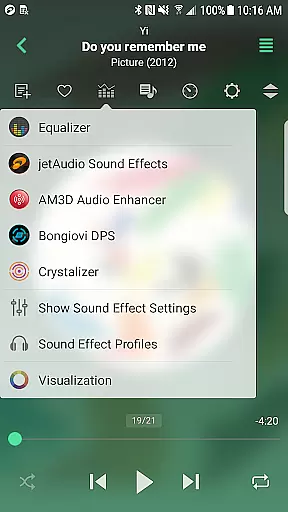
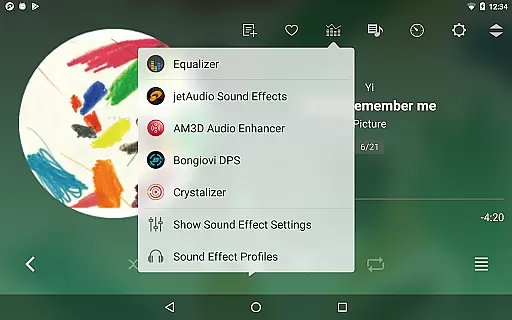
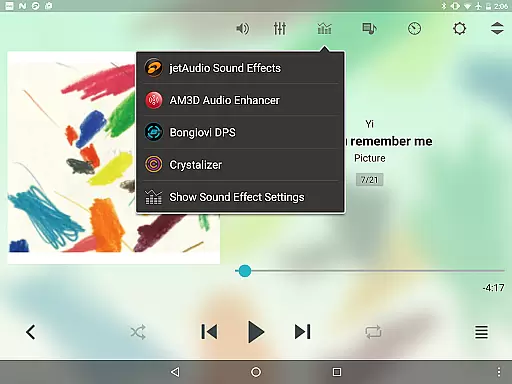
One of the standout aspects of jetAudio+ Hi-Res Music Player is its comprehensive feature set tailored for audio enthusiasts. The app includes a 20-band graphic equalizer and advanced sound effects such as AM3D Audio Enhancer and Bongiovi DPS, which elevate the auditory experience. Users can also enjoy unique functionalities like MIDI playback using the jetAudio WaveTable MIDI synthesizer engine, adding another layer of versatility.
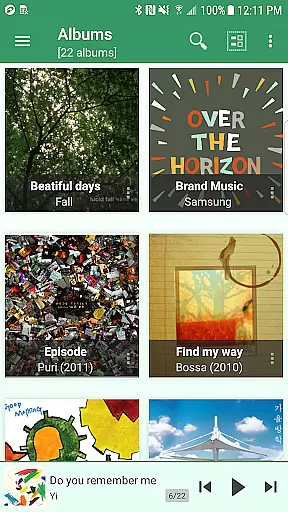
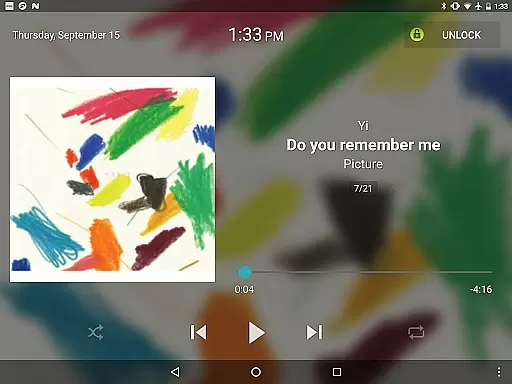
For those who prefer personalization, jetAudio offers customizable lock screens, precise playback speed control, and various browser themes. Its ability to stream music from shared folders on a home network or cloud storage solutions like OneDrive makes it incredibly convenient. Additionally, features like AGC, crossfading, and multi-select options ensure seamless usability, making jetAudio a robust choice for managing and enjoying your music library.
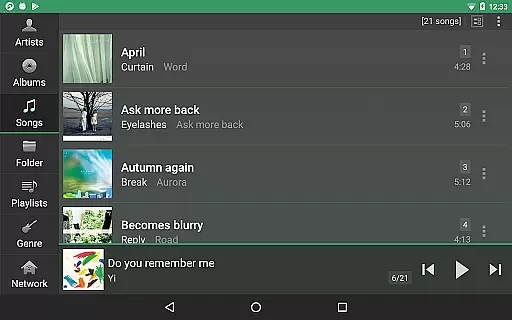
jetAudio+ Hi-Res Music Player offers an extensive music library that supports a wide range of audio formats including MP3, WAV, FLAC, and OGG. This ensures users have access to high-quality sound across various file types.
The application emphasizes copyright authenticity by enabling playback of legally purchased and downloaded music files. Users can be confident in the legitimacy of their audio content while enjoying high-resolution playback.
With compatibility for cloud services like Google Drive and Dropbox, jetAudio allows seamless streaming of personal music collections stored online. This feature enhances accessibility without compromising legal integrity.
One of jetAudio's standout features is its superior audio quality options. The app includes advanced sound effects such as Wide, Reverb, and X-Bass, which elevate the listening experience beyond standard players.
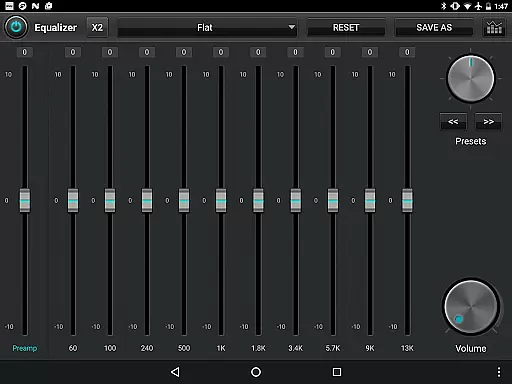
For audiophiles seeking precise control, the Plus version offers a 20-band graphic equalizer and playback speed adjustments from 50% to 200%. These tools allow users to customize their audio output according to personal preferences.
Additionally, jetAudio incorporates professional-grade plugins like Crystalizer and AM3D Audio Enhancer, ensuring an unparalleled level of audio enhancement and clarity for discerning listeners.
High-quality sound output
Extensive file format support
Advanced equalizer settings
Customizable user interface
Cloud streaming capabilities
Paid version required for full features
Some codecs may not be supported
Advertisements in free version
Complex for beginners
Occasional bugs reported

Taal player that lets you sing any Indian & Western song with Tabla & Tanpura
 4.60
4.60
A synth that really lets you shape your sounds!
4.50
DJ Music Mixer Pro is a real DJ controllers and DJ Music Studio to remix DJ.
4.40
Time Trainer: accurate metronome w tools to help you develop your internal time!
4.20
VB-AUDIO Software / VBAN-Receptor allows listening to any VBAN Streams
4.10
Guzheng Master supports many playing techniques as an acoustic Guzheng
4.50
The alternative folder based music player.
4.20
Make songs with AI! Any genre, custom lyric, song generator for music creation!
4.80
Manage your Sonos system directly from your home-screen!
4.40
JBL PartyBox APP works with 110/310/710/120/320/520/Encore/Encore 2/Encore Ess 2
4.80
Over 100 million tracks available for high quality streaming and download
4.60
Pay Once, no monthly payment
4.60
Fun & Easy Voice Changer – Record, Edit & Add Hilarious Effects!
4.50
Learn and play 2M+ music tabs & chords on guitar, ukulele, bass, and more
4.30
Offline Tunes, Unlimited Vibes
3.90
Background pads for your band
3.80
Slow music down without changing pitch.
3.70
The iconic iOS metronome app is now on Android.
3.70
The Minimalistic Premium Music Player. Handmade with passion for music
2.20


User Reviews