
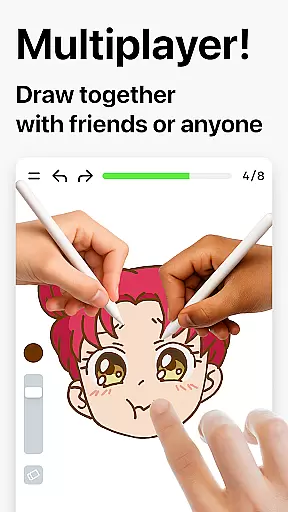
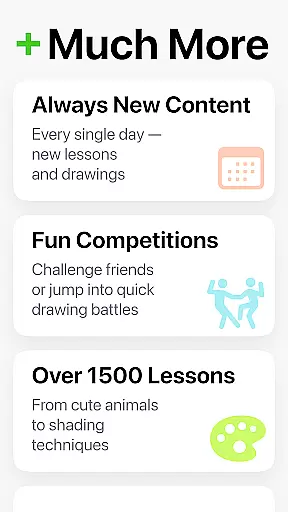
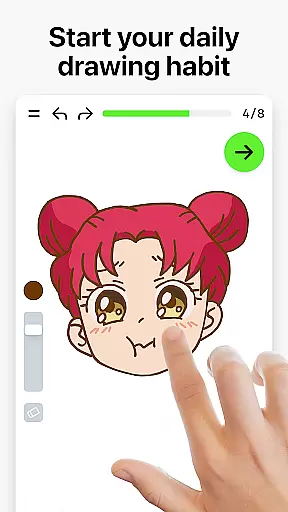
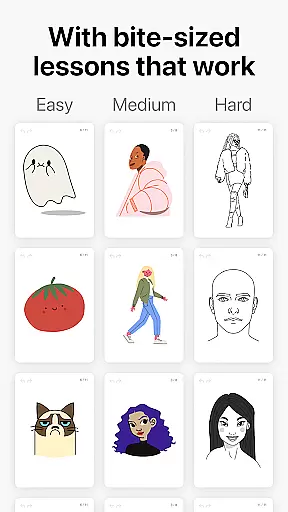
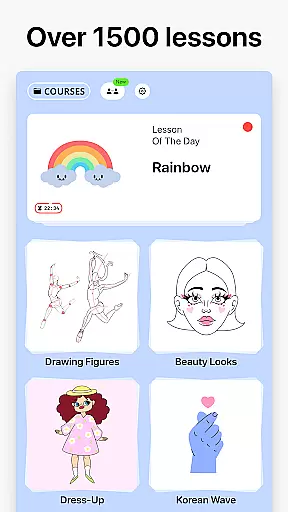

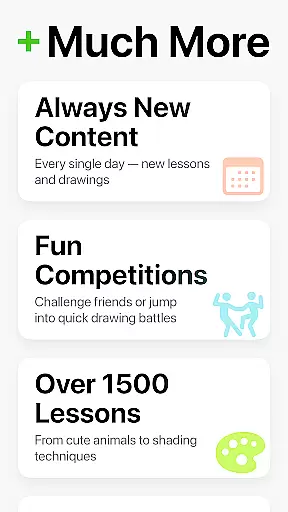
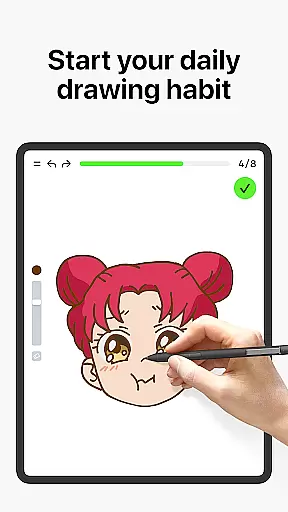
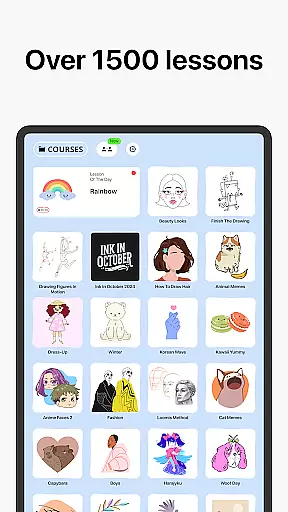
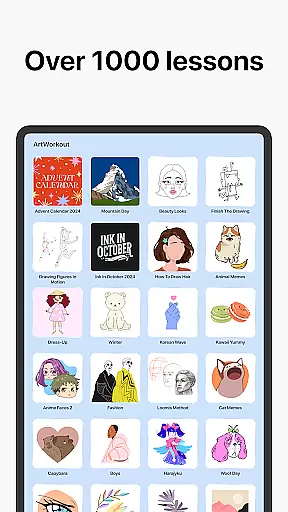
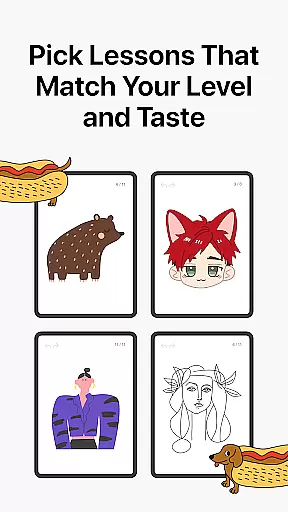
Learn how to draw is an innovative drawing and painting trainer app that combines art education with interactive gameplay. Designed for users of all ages, this app offers over 1000 step-by-step tutorials that cater to both beginners and experienced artists. The unique multiplayer mode allows users to draw and trace together in real time, fostering a collaborative creative environment.
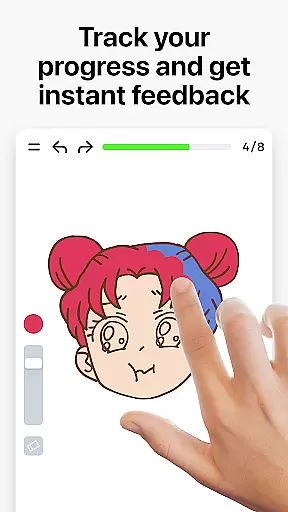
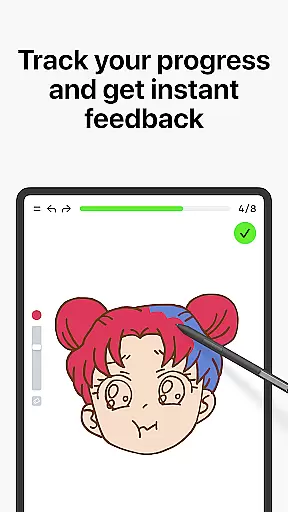
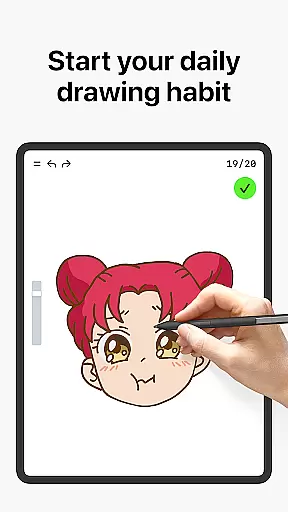
One of the standout features of Learn how to draw is its scoring system, which tracks user progress and provides clear evidence of improvement. Whether you're learning basic sketching techniques or perfecting advanced skills, the app's dynamic tutorials and skill trainers offer immediate feedback to refine your technique. Additionally, weekly updates and themed courses ensure there's always something new to explore.
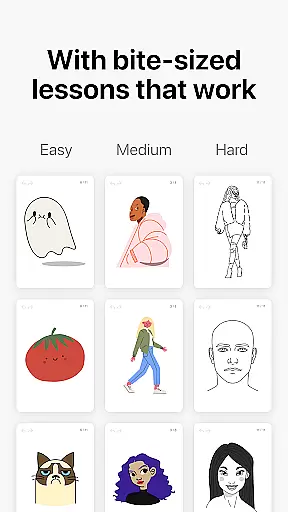
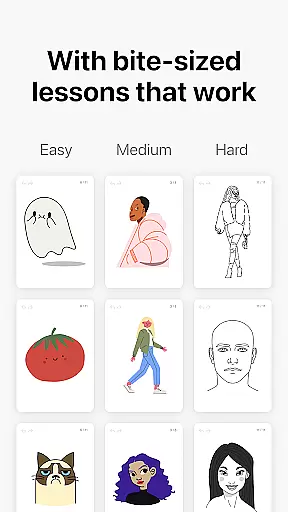
This app is particularly beneficial for those seeking a stress-free way to learn art. With bite-sized lessons, interactive courses, and community engagement through platforms like Discord and Telegram, Learn how to draw creates a supportive space for artistic growth. Its ability to evaluate stroke accuracy and quality sets it apart from other drawing apps, making it a comprehensive tool for anyone looking to develop their artistic abilities.
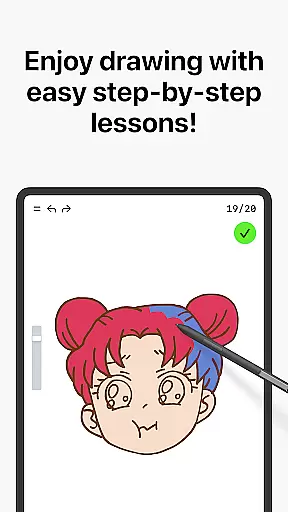
Learn how to draw stands out with its diverse range of features designed to enhance the drawing and painting experience. One of its core components is the extensive library of dynamic tutorials, each broken down into 10-30 simple steps. These tutorials cover various techniques, including doodling, sketching, drawing, painting, and handwriting, ensuring a well-rounded artistic education.
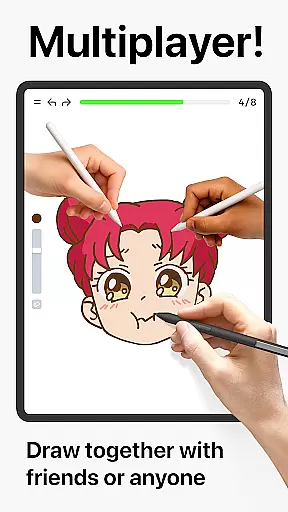
The app's multiplayer mode is another key feature, enabling users to collaborate with friends or other artists worldwide. This real-time interaction fosters friendly challenges and co-learning opportunities, creating a vibrant community of creators. Furthermore, the app incorporates a unique scoring system that evaluates both the accuracy and quality of strokes, offering detailed feedback to help users improve their skills.
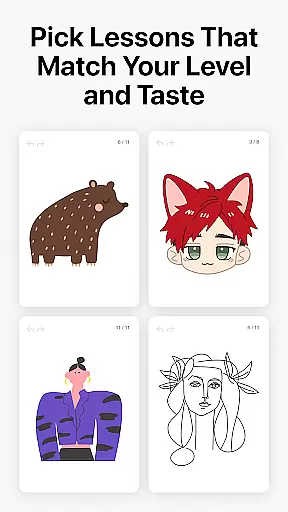
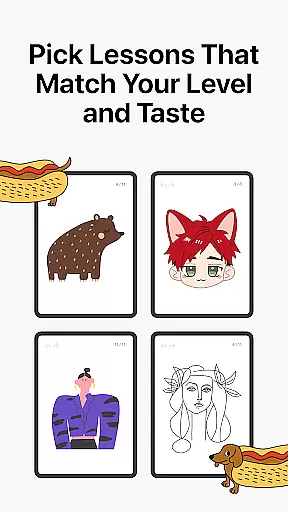
Learn how to draw also emphasizes accessibility and continuous learning. With courses suitable for all skill levels, weekly updates, and time-limited holiday events, the app ensures users remain engaged and motivated. By blending theory with hands-on practice, it provides a balanced approach to mastering art, making it an invaluable resource for aspiring and professional artists alike.
ArtWorkout offers a comprehensive suite of creative tools designed to cater to artists of all skill levels. With over 1000 step-by-step tutorials, the app covers a wide range of techniques including sketching, painting, and drawing.
The inclusion of a unique multiplayer mode sets ArtWorkout apart by allowing users to draw and trace together with friends or other users in real time. This collaborative feature enhances the creative process and fosters a sense of community among users.
Additionally, the app provides an innovative scoring system that tracks user progress and offers clear evidence of improvement over time. This feedback mechanism is crucial for beginners who are learning the basics and for experienced artists who use the app for daily warmup exercises.
ArtWorkout also stands out through its evaluation of stroke accuracy and quality, offering users insights into their precision and technique. This level of detailed feedback ensures that each practice session contributes meaningfully to the user's artistic development.
Flexibility in canvas and format options is a key feature of ArtWorkout, making digital art accessible to everyone. The app supports various drawing styles and techniques, allowing users to explore different artistic expressions without limitations.
ArtWorkout includes interactive courses in doodling, sketching, drawing, painting, and handwriting, providing users with the freedom to choose their preferred method of creation. These courses cover a multitude of themes, ensuring there is something for every interest and skill level.
Moreover, the app introduces new courses weekly, often inspired by global cultures and time-limited holiday events. This constant update of content keeps the user experience fresh and engaging, encouraging continuous learning and experimentation.
By combining essential theoretical concepts with hands-on practice, ArtWorkout strikes a balance that lets users quickly build skills in a game-like manner. The flexible canvas and format options empower users to express their creativity fully, whether they are tracing photos or painting different holidays and cultures.
User-friendly interface
Comprehensive tutorials
Real-time multiplayer
Detailed progress tracking
Active community support
Limited advanced tools
Occasional bugs
In-app purchases
High system requirements
Steep learning curve

The ultimate tool for creating animations
 4.60
4.60
Paint with oils and sketch with natural tools on a realistic virtual canvas.
3.80
Photo blender app to create overlay photos & double exposure.
4.40
Get an overview over all your embroidery threads, projects and more.
4.60
2D animation studio for Android tablets - unlimited layers, infinite timeline
4.70
Photo stitcher for automatically screenshot stitching into a long screenshot
4.70
Create cute cat emojis & PFPs! Fun, custom avatars for cat lovers.
3.70
Draw, fidget, and spin glow art! Relax and express your creativity with a finger
4.60
An intuitive, high-performance painting app that lets you focus on creating
4.40
Mobile pixel art editor. Simple. Fast. Portable.
4.80
Turn your drawings into flipbook-style animations with simple creative tools
4.60
Castle is social media for creating and playing games!
4.60
Draw anime & manga drawing, art with templates to create stunning picture!
4.50
Draw Trace image sketch by, AR art projector app, Easy to trace any image.
4.50
Bring One UI 8.5 Icons to life -elegant dark icons with a modern, premium touch.
4.30
Floor Plan Creator lets you create, edit and share floor plans.
4.00
Turning simple sketches into captivating tales filled with life and motion
3.90
AI Face Swap, Video Effects Editor, Realtime Morph, Funny Video FX,AI Filters
3.70
Sketch, trace and master AR drawing with awesome anime art!
3.30


User Reviews