
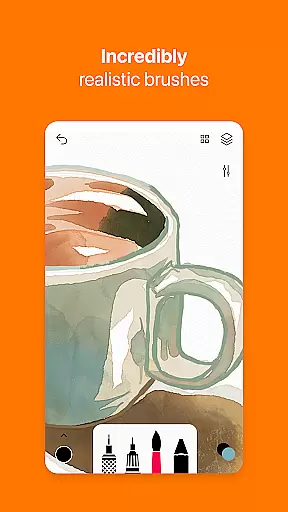
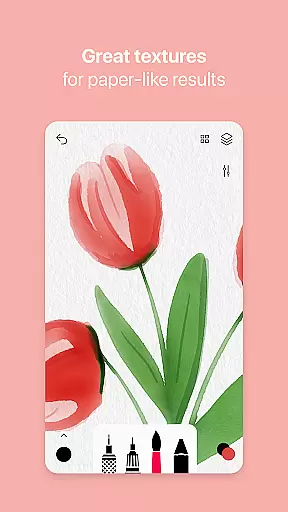
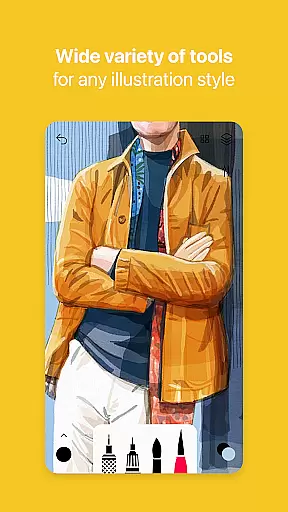
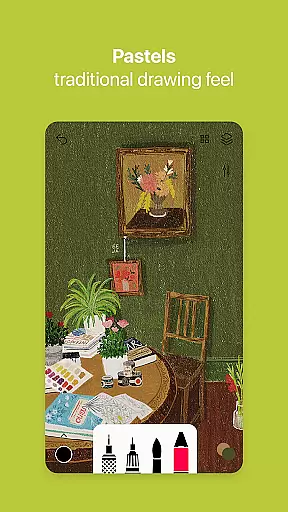

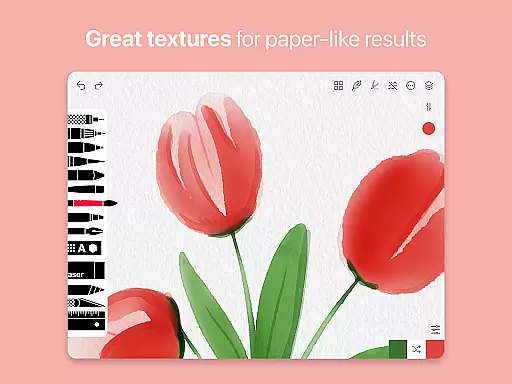
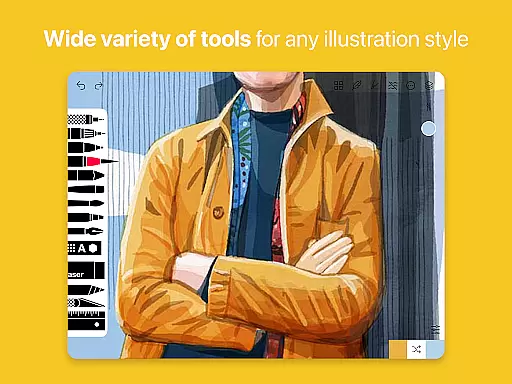
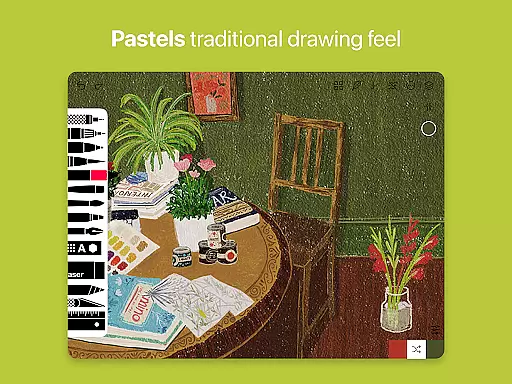
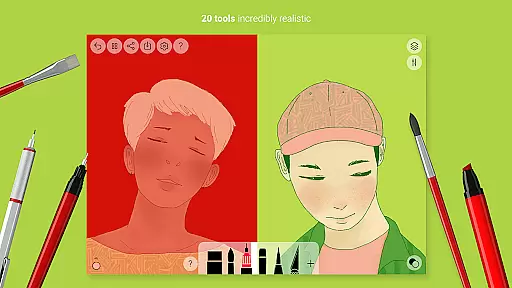
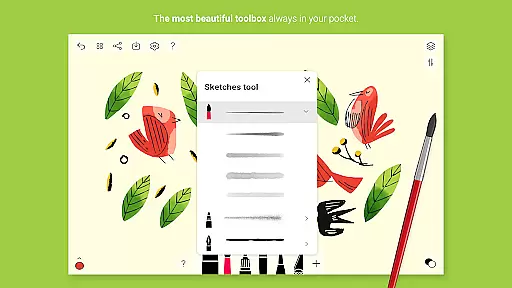
Tayasui Sketches is a premier drawing application designed for artists and creatives who value precision and beauty in their digital artwork. The app offers an impressive selection of over 20 ultra-realistic tools, each crafted to mimic traditional art mediums with remarkable accuracy. These include various brushes such as watercolor, acrylic, and oil pastel, alongside other tools like the pen, felt pen, and airbrush.
One of the standout features of Tayasui Sketches is its ability to adapt brush strokes based on pressure, angle, and width, providing a truly immersive drawing experience. With support for layers, importing photos, and advanced sharing options, this app caters to both amateur doodlers and professional illustrators. Available Pro options further enhance functionality by offering additional tool variants and dozens of extra features, making it a versatile choice for all artistic endeavors.
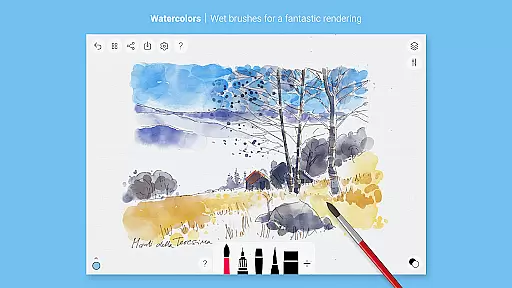
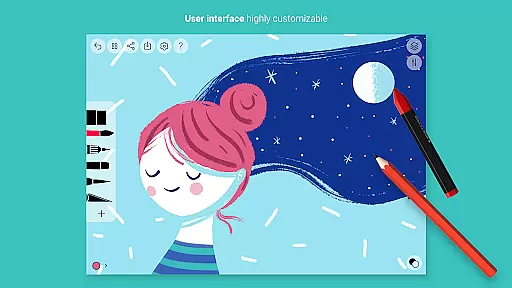
Tayasui Sketches distinguishes itself through its meticulously designed interface and advanced feature set. The app boasts an incredibly realistic watercolor wet brush, along with a Brushes Editor and Color Eyedropper, allowing users to customize their tools to fit their unique style. Its minimalist design ensures that even with a multitude of options, the user experience remains intuitive and clutter-free.
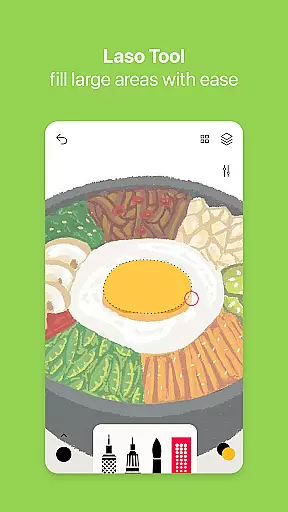
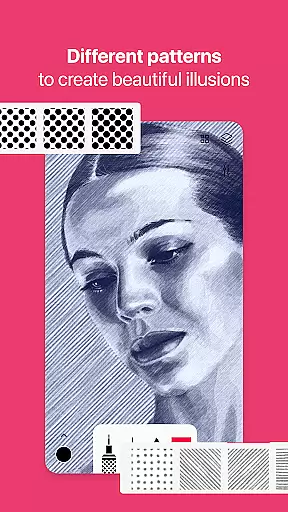
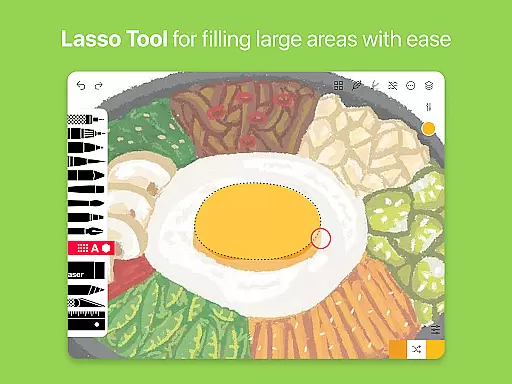
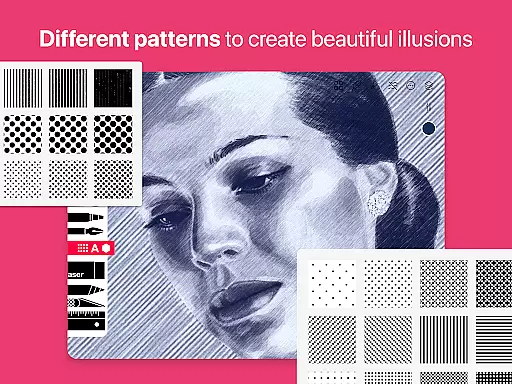
In addition to its core drawing capabilities, Tayasui Sketches supports stylus input, making it compatible with various drawing tablets and enhancing precision. Users can also take advantage of advanced functions such as the Area and Filling tool, Patterns, Text, and Shapes (on iPad). Subscription plans offer weekly or yearly access to premium features, including a free trial option for select subscriptions, ensuring flexibility and value for money.
In the realm of digital art, having a comprehensive set of creative tools is paramount. Tayasui Sketches offers over 20 ultra-realistic instruments, ranging from pens to watercolor brushes, each designed to mimic their real-world counterparts with astonishing accuracy.
The app's advanced Brushes Editor and realistic watercolor wet brush elevate it above other drawing applications. These features allow artists to experiment with textures and techniques that were previously impossible to achieve on mobile devices.
Users benefit from specialized tools like the Area and Filling tool, Patterns, and Shapes, which cater to both precision work and expansive creativity. This diversity ensures that whether you're sketching, painting, or designing, Tayasui Sketches adapts to your artistic needs.
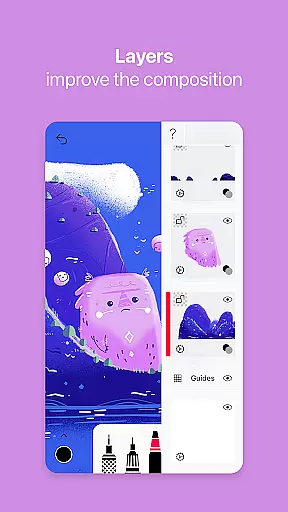
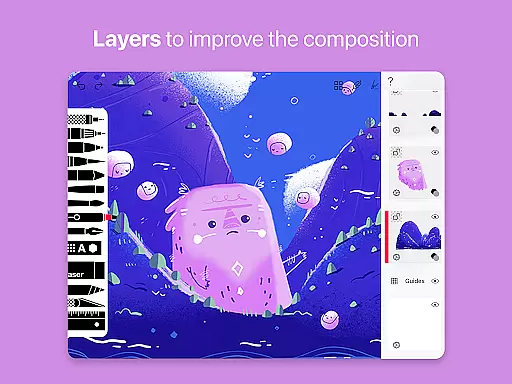
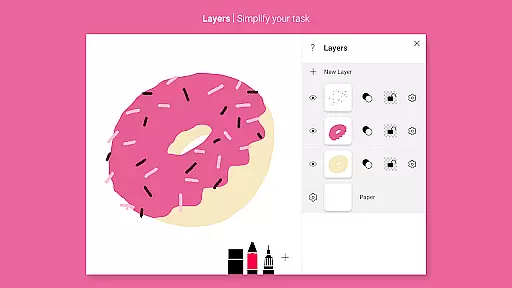
A versatile canvas is essential for unleashing creativity without constraints. Tayasui Sketches provides users with layers functionality, enabling complex compositions while maintaining individual element control.
The app supports importing photos, making it easy to incorporate external visuals into your artwork. This feature expands creative possibilities by allowing artists to blend photography with digital painting seamlessly.
With support for various stylus inputs and customizable canvas settings, the application caters to different artistic styles and preferences. Artists can work naturally, adapting pressure sensitivity and brush angles to their unique techniques.
User-friendly interface
Realistic brush tools
Advanced layer support
Customizable brushes
Stylus compatibility
Subscription required
Limited free features
iPad exclusive shapes
No offline mode
Auto-renewal policy

Sketch, trace and master AR drawing with awesome anime art!
 3.30
3.30
Custom Character Creator & PFP Maker!
4.20
Paint with oils and sketch with natural tools on a realistic virtual canvas.
3.80
Draw beautiful mandala's very easily
4.60
Create stunning video, photo & magic from text with FlixAI GPT video generator.
3.10
Your AI soulmate — meaningful chats, and unique emotional moments
4.70
A luxurious gold watch face for an elegant and refined look.
4.0
Unleash the artist in you with our AR drawing and tracing tool for photo drawing
4.10
Bring One UI 8.5 Icons to life -elegant dark icons with a modern, premium touch.
4.30
The ultimate tool for creating animations
4.60
Castle is social media for creating and playing games!
4.60
Draw, fidget, and spin glow art! Relax and express your creativity with a finger
4.60
Beauty Camera - Selfie Camera is the ultimate beauty camera and selfie app
4.30
Create stylish invitation cards using templates for weddings, birthdays & RSVP.
4.20
Text to Image, Image to Video & AI Chat
4.20
OneUI 8.5 icons ✨ Smooth, modern & based on the latest Play Store design ??
4.10
Get creative and make art with your Sesame Friends!
4.00
Meet the magic aı 3d photo generator and smart AI video generator app.
3.20
Your Essential Color Theory Guide: Red, Yellow, Blue (RYB)
4.3


User Reviews