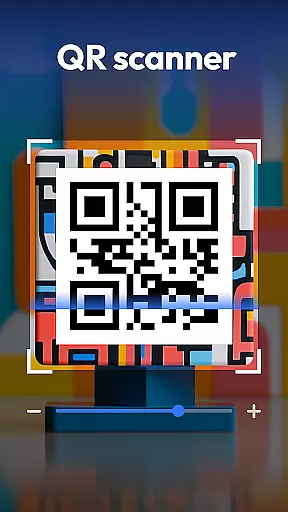
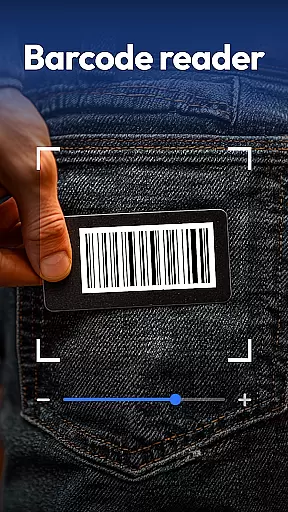
QR & Barcode Scanner is a versatile productivity tool designed to streamline various scanning tasks on Android devices. This all-in-one application combines multiple scanning capabilities in a single, user-friendly interface.
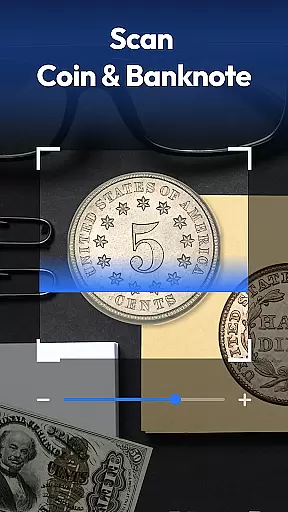
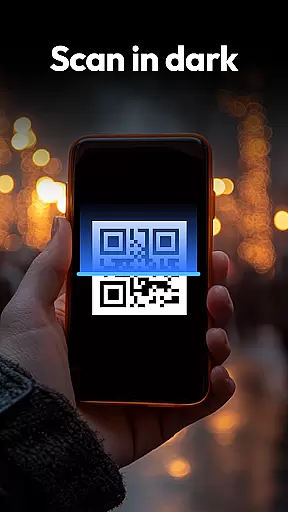
The app's core functionality revolves around its powerful scanning engine that supports QR codes, barcodes, coins, banknotes, food labels, and documents. Its advanced features include auto-zoom, flashlight support for low-light conditions, and a comprehensive scan history that helps users keep track of their scanned items.
One notable use case is in retail environments where users can scan product barcodes to compare prices across major retailers like Amazon, eBay, and Walmart. The app also caters to collectors with its specialized coin and currency recognition feature, while health-conscious users benefit from the instant food nutrition scanner.
QR & Barcode Scanner distinguishes itself through its extensive feature set tailored for productivity enthusiasts. The application supports all major QR and barcode formats including QR, Data Matrix, UPC, EAN, and Code 39, making it suitable for various professional and personal use cases.
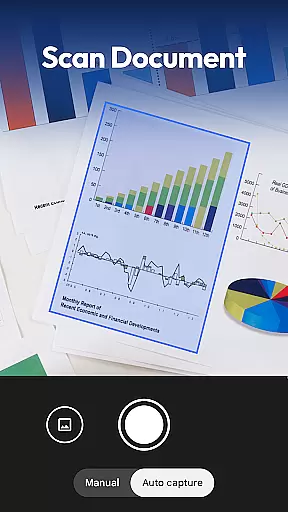
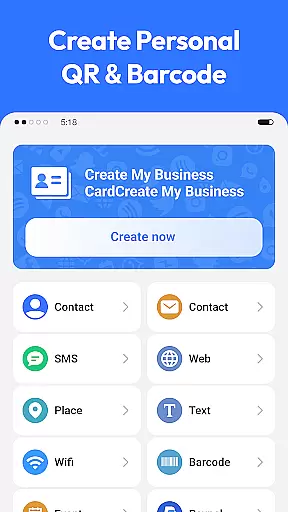
A standout feature is the integrated document scanner that converts physical documents into searchable PDFs. This functionality proves invaluable for digitizing receipts, notes, and contracts. Additionally, the app includes a QR code generator that allows users to create Wi-Fi, contact, and URL QR codes within seconds.
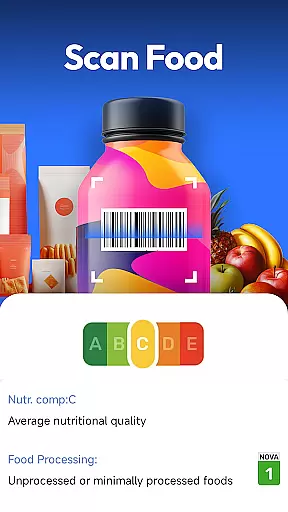
The app's innovative approach extends to its specialized scanning modes. The coin and banknote identifier assists collectors and travelers in authenticating currency, while the food health scanner provides detailed nutritional information, allergen warnings, and health ratings directly from food package barcodes.
Task management is essential for productivity applications, and QR & Barcode Scanner excels in this area by offering a comprehensive suite of scanning tools. This app allows users to manage various tasks such as scanning QR codes, barcodes, coins, banknotes, food labels, and documents efficiently.
The application's all-in-one scanning feature supports multiple formats including QR, Data Matrix, UPC, EAN, Code 39, and more. This versatility ensures that whether you're shopping, collecting currency, tracking nutrition, or digitizing paperwork, the app can handle it with ease.
Users benefit from smart functionalities like auto-zoom, flashlight for dark environments, and scan history. These features streamline the scanning process, making it faster and more reliable. Additionally, the privacy-first approach means users can trust the app with only necessary camera access permissions.
Cross-device synchronization is crucial for users who rely on consistent data access across multiple devices. QR & Barcode Scanner offers reliable synchronization capabilities, ensuring that your scan history and generated QR codes are accessible wherever you go.
The app's document scanner feature converts paper documents into searchable PDFs, which can be synchronized across devices. This functionality is particularly useful for professionals needing to digitize receipts, notes, or contracts and access them on different platforms.
Moreover, the QR Code Generator allows users to create and share Wi-Fi, contact, and URL QR codes quickly. With reliable cross-device sync, these generated codes can be accessed and utilized on any device, enhancing convenience and efficiency.
Fast and accurate scanning
All-in-one functionality
Privacy-focused design
User-friendly interface
Free with no ads
Limited iOS availability
Occasional scanning errors
No cloud sync option
Basic UI design
Large app size

Unlock AutoNotification
 4.00
4.00
Send files, sync SMS, notifications & clipboard across devices via local network
4.40
Remotely view listen control and record cameras.
3.70
Secure, fast, open-source, Remote Desktop Client for Windows and Linux with SSH
4.60
Pwnagotchi companion app
4.20
The AI assistant that thinks with you - write, code, and solve complex tasks
4.60
Enjoy classic gameplay with customizable features and retro-style graphics.
4.30
Secure, open-source, SPICE and SSH Remote Desktop for QEMU KVM virtual machines
4.00
AT&T Internet customers can use this app to personalize their Wi-Fi network.
4.40
aCalendar+ makes your day, week and month
4.70
The Pro Version of Android's tiniest Notepad app. Just 0.3MB but feature-packed!
4.60
Subscribe to Webcal & .ics calendars and keep them up-to-date!
4.50
Tally and goal counter for Wear OS & mobile
4.50
Experience Reading - Night Mode for Documents
4.40
Make apps & sites with natural language prompts
4.10
Font maker keyboard with your own handwriting
4.10
Code on-the-go with VScode for Android. Edit,debug and collaborate from mobile!!
3.10
The upgraded version of Name Wheel with AI and the power to add your own wheels.
4.4
A simple, portable logger for POTA, SOTA, Field Day, and more
4.0


User Reviews